




Tallinn
Interior Design Procurement Tracker Template for Studios
A procurement tracker an interior design studio sends during a project: order status, budget committed, lead times against the install date, progress by zone and the decision needed from the client.
Make it yours, in seconds
Every template is a starting point. Drag to shift colour, typography and layout — the live preview updates as you move.
Move the dots to shift colour, typography and layout. The preview updates live.
Get more from every document
Turn a week of procurement chaos into one report your client reads in minutes. Status cards, spend charts, lead-time views, and a risk register keep every FF&E line visible.
Get the report approved on the page
The agreement section at the end lets clients sign right under your findings, so approval never waits on a PDF.
Assemble reports from blocks you trust
Pull in charts, task lists, and breakdowns, then save your best-performing sections to reuse in the next report.
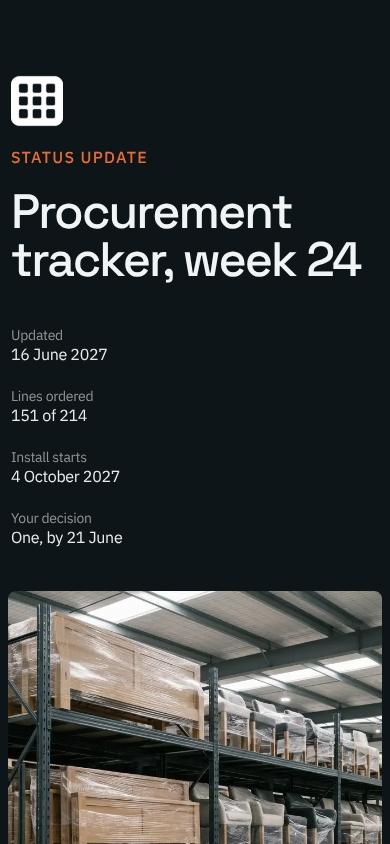
Charts that read well on phones
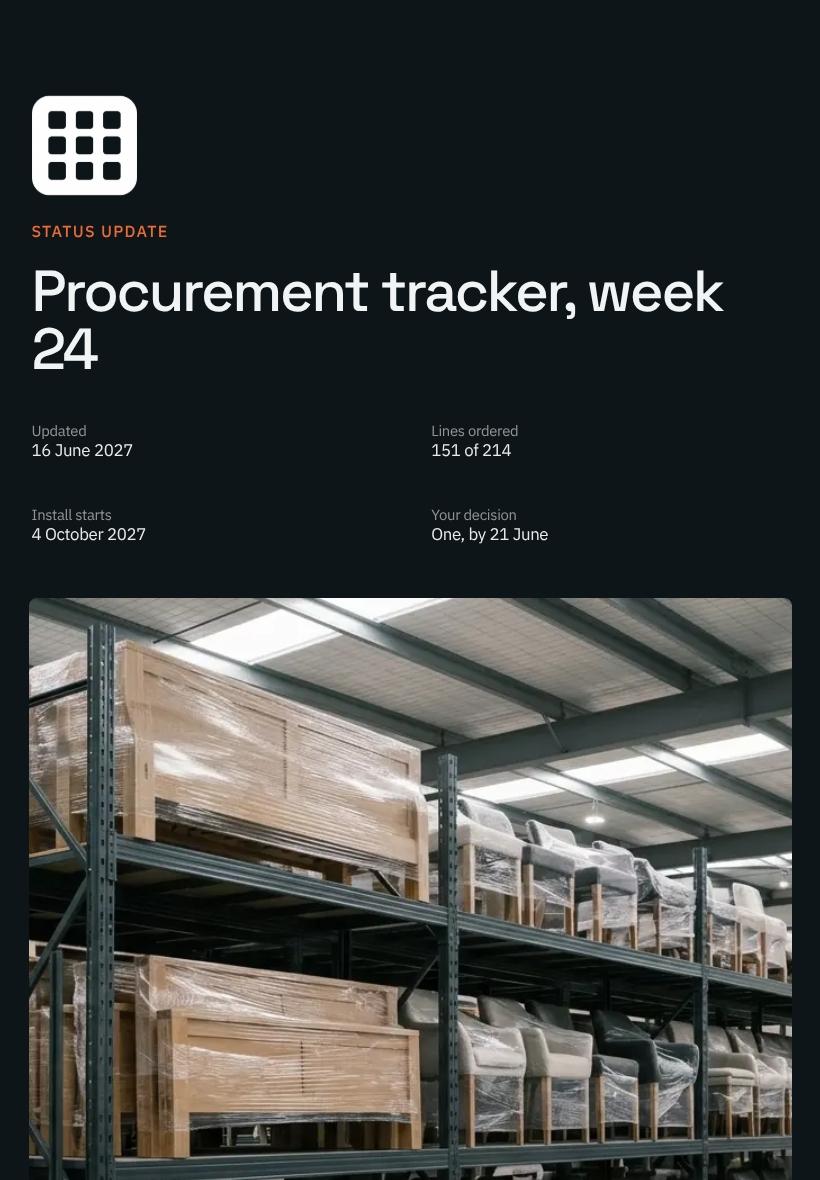
Your hero, charts, and accordions reflow for desktop, tablet, and mobile, so clients can open the report anywhere.
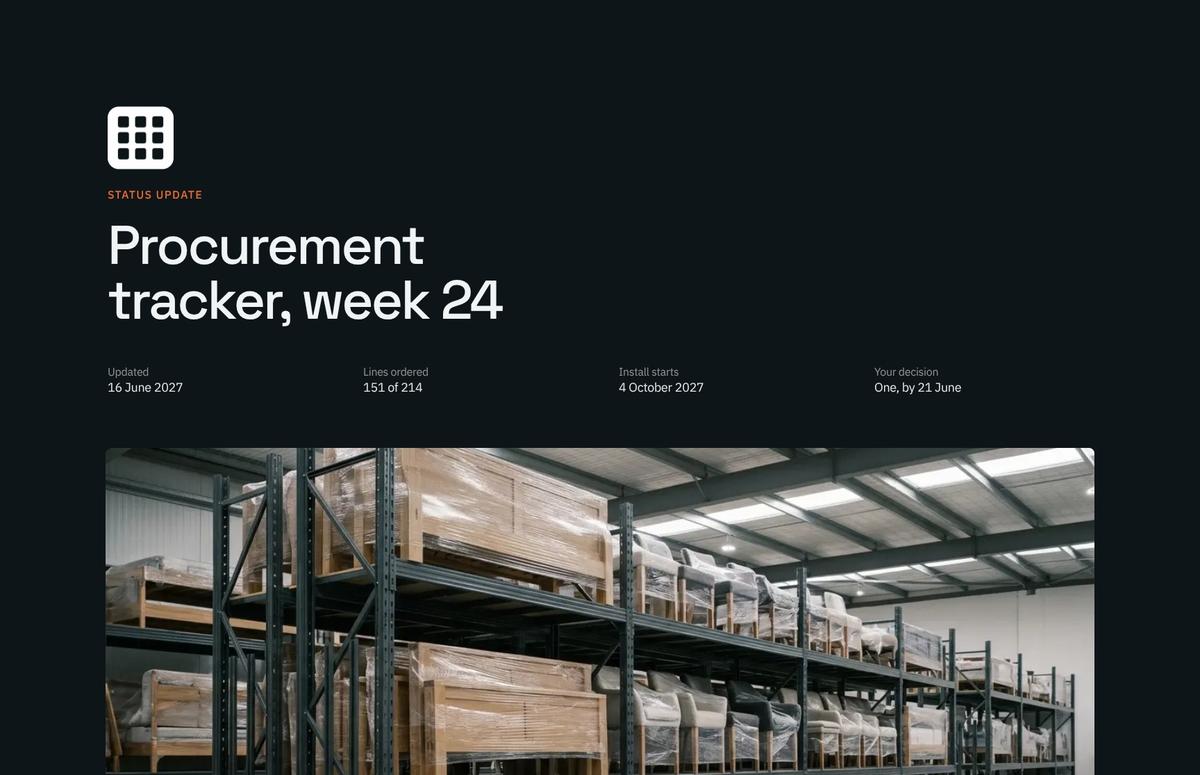

See which numbers your client studies
Heatmaps show whether readers linger on charts or skip to the breakdown, so your follow-up call hits the right topic.
Know the moment your report is read
Get a ping when a client opens the report, comments on a chart, or signs the agreement, then reply while it's fresh.
Finish the report together, live
Your designer tweaks the charts while you rewrite the summary, and every change shows up instantly for both of you.
See how every part fits
The report opens with a status header and key metrics, then builds through delays, budget, and risk, and closes on a single client decision. Keep what fits your project, drop what doesn't, and reorder anything.
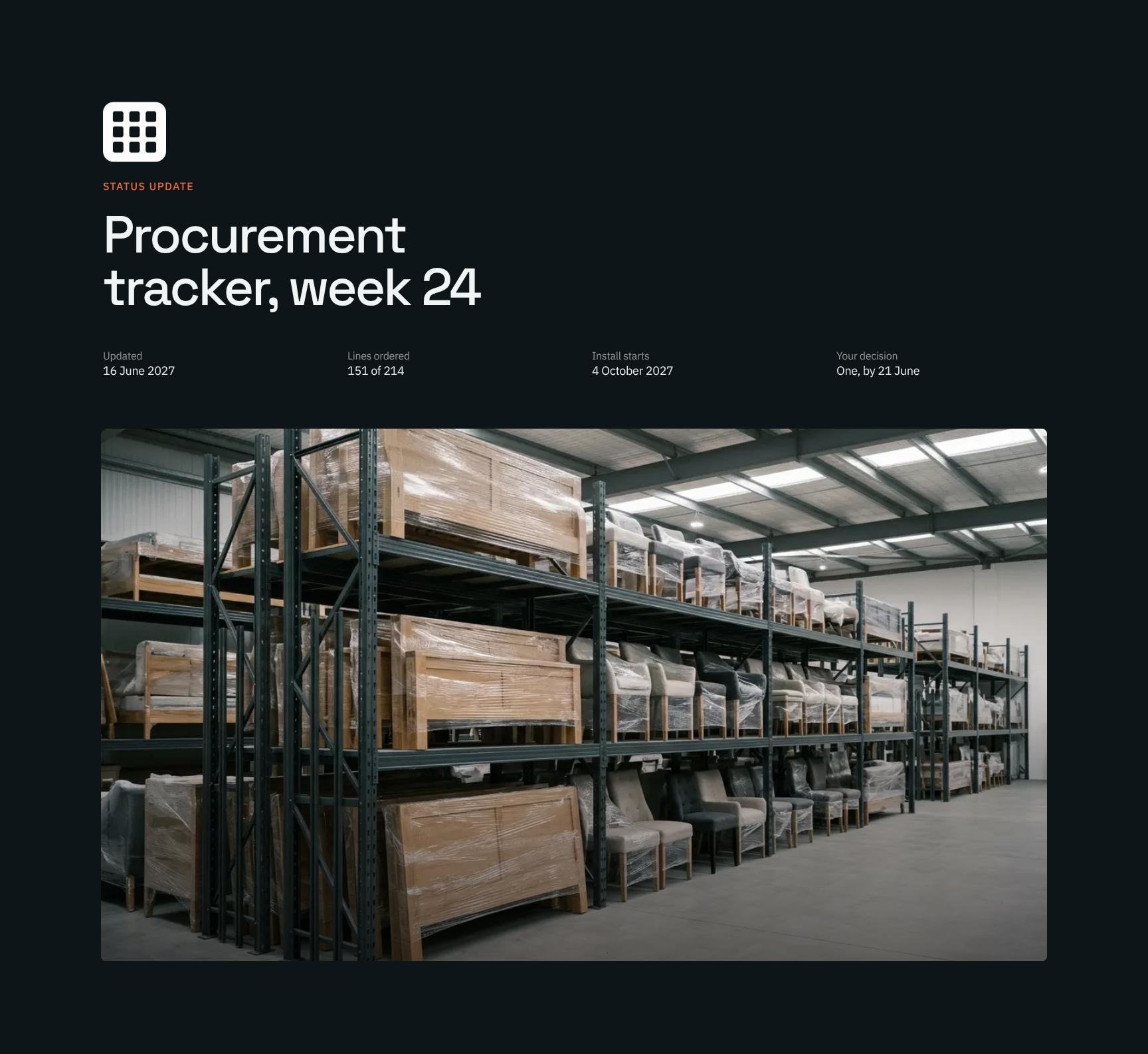
Procurement Tracker Status Header with Key Metrics
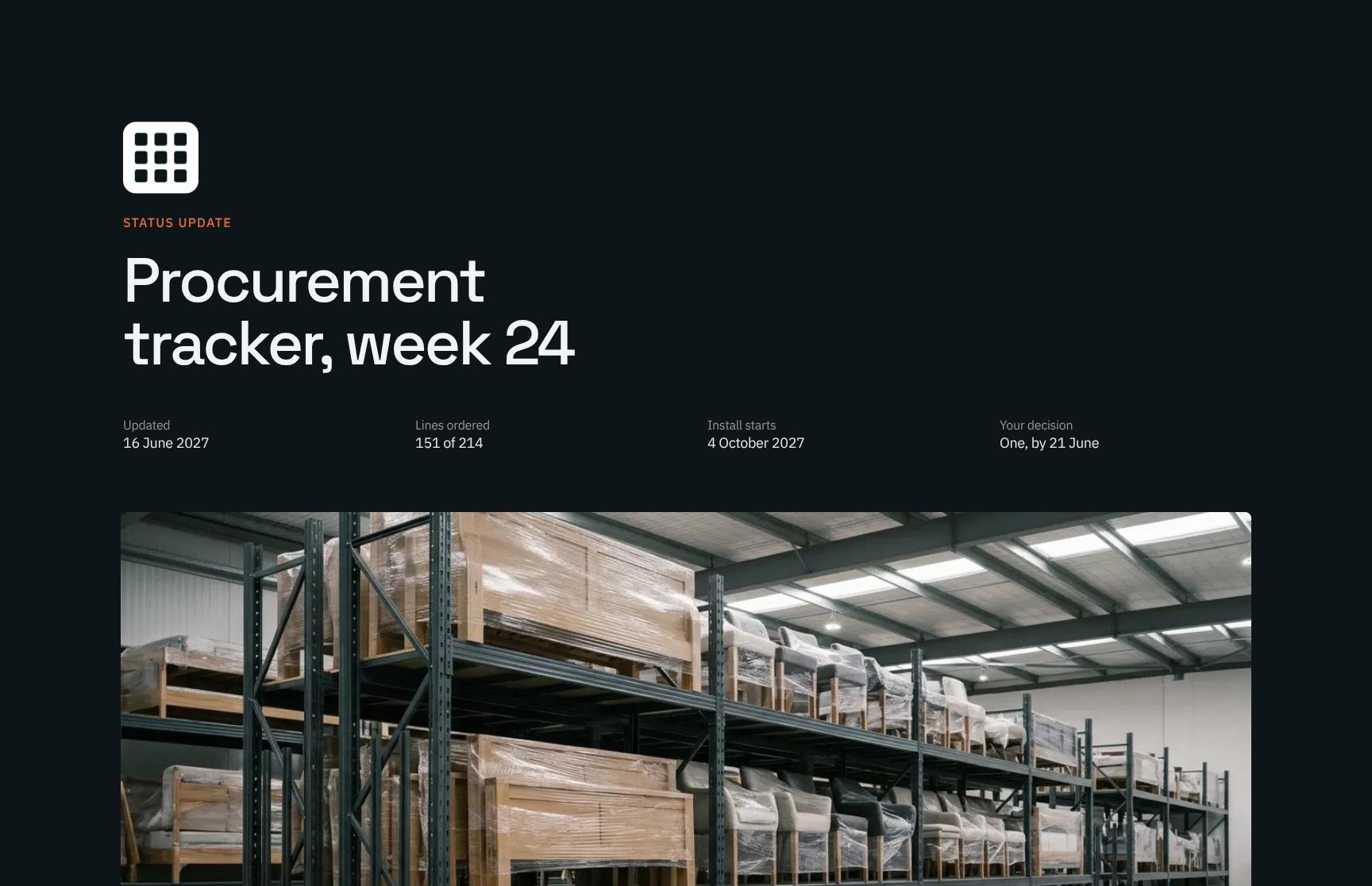
Opens the weekly report with the week number, update date, lines ordered (151 of 214) and install start date. Clients see project health at a glance before reading any detail.
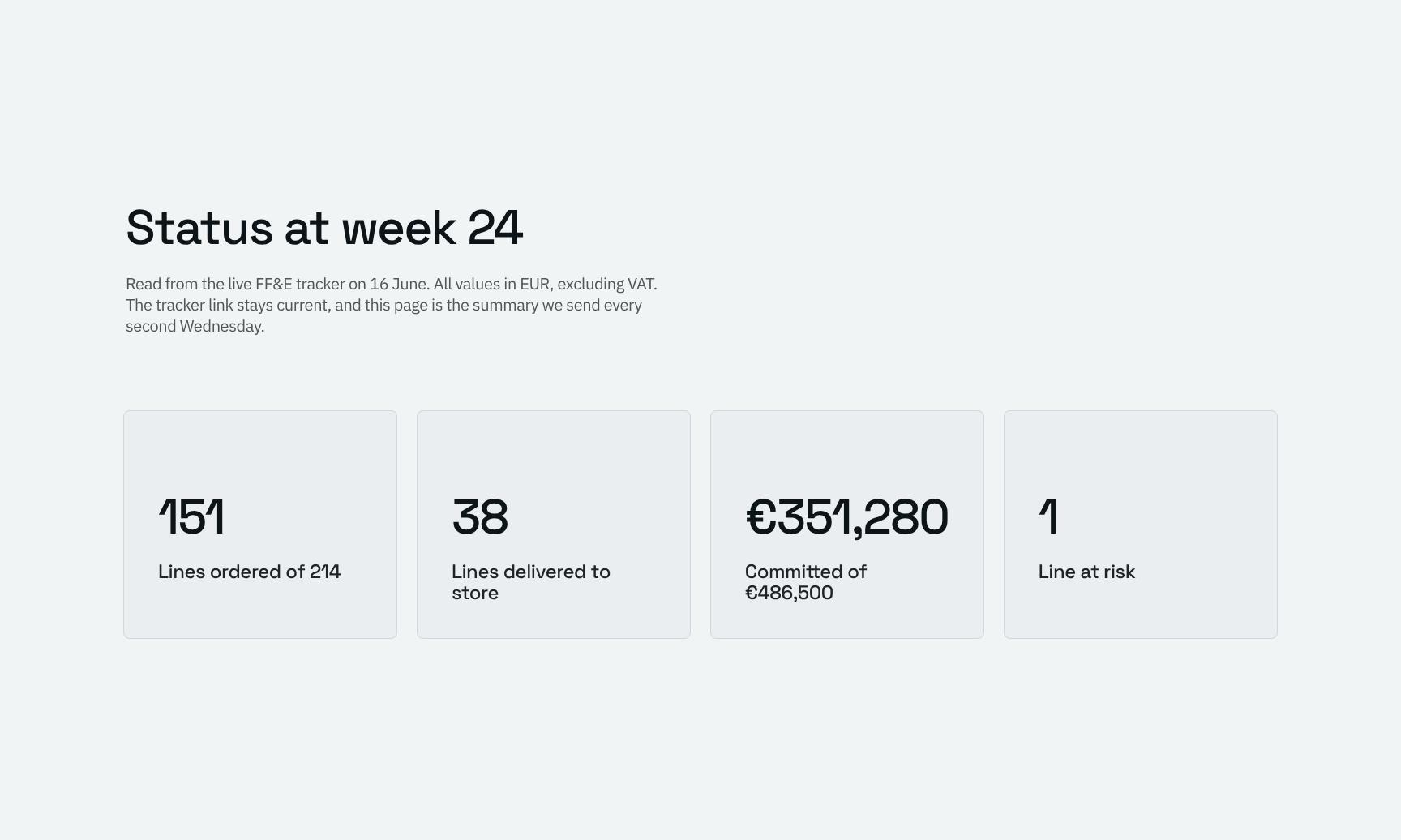
Week 24 FF&E Status Summary Cards
Summarizes live FF&E tracker values in EUR excluding VAT, in scannable cards. Explains the data source and cadence so stakeholders trust the numbers and know the tracker link stays current.

Critical Supplier Delay Highlight: The One Thing
Animated callout that isolates the single issue that matters: a five-week supplier slip on the lounge chairs that could move opening. Cuts through noise and focuses attention on the key risk.
Budget vs Plan Charts: Committed Spend and Lines Ordered
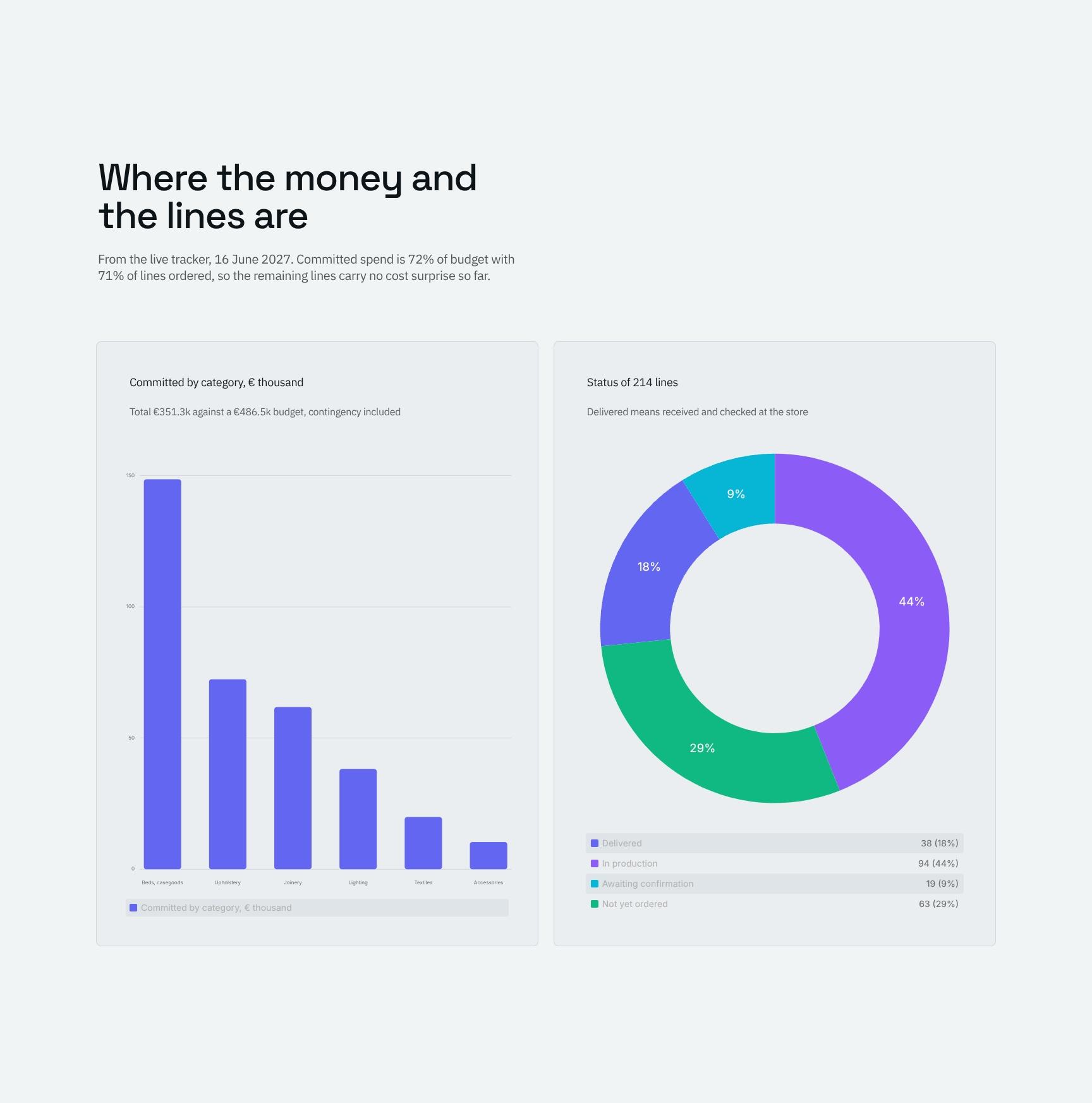
Charts compare committed spend (72% of budget) with lines ordered (71%), showing the remaining lines carry no cost surprise so far. Gives clients clear budget-versus-progress visibility.
Supplier Lead Times vs 4 October Install Date
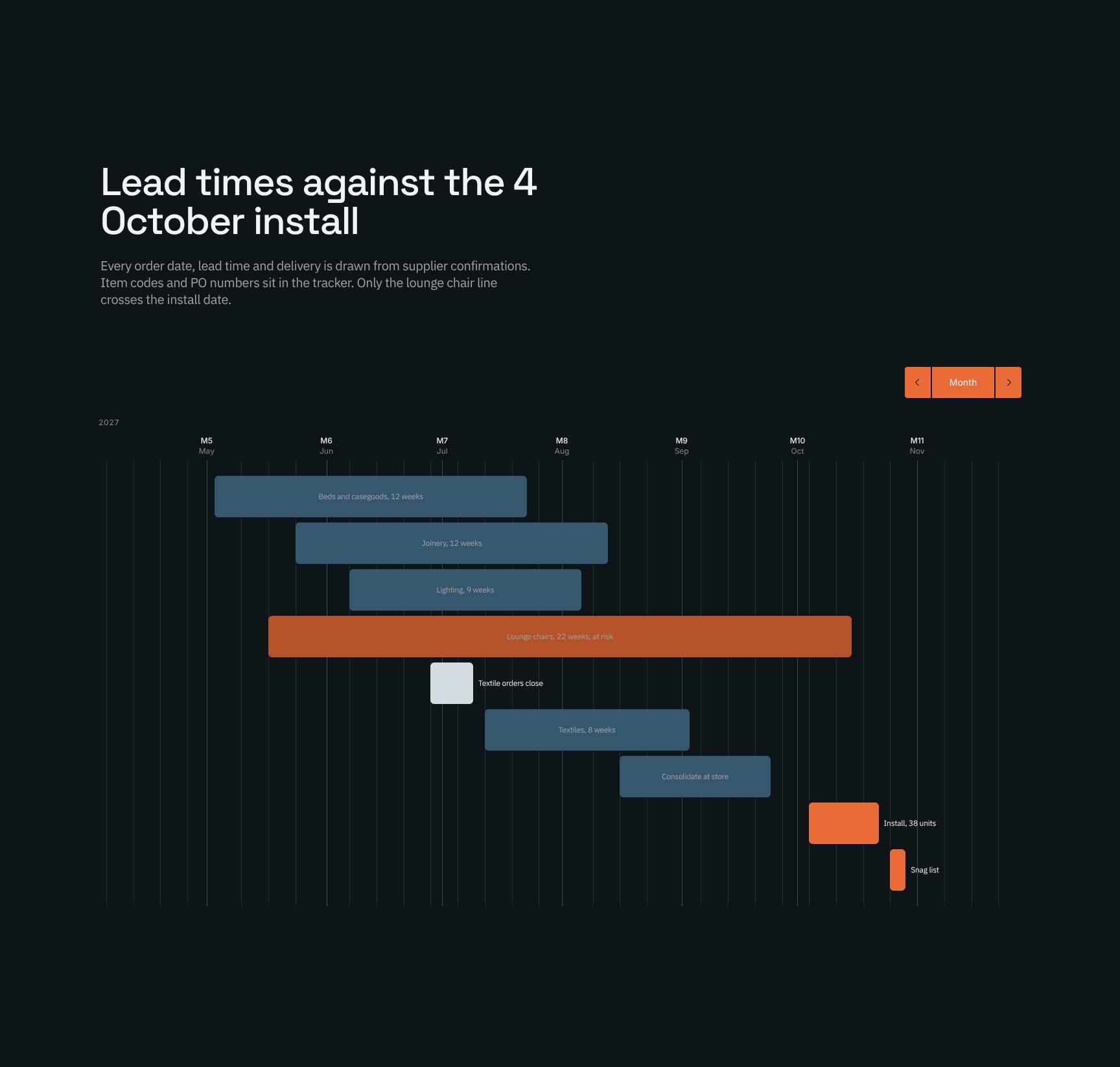
Lists order dates, lead times and deliveries from supplier confirmations against the install deadline. Shows that only the lounge chair line crosses the date, so schedule risk is easy to pinpoint.
Procurement Workflow: Five States of Every Line
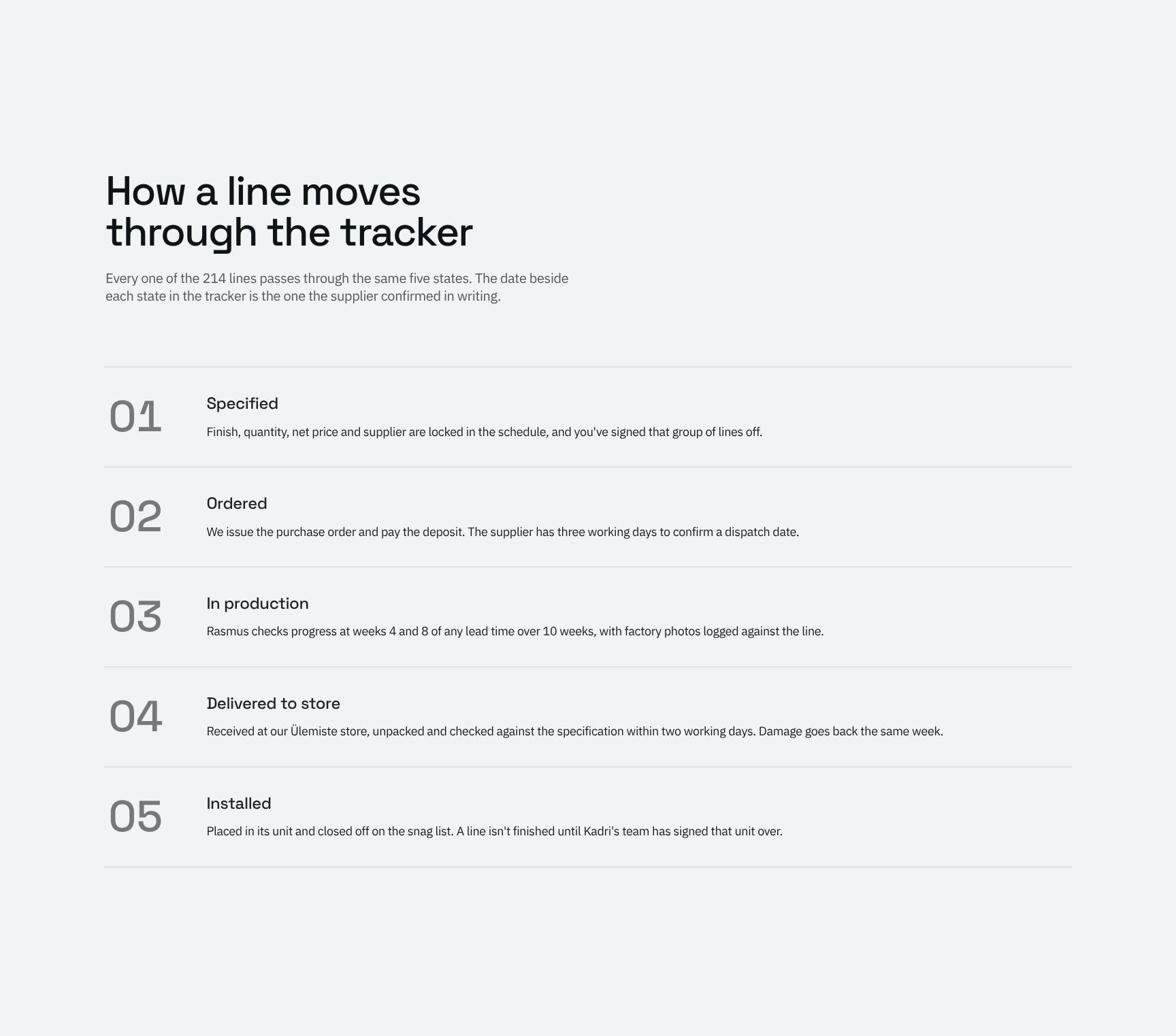
Explains the five-state process all 214 lines follow, with supplier-confirmed dates beside each state. Sets clear expectations and makes tracker updates easy for clients to interpret.
Status by Zone: Interactive Line Count Breakdown
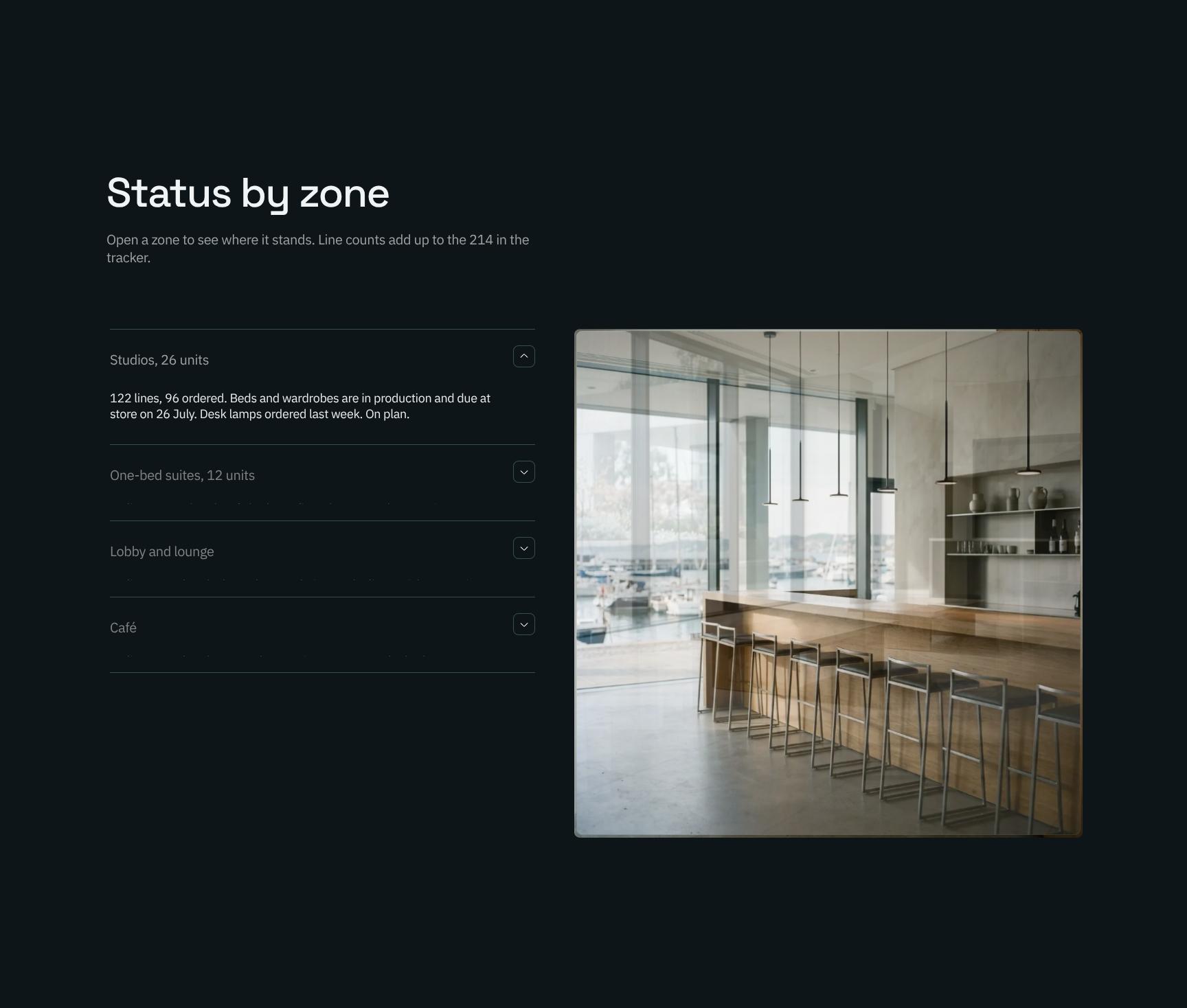
Expandable zone-by-zone view, such as Studios with 122 lines and 96 ordered, with counts that reconcile to the 214 tracker lines. Lets clients drill into the areas they care about.
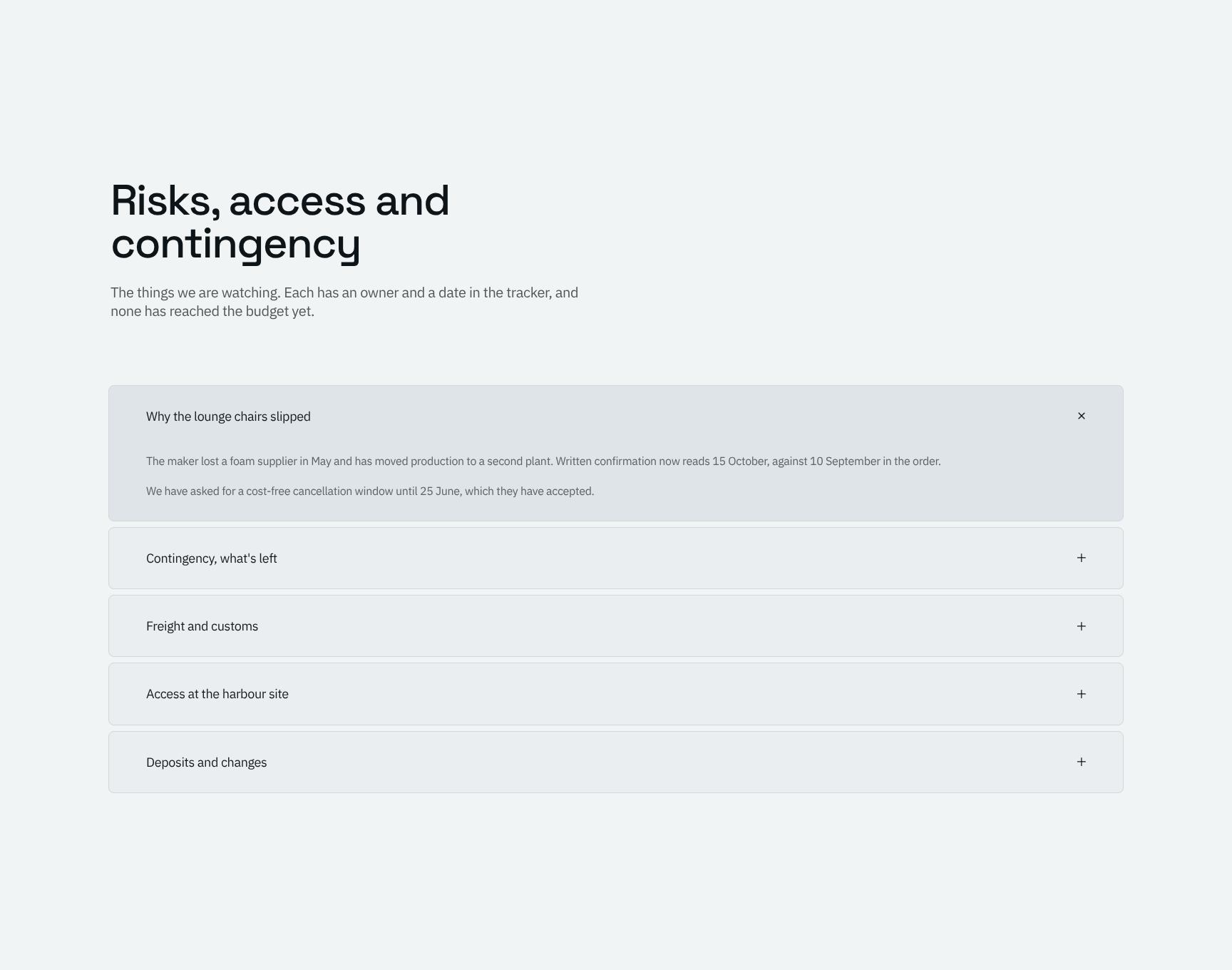
Risk Register, Site Access and Contingency Plans
Accordion of watched risks, each with an owner and date from the tracker. Confirms none has reached the budget, and covers access and contingency so clients see issues are actively managed.
Client Decision Request: Chair Substitution Approval
Presents one clear recommendation with a Monday 21 June deadline: substitute the chair (same wool, same seat height, narrower arm). Spells out the rented-seating consequence of declining to drive a fast decision.
Find your answers
Answers to common questions about building weekly procurement and FF&E status reports for design projects.
An effective tracker report includes a status summary, "The one thing" that needs attention most, progress against plan, lead times, and a view of how each line item moves from start to finish. This template organizes all six sections so stakeholders can scan current health in seconds. Keeping each section brief makes the report easy to review and act on.
Replace the sample line items in the Tracker section with your own tasks, orders, or deliverables, then update the Status labels to match your workflow (for example, On track, At risk, Blocked). Adjust the Against plan figures and Lead times to reflect your real dates and targets. You can also rename or reorder sections in 'How a line moves' to mirror your own process stages.
'The one thing' is a single, highest-priority item that the reader must know or act on this reporting period. Limiting it to one issue prevents critical risks from getting buried in detail. Write it as a short statement covering the problem, its impact, and the decision or action needed.
In the Against plan section, compare planned dates or quantities with actuals and note the variance for each line. In Lead times, record how long each item takes from request to completion, then compare to your expected lead time. Reviewing both together shows whether delays come from slow processes or unrealistic plans.
Yes. The line-based Tracker, lead time view, and 'How a line moves' stages work well for procurement, supply chain, manufacturing, construction, and project delivery teams. You can relabel stages and status values to fit your industry's terminology. It is best for teams that manage multiple items moving through a defined process and need a regular status update.
Browse more interior design templates
More report templates for creative professionals who track projects, budgets, and client decisions.