




Margate
Interior Design Handover and Care Guide Template for Studios
A handover and care guide an interior design studio sends at completion: the finished rooms, what the client now owns, how to care for each material, the first year in order, warranties and who to call.
Make it yours, in seconds
Every template is a starting point. Drag to shift colour, typography and layout — the live preview updates as you move.
Move the dots to shift colour, typography and layout. The preview updates live.
Get more from every document
Hand a hotel owner everything they need to keep every room looking as it did on opening day. Specs, files, care steps and dated reminders sit together in one guide they can actually use.
Dress each page in your style
Swap colours, fonts, and layouts in seconds so a hero image page or step list looks like your brand, not a template.
Stack sections, skip the blank page
Pull in a showcase, breakdown, or accordion block, then save your own versions and reuse them in your next document.
Looks sharp on every screen
Your hero images, cards, and steps reflow on phone, tablet, and desktop without you building a second layout.

See which section holds attention
Heatmaps show where readers pause, and session replays reveal if they opened the accordion, so you follow up at the right moment.
Know the moment they open it
Get a ping when your client views, comments, or signs, so you can reply while the document is still on their screen.
Build the document together, live
Your teammates edit the breakdown, steps, and copy at the same time, so nothing waits on a file handoff.
See how every part fits
The guide opens with a welcome and a project summary, moves through finished rooms, care rules and a maintenance calendar, and closes with support and next steps. Keep, drop, or reorder anything to match your project.
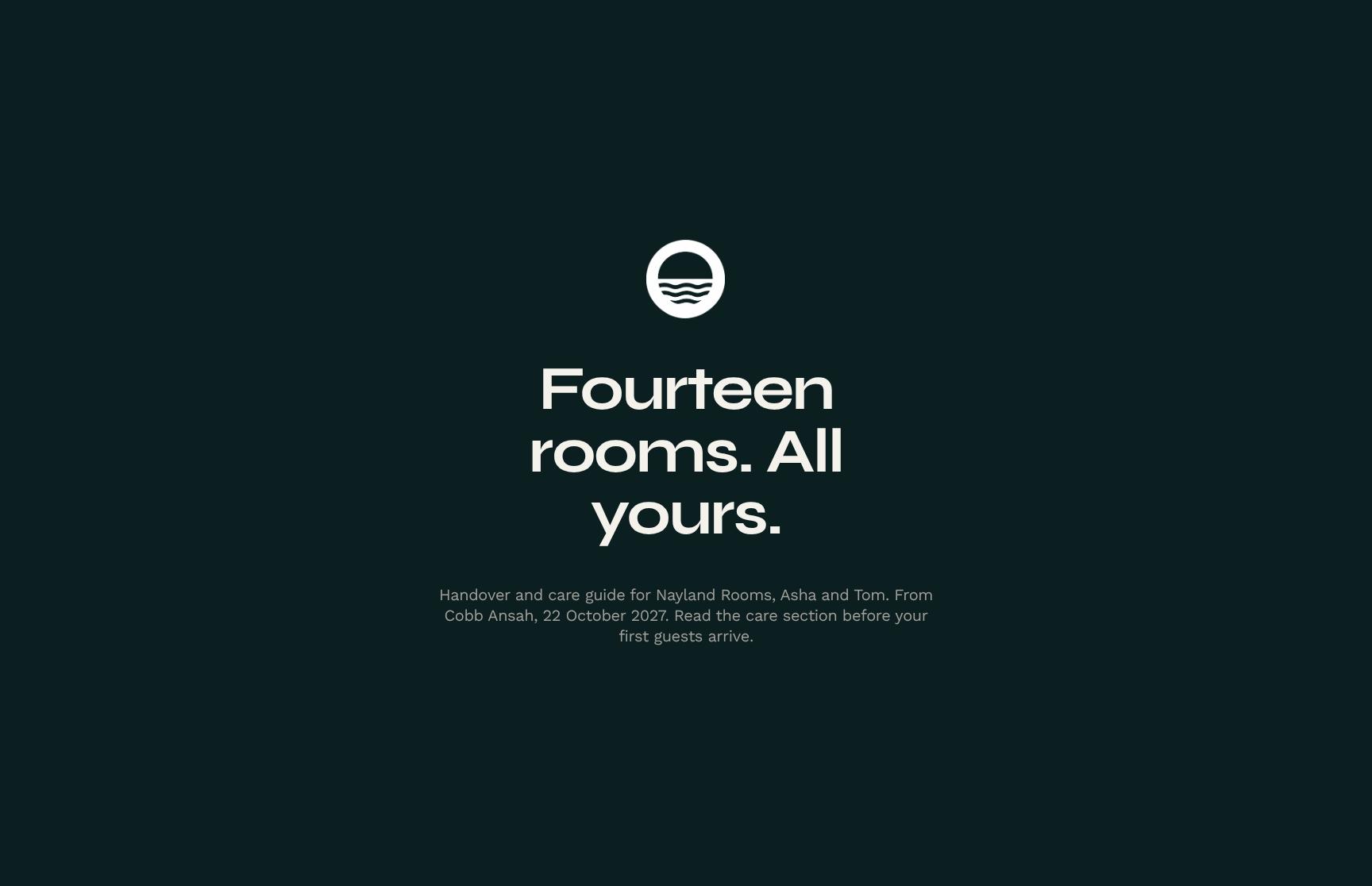
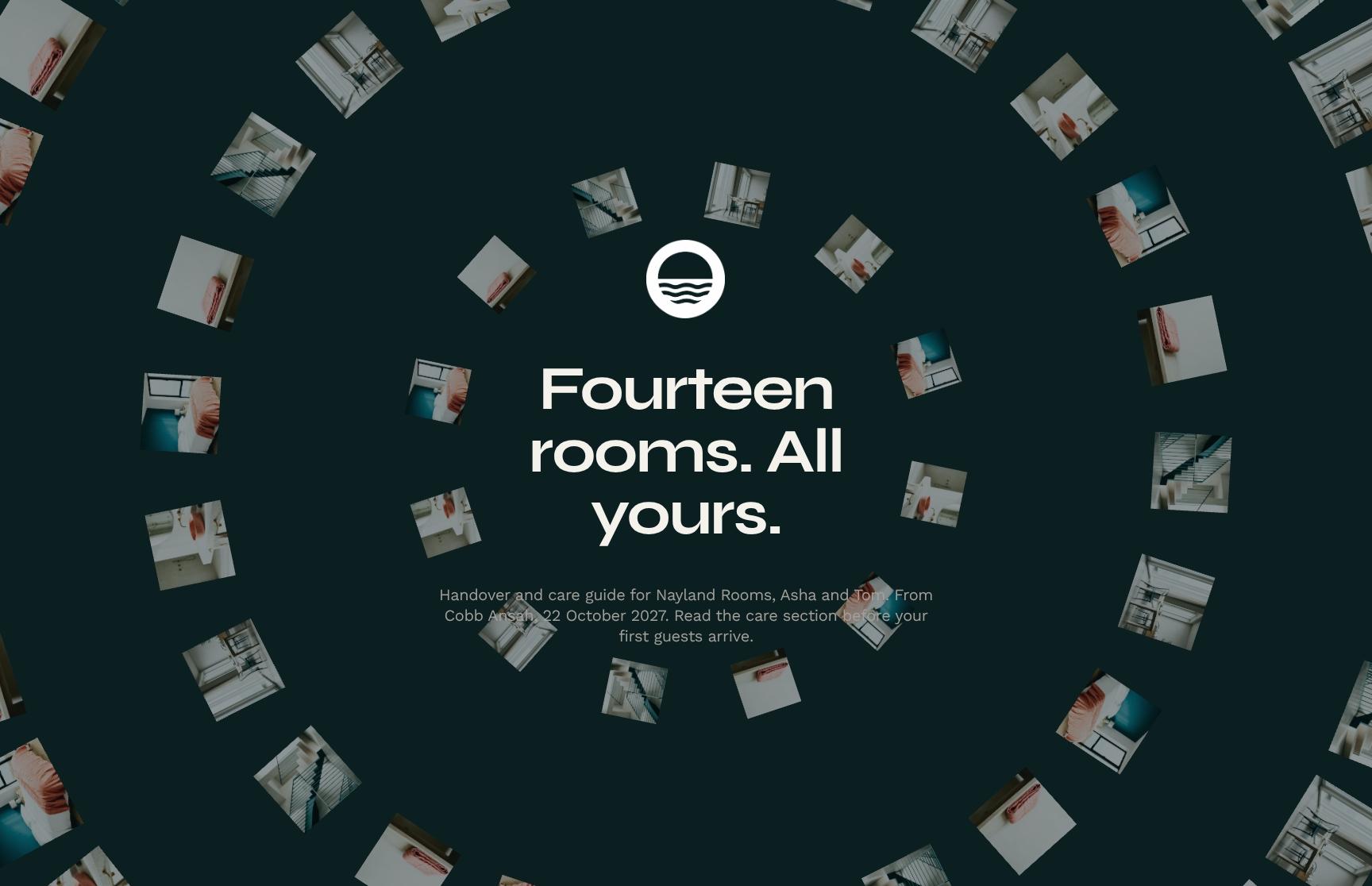
Project Handover Hero with Client Welcome and Care Guide Intro
A full-bleed image hero that opens the handover for Nayland Rooms with a personal note from Cobb Ansah to Asha and Tom. It sets the tone, dates the handover and tells owners to read the care section before guests arrive.

Project Summary Statement: Built to Last Through Salt Air and Full Houses
An animated text statement summarising what was built: fourteen durable guesthouse rooms made to handle coastal conditions, pets and weekly bookings. It gives owners a confident, memorable recap of the brief delivered.
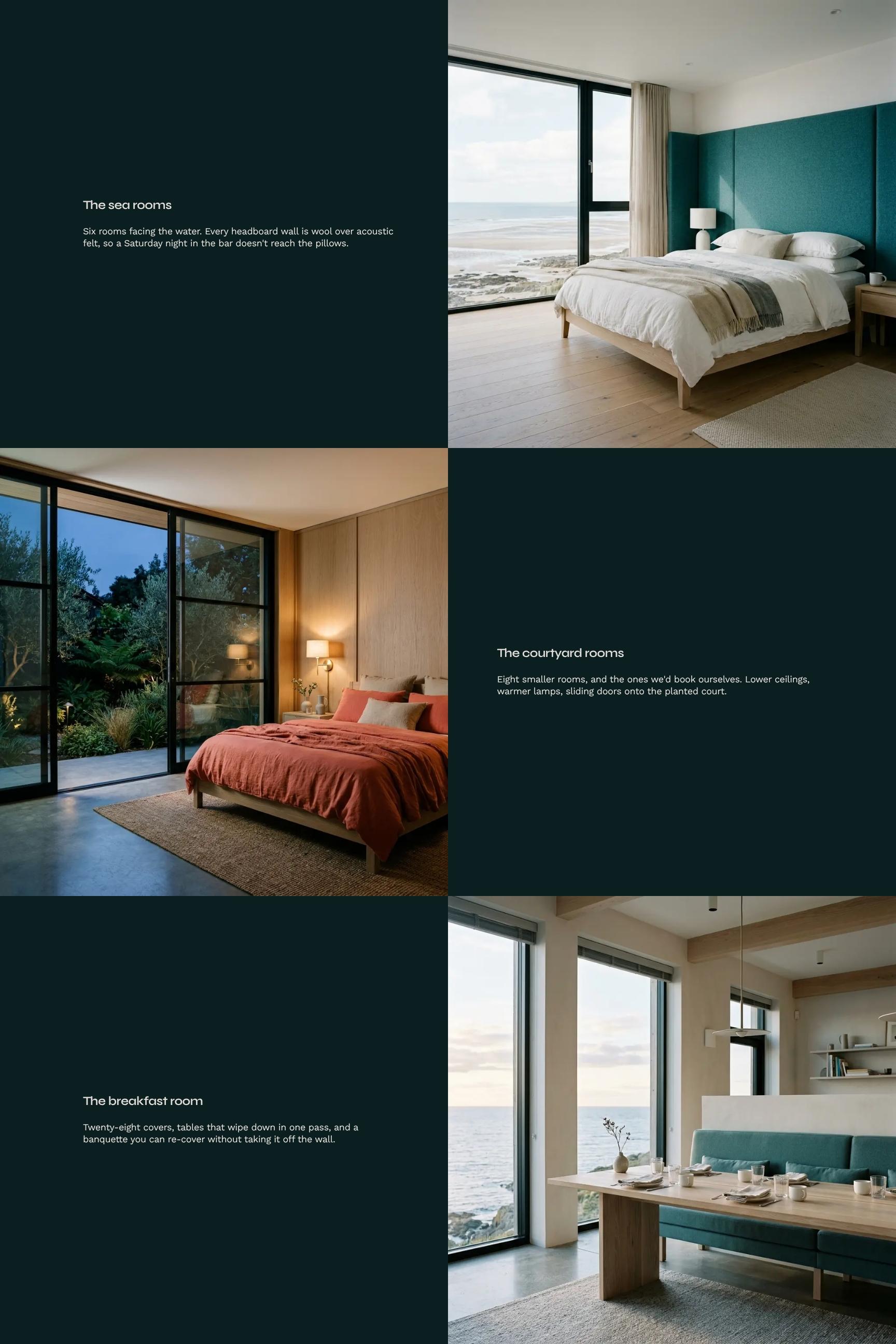
Finished Rooms Showcase: Sea Rooms and Courtyard Rooms
A visual showcase of the completed rooms, split into six sea-facing rooms and eight courtyard rooms. It highlights design choices such as acoustic felt headboard walls, so owners understand what they now have and why.
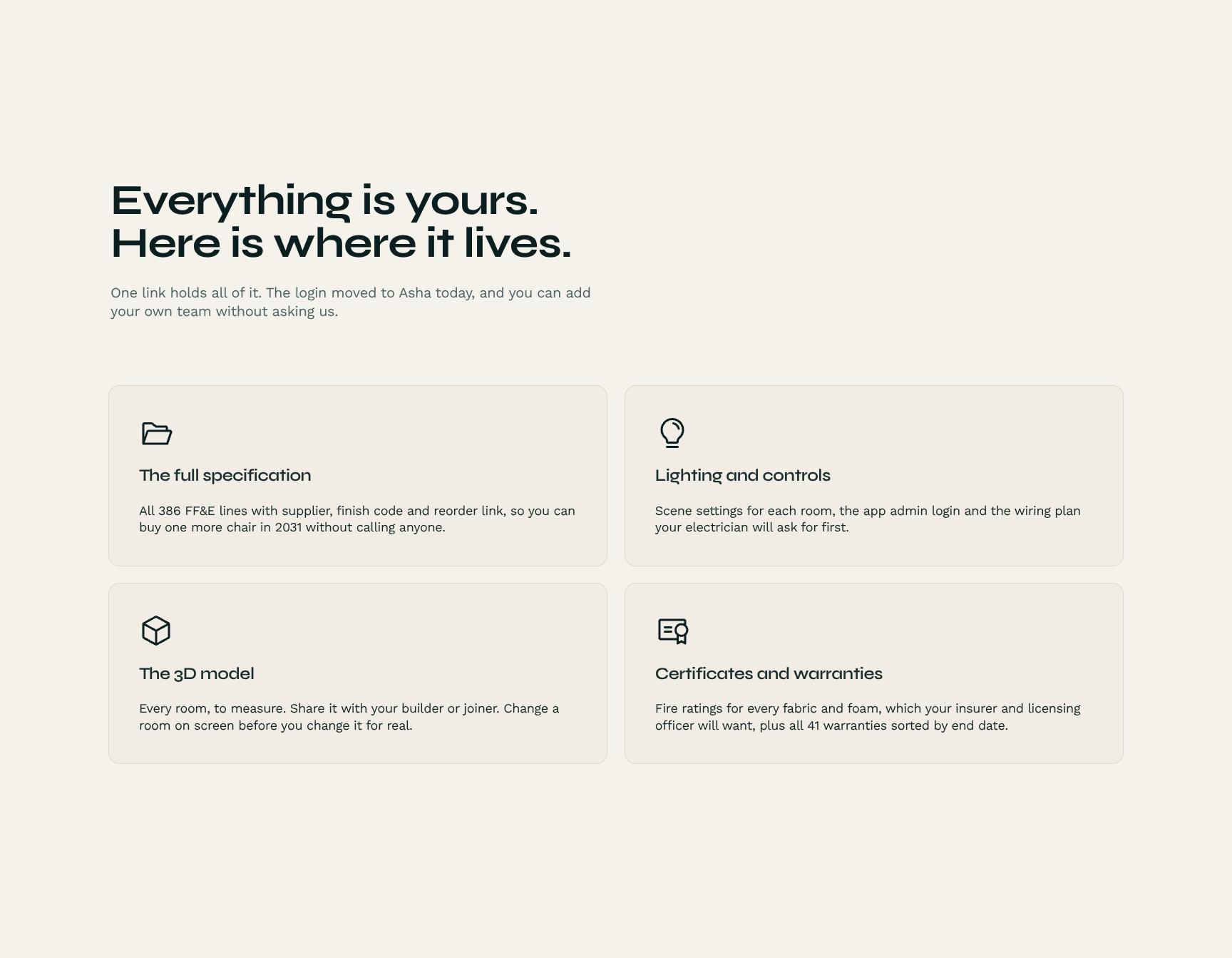
Asset Ownership and Access Hub: Logins, Files and Team Sharing
Cards that show where everything lives, from one master link to the transferred login. Owners see what they own and can add their own team without asking the studio, which makes the handover clean and complete.
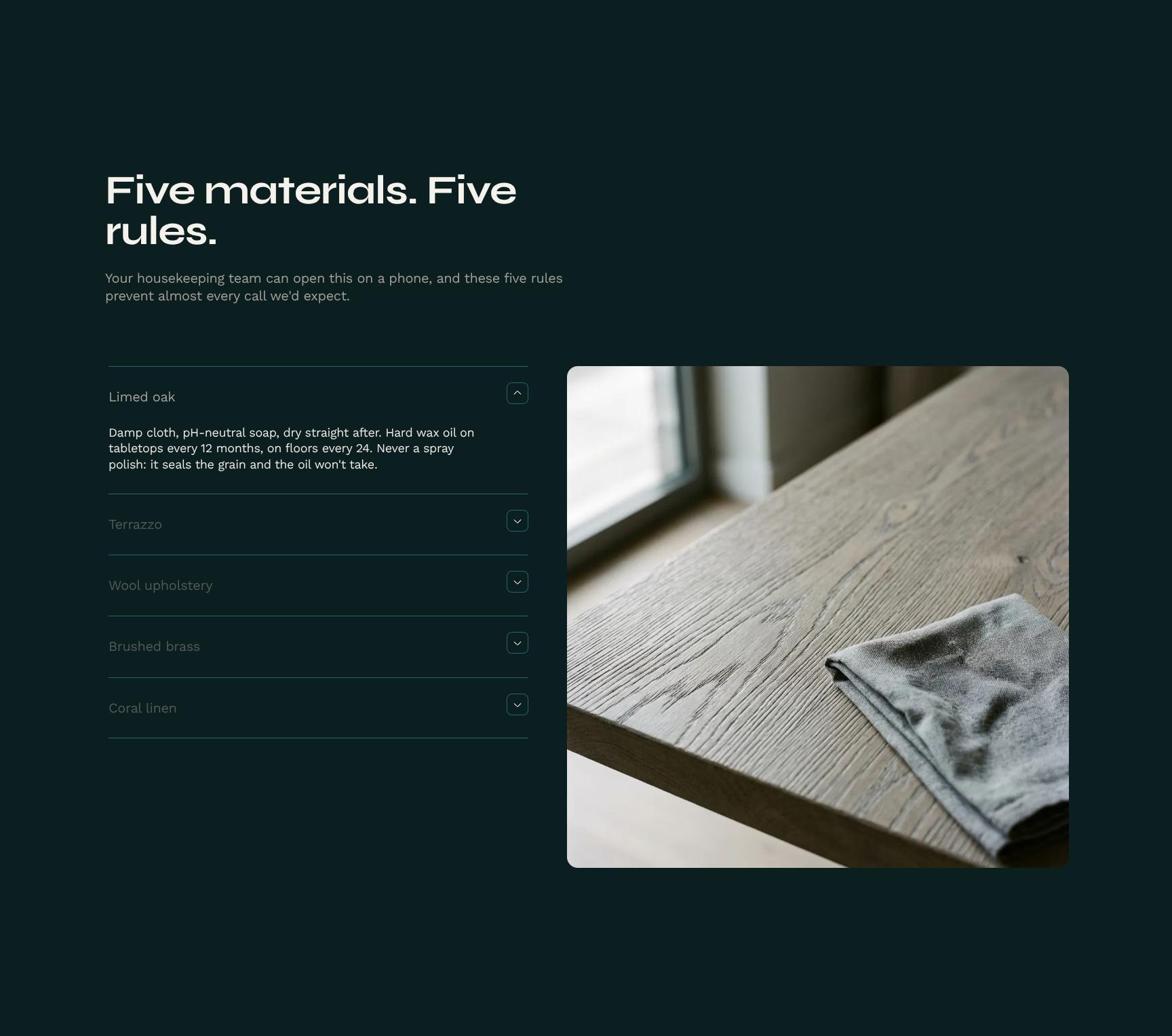
Care Instructions by Material: Five Simple Housekeeping Rules
A mobile-friendly breakdown of five materials and the rule for each. Housekeeping teams can check it on a phone and avoid the mistakes behind most maintenance calls, protecting finishes and cutting repair costs.
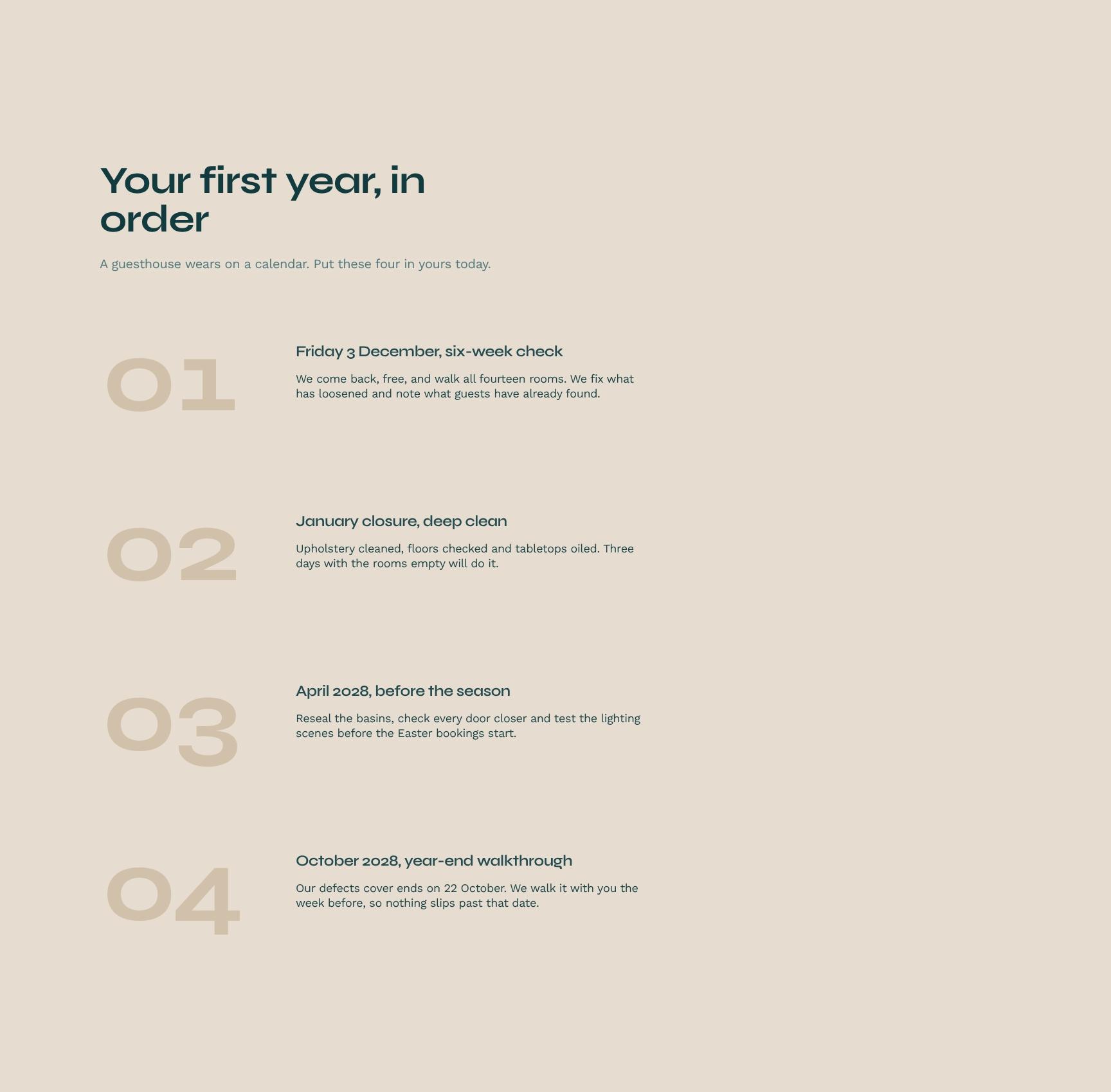
First-Year Maintenance Calendar with Dated Care Steps
A step-by-step timeline of four dated checks and tasks for the first year, starting with the free six-week return visit. Owners can add them straight to their calendar and keep the rooms in top condition.
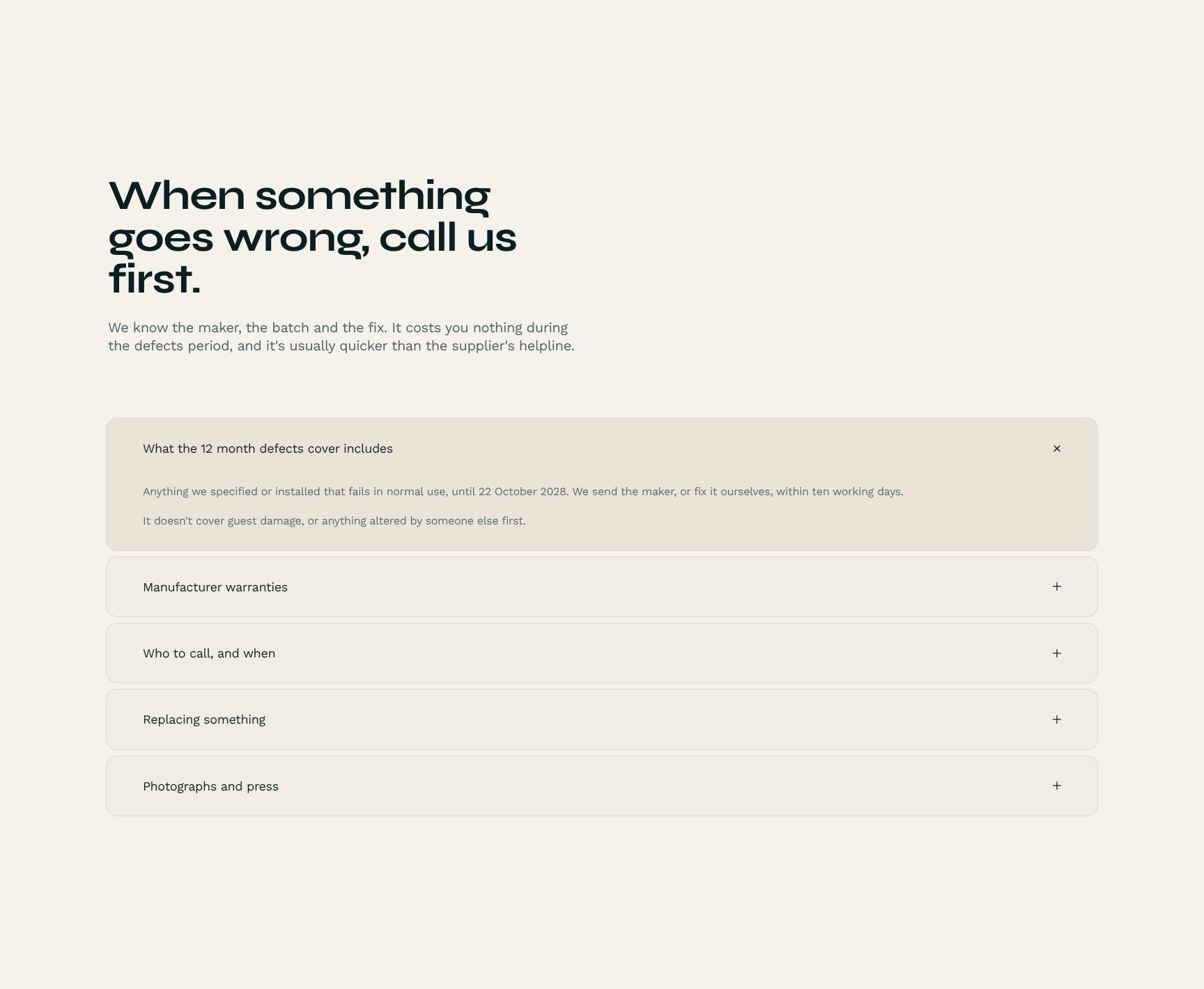
Warranties and Support FAQ: Who to Call When Something Goes Wrong
An accordion covering warranty details, the defects period and the right contact for each issue. Because the studio knows the maker, batch and fix, owners get faster, free resolutions without chasing supplier helplines.
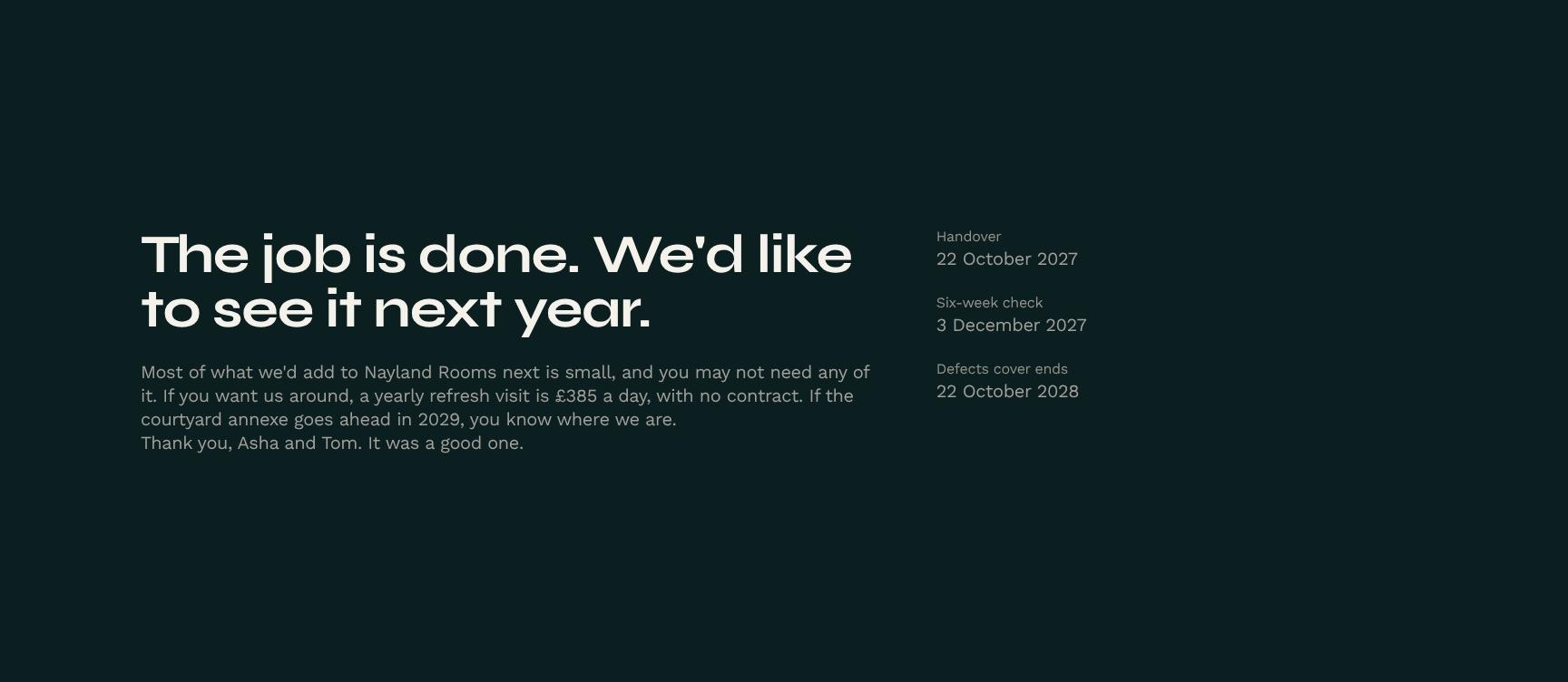
Next Steps and Ongoing Partnership: Yearly Refresh Visit and Future Projects
A closing section that outlines optional follow-on work: a no-contract yearly refresh visit at £385 a day and the possible courtyard annexe. It keeps the door open for repeat business without any pressure.
Find your answers
Answers to the questions hotel owners ask most after an interior design handover, from warranties to who to call first.
A strong handover document covers the project handover details, a summary of what was made, photos and specs of the finished rooms, what the homeowner now owns (warranties, manuals, paint codes), and care instructions by material. Adding a care year schedule keeps maintenance on track after the contractor leaves. Together these sections give clients a single reference they can use for years.
Replace the placeholder text in each section with your project details, such as room names, materials, finishes, and warranty terms. Add your logo, brand colors, and contact details so it matches your business. You can duplicate the finished rooms and care by material sections to fit as many rooms or surfaces as the project includes.
List each material used, such as hardwood, stone, tile, laminate, paint, or metal, along with approved cleaning products, products to avoid, and how often to clean or reseal. Include warning signs of damage and who to call for repairs. Keeping the guide organized by material makes it quick for homeowners to find what they need.
This section documents everything the client takes ownership of at completion, including warranties, appliance manuals, product and paint codes, spare tiles or materials, keys, and certificates. It also clarifies which items are covered by manufacturer guarantees versus contractor workmanship warranties. Spelling this out reduces disputes and follow-up questions after handover.
A care year plan breaks maintenance into a month-by-month or seasonal checklist, such as resealing grout, checking caulking, servicing appliances, and re-oiling timber. It helps homeowners protect their investment and keep warranties valid. It also gives contractors a reason to stay in touch, which can lead to repeat work and referrals.
Browse more interior design templates
More templates for designers who hand over finished spaces and need clients to sign off with confidence.