




Send run sheets as good as your work.
Timings, cues, contacts and the venue on one page your team and client open anywhere. Run sheet software built for creative studios.
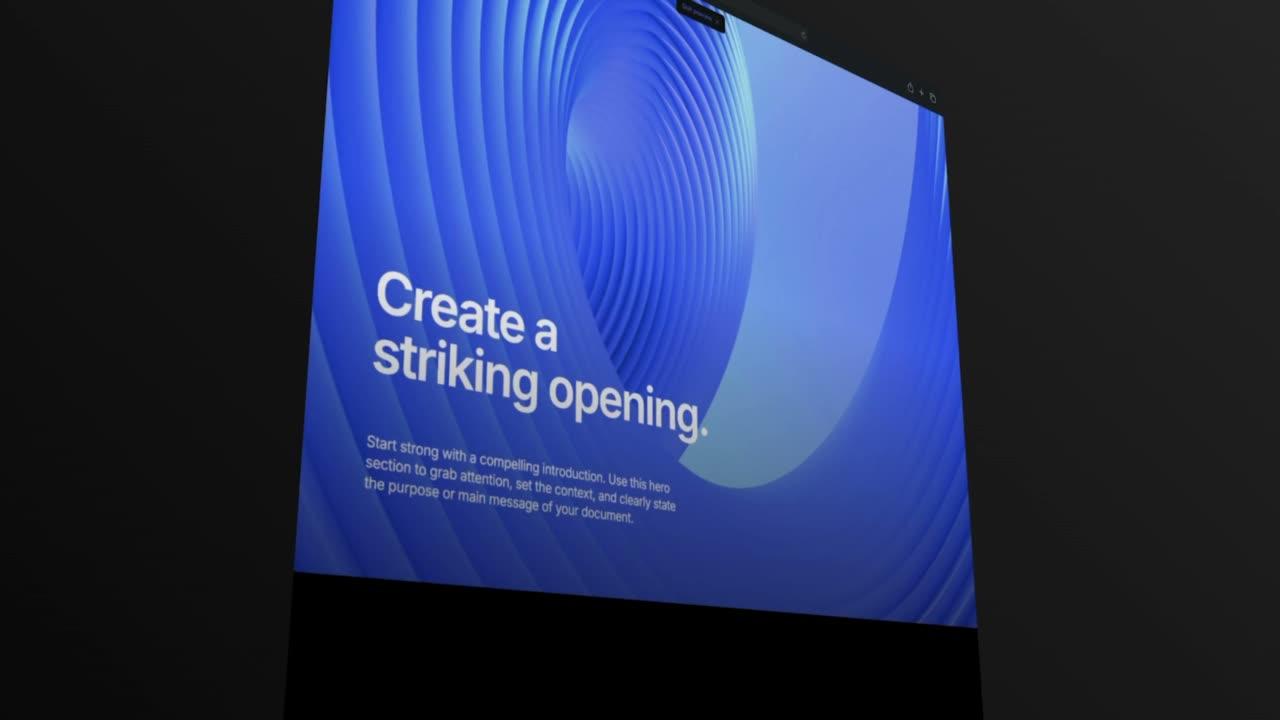
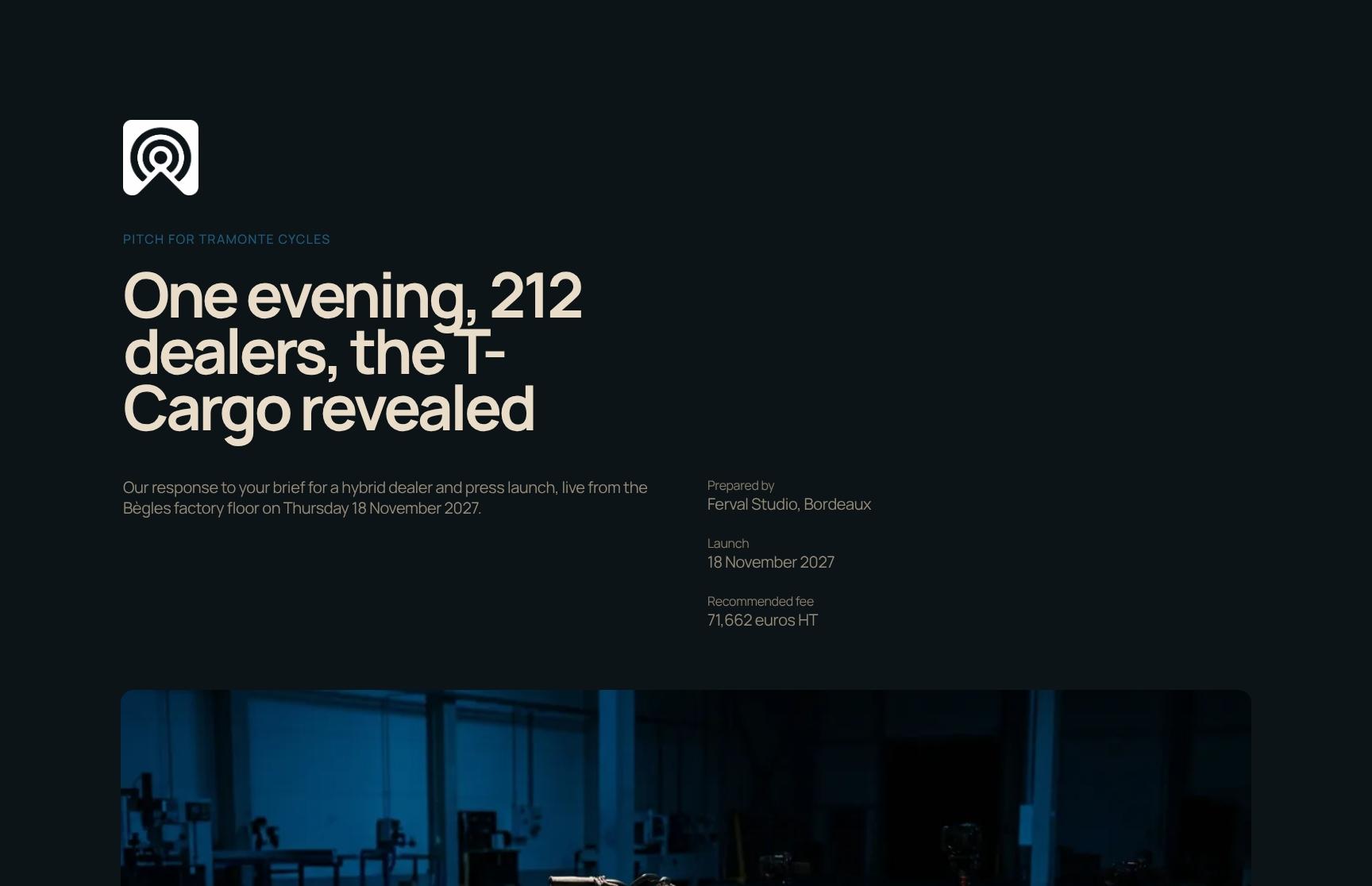
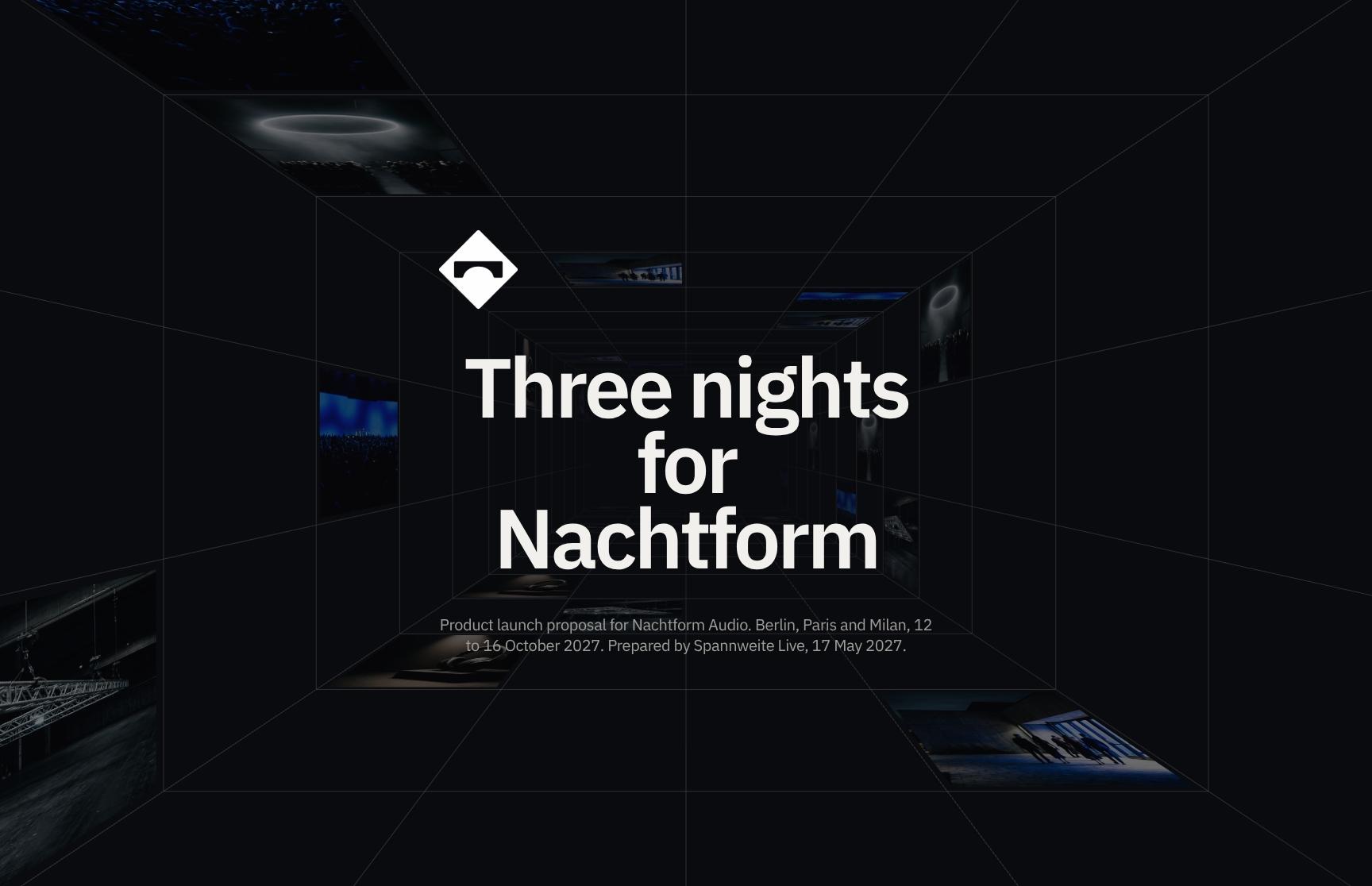
Show the run of the day, the venue and the cues in your studio's look.
Share one run sheet link that always shows the latest version.
See who opened the run sheet and which sections they read.
Let them comment on the page and approve the run of show.
Go from first draft to your client.
Lay out timings, cues, contacts and the venue in your studio's look. Share it privately with your team and client, see what they read, and collect approval on the same page.
- Blocks for a timeline, accordions for cues, a venue map and contacts
- Logo, fonts and colours set once
- Build from scratch or duplicate your last run sheet
On a private link, only the people you invite can open it. Allow re-sharing per person, or keep it to them.
See who viewed it on a private link, how often, and the time spent on each section.
Signed-in viewers chat with your team and quote the line they mean. The client approves with a slide.
Add more to every run sheet.
Embed Google Maps, Google Sheets and Calendly next to each cue. Publish it all on your studio's own domain.
What changes when the run sheet is a page.
Three studios, in their own words.

“The level of customisation is a real strength. It allows you to create something that feels aligned with your own visual identity, without compromising on speed or usability. And importantly, it moves proposals away from static documents into something far more dynamic and engaging.”


“I’ve used Formlio for design cases and proposals, and it’s a much better fit than the usual old-school tools. Most of them feel like a chore. Formlio doesn’t. It’s flexible, easy to use, and the support is seriously top tier.”


“The team at Formlio are so passionate about building a product specifically for creatives. They have really listened and turned feedback in features that are especially important to our day-to-day proposals. Having a responsive, web-style proposal just makes sense. It meets people where they are eg. scrolling on their phone, mid commute, making quick decisions. I’ve really loved connecting with Marianne and watching Formlio's journey unfold from the early stages. ”

Common questions about run sheets.
Venue maps, last-minute changes, phone reading, team editing, privacy and approval for your run sheets.
Yes. Embed Google Maps live on the page, next to the rest of the document.
Edits to a published document stay hidden until you republish, and the same link then shows the latest version. Version history keeps every version so you can preview or restore one.
Yes. Every Formlio document is a responsive web page that reads on desktop, tablet and phone.
Yes. Your team works on the same document at the same time, with live cursors and edits.
Yes. On a private link, only the people you invite can open it, and they verify their email first. Anyone else can request access, which you approve or decline from the email.
Yes. With Slide-to-Approve for a quick yes, or an e-signature when it must be formal.
Yes. Duplicate the document and change what differs, or save a block you have set up and add it to your next run sheet.

Start with your next run sheet.
Start from an event template, add your timings and send the link.
Publish two documents a month for free
Publish two documents a month for free
Publish two documents a month for free
Publish two documents a month for free