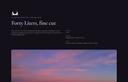
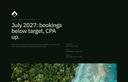




Send presentations as good as your work.
Your idea, your moodboard and your film on one page your client opens anywhere. Presentation software built for creative studios.
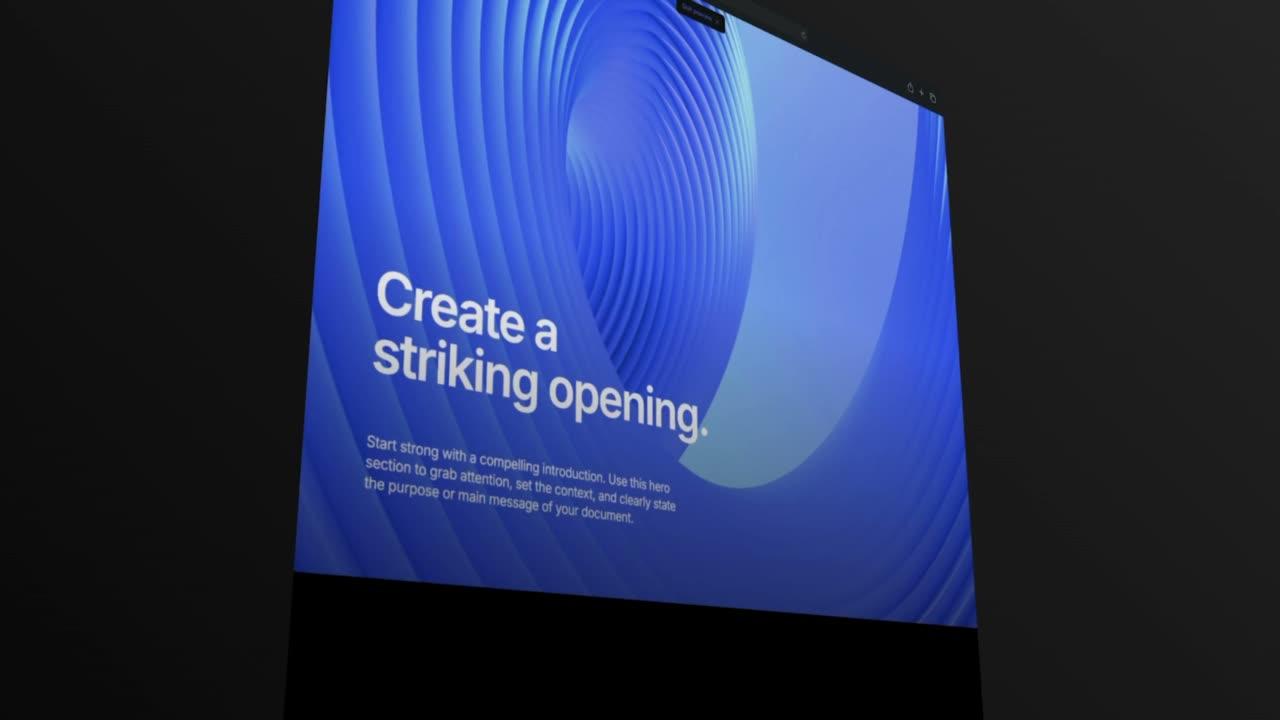
Show your work at full size, film included, with your idea and direction, in your studio's look.
Share one presentation link that always shows the latest version.
See who opened the presentation and which sections they read.
Let them comment on the page and approve the direction.
Presentation templates for creative studios.
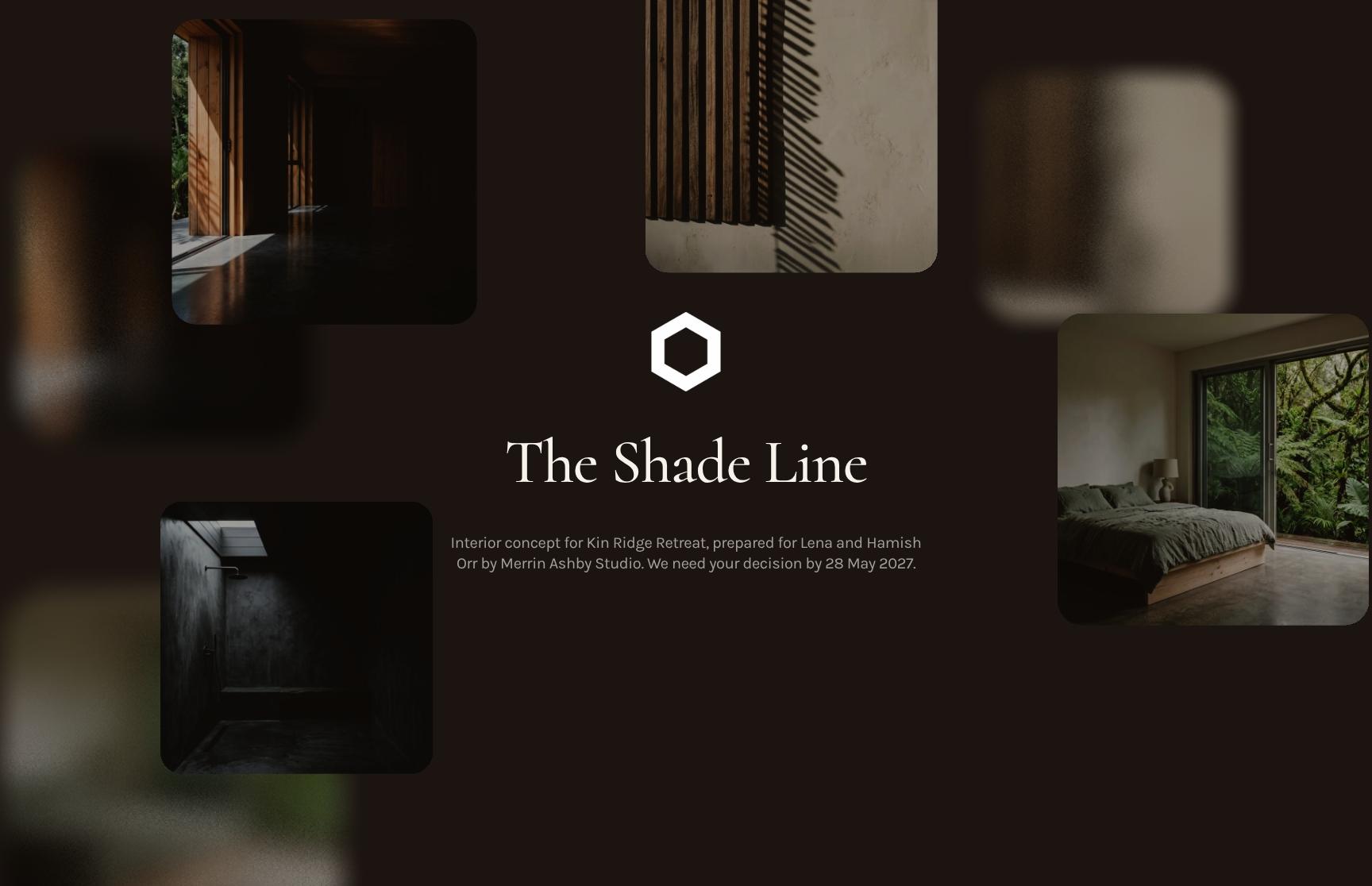
Strategy, concept and design options presentations for marketing, branding, web, architecture and interiors. Add your work and send it in your studio's look.
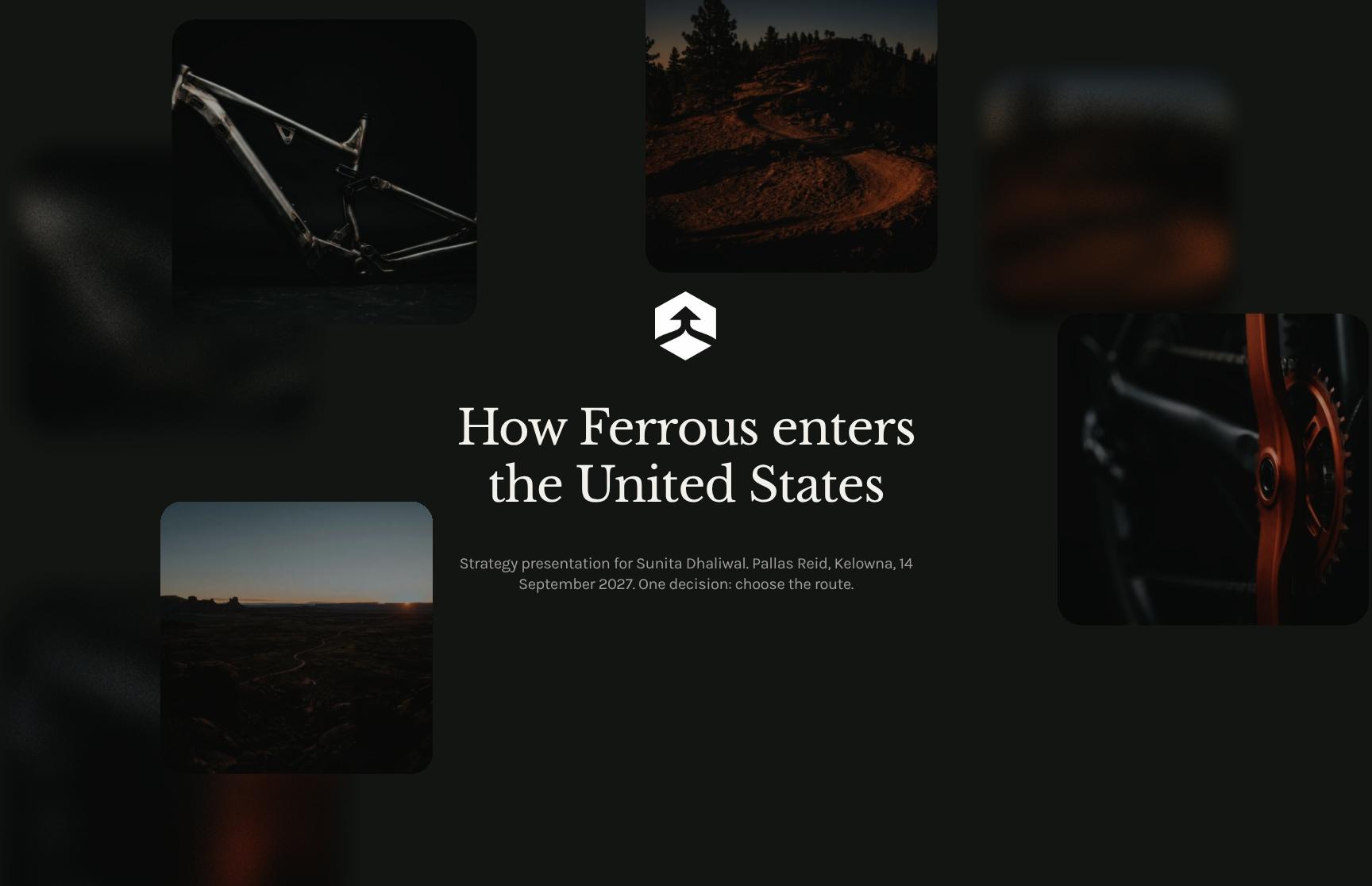
Kelowna
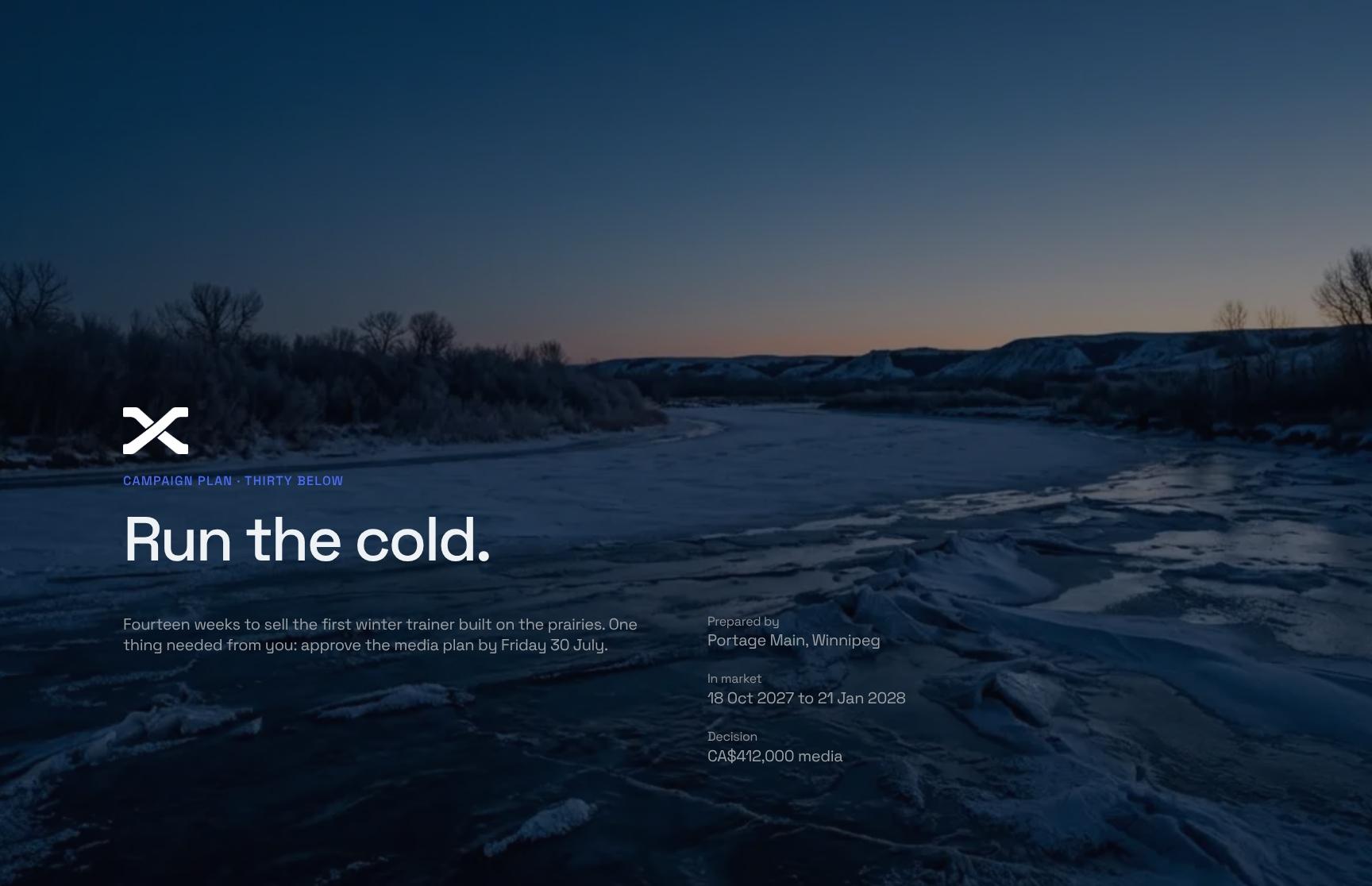
Go from first draft to your client.
Lay out your idea, moodboard and film in your studio's look. Share it privately, see what they read, and collect comments and approval on the same page.
- Blocks for moodboards, galleries, video and charts
- Logo, fonts and colours set once
- Start from a template or duplicate your last presentation
On a private link, only the people you invite can open it. They sign in with a code sent to their email.
See who viewed it on a private link, the time spent on each section, heatmaps and session replay.
Signed-in clients comment in the document's chat, and on desktop they can quote a passage. They approve the direction with a slide.
Add more to every presentation.
Embed Figma boards, Loom walkthroughs and Google Sheets next to your work. Publish it all on your studio's own domain.
What changes when the presentation is a page.
In their own words.

“Formllio has changed the way we pitch for work. We often get comments from clients that they are impressed with the interactive nature of the pitch. Given a lot of our work is websites, it makes sense to have interactive presentations. The tool itself is easy to get up to speed with. The initial set up takes an hour or so, after that it’s very quick to create a proposal. The team are really responsive if you do have any questions about the set up.”


“The team at Formlio are so passionate about building a product specifically for creatives. They have really listened and turned feedback in features that are especially important to our day-to-day proposals. Having a responsive, web-style proposal just makes sense. It meets people where they are eg. scrolling on their phone, mid commute, making quick decisions. I’ve really loved connecting with Marianne and watching Formlio's journey unfold from the early stages. ”


“The level of customisation is a real strength. It allows you to create something that feels aligned with your own visual identity, without compromising on speed or usability. And importantly, it moves proposals away from static documents into something far more dynamic and engaging.”


“Formlio has significantly improved how our agency presents proposals and pitches. We saw an immediate impact, winning contracts on the first two projects where we used the platform, and we've continued to see a strong correlation between using Formlio and converting opportunities into clients.One of its biggest strengths is the insight it provides into client engagement. Knowing when a proposal has been viewed, which sections attracted the most attention, and how recipients interact with the content removes much of the uncertainty from the sales process and allows us to follow up with far greater confidence.”


“I create bespoke travel itineraries, and every client has different preferences and budgets. The interactive quoting has been very useful for me as my clients can explore options and add extras on their own, and the total updates right in front of them. It makes the whole experience easy and premium at the same time, which is exactly what I want for my clients.”


“Formlio has changed how we present fee proposals. A PDF feels like it belongs in another era by comparison. What clients receive instead is interactive, beautifully laid out, and immediately signals that you're a business operating at the level they expect. It's the kind of first impression that lands before they've even read a word. The team are very helpful whenever I have questions, and new features keep rolling in, which tells me they're invested in making it better for the long haul.”


“We operate in an industry where trust and professionalism are essential. When we send a commercial proposal with Formlio, it immediately inspires credibility. The integrated approval system, complete with electronic signature, also allows us to move from proposal to signed contract without unnecessary back-and-forth. Formlio has streamlined our entire process, and the feedback from prospects is always extremely positive.”


“I’ve used Formlio for design cases and proposals, and it’s a much better fit than the usual old-school tools. Most of them feel like a chore. Formlio doesn’t. It’s flexible, easy to use, and the support is seriously top tier.”


“I wasn't expecting the analytics to be this good! Heatmaps, session replay, real-time view notifications... It completely changed how we follow up as we know exactly what caught their attention and when they're engaged, which allowed us to win new clients noticeably faster.”

Common questions about presentations.
Film and moodboards, phones, client comments and approval, confidentiality, updates and reuse for your presentations.
Yes. Gallery blocks hold your images, and the video block takes uploaded films or embeds from YouTube, Vimeo or Dailymotion. Video also plays inside galleries, showcases, cards and heroes.
Yes. It opens as a responsive web page on desktop, tablet and mobile.
Signed-in viewers write in the document's Everyone channel on a private or public link. On desktop they can select a passage and quote it into the chat. Chat isn't available on an open link or for anonymous visitors.
They swipe the Slide-to-Approve button on the page. Approvals need email verification, and you get an alert by email and in the app.
No password is needed. On a private link they sign in with a code sent to their email, the link in their invite or Google. On a public link anyone with the link can read, and they verify their email to approve.
Use a private link. Only the people you invite can open it, others can request access, and you can see who viewed it.
Yes. Edits to a published document stay hidden until you republish. Version history lets you preview and restore any earlier version.
Yes. Duplicate the presentation and adapt it, or save any block to your library and add it to your next document.

Start with your next presentation.
Pick a template, add your work and send the link.
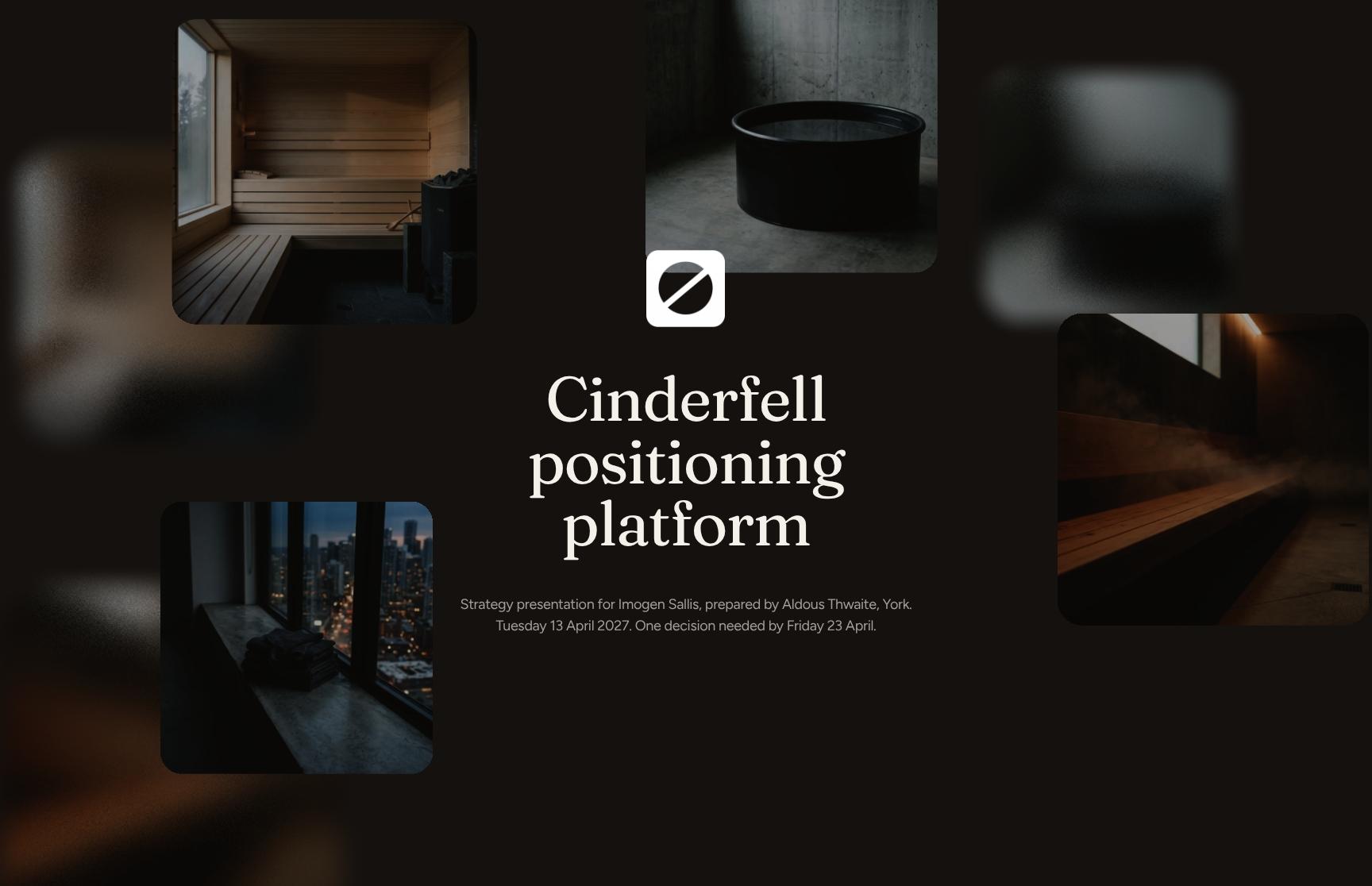
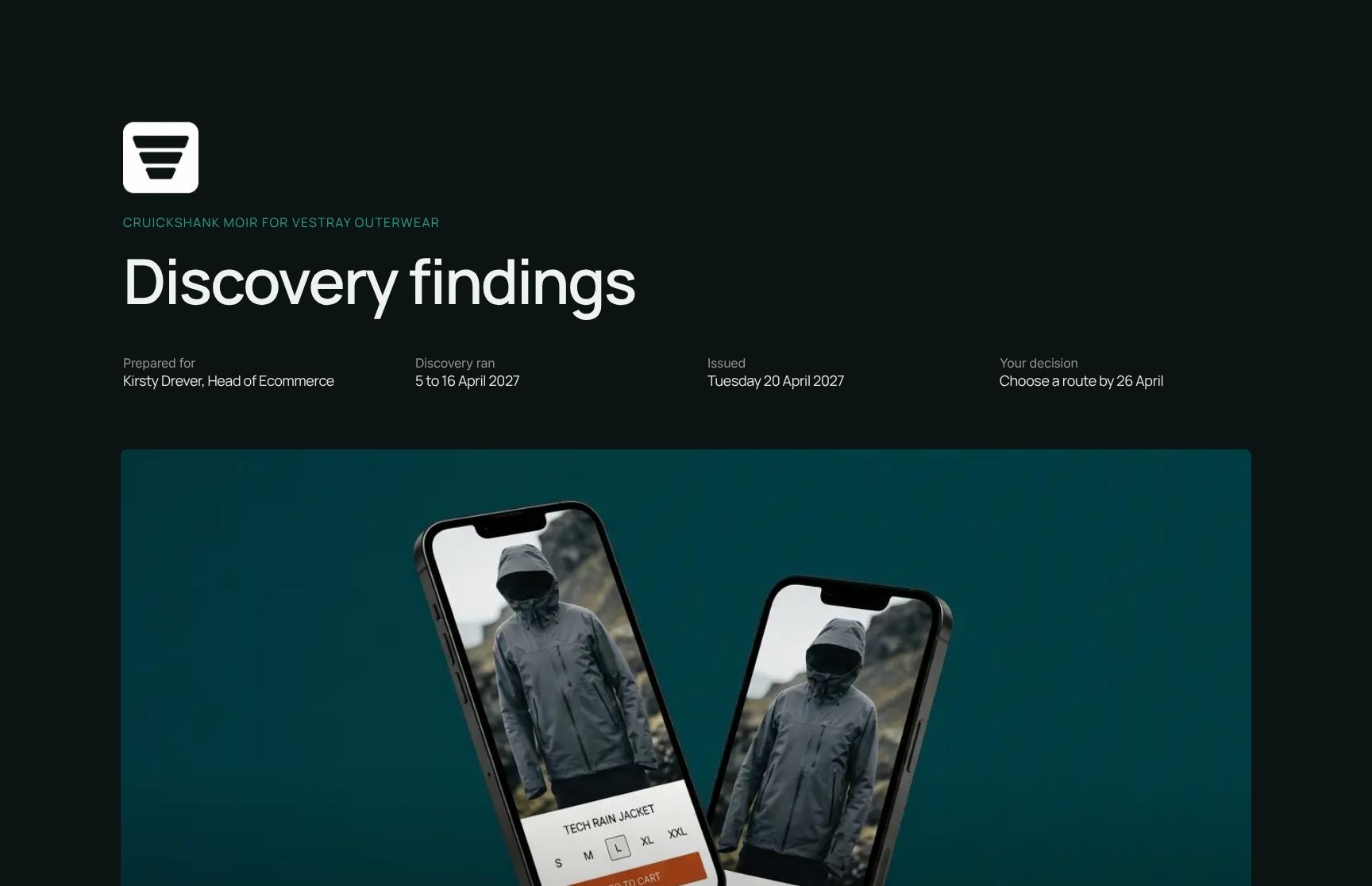
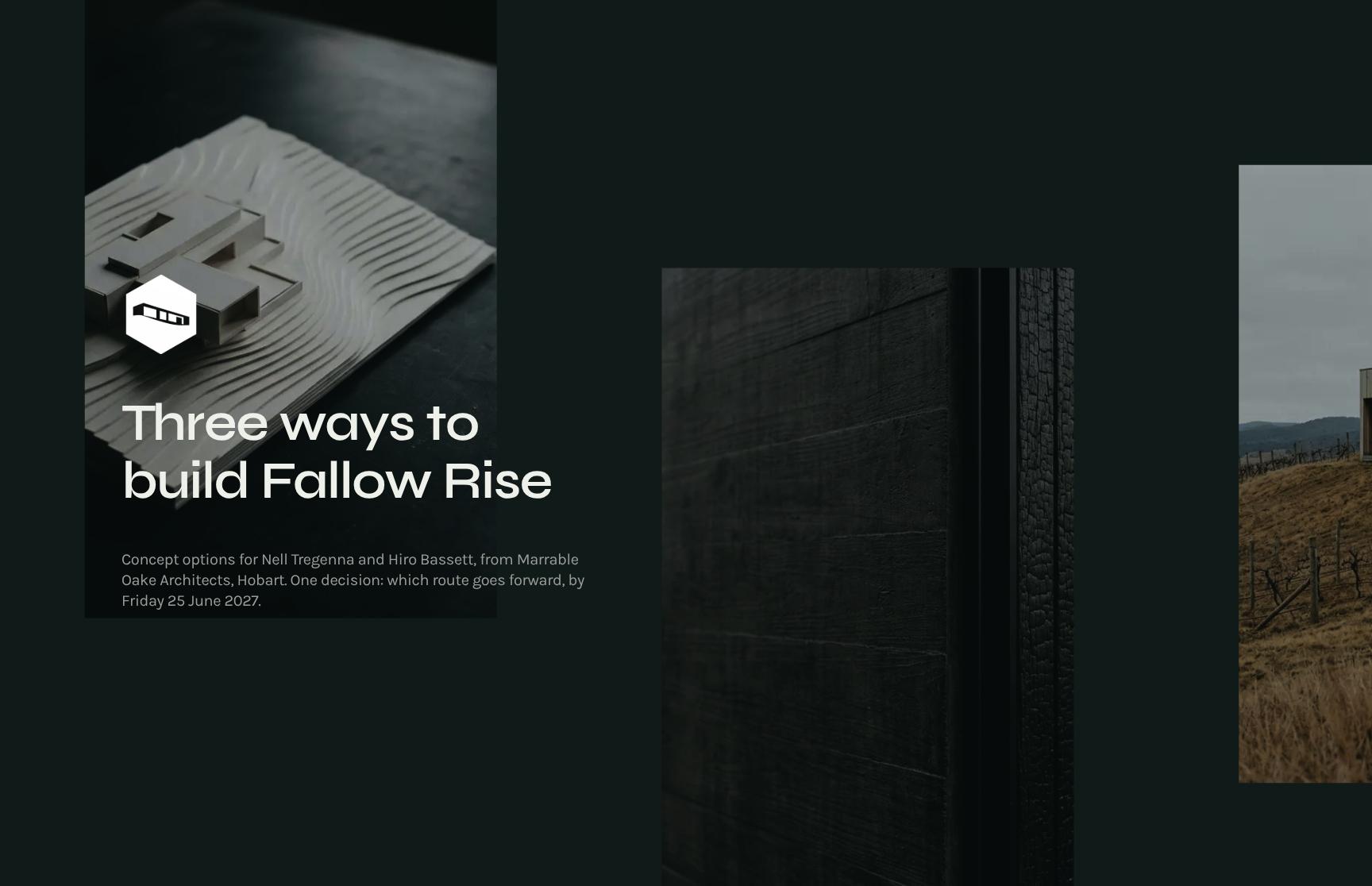
Publish two documents a month for free
Publish two documents a month for free
Publish two documents a month for free
Publish two documents a month for free