




Savannah
Interior Design Client Welcome Template for New Projects
A welcome document an interior design studio sends after signing: who the client will deal with, the first six weeks, the programme, what the studio needs from them and how the project runs.
Make it yours, in seconds
Every template is a starting point. Drag to shift colour, typography and layout — the live preview updates as you move.
Move the dots to shift colour, typography and layout. The preview updates live.
Get more from every document
Get new residential clients oriented and confident before the first sample board lands on the table. Timeline, team contacts, kickoff steps, and lead times sit together so nobody has to ask twice.
Get the yes without leaving the page
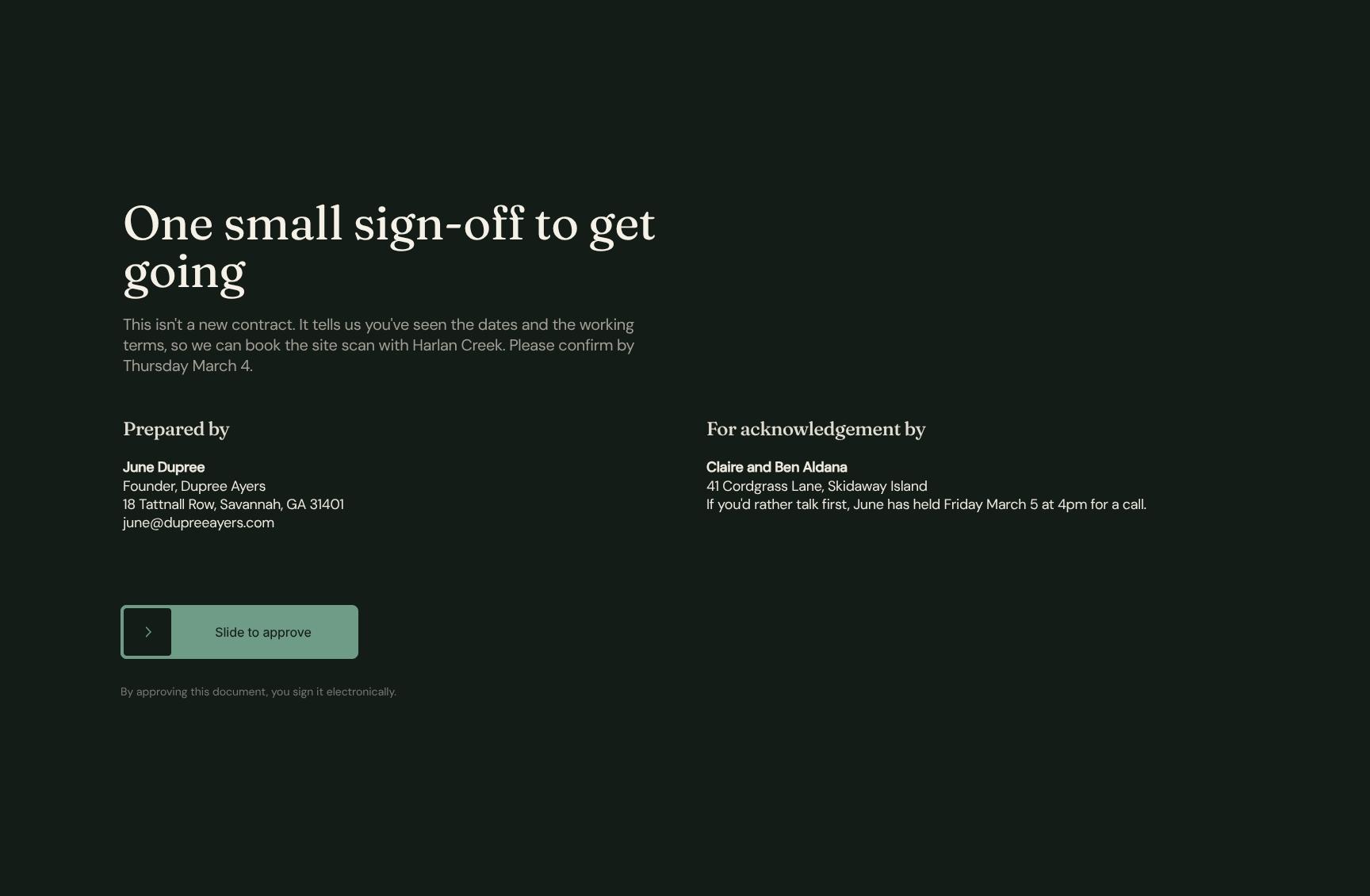
Your client reads the steps, then signs the agreement at the bottom. No download, no printing, no PDF sent back.
Build each page from parts you trust
Pull in a hero, steps, or accordion in one click, then save your own versions to reuse on the next project.
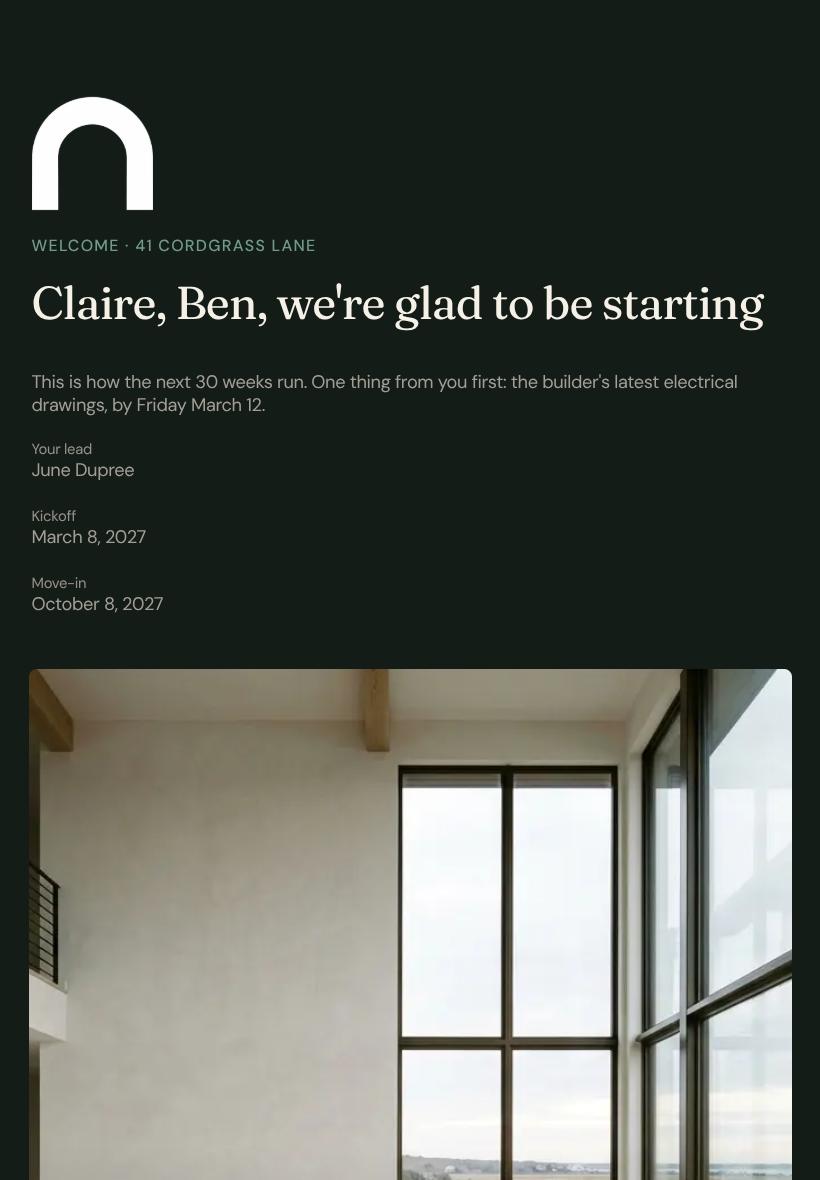
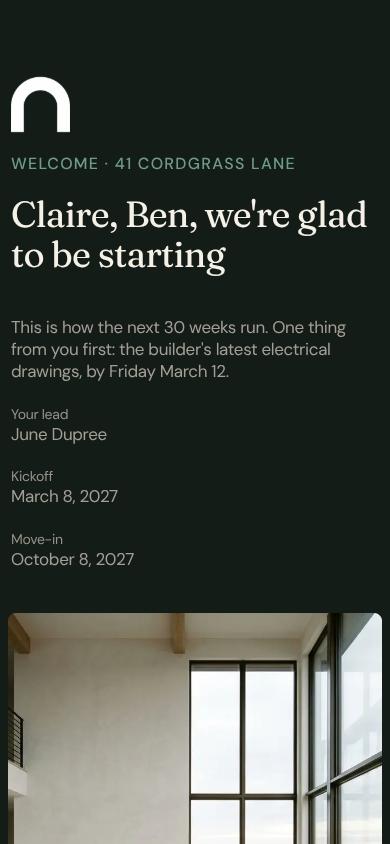
Looks right on every client's screen
Your hero, cards, and steps reflow for the laptop, the tablet on the sofa, and the phone on the train.
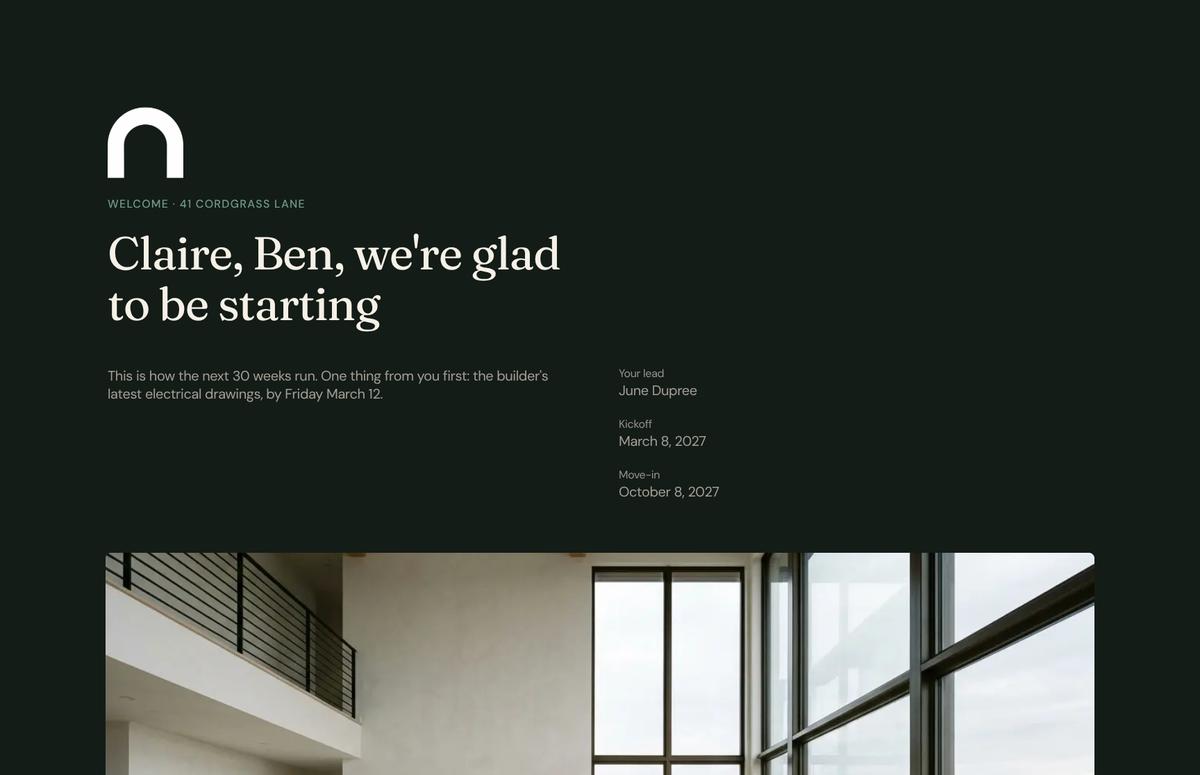

See which section holds their attention
Heatmaps show if they lingered on the steps or skipped the accordion, so your follow-up lands at the right moment.
Know the moment they open it
A ping tells you when your client views the document, leaves a comment, or signs the agreement.
Shape the document together, live
You tweak the task list while a teammate rewrites the hero copy. Both of you watch it come together.
See how every part fits
The guide opens with a personal welcome and the vision for the home, then moves through team, timeline, and terms, and closes with a sign-off. Keep what fits your practice, drop what doesn't, and reorder anything.
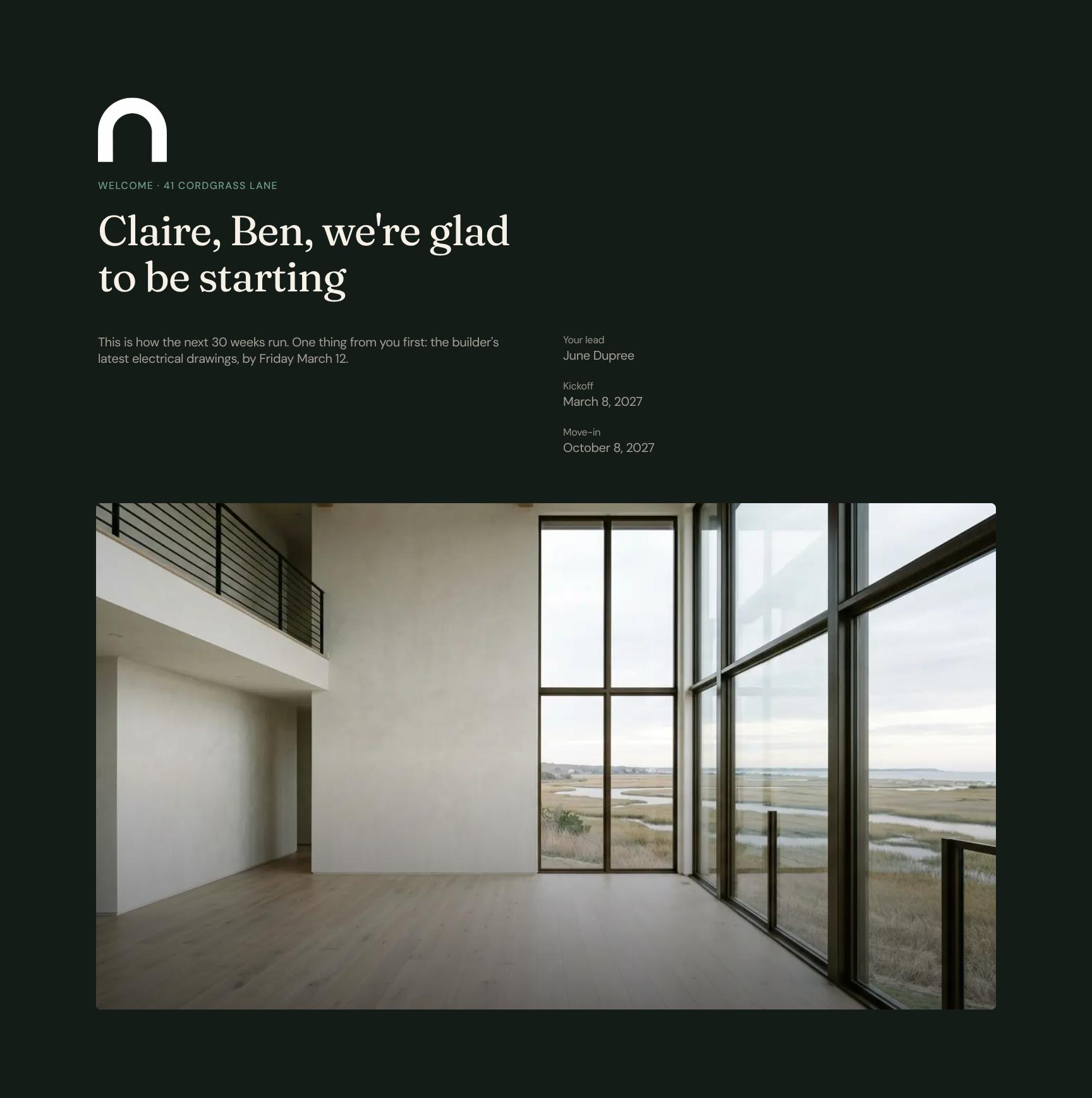
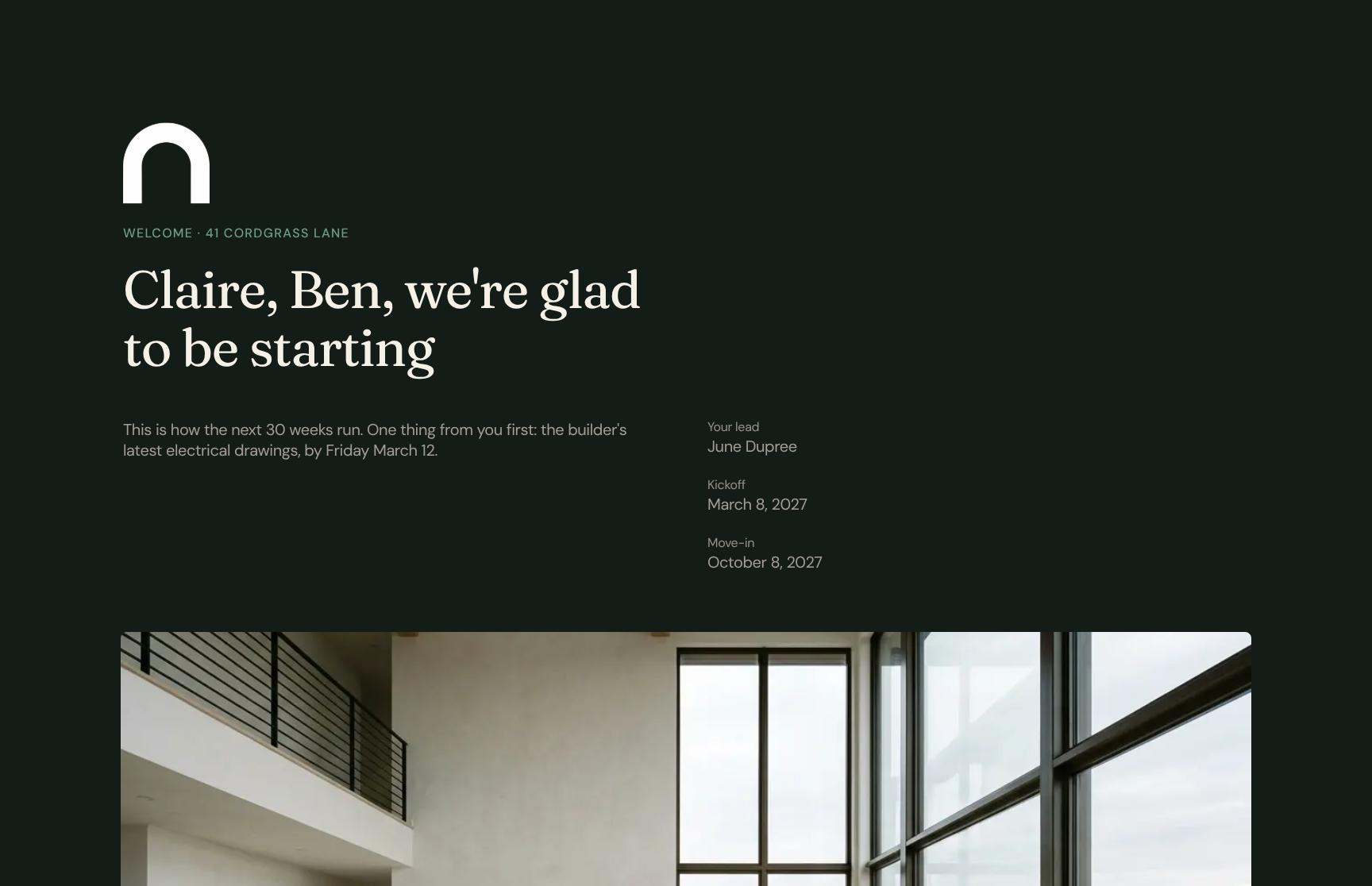
Personalized Client Welcome & Project Kickoff Overview
A warm, personal welcome addressed to the clients by name, with the project address, a clear 30-week roadmap preview, and the first action item: electrical drawings by Friday March 12. Sets expectations from day one.

Project Vision Statement for a Family Home
An animated text statement capturing the purpose of the build: a family home that works on a busy Tuesday morning and keeps the marsh setting part of the living space. Anchors every decision to the clients' goals.
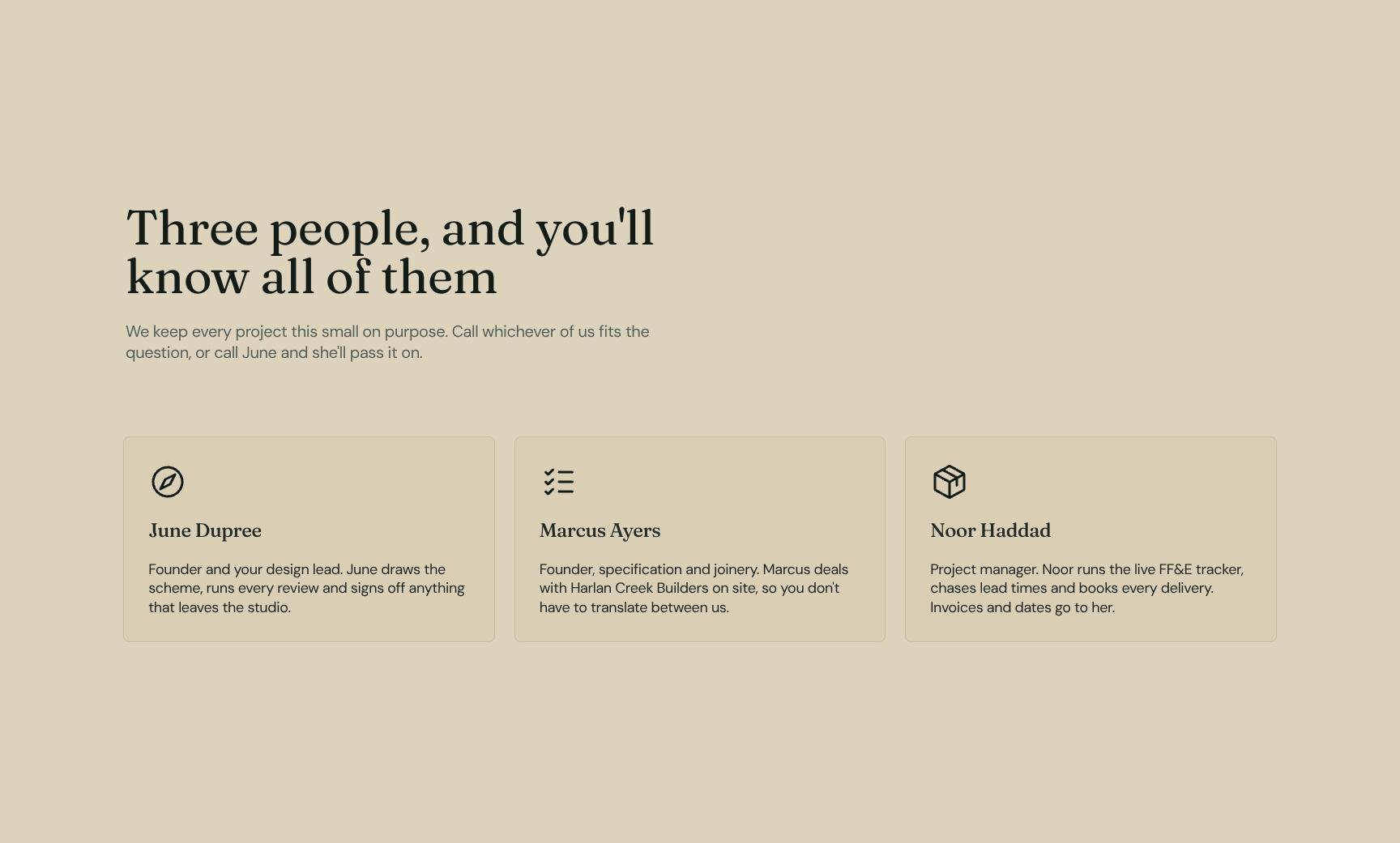
Meet Your Project Team & Direct Contacts
Profile cards for the small three-person team, with guidance on who to call for which question and June as the central contact. Builds trust and removes the guesswork of who to reach.
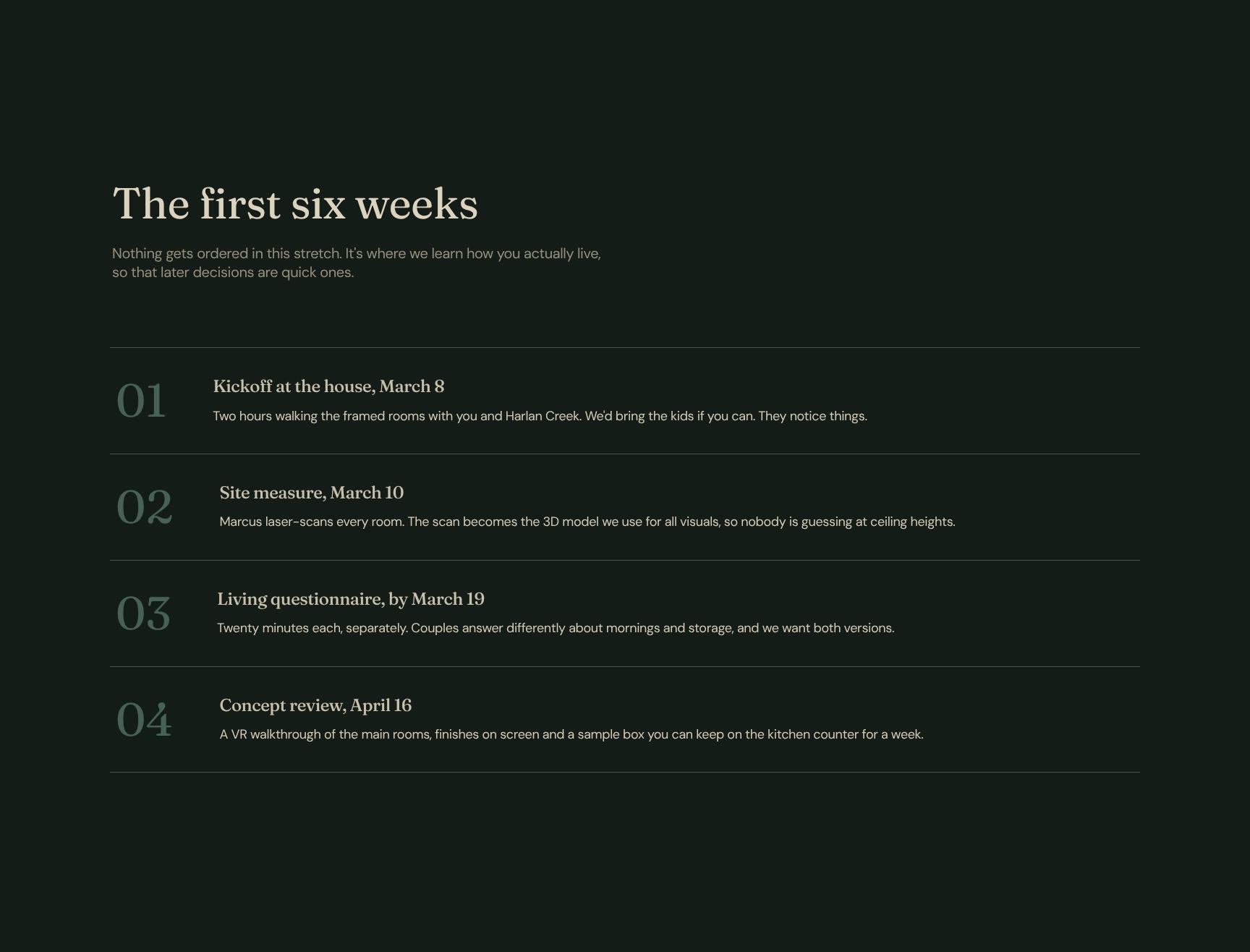
First Six Weeks: Discovery & Design Phase Steps
A step-by-step walkthrough of the opening six weeks, when nothing is ordered and the team learns how the family lives. Explains why early discovery makes later decisions faster and easier.
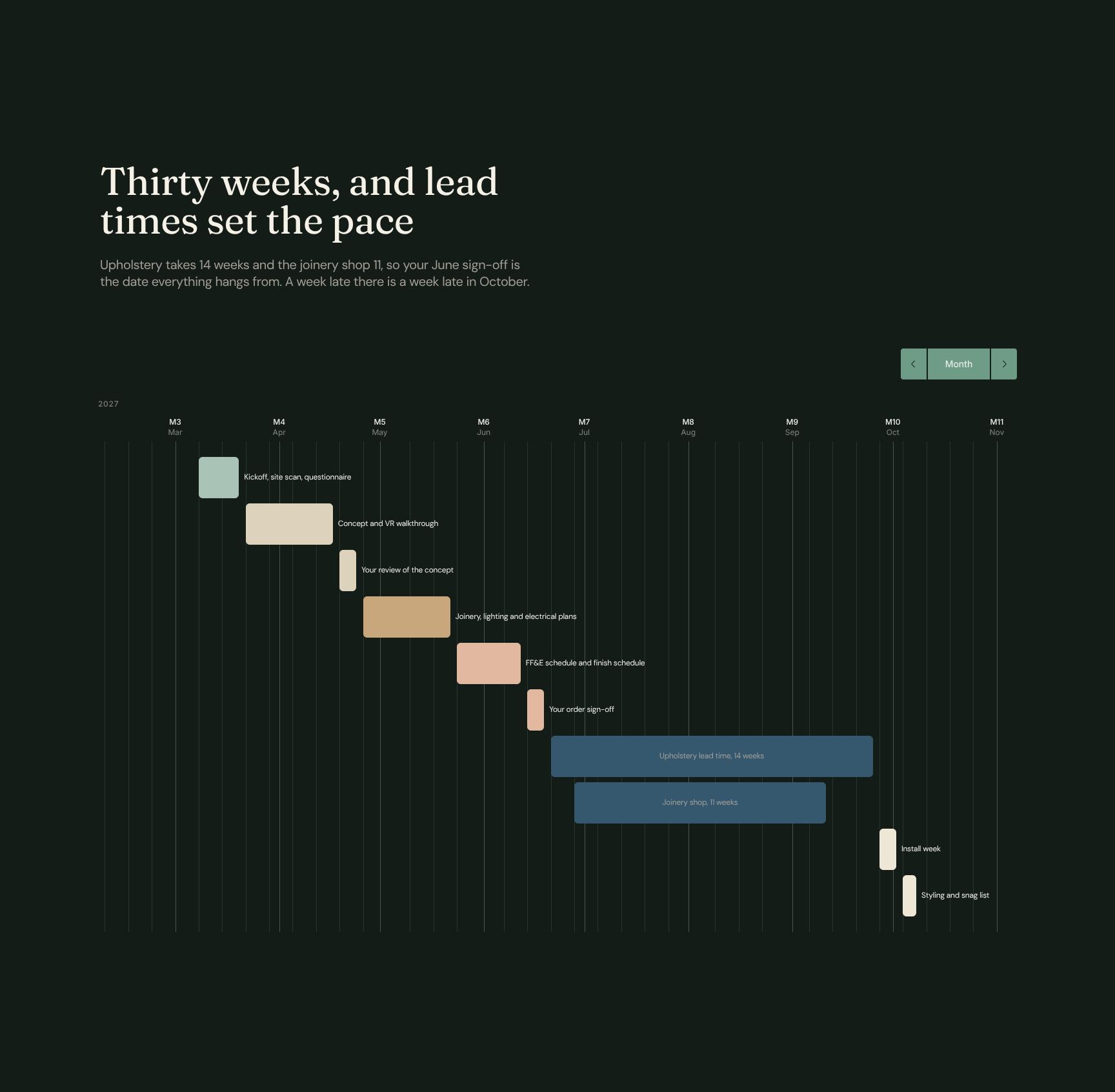
30-Week Project Programme & Lead Time Schedule
A task-based timeline showing how supplier lead times drive the schedule: 14 weeks for upholstery, 11 for joinery. Highlights the June sign-off as the critical date so delays are avoided.
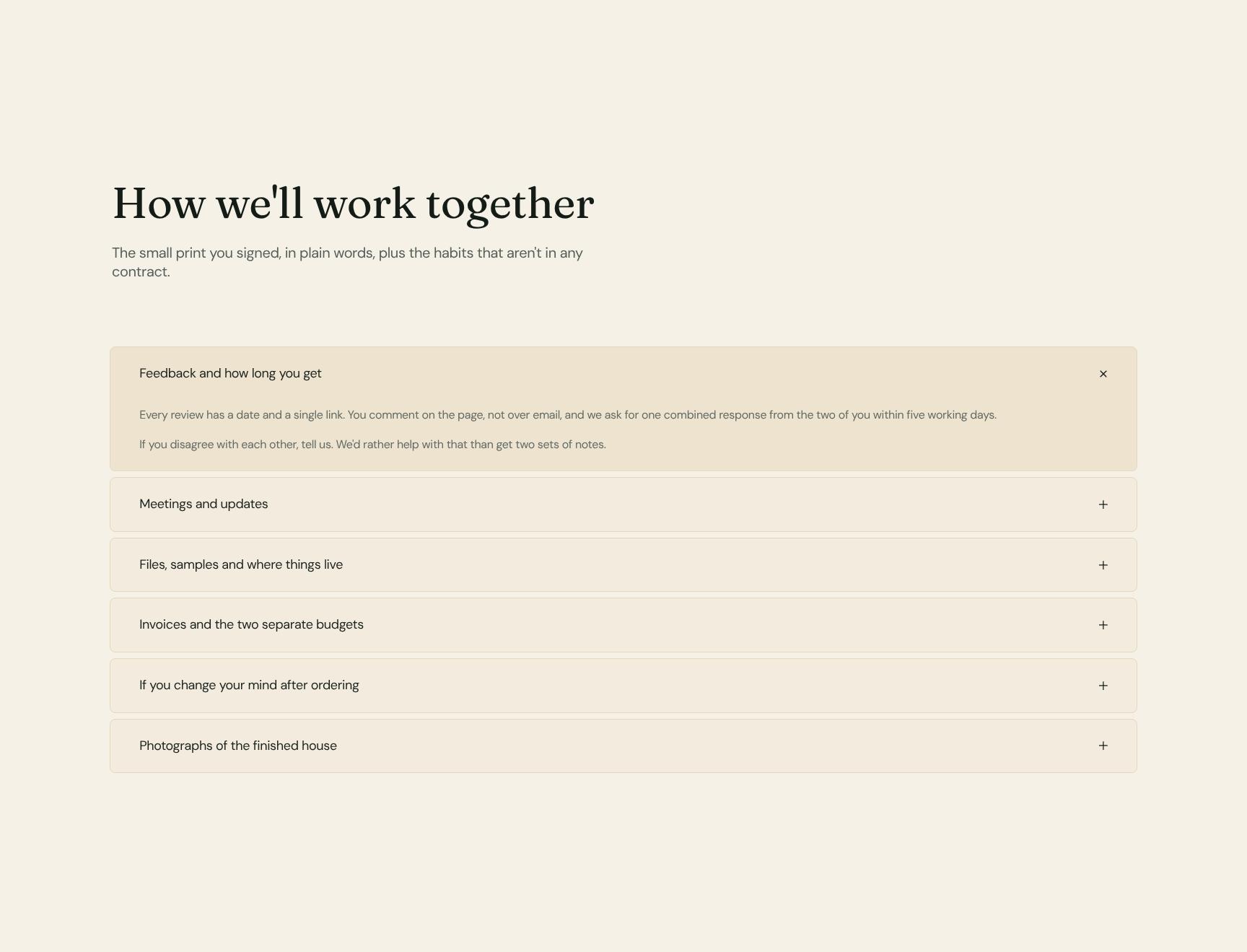
Working Together: Terms, Feedback & Communication FAQ
An expandable accordion that translates the signed terms into plain language and covers unwritten working habits, including feedback and response times. Keeps expectations clear and easy to scan.
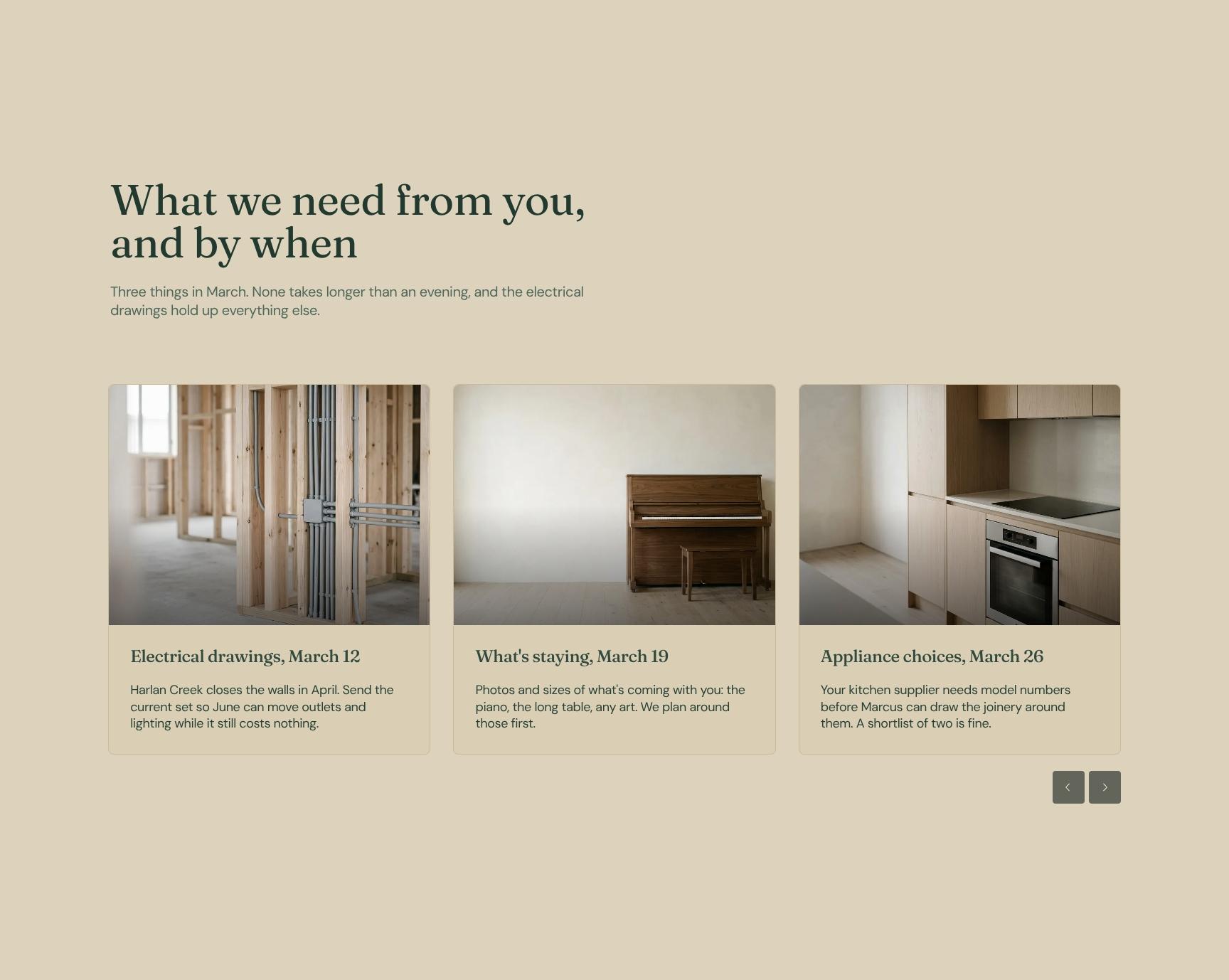
Client Action Checklist with March Deadlines
Three clear tasks for March, each doable in an evening, with deadlines and emphasis on the electrical drawings that unblock everything else. Helps clients stay on schedule with minimal effort.
Simple Sign-Off & Project Acknowledgement
A lightweight acknowledgement, not a new contract, confirming the clients have seen the dates and working terms. Confirm by Thursday March 4 so the site scan with Harlan Creek can be booked.
Find your answers
Answers to common questions about onboarding homeowners with a welcome guide for your residential interior design projects.
A strong onboarding template covers a Welcome message, the purpose of the role or programme, an introduction to your team, a first-weeks plan, a structured programme schedule, and a How We Work section. Together these help new hires understand expectations, meet colleagues, and become productive faster.
Replace the placeholder text in each section with your own welcome message, team names and photos, and first-weeks milestones. Then adjust the Programme section to match your real schedule and update How We Work with your tools, meeting rhythms, and communication norms. Add your logo, brand colors, and fonts to make it feel on-brand.
List clear goals for each week, such as setting up accounts, meeting key stakeholders, completing training, and delivering a small first task. Include who the new hire's buddy or manager is and what success looks like by day 30. Keep it specific and time-bound so nothing is left to guesswork.
Yes, you can typically export the template to PDF for easy sharing or print, and share it as an editable document or link so managers can update it. Check your editing tool's export menu for formats such as PDF, DOCX, or PPTX. Exporting to PDF is best for sending to new hires before day one.
Yes, the structure works across industries and work setups, including remote, hybrid, agency, and graduate or cohort programmes. Use the Programme section for group sessions or training schedules, and the How We Work section to define remote communication, working hours, and tools. Tailor the Your Team section to show who new hires will work with, wherever they're based.
Browse more interior design templates
More templates for interior designers and creative professionals who onboard clients and keep projects moving.