




Seville
Architect Site Progress Report Template for Clients
A site progress report an architect sends during construction: status against plan, what the building looks like now, the next five weeks, the recovery plan, risks and the one decision needed from the client.
Make it yours, in seconds
Every template is a starting point. Drag to shift colour, typography and layout — the live preview updates as you move.
Move the dots to shift colour, typography and layout. The preview updates live.
Get more from every document
Show hotel owners exactly where the build stands against plan, and what you need from them next. The progress chart, delay tracking, and site photo layouts keep the story clear on one page.
Get the report approved on the page
Your client signs off in the agreement section at the end of the report, so approval never waits on a PDF going back and forth.
Assemble reports from sections you've built
Drop in charts, steps, and accordions, then save your best-performing summary layout and reuse it in every report.
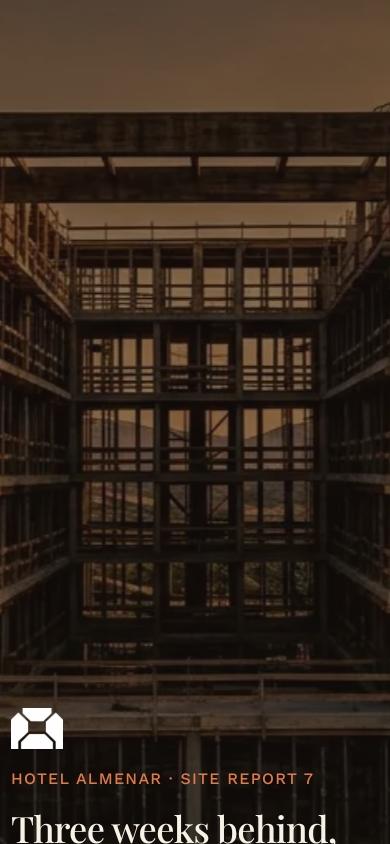
Charts that read well on phones
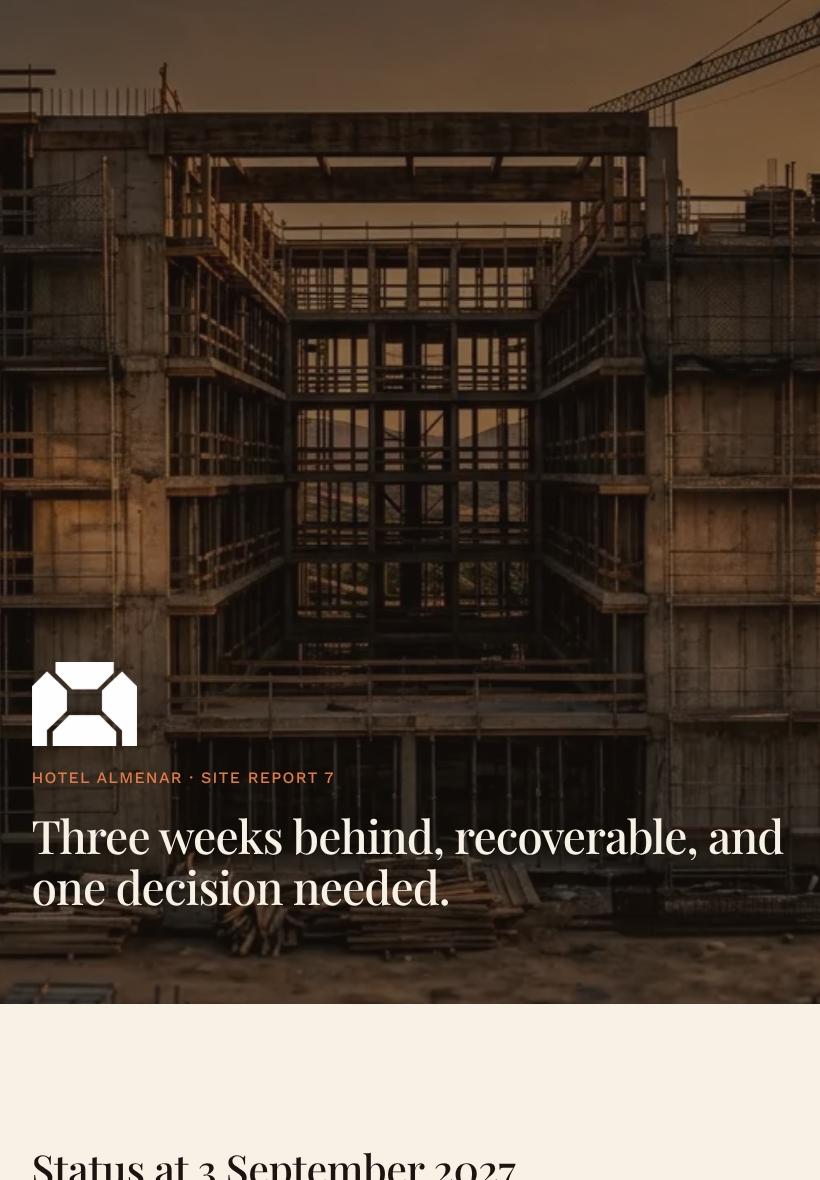
Build the report once and every chart, card, and showcase holds its shape on a laptop, tablet, or phone.

See which charts your client reads
Heatmaps show where readers stall, and session replays show if they reached the findings before you follow up.
Know the moment your report's opened
Get a ping when the client opens the report, comments on a chart, or signs the agreement, so you can reply while it's fresh.
Write the report together, live
Your analyst tweaks the charts while you rewrite the hero summary, both in the same document, with no files to merge.
See how every part fits
The report opens with a headline verdict, moves through progress, photos, and recovery steps, and closes on the decision you need from the client. Keep what fits your project, drop what doesn't, and reorder anything.
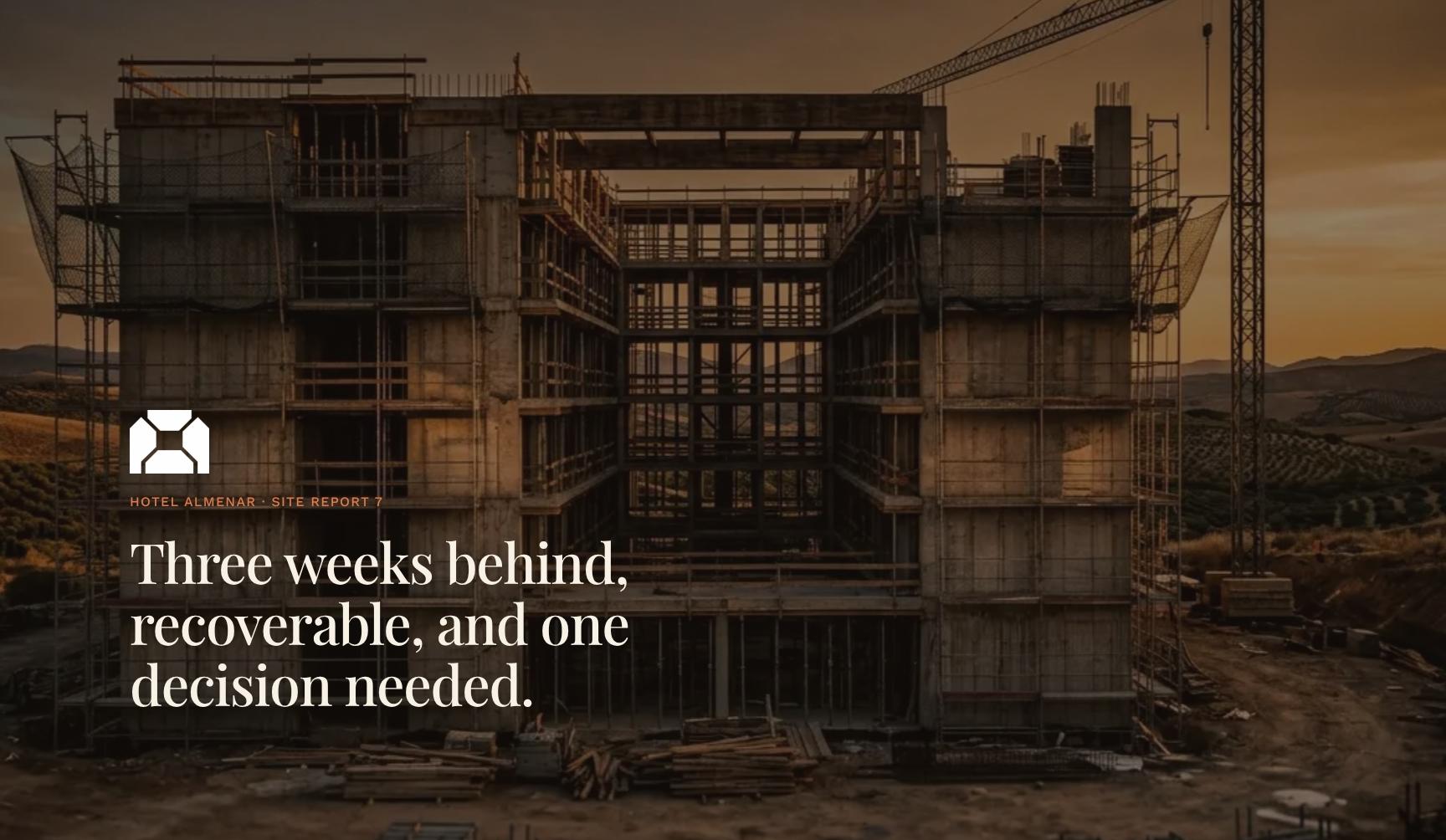
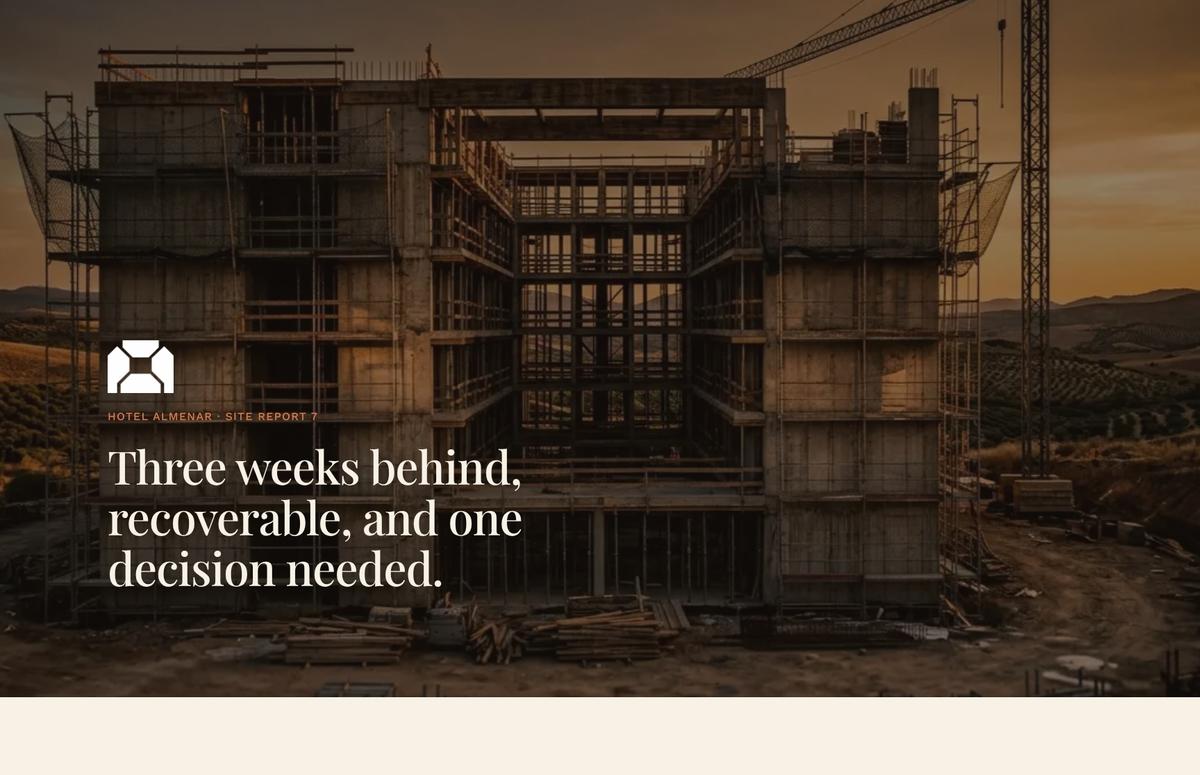
Construction Site Report Cover with Headline Verdict
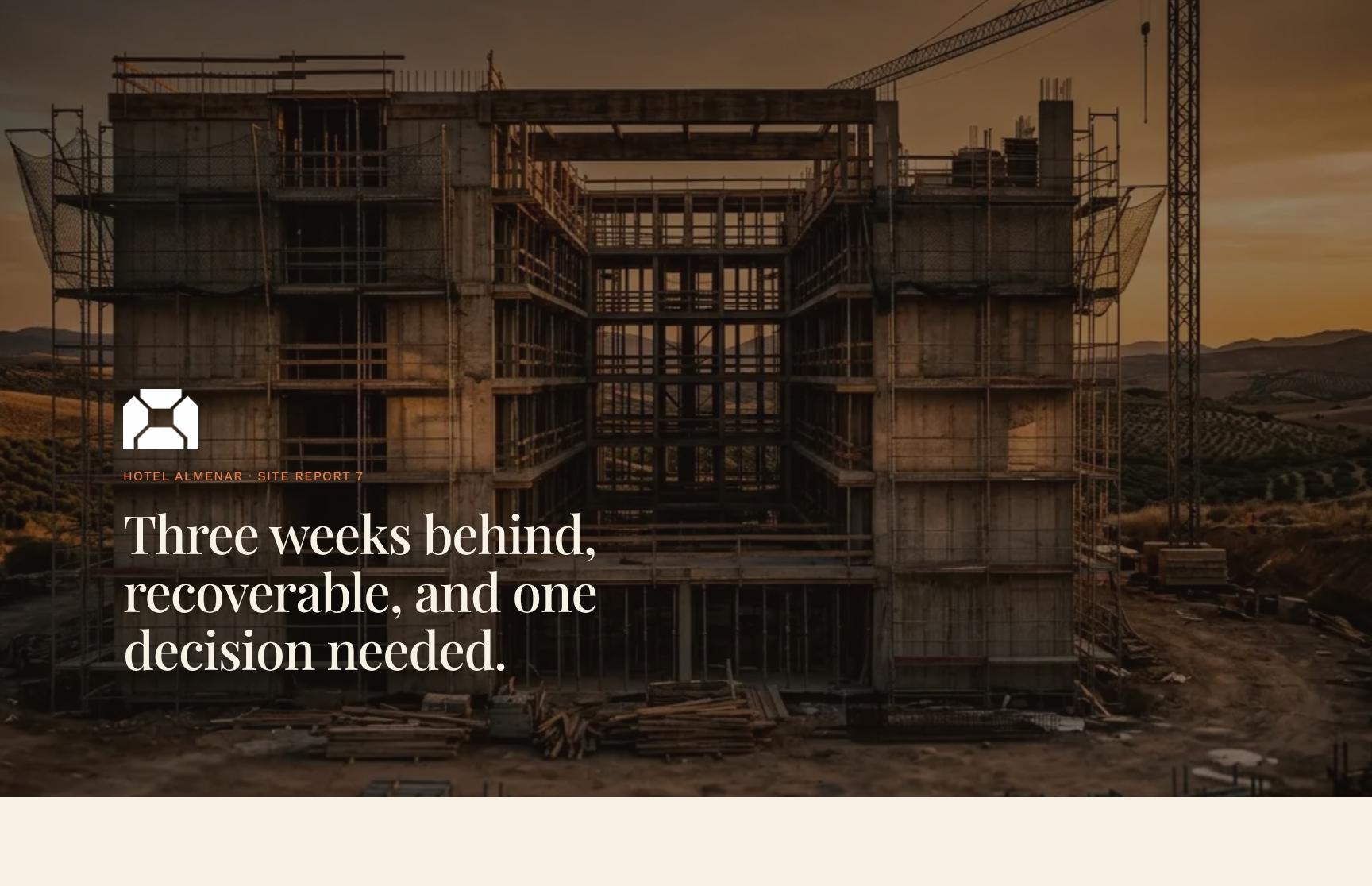
Opens Report 7 for Hotel Almenar with a one-line verdict: three weeks behind, recoverable, one decision needed. The client knows the project's state and what is asked of them before reading further.
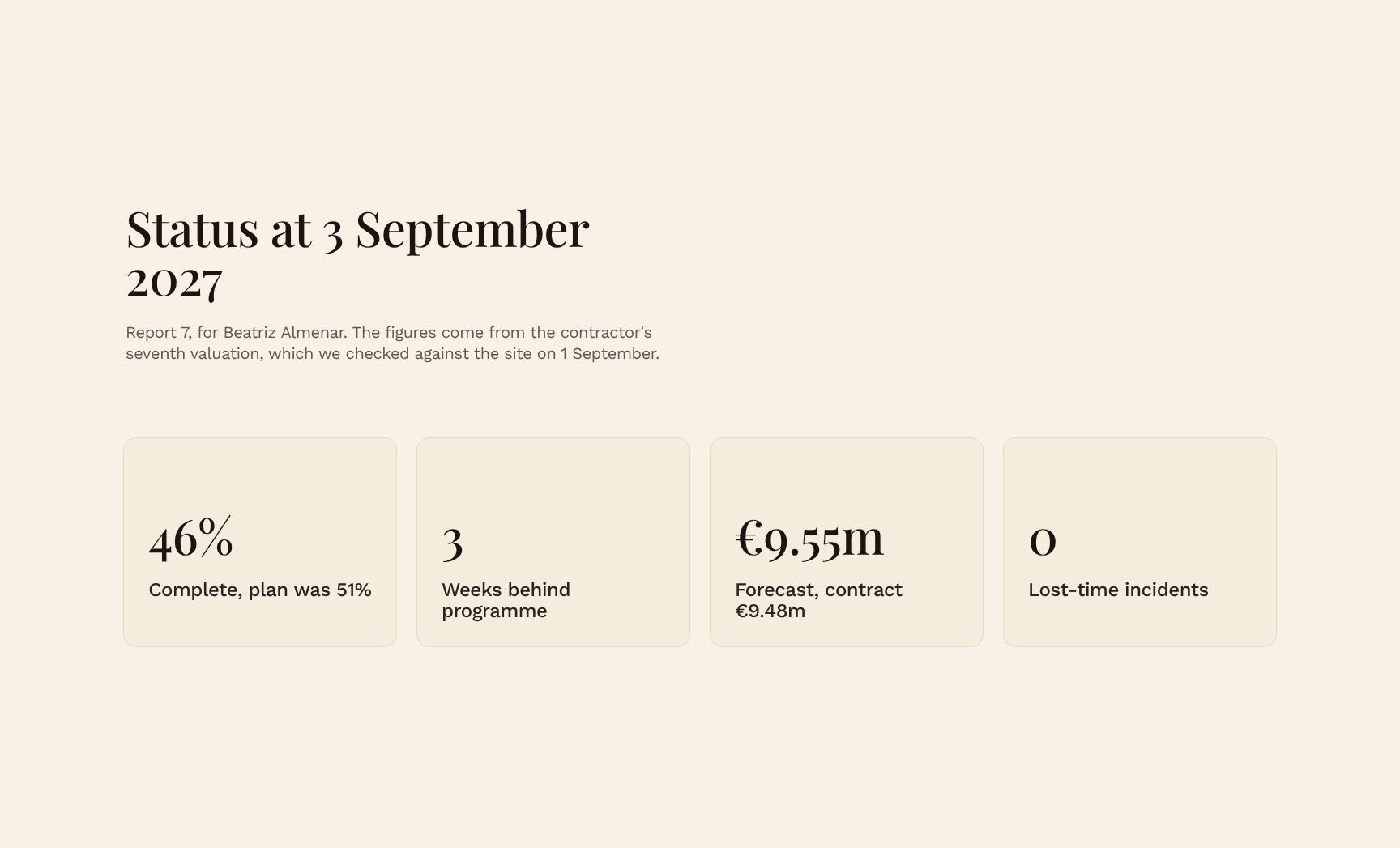
Project Status Snapshot with Verified Valuation Figures
Dated status summary built from the contractor's seventh valuation and checked against the site. It gives the client trustworthy, independently verified numbers on where the build stands.

Key Takeaway: Delay Cause and Handover Date Confirmation
A single animated statement names the late timber delivery, its knock-on effect on trades above level three, and confirms the 31 March 2028 handover still holds. Busy owners get the essential message fast.
Progress vs Plan Chart: Cumulative Percent Complete by Value
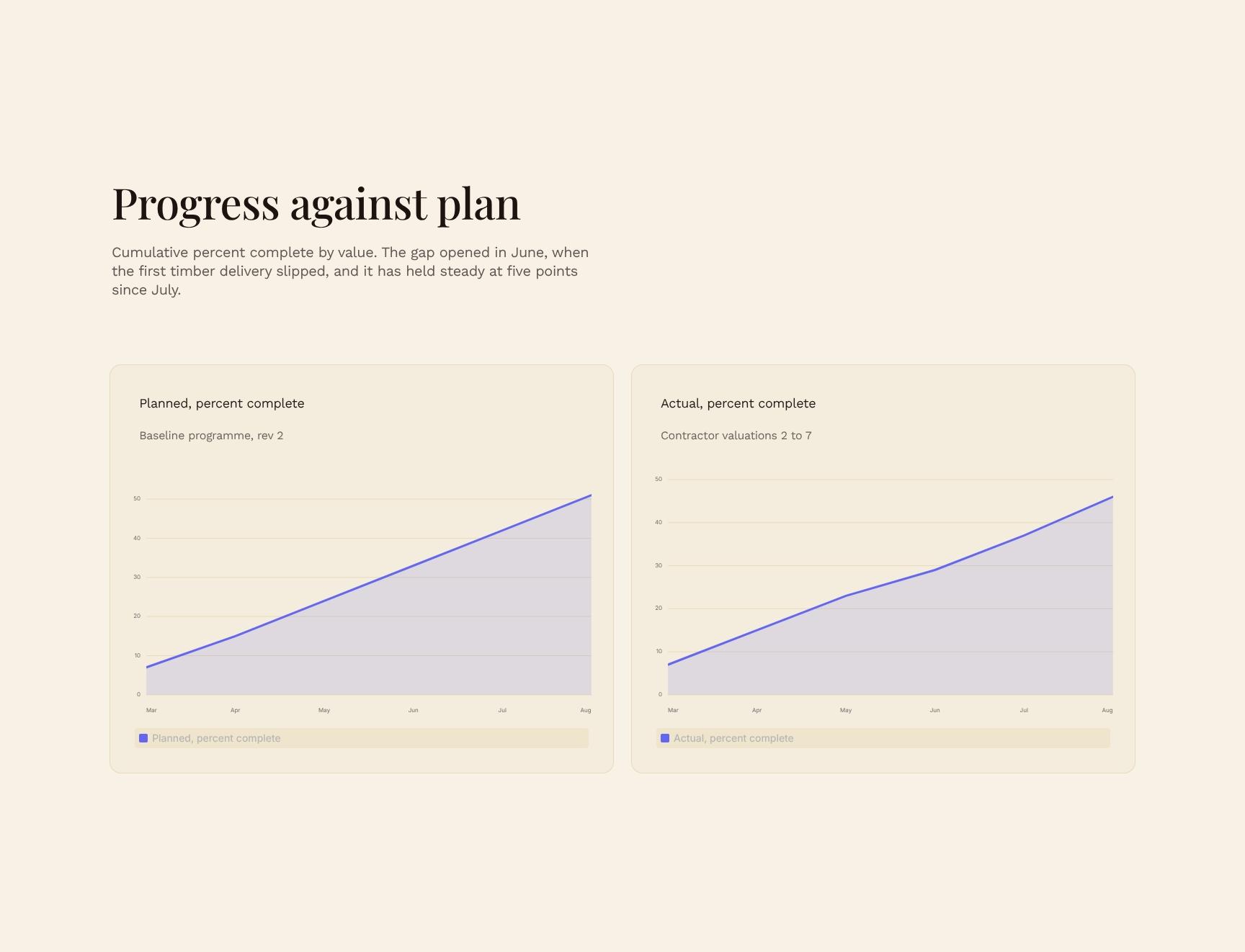
A chart of cumulative completion against the programme, showing the gap opening in June and holding at five points since July. It makes schedule variance easy to see and explains when and why it arose.
Site Progress Showcase: Latest Photos and Milestones
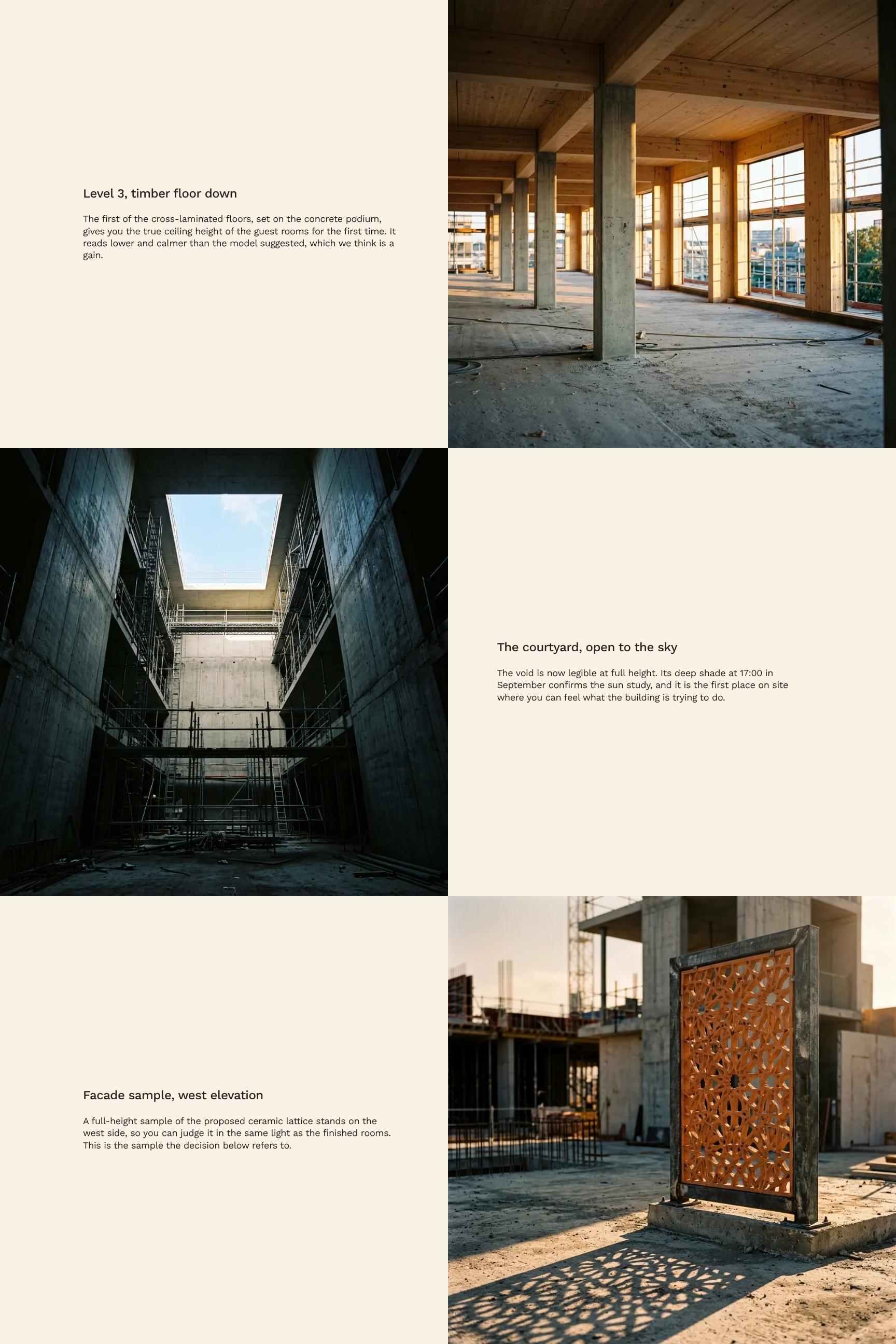
Highlights current work, such as the first cross-laminated timber floor on level 3, with context on what it means for ceiling height and room feel. Clients see the building take shape without visiting.
Five-Week Look-Ahead: Upcoming Tasks to Next Report
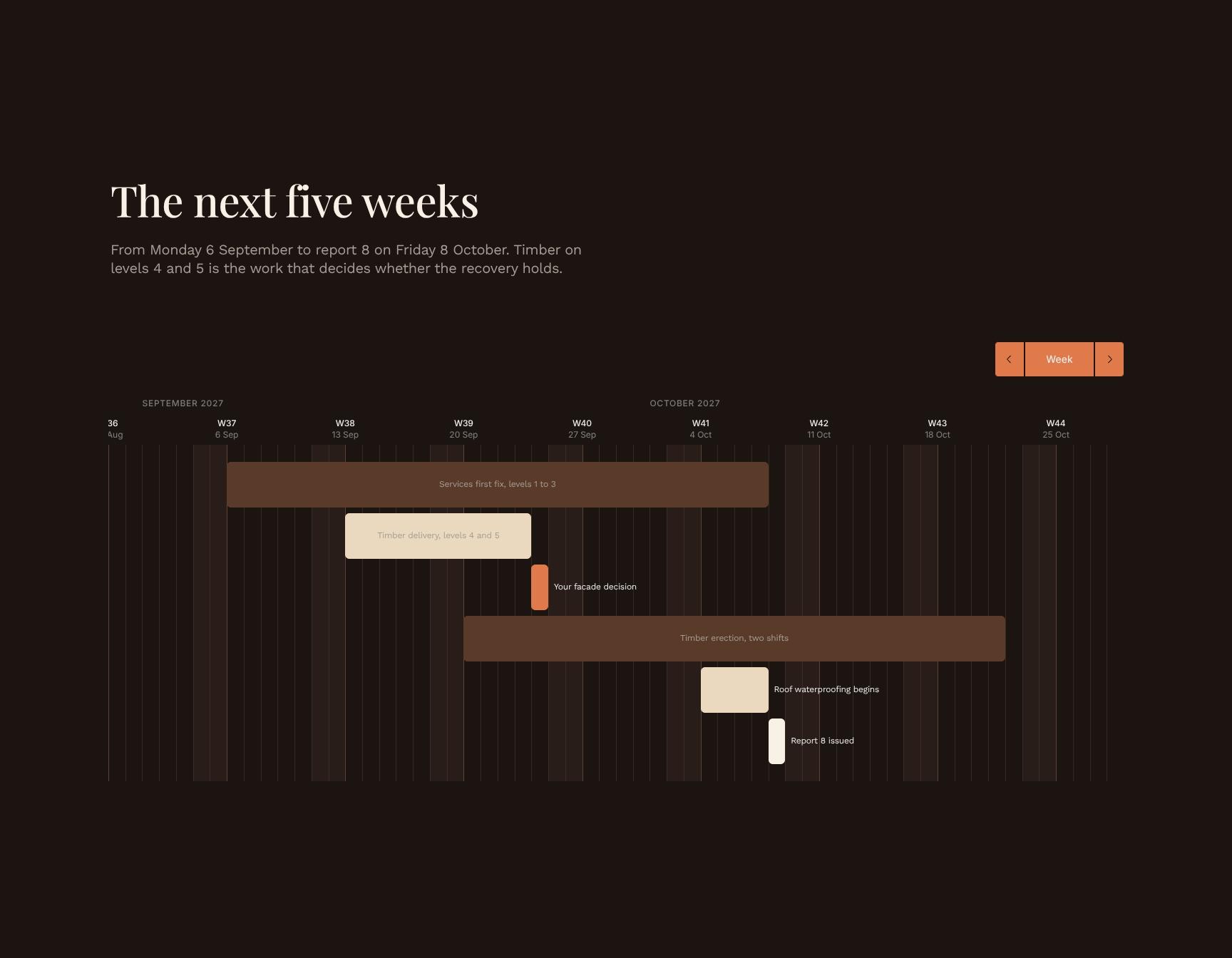
Lists the work from 6 September to report 8 on 8 October, focused on timber for levels 4 and 5, which decides whether the recovery holds. It sets expectations and shows what to watch.
Schedule Recovery Plan: Step-by-Step Catch-Up Strategy
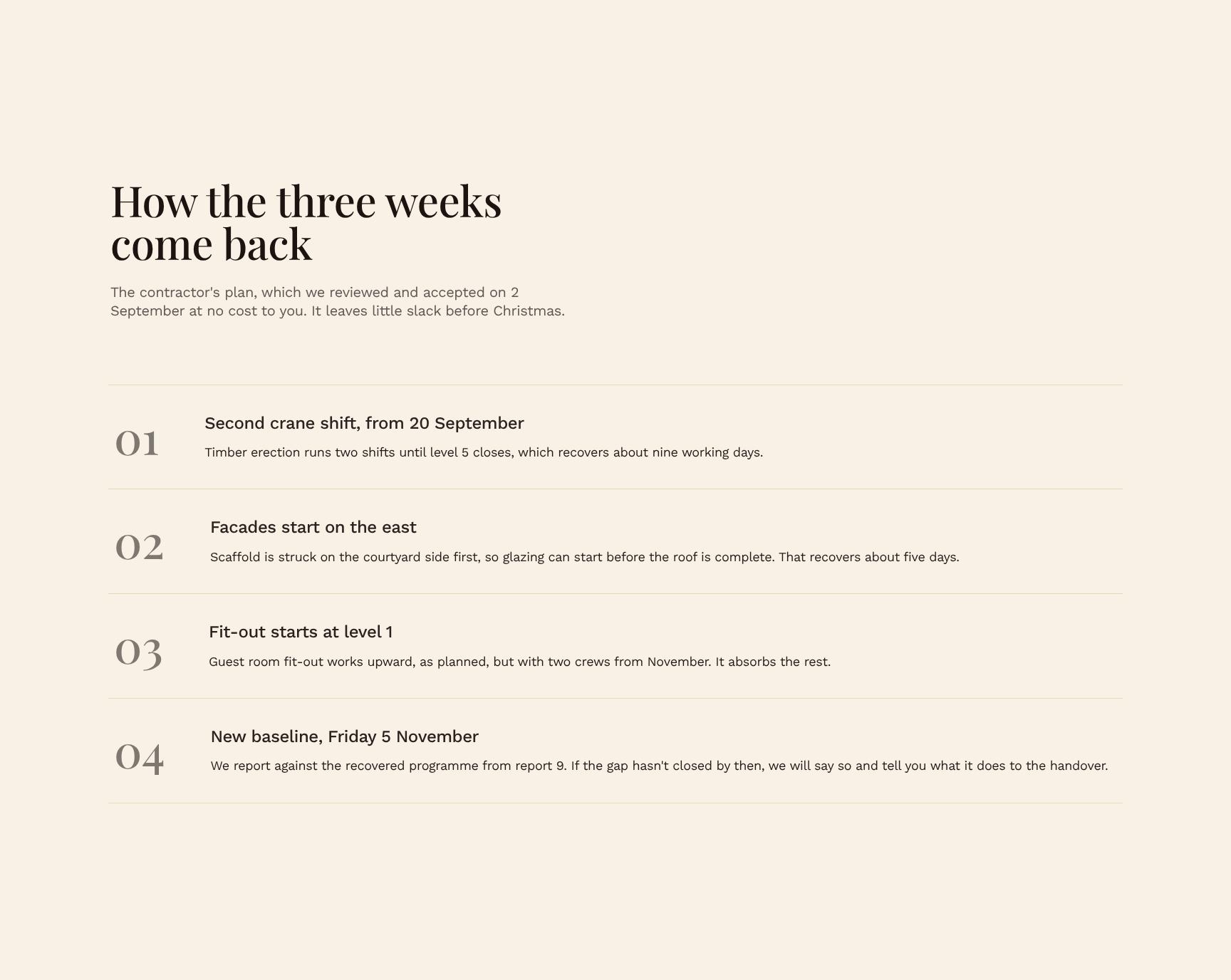
Walks through the contractor's accepted plan for recovering the three lost weeks, reviewed on 2 September at no extra cost. It shows how the delay is absorbed and how little slack remains before Christmas.
Prioritised Risk Register and Decisions Needed
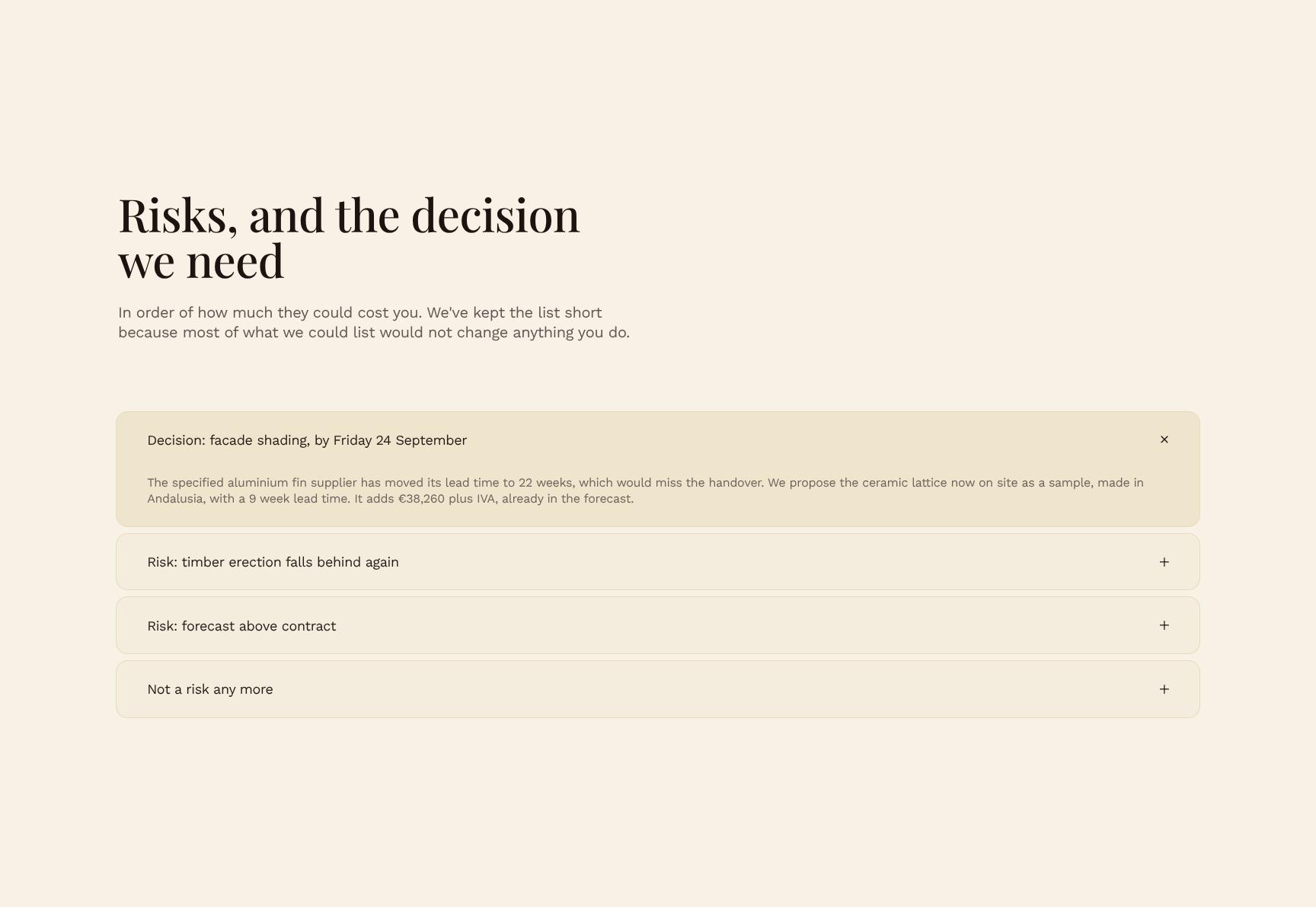
Expandable list of risks ranked by potential cost to the client, kept short to include only items that affect decisions. It focuses attention on exposure that matters and the choice required.
Client Decision Request with Deadline and Next Action
Presents the single decision due by Friday 24 September: view the sample at 18:00 in west light or keep the aluminium, with the 22-week lead time flagged. It makes the response clear and time-bound.
Find your answers
Answers to common questions about writing construction progress reports for hotel owners, from delay explanations to photo layouts and decision requests.
A strong status report covers overall project status, the single most important issue, progress against plan, current on-site activity, and priorities for the next period. This template organizes those items into clear sections: Status, The one thing to know, Against plan, On site now, and Next period. Keeping each section short helps stakeholders scan it in under two minutes.
'The one thing to know' is a headline summary that highlights the single most important update, risk, or decision the reader needs to act on. It prevents key information from being buried in detail. Write it as one or two sentences, placed near the top, so executives and clients see it first.
Replace the placeholder content in each section with your project name, reporting period, and current data. Update the Against plan section with your own milestones, budget, or schedule metrics, and adjust the On site now section to reflect your crews, trades, or activities. You can rename, reorder, or remove sections to match your reporting needs.
Most teams send this type of report weekly, though fortnightly or monthly works for slower-moving projects. Choose a cadence that matches how quickly the project changes and how often stakeholders need to make decisions. Consistency matters more than frequency, so send it on the same day each period.
Yes, you can export the completed report to PDF for sharing with clients, owners, and stakeholders, and in most editors you can also save it in formats like Word or Google Docs. PDF keeps formatting consistent across devices. Before sending, review the Status and Against plan sections to make sure the data is current and client-ready.
Browse more architecture templates
More report templates for creative professionals who manage projects and keep clients informed from first brief to final handover.