




Oxford
RIBA Stage 3 Sign-Off Template for Architecture Practices
A RIBA Stage 3 sign-off an architect sends at the end of developed design: what the client is approving, what changed, what is fixed and what can still move, the Stage 4 programme and the signature.
Make it yours, in seconds
Every template is a starting point. Drag to shift colour, typography and layout — the live preview updates as you move.
Move the dots to shift colour, typography and layout. The preview updates live.
Get more from every document
Get your client to a clear yes on Stage 3 design without a week of email chasing. Cost, carbon, change logs and locked decisions sit together so approvers see exactly what they're signing.
Get the yes without leaving the page
Your client reads the scope, accepts the terms, and signs in the same document. No PDF to print, sign, scan, or lose.
Assemble agreements from blocks you trust
Reuse your payment terms, revision steps, and gallery of past work, then save your own versions for the next client.



Clients sign from the phone in hand
Your hero, steps, and terms reflow cleanly on a laptop at the desk or a phone on the train. One build serves both.


See which clauses clients reread
Heatmaps show who lingered on pricing or the accordion of terms, so your follow-up call lands when they're ready.
Know the moment they open it
Get a ping when your client views, comments on a clause, or signs, so you can reply while the deal is still warm.
Finish the agreement with your team live
You tweak the scope while a teammate sets the timeline and tasks, all in one document before it goes to the client.
See how every part fits
The deck opens with a deadline and closes with a signature and a correction window, with model views, changes and costs in between. Keep what fits your project, drop what doesn't, and reorder anything.

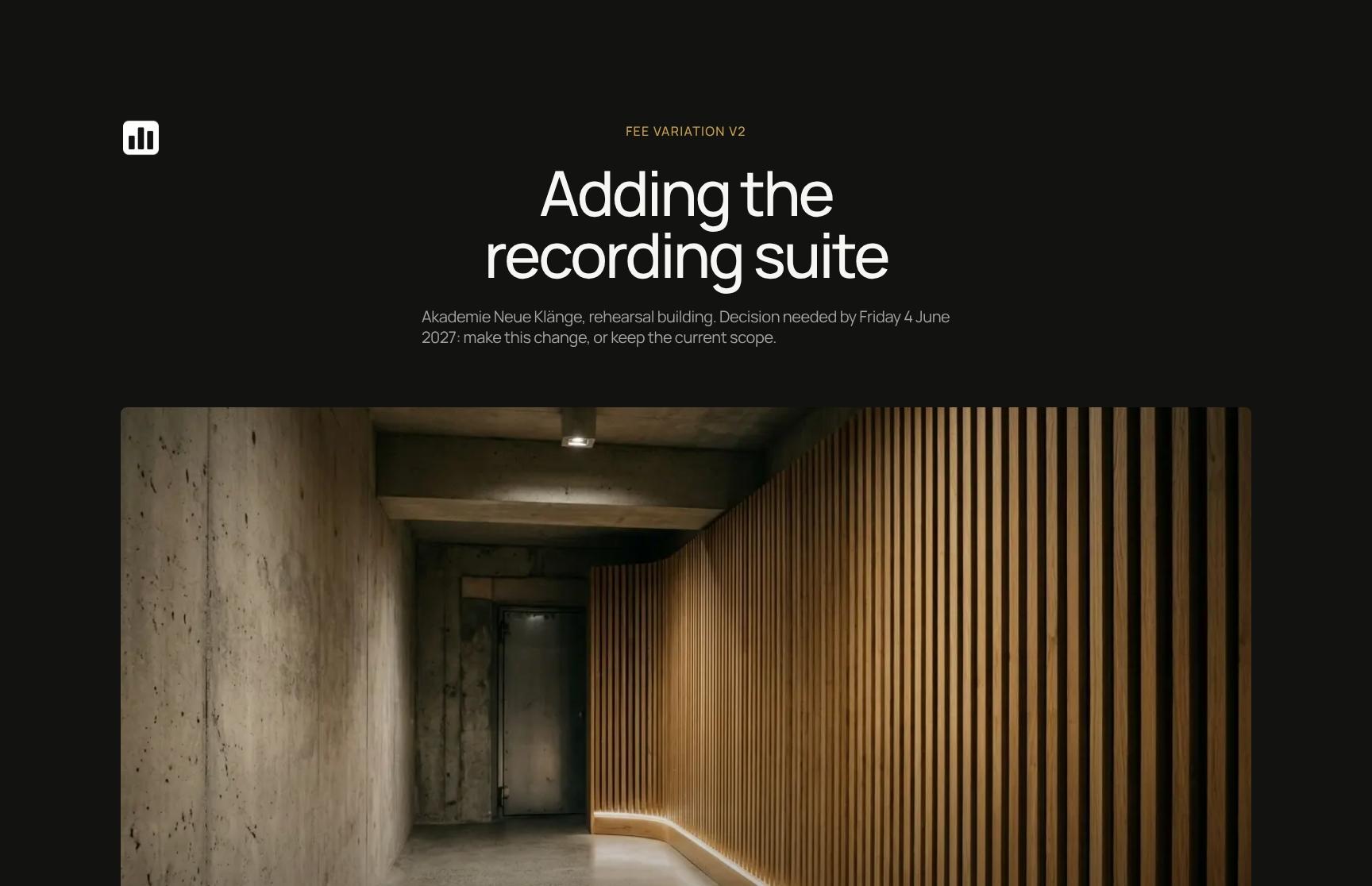
RIBA Stage 3 Sign-Off Cover with Approval Deadline
Opens the agreement with the project name, the revision being approved (Spatial coordination, rev C) and a clear sign-by date of Friday 17 September 2027, so the client knows what is asked and when.
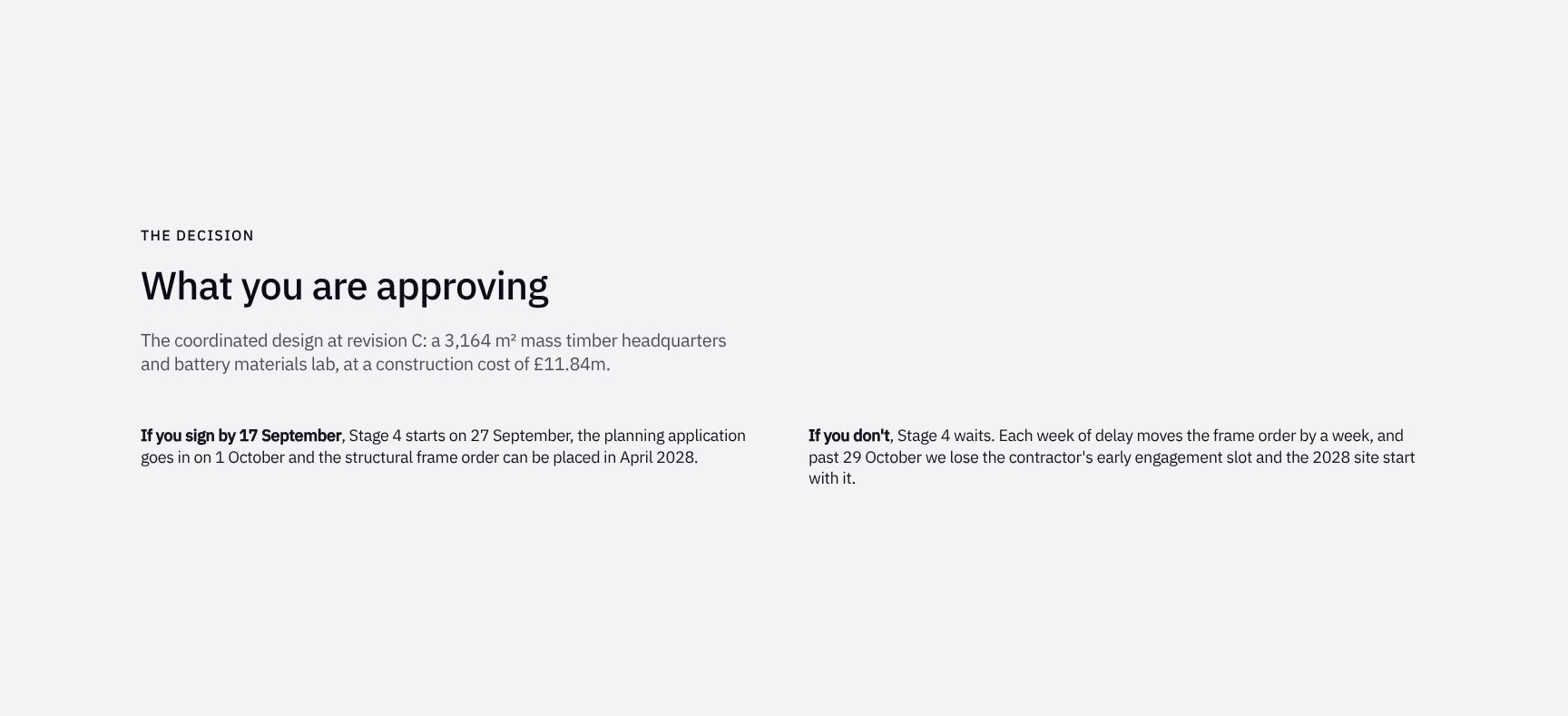
Design Decision Summary: Scope, Area and Construction Cost
States exactly what the client is approving: the coordinated rev C design, a 3,164 m² mass timber headquarters and battery materials lab, at a £11.84m construction cost. Removes ambiguity before signature.
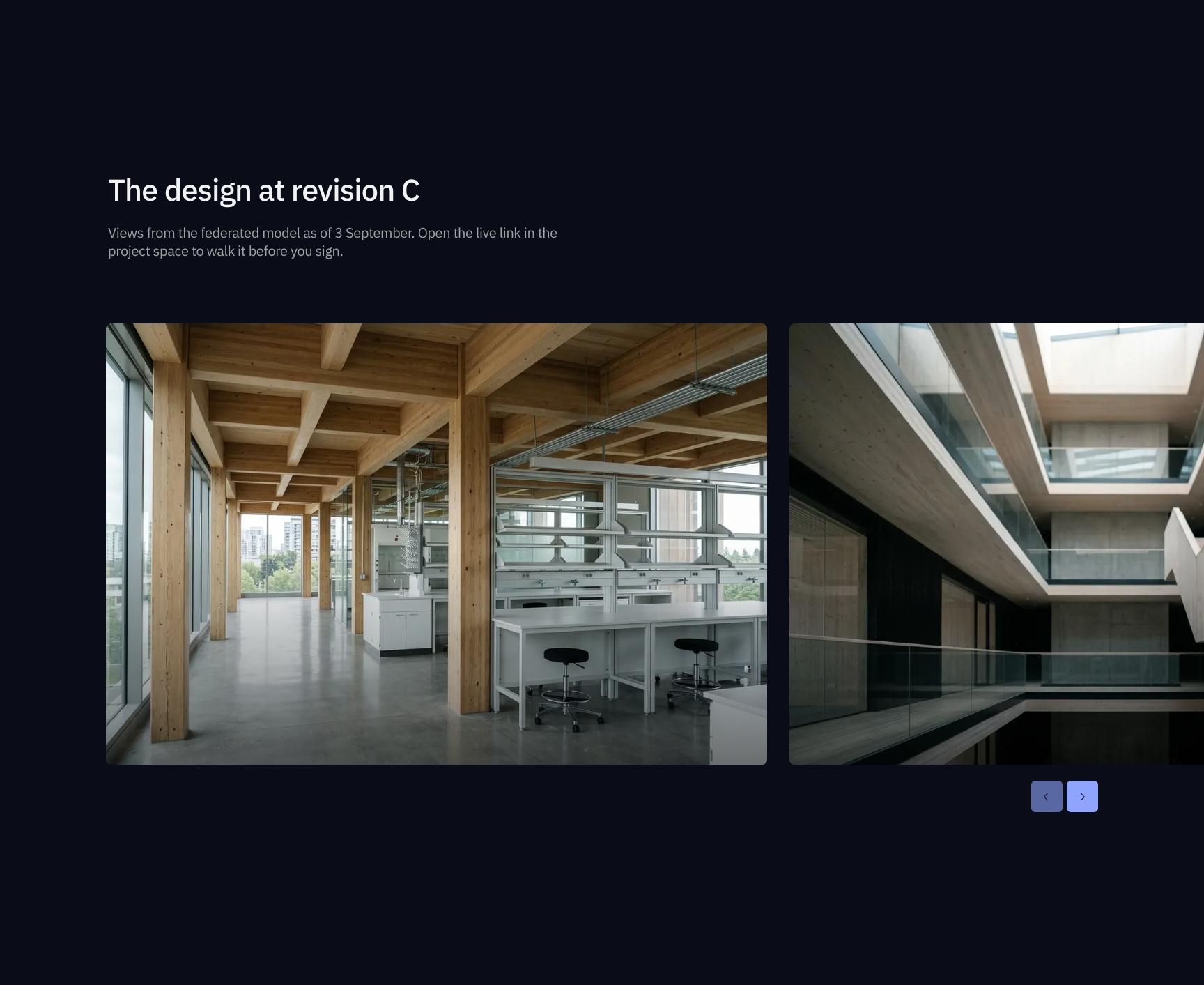
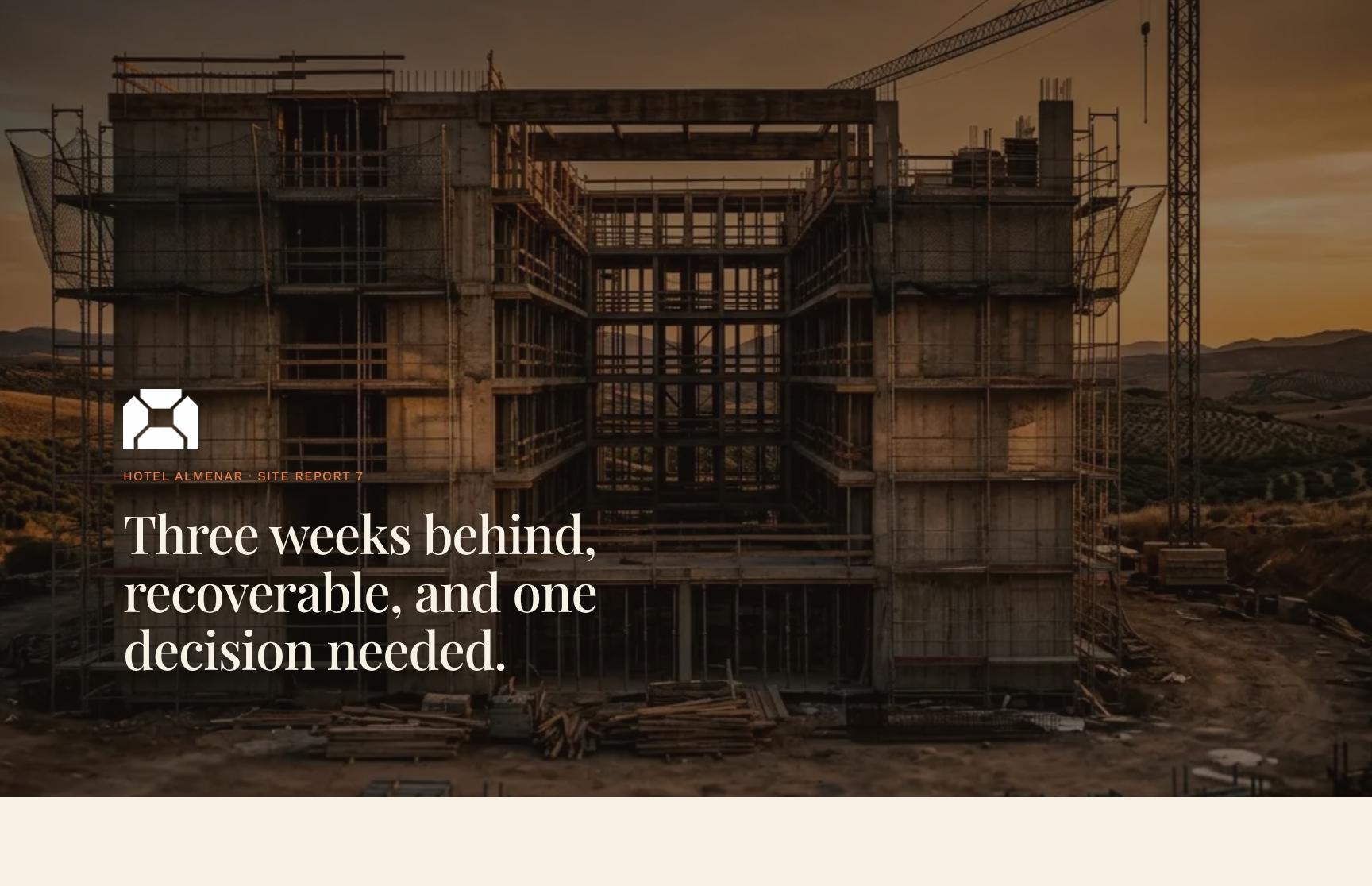
Federated Model Gallery: Revision C Design Views
Visual walkthrough of the design from the 3 September federated model, with a live link to the project space so clients can explore the building in context before they sign.
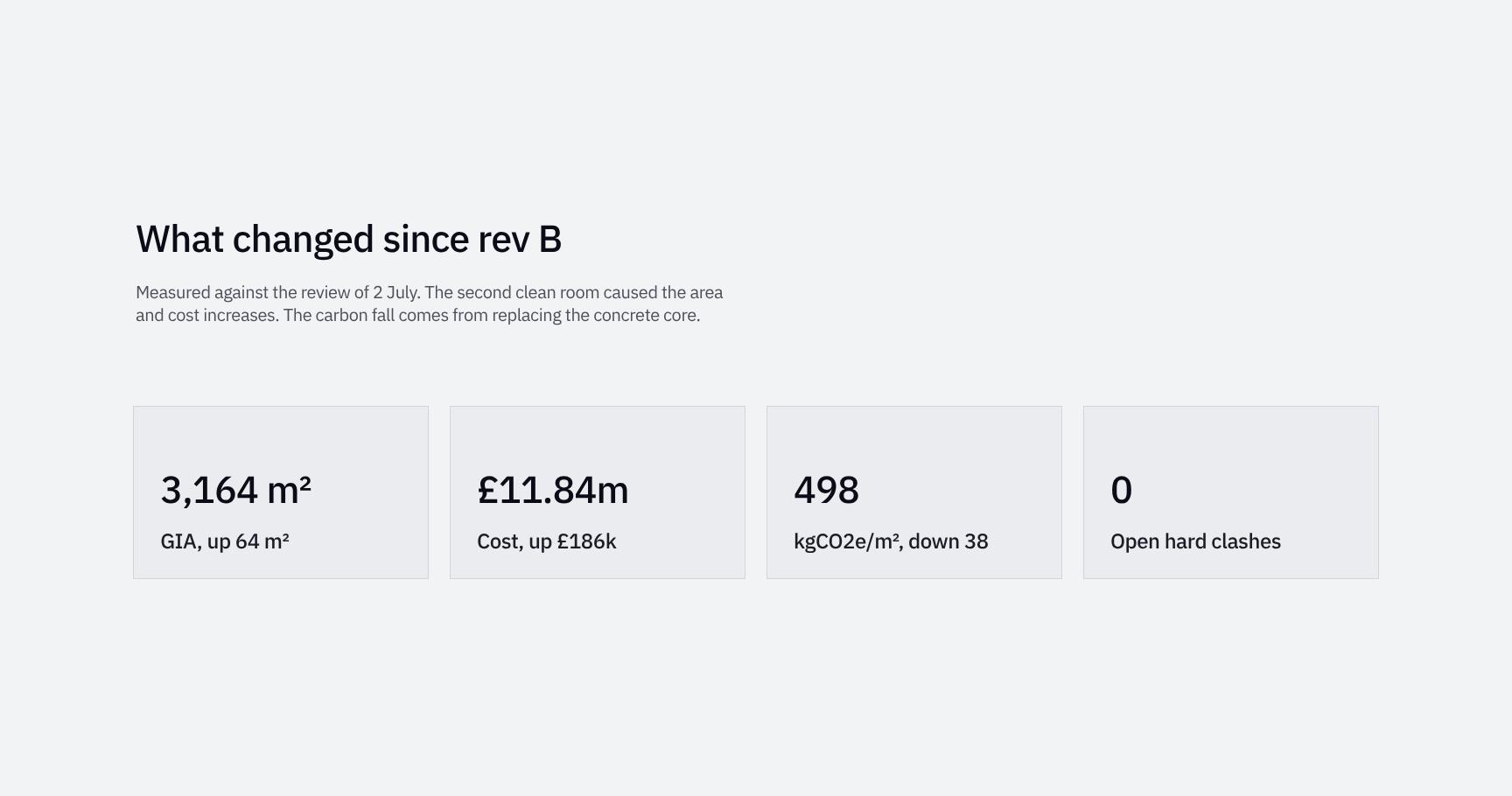
Change Log Since Rev B: Area, Cost and Carbon Impacts
Compares rev C against the 2 July review. Explains that the second clean room drove area and cost increases and that replacing the concrete core cut carbon, so every change has a clear reason.

Cost of Change After Sign-Off: Columns vs Benches
A sharp statement of what signature locks in. Moving a column means redesigning three packages, while moving a bench takes an afternoon. It frames the weight of the decision in plain terms.
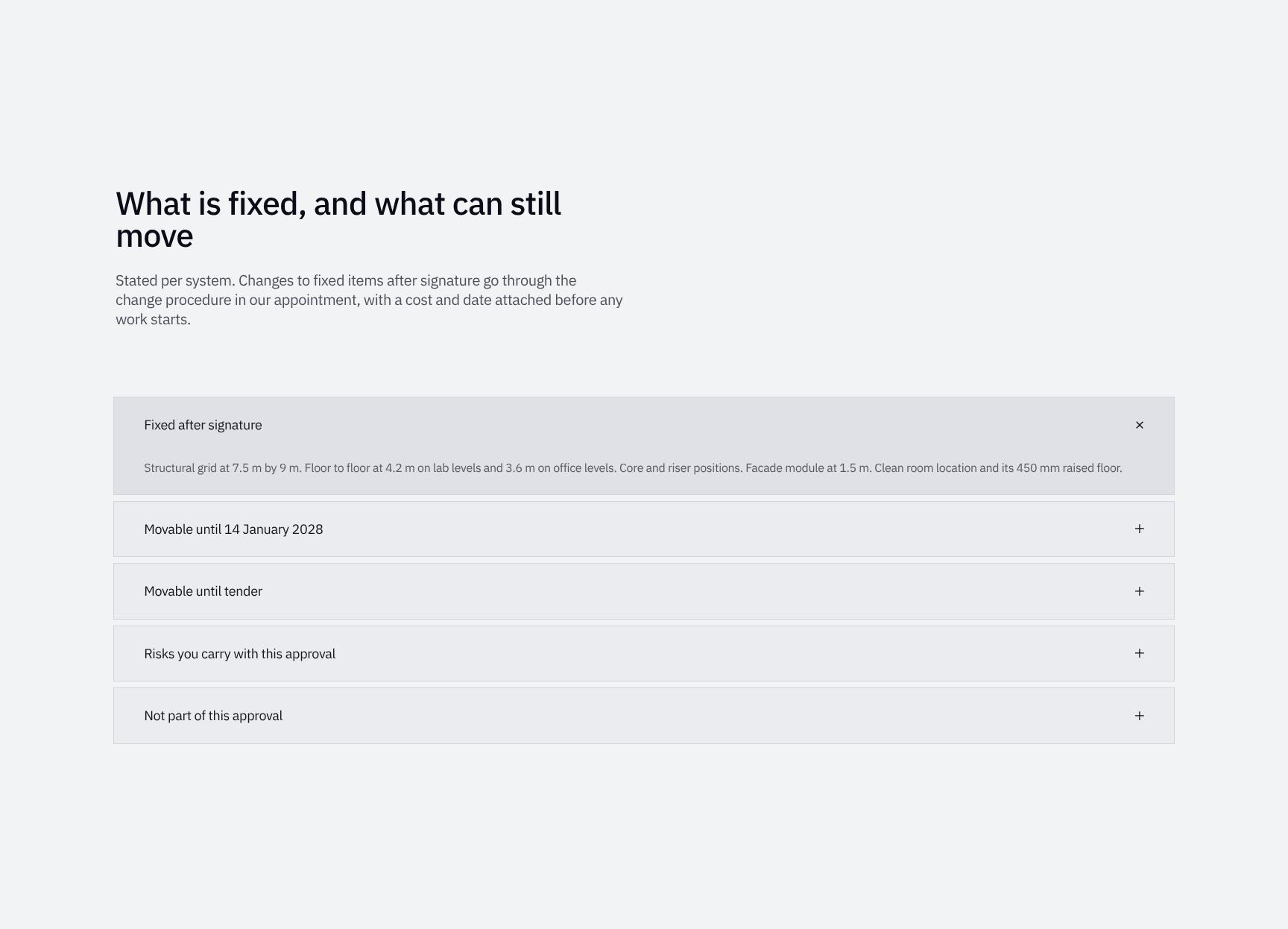
Fixed vs Movable Design Elements by System
An expandable breakdown per building system of what is locked and what stays flexible. Post-signature changes follow the appointment's change procedure, with cost and date confirmed before work starts.
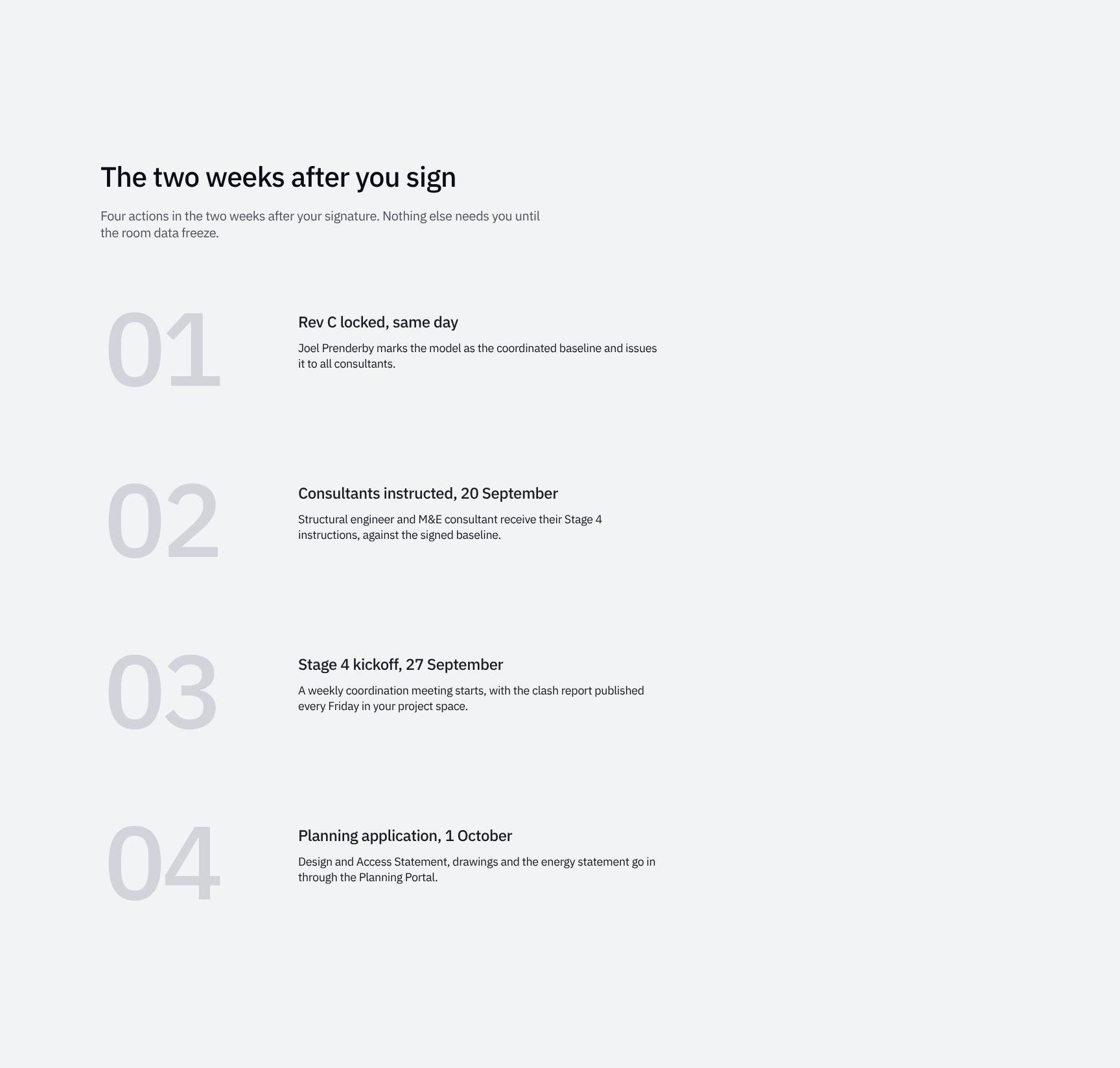
Post-Signature Action Plan: The Next Two Weeks
Four clear actions for the two weeks after signing, so the client knows exactly what is required of them. Nothing else needs their input until the room data freeze.
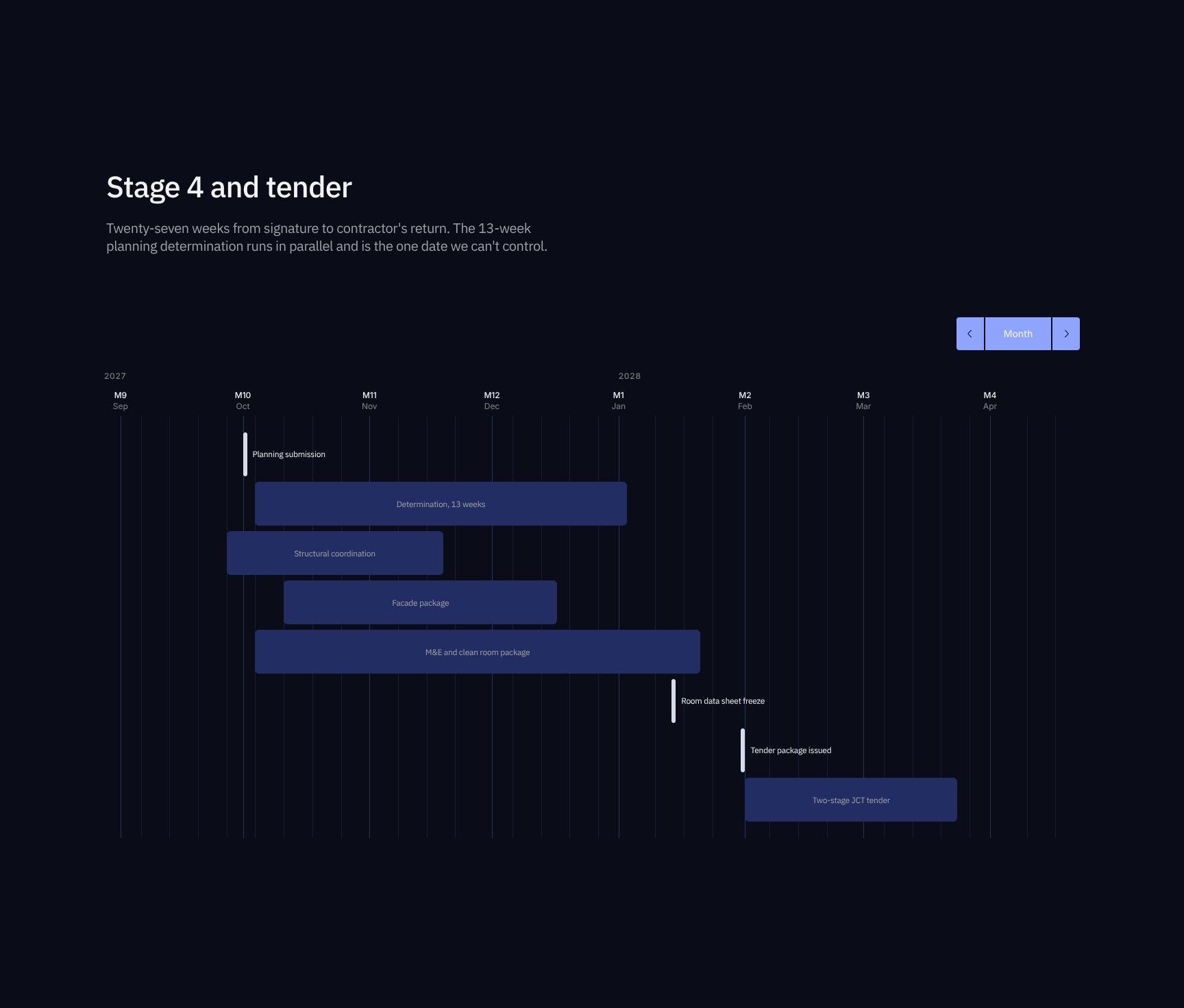
Stage 4 and Tender Programme Timeline
Maps the 27 weeks from signature to contractor's return as a task schedule. It flags the 13-week planning determination, which runs in parallel and is the one date outside the team's control.
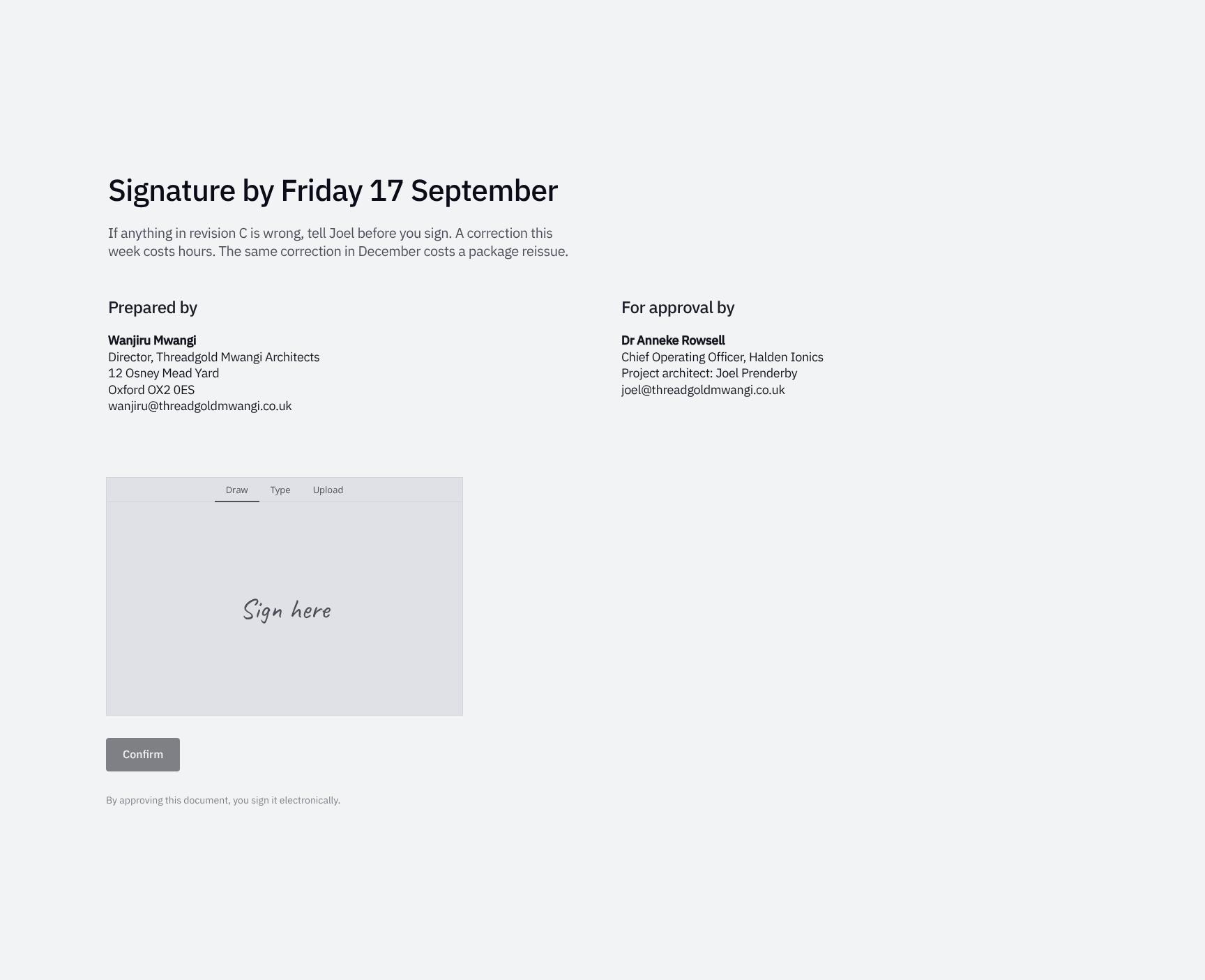
Digital Sign-Off and Correction Window Before 17 September
The final signature step. It urges the client to raise any rev C errors with Joel first, since a correction now costs hours but a December fix means a package reissue.
Find your answers
Answers to common questions about preparing RIBA Stage 3 sign-offs for client approvers and executive reviewers.
A solid design sign-off agreement should state what is being approved, identify the exact design revision (such as rev C), and summarize what changed since the last review. It should also separate fixed items from movable ones and call out the one critical item the approver must not overlook. A signature, name, and date close the document and make the approval binding.
Replace the placeholder text in each section with your project details, starting with the revision label in 'The design at rev C' and the change list in 'What changed'. Then update 'Fixed and movable' to reflect your real constraints and edit 'The one thing' to highlight your most critical decision. Add your company name, stakeholders, and approval date before sending.
Fixed items are elements locked by approval, so changing them after sign-off typically triggers rework, extra cost, or schedule impact. Movable items can still be adjusted in later stages without a formal change request. Listing both prevents misunderstandings about what the client can still influence.
Yes, the structure works for any staged project where a design must be approved before the next phase begins, including engineering, product development, architecture, and creative work. Adjust terminology such as revision names, deliverables, and stage titles to match your industry. For regulated fields, have legal or compliance review the final wording.
'The one thing' highlights the single most important point the approver must understand before signing, such as a major trade-off, risk, or irreversible decision. Isolating it keeps it from getting buried in details and reduces later disputes. It also shows the approver was clearly informed, which strengthens the sign-off record.
Browse more architecture templates
More templates for architects who need clients to approve decisions, scope and cost before the next stage begins.