




Hobart
Concept Options Presentation Template for Architects
A concept options presentation an architect sends after appointment: the brief read back, three design routes, how each answers the brief, cost, carbon and programme side by side, and the approval of one direction.
Make it yours, in seconds
Every template is a starting point. Drag to shift colour, typography and layout — the live preview updates as you move.
Move the dots to shift colour, typography and layout. The preview updates live.
Get more from every document
Turn a client brief into a proposal that gets a decision on your preferred concept. Fill-in sections, side-by-side comparisons, and a clear call to action keep the conversation moving.
Close the deal on the same page
Your client reads the scope, hits the agreement section, and signs right there. No PDF download, no printing, no chasing.
Build proposals from blocks you trust
Drop in hero images, pricing breakdowns, and timeline steps, then save your best-performing sections to reuse on the next pitch.
Your pitch looks right on any screen
Hero images, charts, and showcases hold their shape when a client opens your proposal on a phone between meetings.

See which section sells your work
Heatmaps show where clients linger on pricing or showcase, and session replays tell you when to send that follow-up.
Know the moment they open it
Get a ping when your client views the proposal, leaves a comment, or signs, so you call while the work is fresh.
Write the proposal together, live
Your designer tweaks the showcase while you rework the pricing breakdown, both in the same document, at the same time.
See how every part fits
The proposal opens with a decision deadline and closes with your recommendation and a clear ask. In between, the brief, three routes, and comparisons build the case. Keep, drop, or reorder anything.
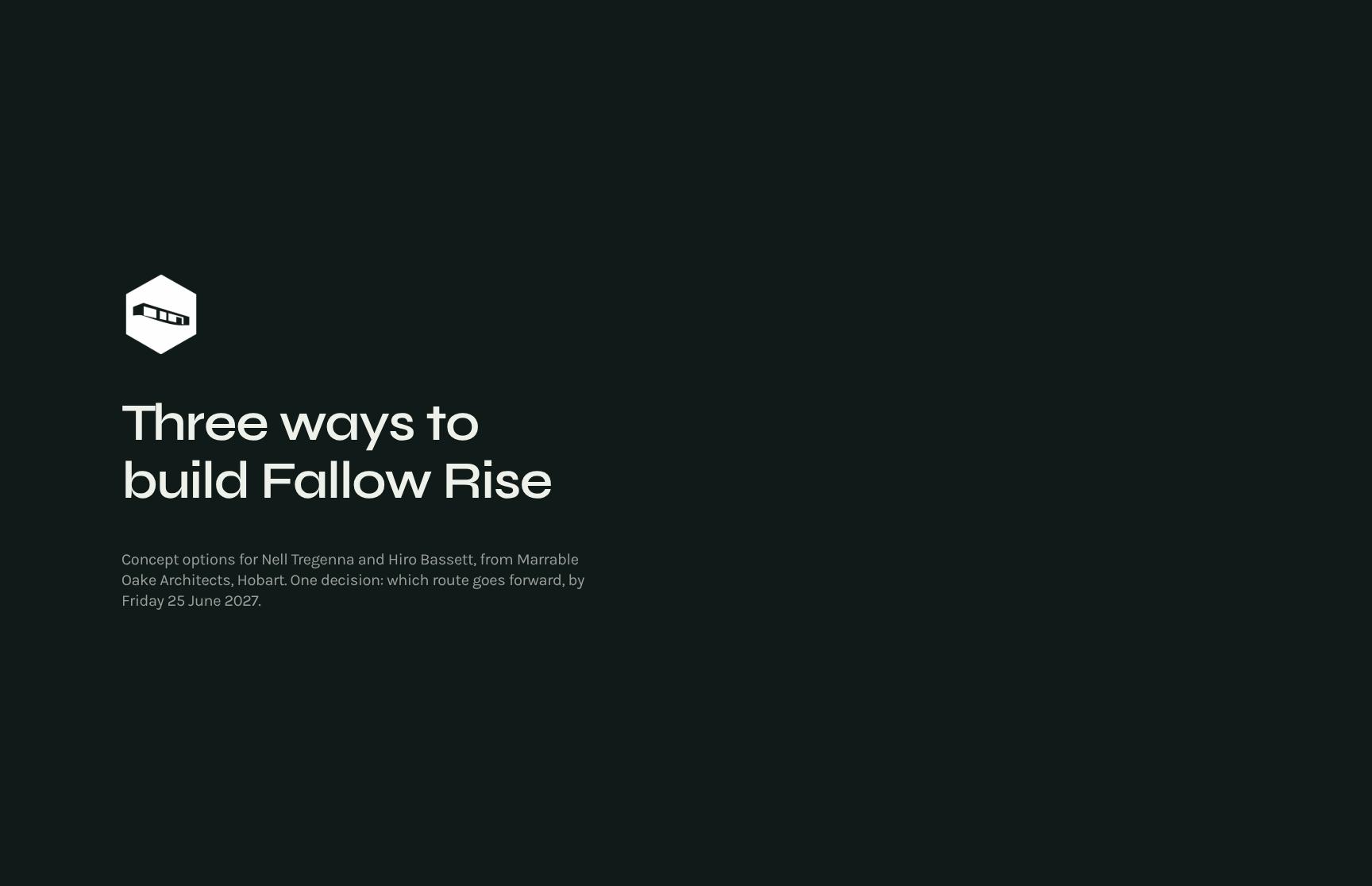
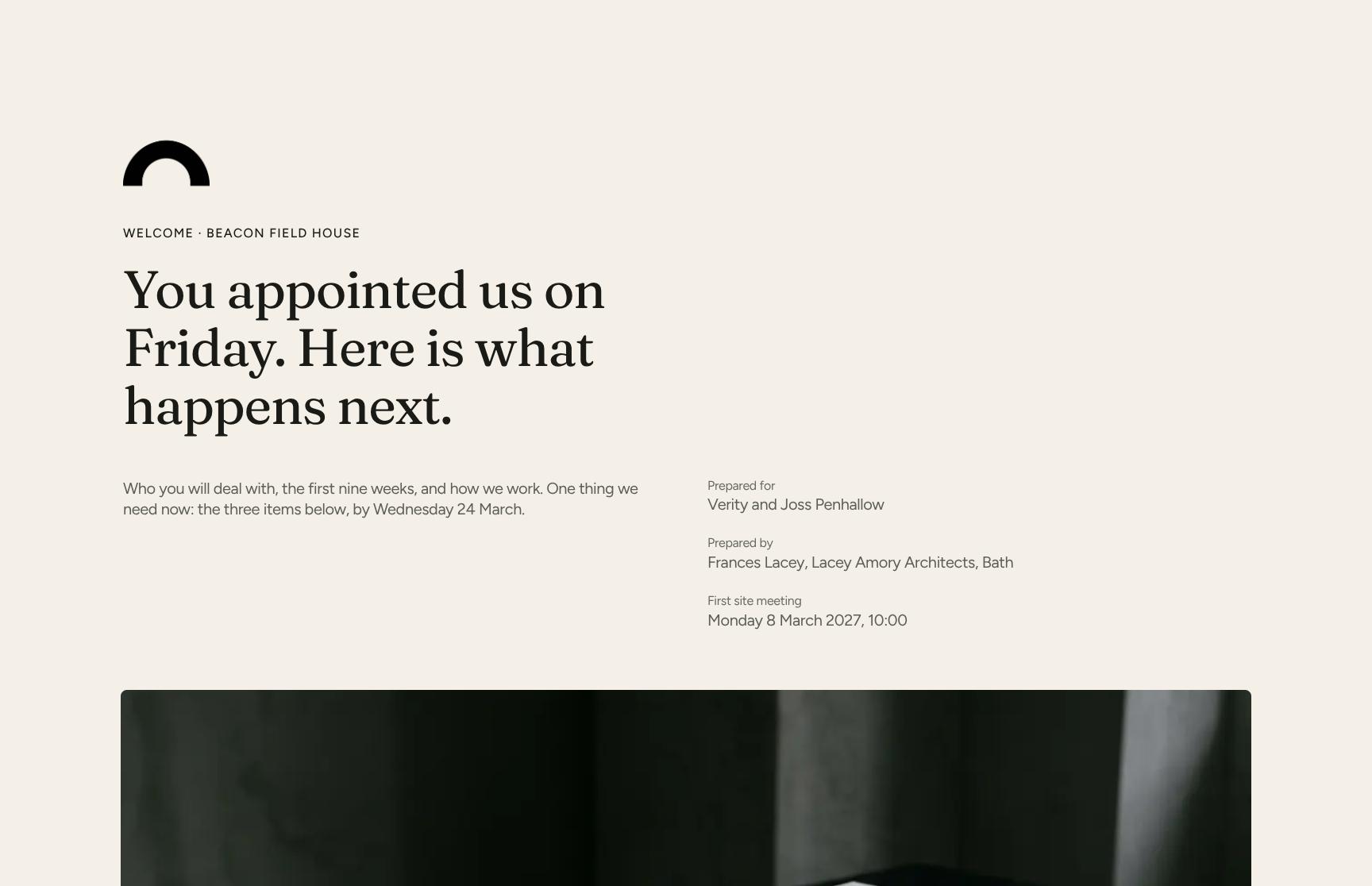
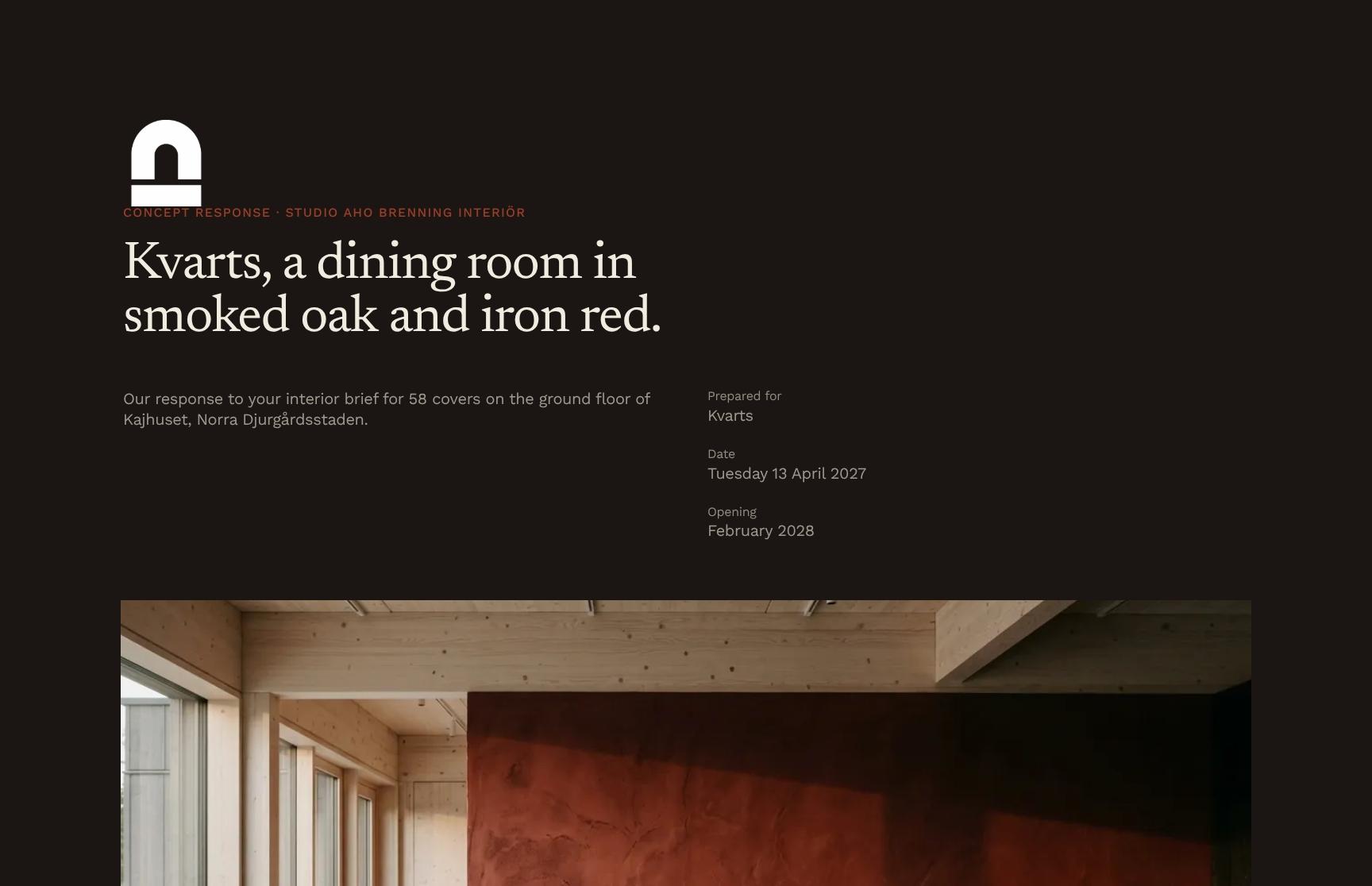
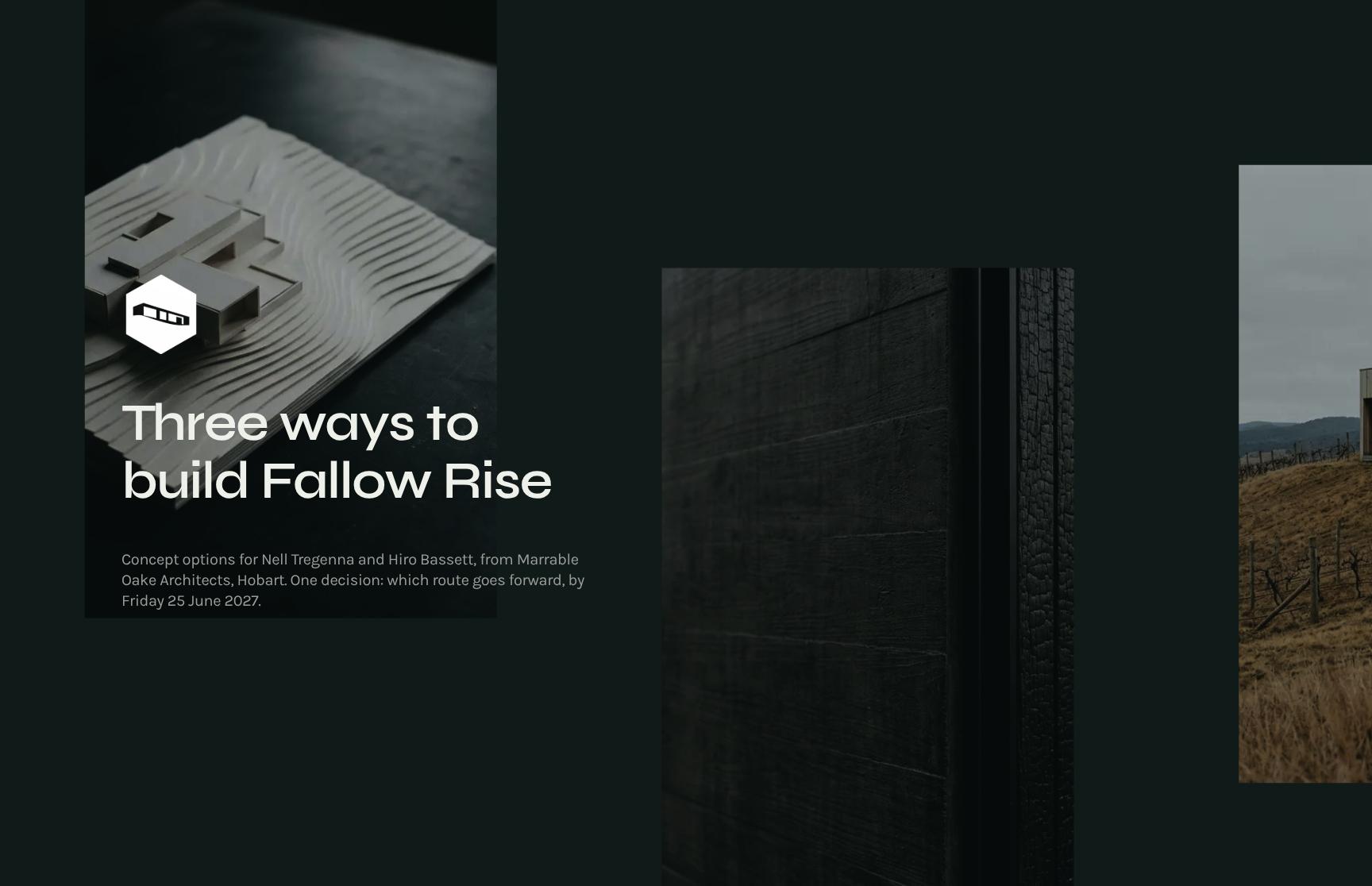
Concept Options Hero with Decision Deadline
An opening hero that frames the three concept routes for the Fallow Rise project, names the clients and architects, and states the single decision and its Friday 25 June 2027 deadline.
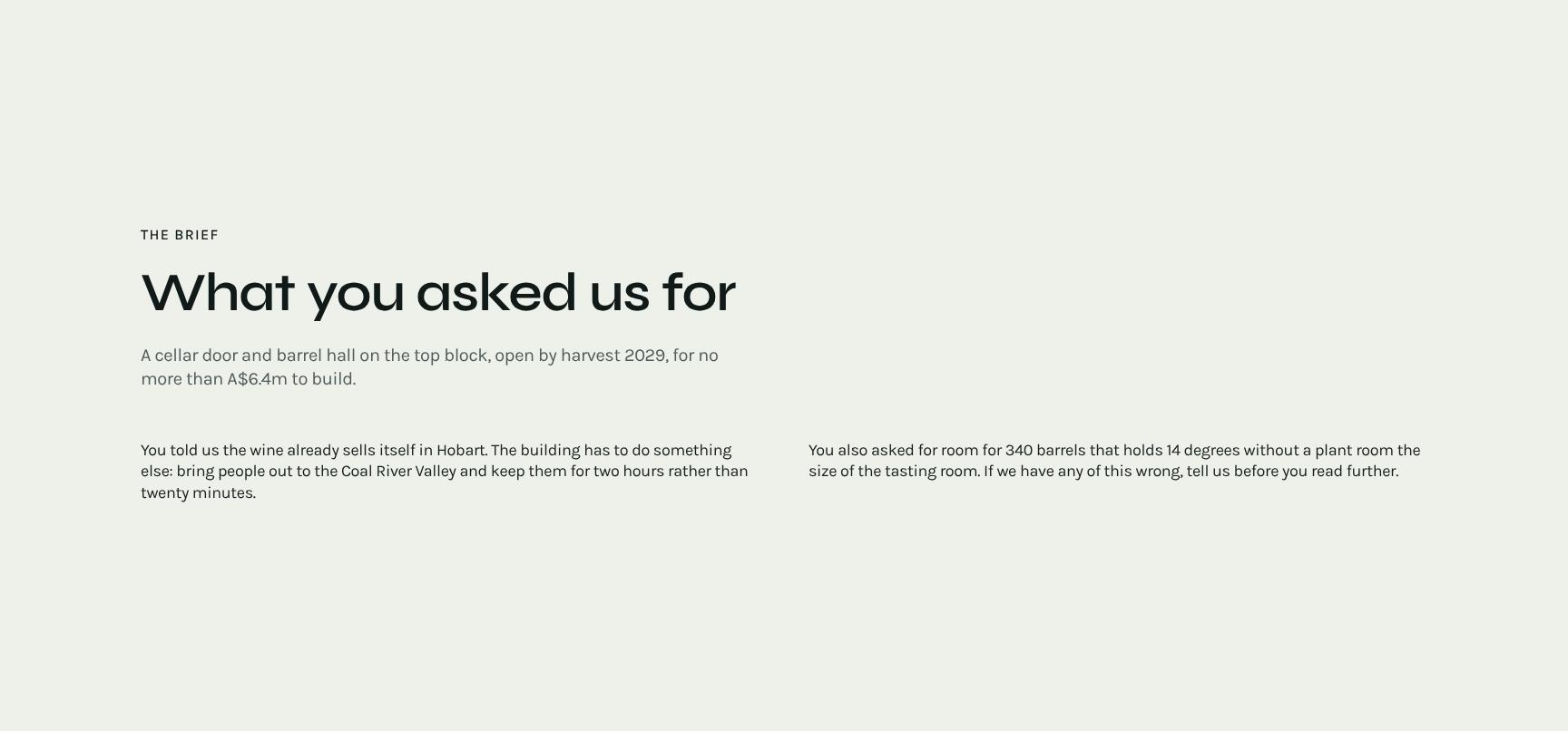
Client Brief Summary: Scope, Budget and Harvest Deadline
Restates the client's brief in plain terms: a cellar door and barrel hall on the top block, open by harvest 2029, within A$6.4m. It confirms shared understanding before options are weighed.
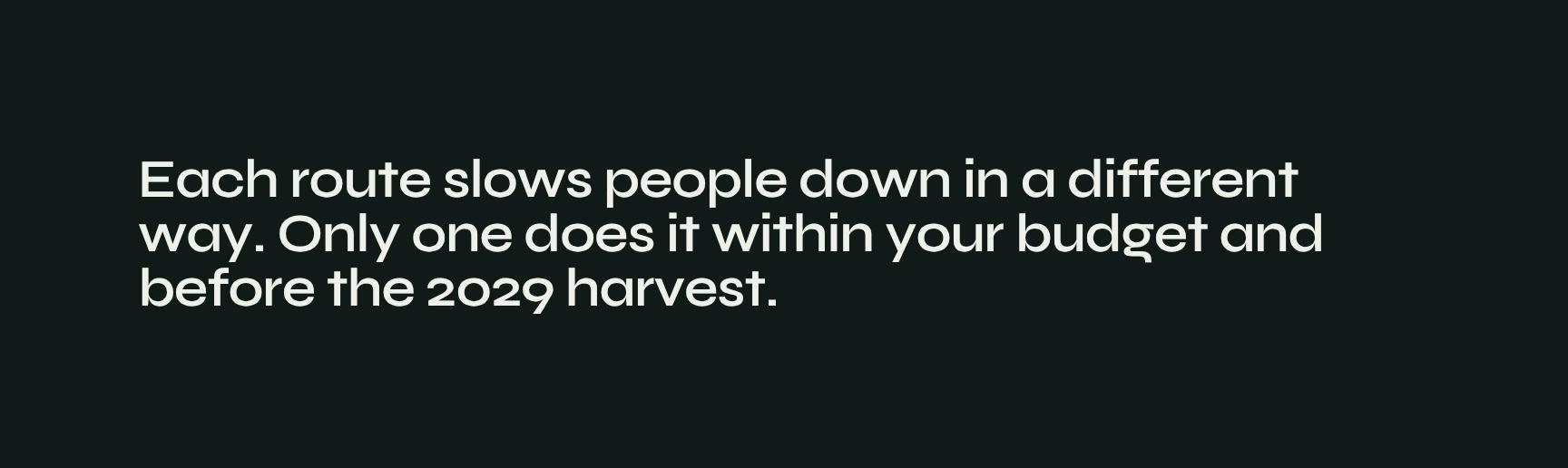
Design Idea Statement: Visitor Experience and Constraints
A short animated statement of the core design idea: each route slows visitors down differently, but only one meets the budget and the 2029 harvest. It sets up the comparison that follows.
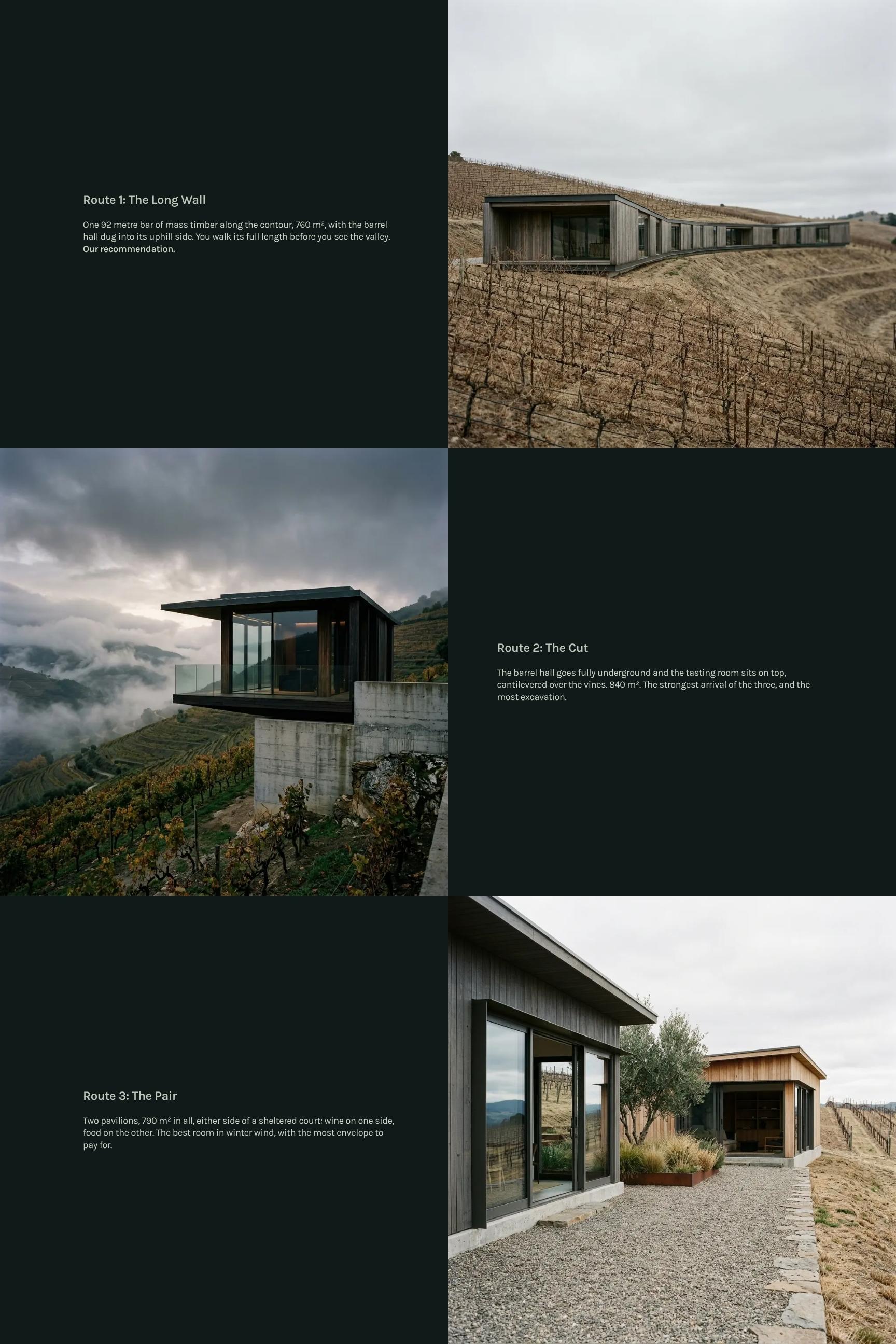
Three Concept Routes Showcase with Recommended Option
Presents each concept route with its form, scale and visitor experience, such as the 92 metre mass timber Long Wall. The recommended route is flagged so clients see the options clearly.
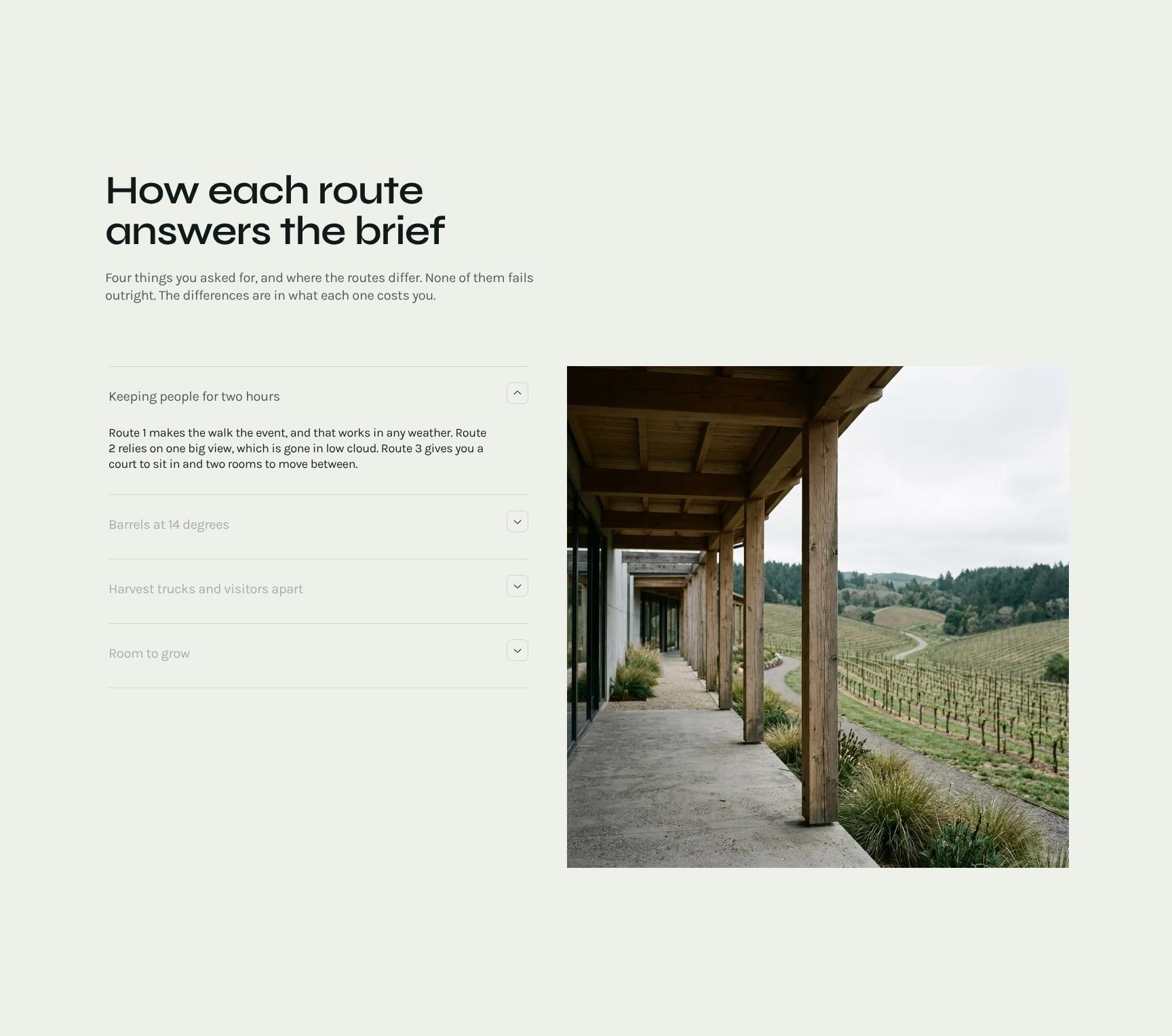
Options Compared Against the Brief
A breakdown of how each route answers the four things the client asked for. It shows where the routes differ and what each difference costs, making trade-offs easy to see.
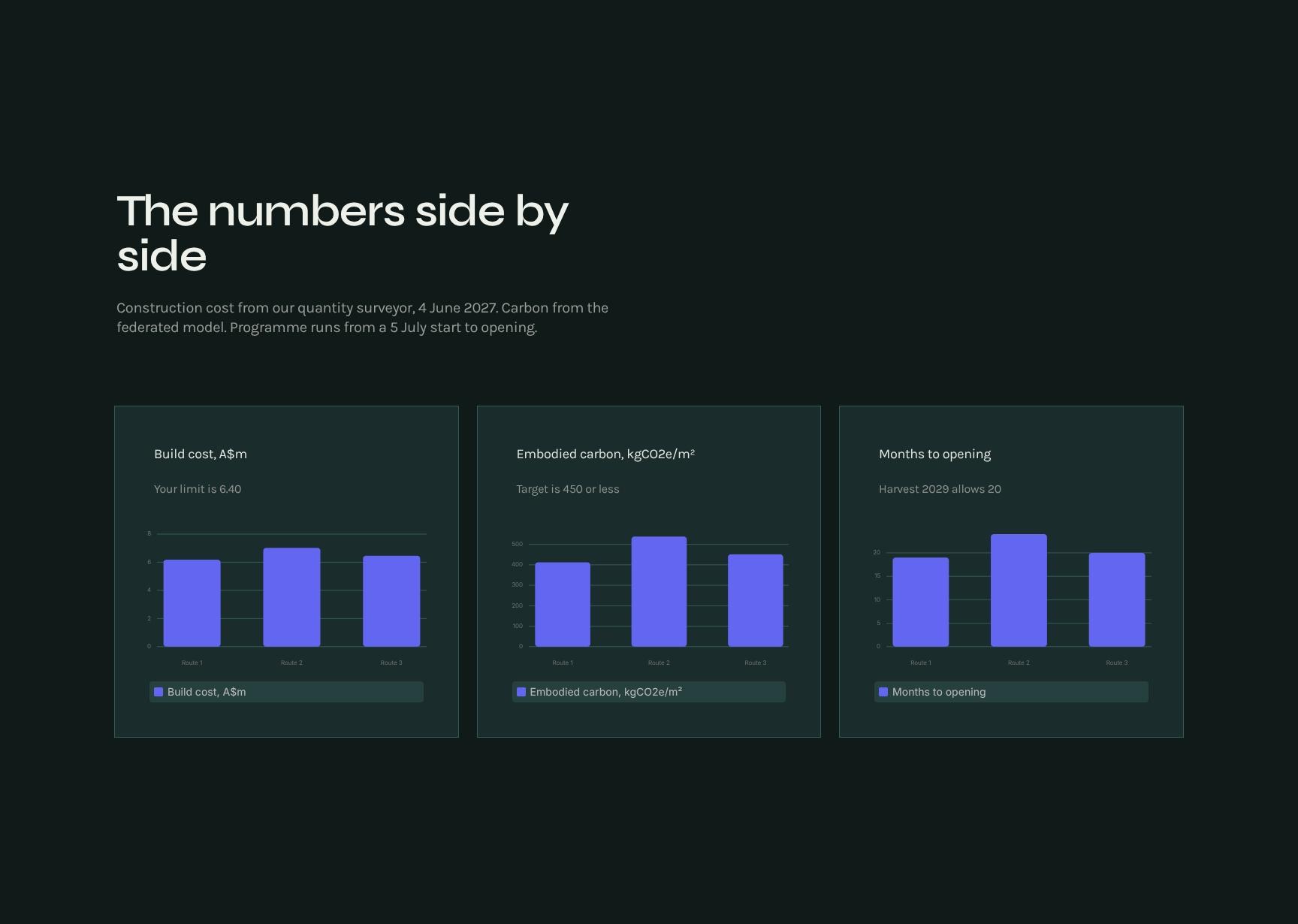
Cost, Carbon and Programme Comparison Charts
Side-by-side charts of construction cost from the quantity surveyor, carbon from the federated model, and programme from the 5 July start to opening. Data-backed numbers support a confident decision.
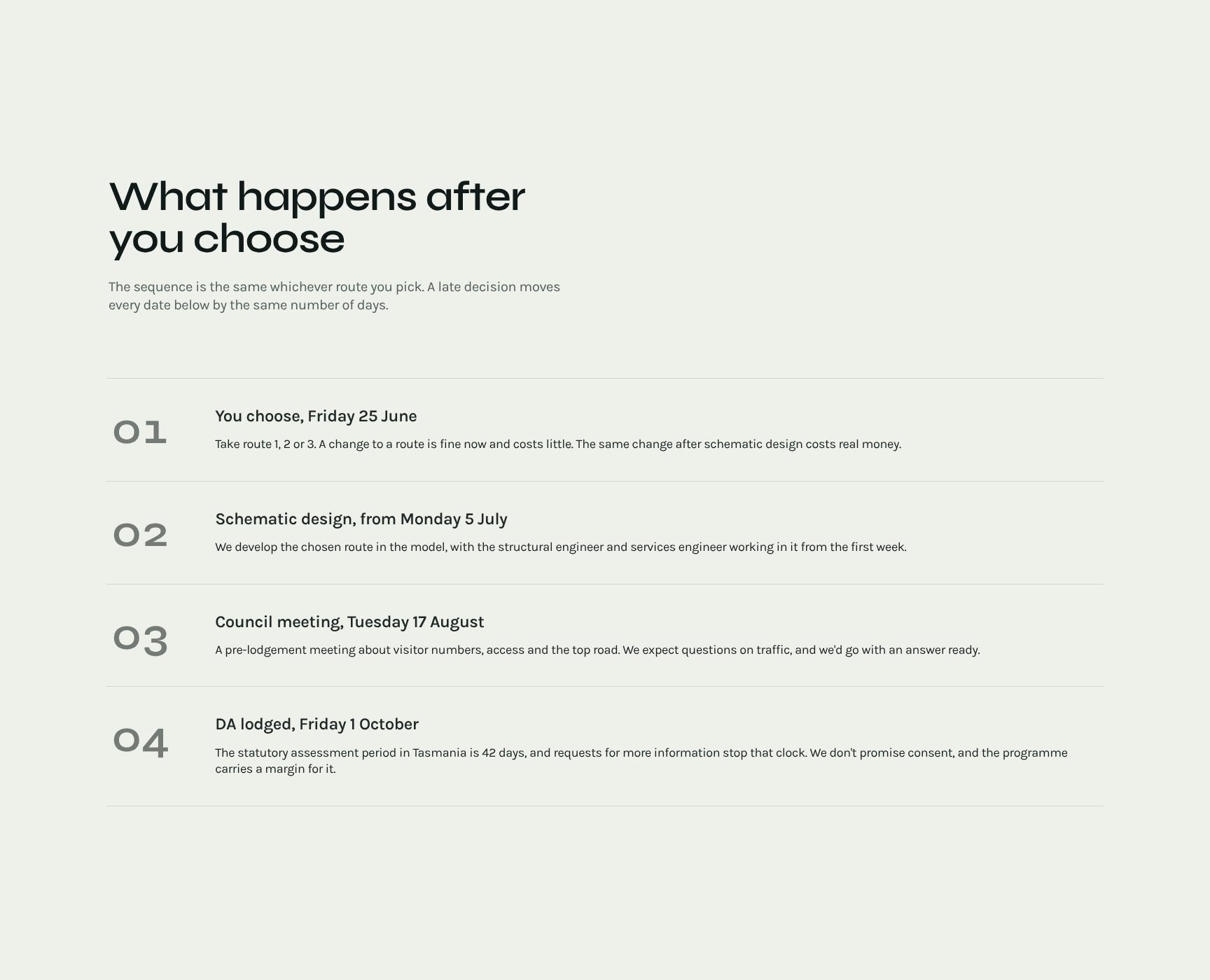
Next Steps Timeline After Your Decision
A step-by-step sequence of what happens once a route is chosen. It shows that dates are the same for every route and that a late decision shifts each one equally, which makes timing risk clear.
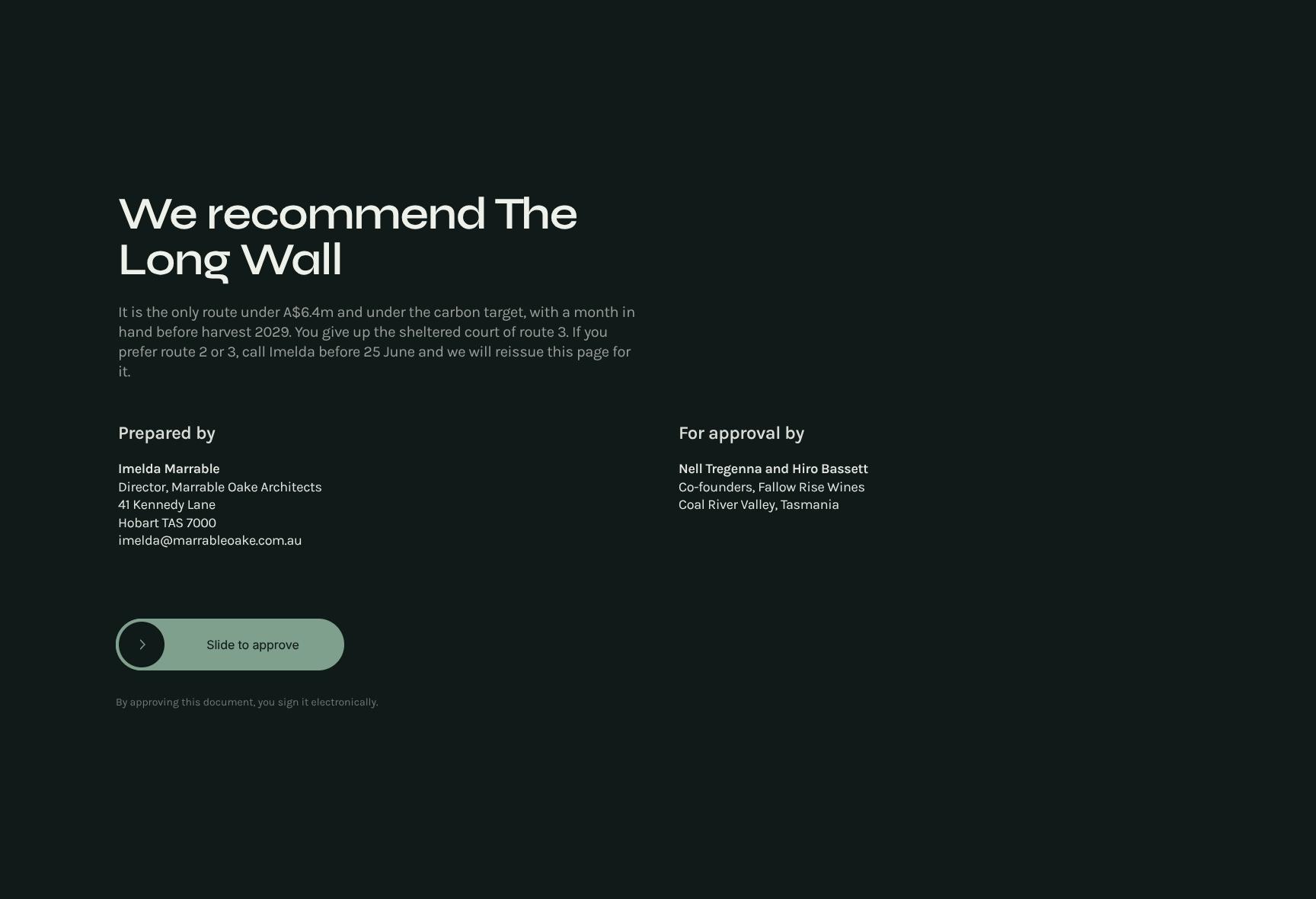
Architect Recommendation and Client Decision Call to Action
Closes with a clear recommendation of The Long Wall: under A$6.4m, under the carbon target, with a month in hand. It states the trade-off and tells clients how to choose another route before 25 June.
Find your answers
Answers to common questions about building concept proposals that present options to clients and guide them toward a decision.
A strong concept options proposal restates the brief, presents the core idea, and lays out three distinct creative routes. It then evaluates each route against the brief and closes with the numbers, including budget, timeline, and expected returns. This structure helps clients compare options quickly and make a confident decision.
Replace the placeholder text in each section with your client's brief, your core idea, and the details of each of the three routes. Update the Against the brief section with criteria drawn from the client's actual goals, and edit The numbers section with your own pricing and timelines. You can also adjust fonts, colors, and logos to match your brand.
Offering three routes gives clients a real choice while keeping the decision manageable. It shows the range of your thinking, such as a safe, a bold, and a balanced option, and it helps clients feel involved in the process. Comparing each route against the brief also makes it easier to justify your recommendation.
Yes, you can export the finished proposal to PDF for easy emailing and consistent formatting on any device. Depending on the editor you use, you can also share it as a live link or download it in editable formats for further revisions. Always check the layout after exporting to confirm that your sections and tables look right.
Yes, the template works for marketing, branding, design, advertising, web, and consulting projects, or any work where you present multiple strategic directions. The brief-idea-routes-numbers structure is industry-neutral, so you only need to adapt the language and criteria. It suits solo freelancers and large agency teams alike.
Browse more architecture templates
More templates for creative professionals who pitch ideas, present options, and win client approval.