



Kingston
Web Design Review and Sign-off Template for Studios
A design review a web studio sends for sign-off before build: what the client is approving, the screens, what changed since the last round, what is fixed and what can still move, the build schedule and the approval.
Make it yours, in seconds
Every template is a starting point. Drag to shift colour, typography and layout — the live preview updates as you move.
Move the dots to shift colour, typography and layout. The preview updates live.
Get more from every document
This template gets your client to sign off on the design before a single line of code gets written. It pairs screen showcases with a changelog, clear boundaries, and a signature block.
Close the pitch where it ends
The agreement section sits at the end of your deck, so clients approve and sign right after the last slide.
Build decks from sections you trust
Pull hero, showcase, and task sections from the library, then save your best pitch layouts to reuse next time.
Your deck looks sharp on any screen
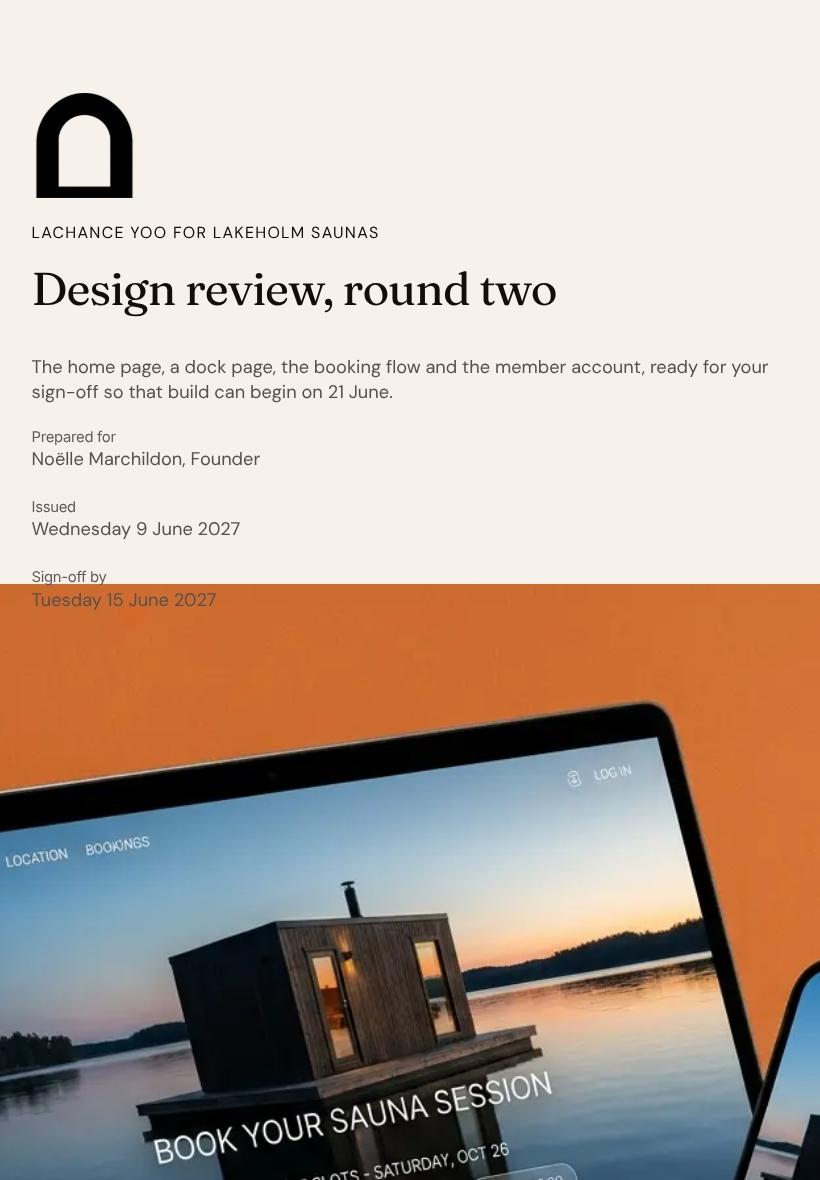
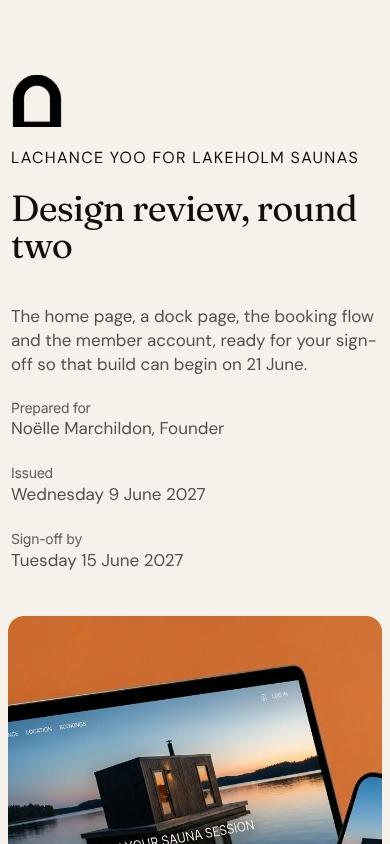
Showcases and card grids reflow on a client's phone between meetings, with no second version to build.

See which slides hold their attention
Heatmaps show where readers pause, and session replays show how they moved, so you follow up at the right moment.
Know the moment they open it
Get a ping when a client views your deck, comments on a section, or signs the agreement.
Polish the pitch together, live
Your designer tweaks the hero while a teammate rewrites the tasks section, all in the same deck.
See how every part fits
The document opens with the round two timeline and closes with a signed approval agreement, moving from what you made to what happens next. Keep, drop, or reorder any section to match your review.
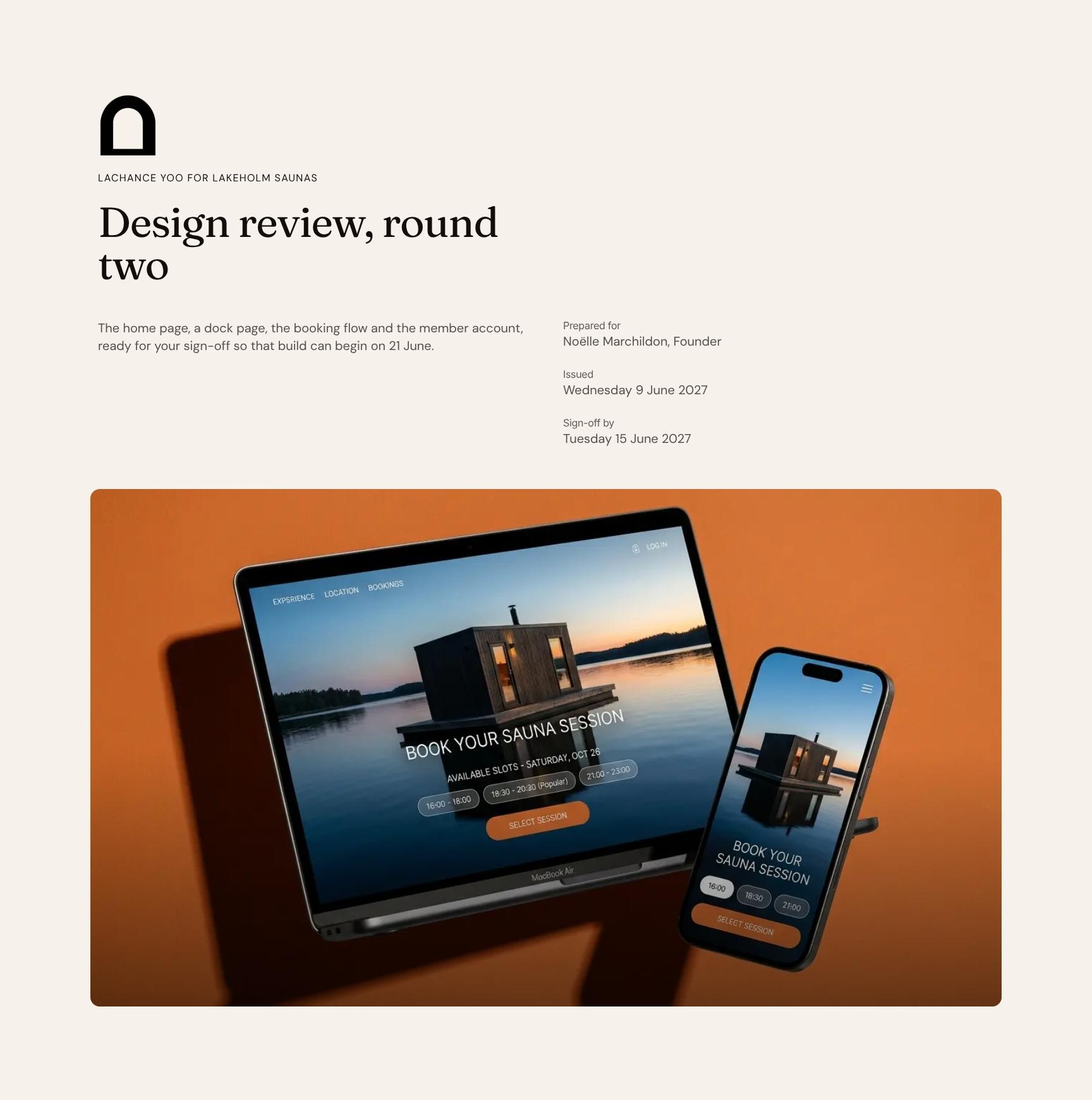
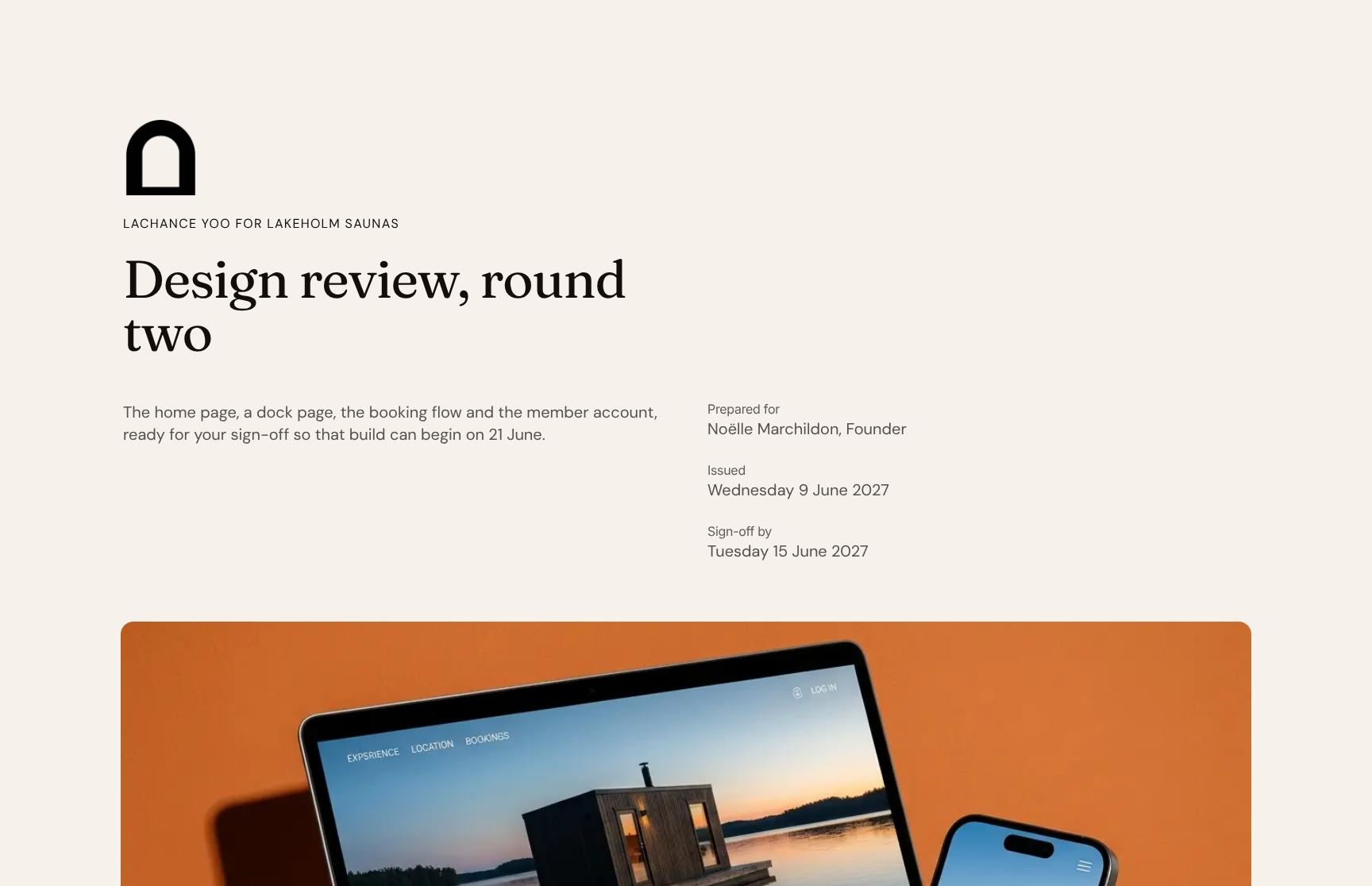
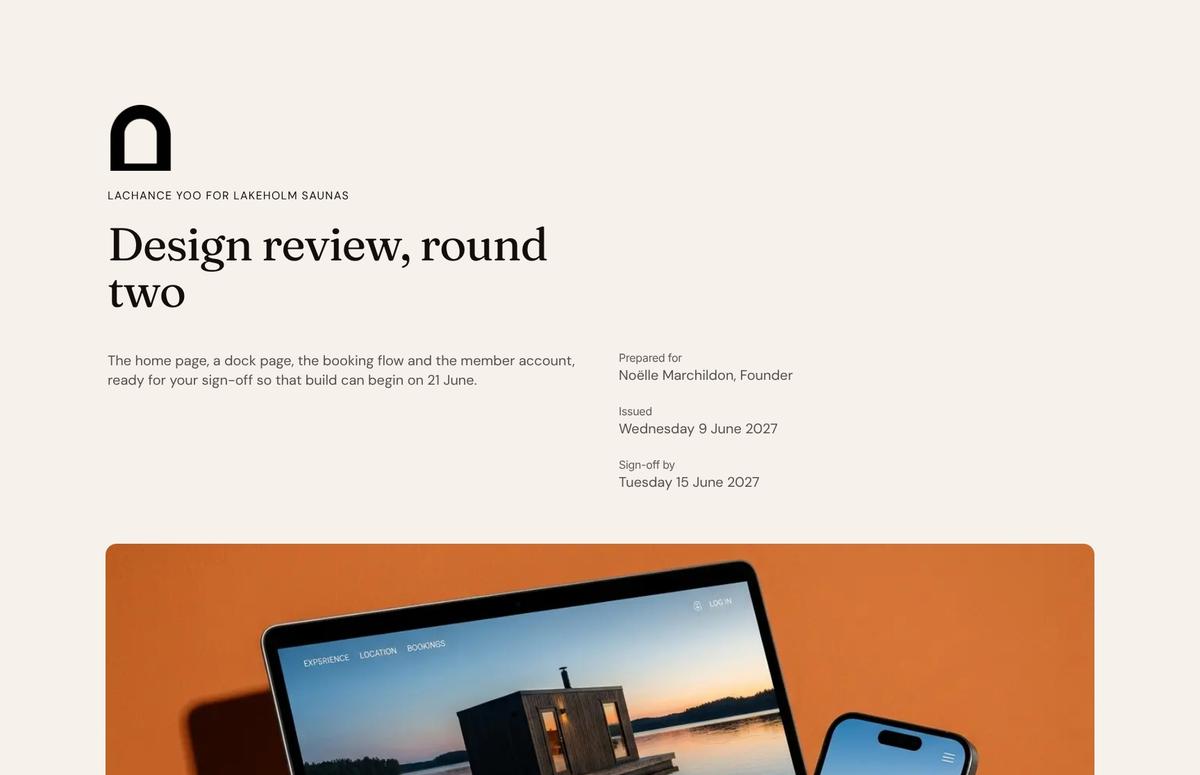
Design Review Cover with Round Two Sign-Off Timeline
Opens the design review with client and project names, the scope (home, dock page, booking flow, member account) and the 21 June build start. Sets expectations and frames the decision from the first screen.
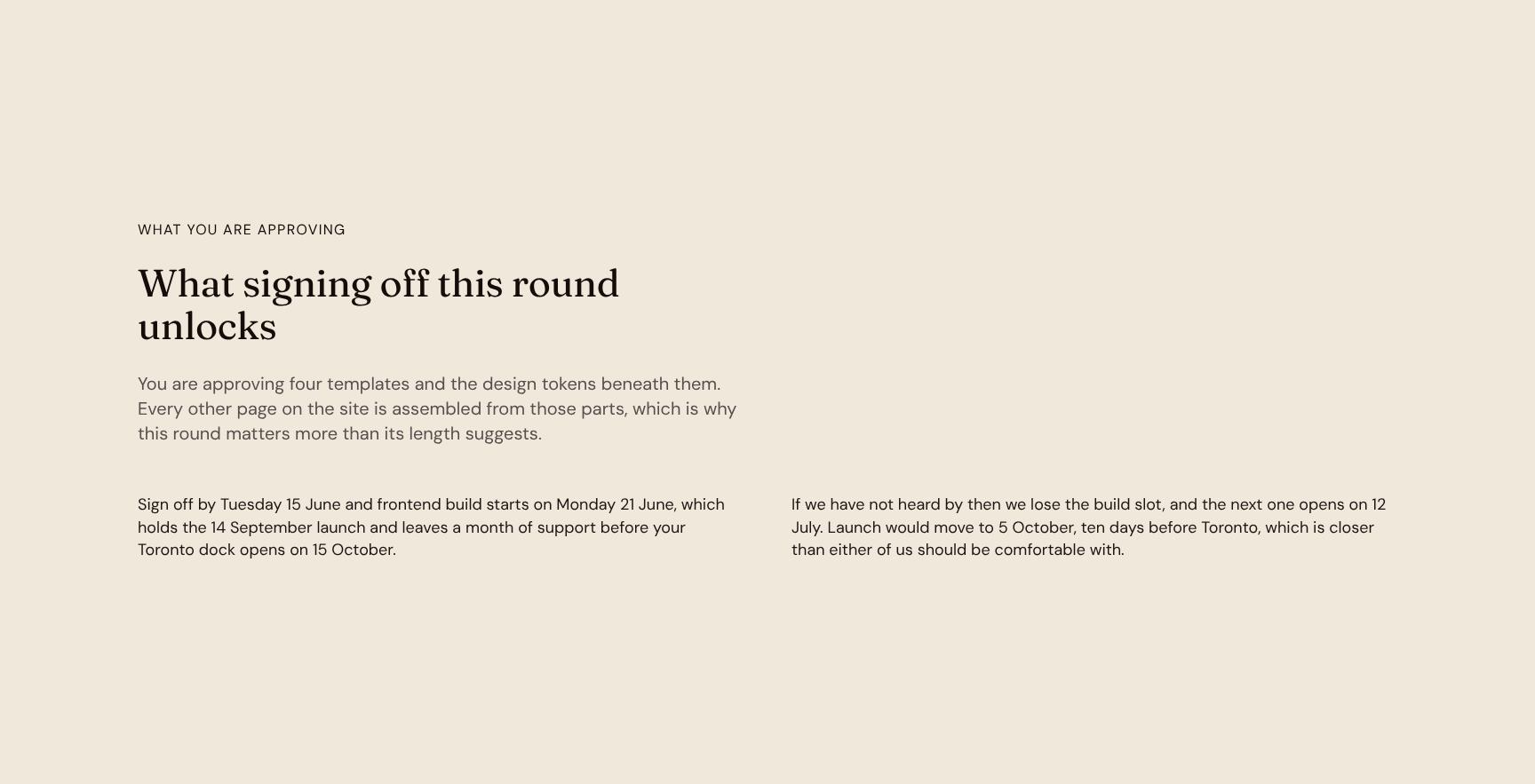
Approval Scope: Templates and Design Tokens Explained
Spells out what the client is approving: four page templates and the design tokens beneath them. Shows why this round shapes every other page, so stakeholders can sign off with confidence.
Creative Concept and Design Philosophy Statement
An animated statement of the core idea: a booking experience as calm as the walk to the dock, with few decisions and the water always in view. Anchors every design choice in a memorable principle.
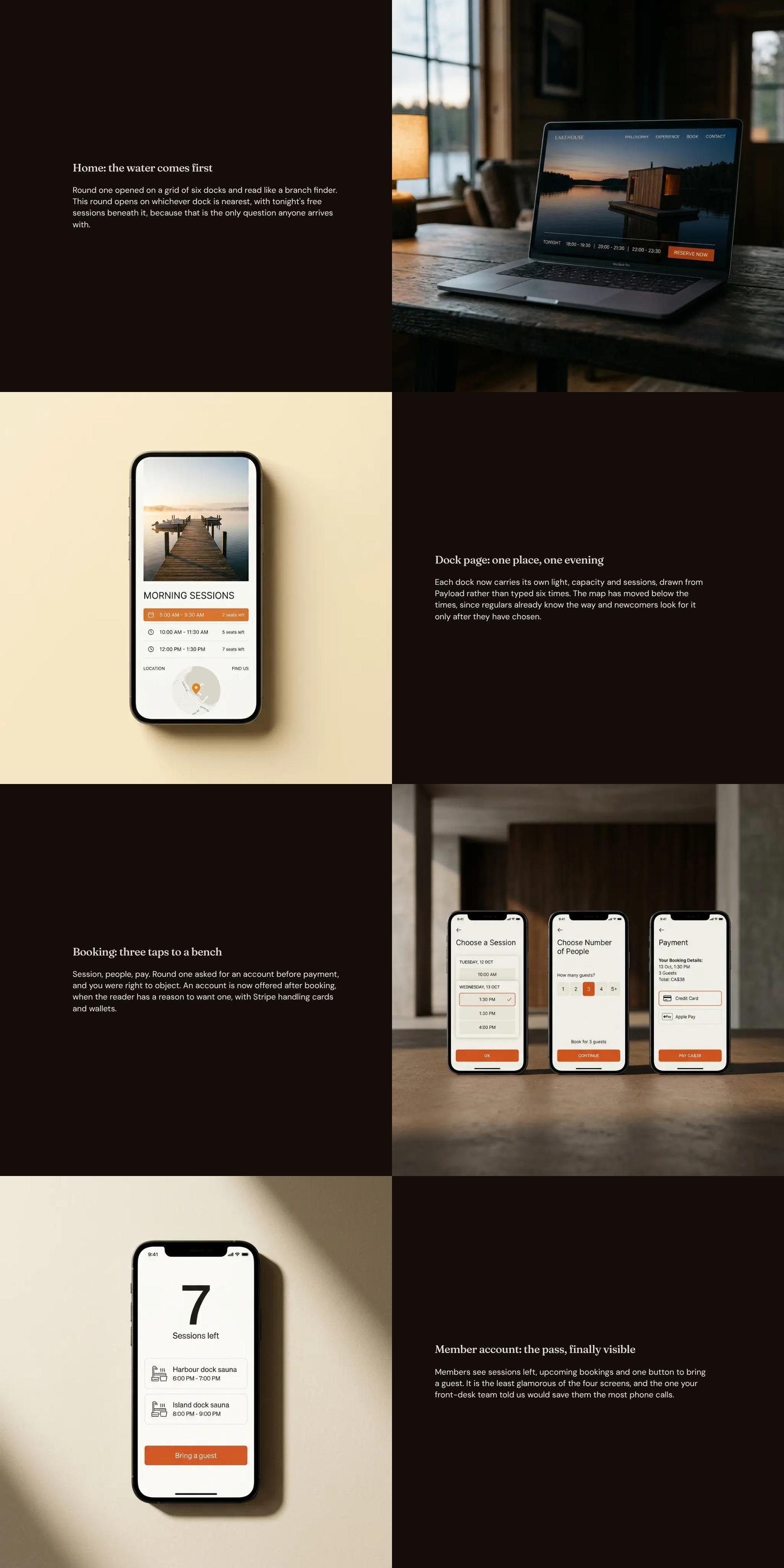
Screen-by-Screen Design Showcase: Home, Dock, Booking, Account
Walks through each key screen with the rationale behind it, such as a home page that opens on the nearest dock and tonight's free sessions. Lets reviewers judge visuals and user flow together.
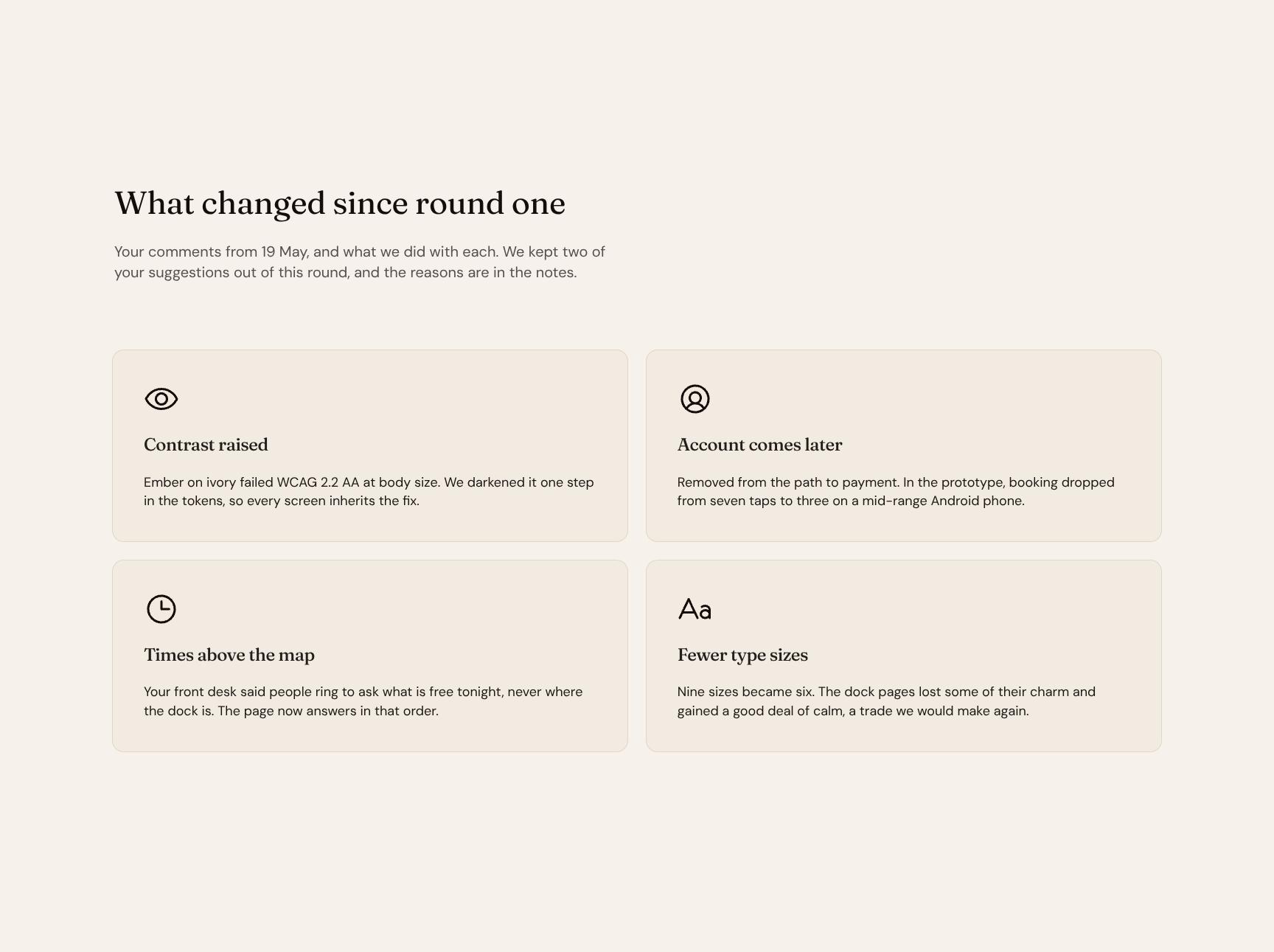
Client Feedback Changelog: What Changed Since Round One
Maps each 19 May comment to the action taken, including two suggestions deliberately held back and why. Shows feedback was heard and builds trust through transparent, traceable revisions.
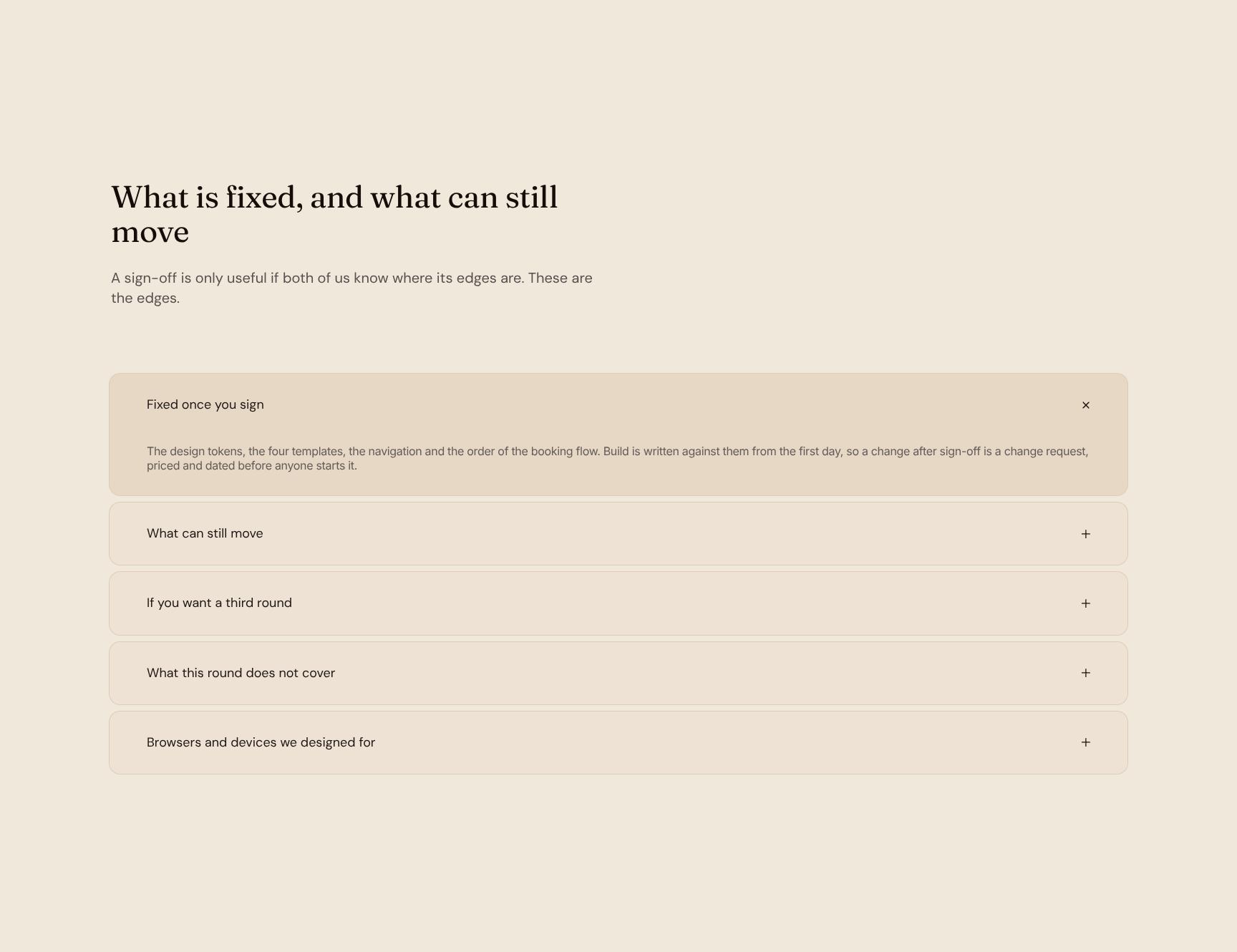
Sign-Off Boundaries: Fixed Decisions vs. Flexible Items
An expandable breakdown of what locks at approval and what stays open, such as copy, photography and prices. Prevents scope surprises and change-request disputes by defining the edges up front.
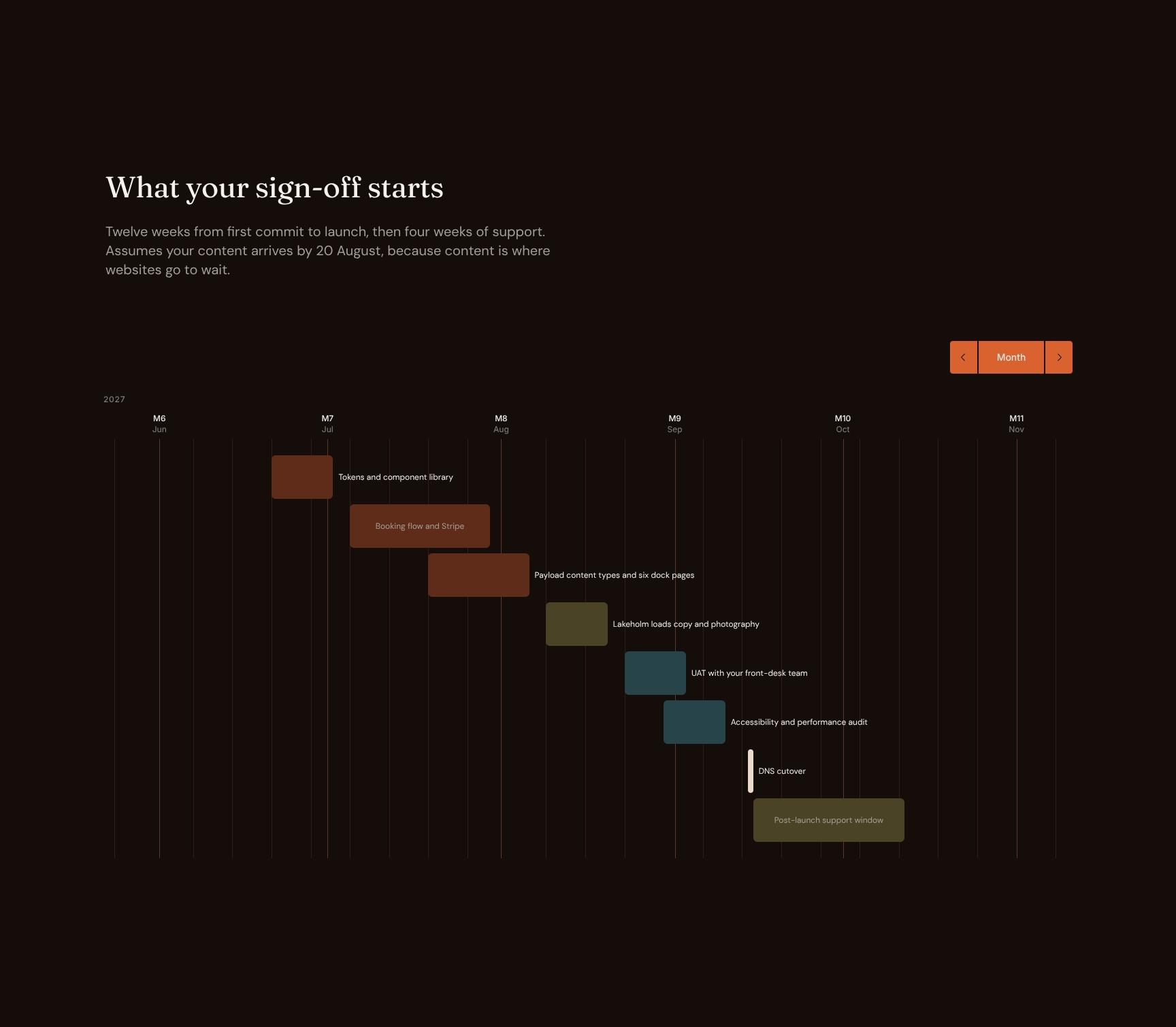
Build Roadmap: 12-Week Delivery Plan and Support Period
Lays out the path from first commit to launch in twelve weeks, plus four weeks of support. Notes the 20 August content deadline so the client knows which dependencies protect the schedule.
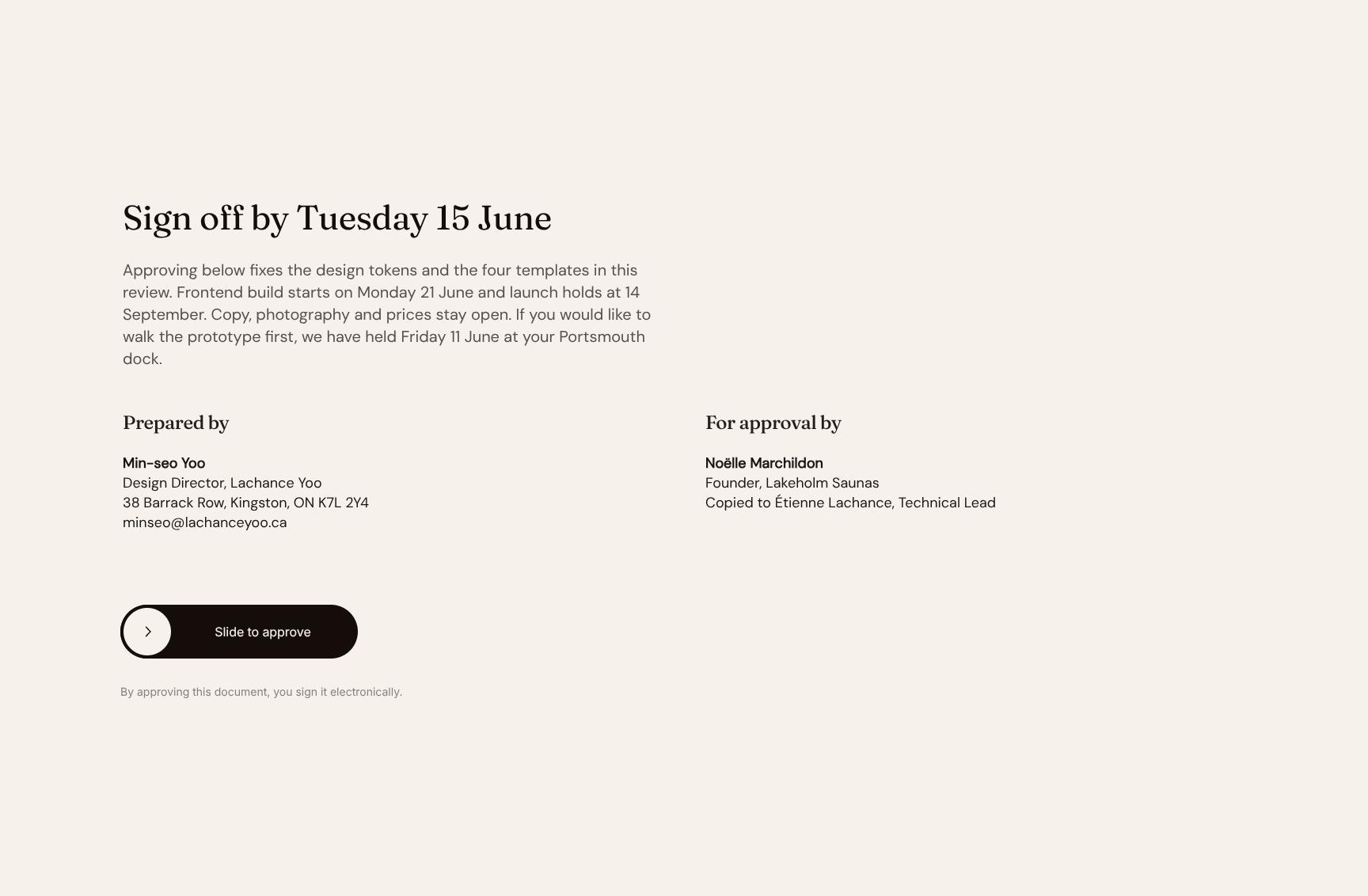
Digital Design Sign-Off and Approval Agreement
The final call to action: approve by Tuesday 15 June to fix the design tokens and four templates. Confirms the 21 June build start and 14 September launch, making approval one clear, binding step.
Find your answers
Answers to common questions about running a design review round and getting client sign-off on a web project before build starts.
A round two presentation should cover the core idea, the updated screens, a clear summary of what changed since round one, and exactly what the client needs to approve. Use the "Round two," "The idea," "The screens," and "What changed" sections to keep feedback focused. Ending with "What you approve" makes the decision points unambiguous.
Replace the placeholder text and screen mockups in each section with your own content, then adjust colors and fonts to match your brand. Each slide uses editable layouts, so you can duplicate, reorder, or delete sections like "The screens" to fit your project. Start with "The idea" and work through to "What you approve" for a logical flow.
The "Fixed and movable" section separates the elements that are locked in, such as approved decisions, from the ones that are still open to change. This helps clients and stakeholders understand where their feedback can still make a difference. It reduces scope creep and keeps revisions focused during later rounds.
Use the "What changed" section to list updates side by side with the previous version, pairing short descriptions with before-and-after screens. Link each change to the feedback that prompted it so stakeholders can see their input was addressed. Keep it to the most important changes to avoid overwhelming the audience.
Yes. The template is built for client and stakeholder sign-off, making it suitable for UX, UI, web, app, and branding projects. The "What you approve" slide spells out the specific decisions needed, which speeds up approvals and cuts down on back-and-forth. You can export it to PDF or share it as a presentation file.
Browse more digital & web design templates
More templates for agencies and designers who present work to clients, collect feedback, and lock in approvals.