



Ballarat
Hotel Post-Occupancy Report Template for Interior Design
A post-occupancy report an interior design studio sends a client ninety days after opening: the result in headline numbers, how each space is holding up, what is working and what is not, the fixes already made, the fixes proposed with who pays, what the studio learned and the one decision needed from the client.
Make it yours, in seconds
Every template is a starting point. Drag to shift colour, typography and layout — the live preview updates as you move.
Move the dots to shift colour, typography and layout. The preview updates live.
Get more from every document
You turn 90 days of hotel data into a report your client can act on. Occupancy figures, guest scores, snag logs and costed fixes sit in one document, ready to edit.
Get the report approved on the page
Your client reads the findings, then signs off in the agreement section at the end. No PDF export, no printing.
Build reports from sections you trust
Drop in a hero, breakdown, or steps section, then save your best-performing report layouts to reuse next month.
Your report reads right on any screen
Breakdowns, showcases, and accordions reflow for the phone a client opens between meetings, with no second layout.

See which findings your reader lingers on
Heatmaps show if they dwell on the breakdown or skip the steps, and replays let you watch it happen before you call.
Know the moment your report is opened
Get a ping when the client views, comments on a section, or signs, so your follow-up lands while it's fresh.
Write the report together, live
Your analyst tweaks the breakdown while you polish the hero text, and both edits show up in the same document.
See how every part fits
The report opens with a results snapshot, moves through what works and what doesn't, and closes with a client sign-off on fixes. Keep every section, drop what you don't need, or reorder them to suit your project.
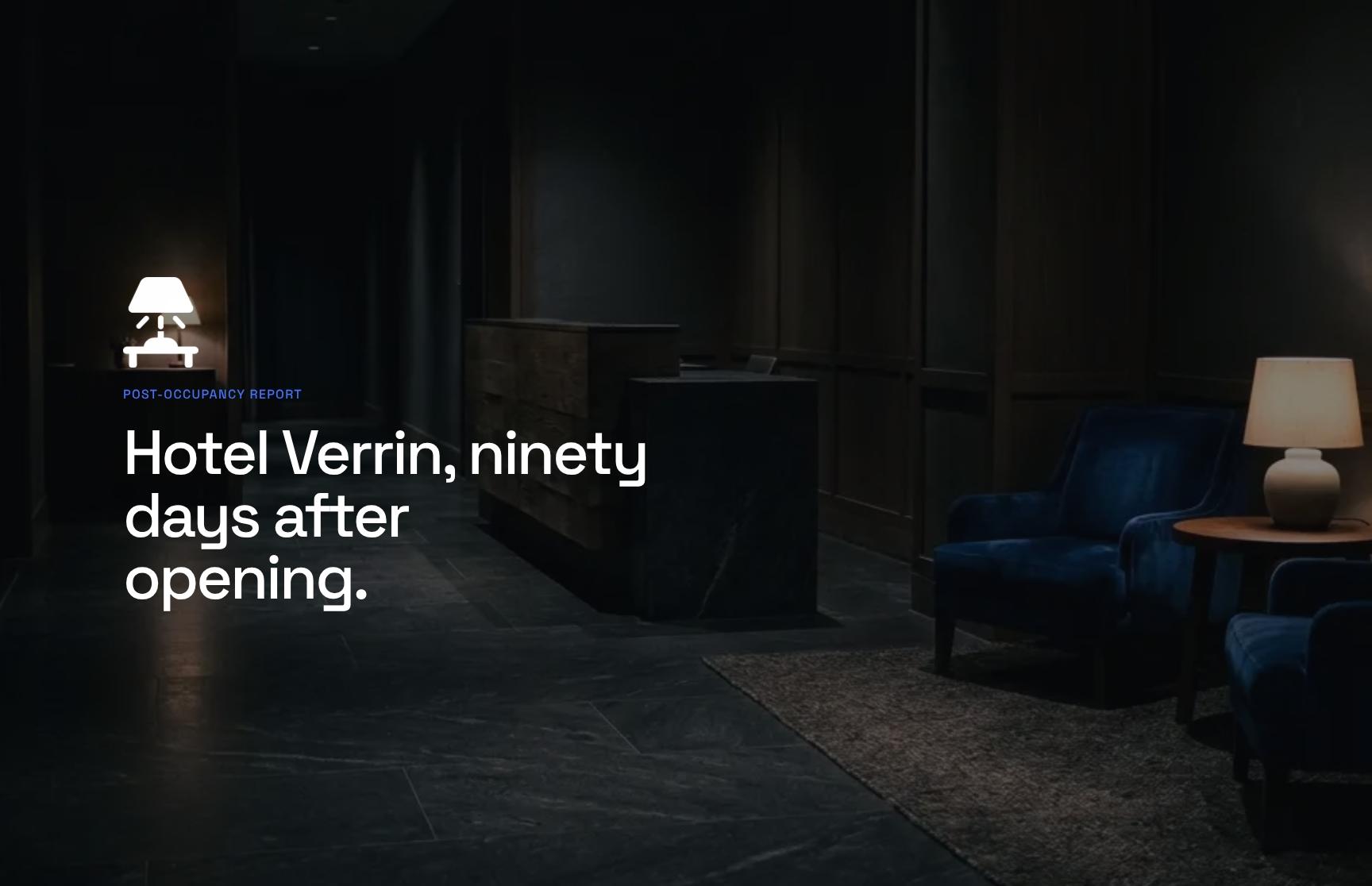
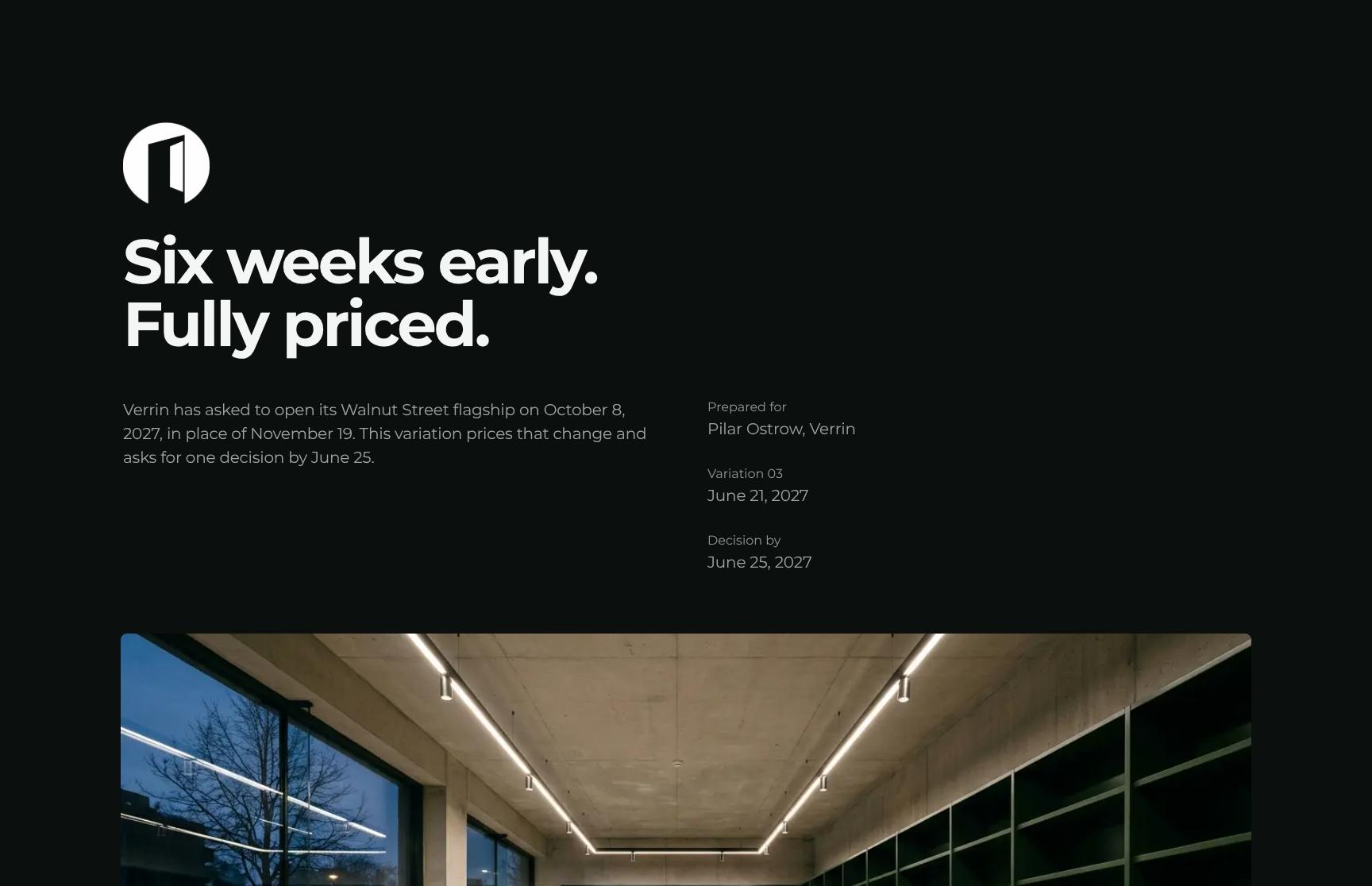
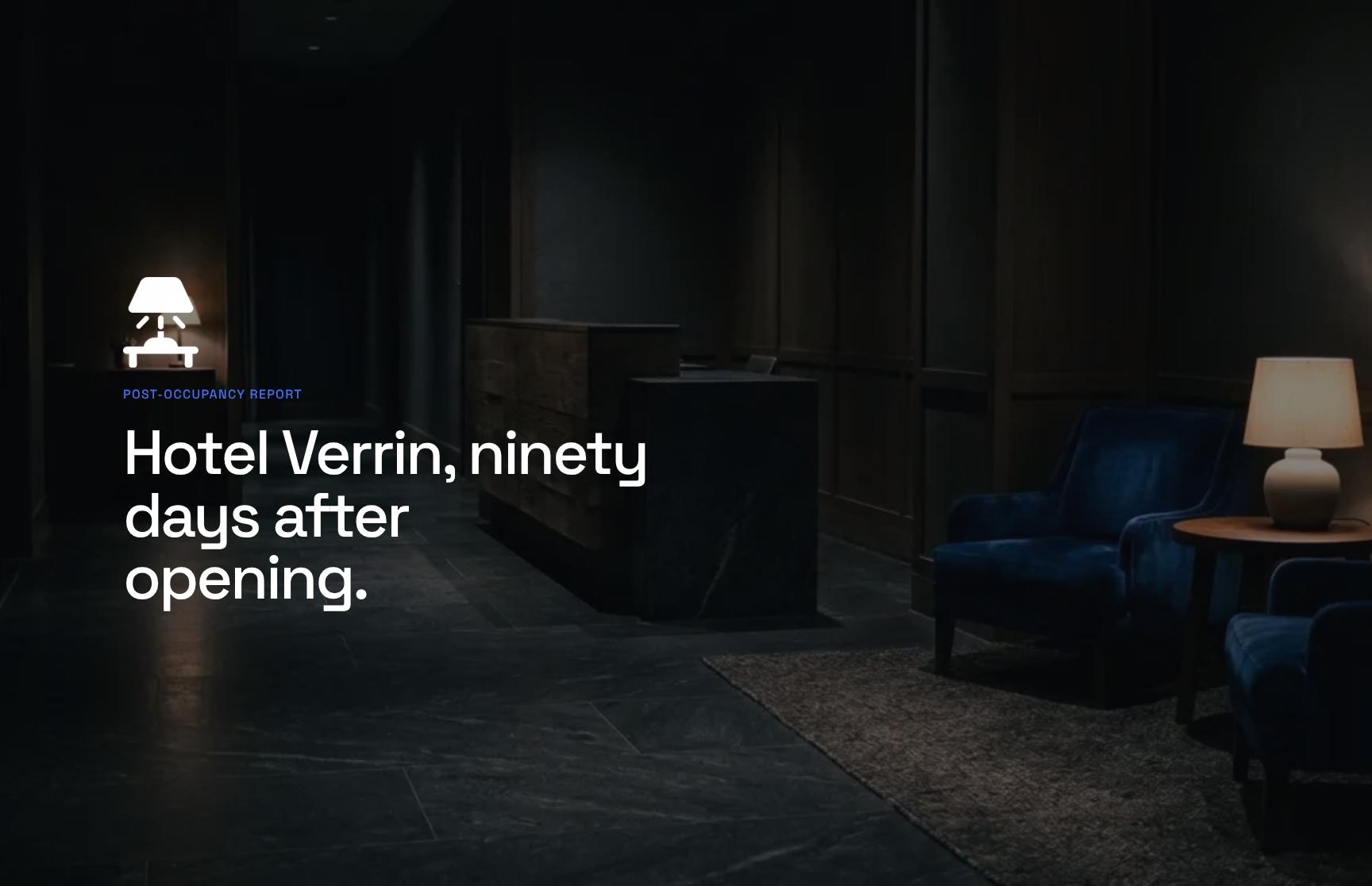
Post-Occupancy Report Cover for Hotel Verrin
A clean, professional cover that frames the report as a 90-day post-occupancy review of Hotel Verrin. It sets expectations for an honest look at how the design is performing after opening.
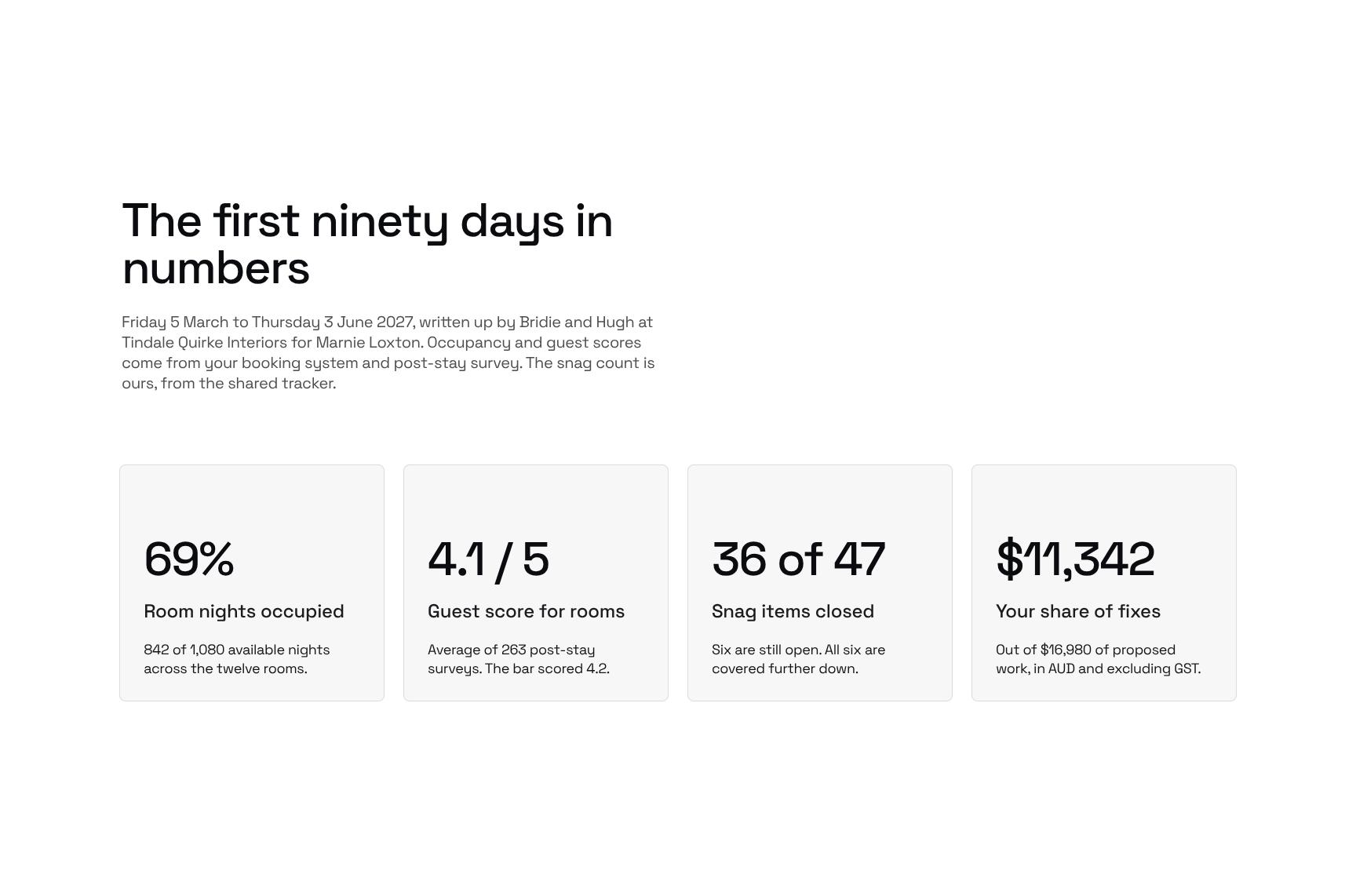
90-Day Results Snapshot: Occupancy and Guest Score Metrics
Key numbers for the first ninety days, with the reporting period, authors and client named. Occupancy and guest scores are sourced from the booking system and post-stay survey, so the data is credible at a glance.
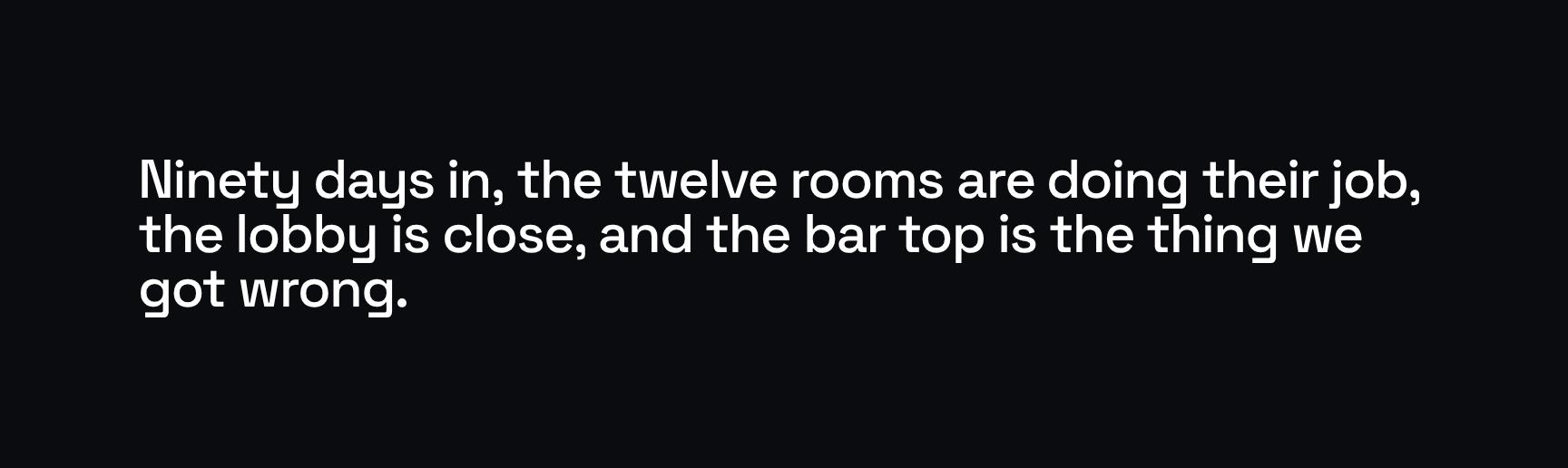
Executive Summary: The Short Version
A plain-language summary of the verdict: rooms performing, lobby close, bar top the one miss. Busy clients get the full picture in seconds and know what to expect from the rest of the report.
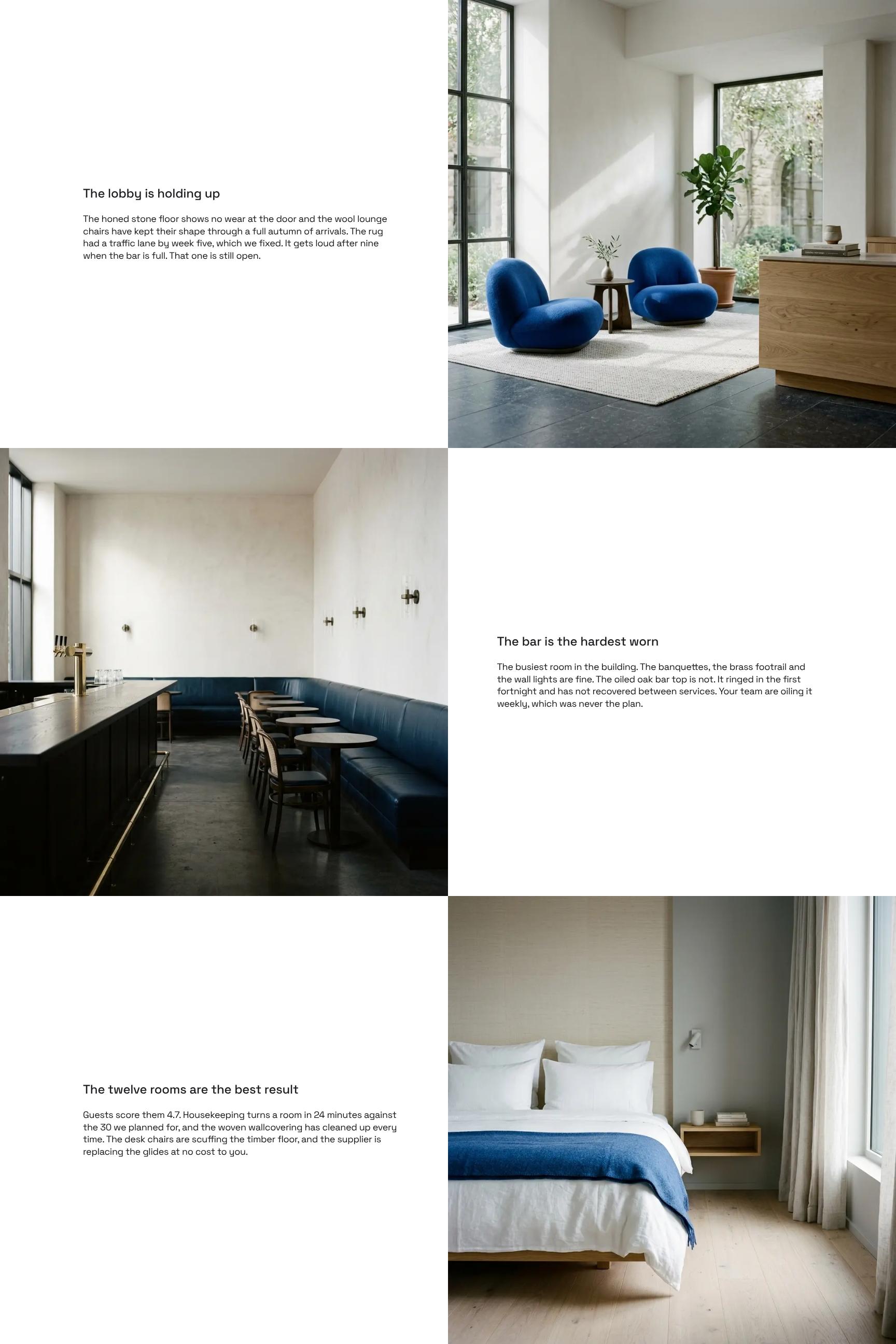
Space-by-Space Design Performance Review
A walkthrough of each area, from lobby to rooms and bar, covering how materials and furniture are wearing, such as the stone floor, wool chairs and rug traffic lane. Observations are specific and tied to real use.
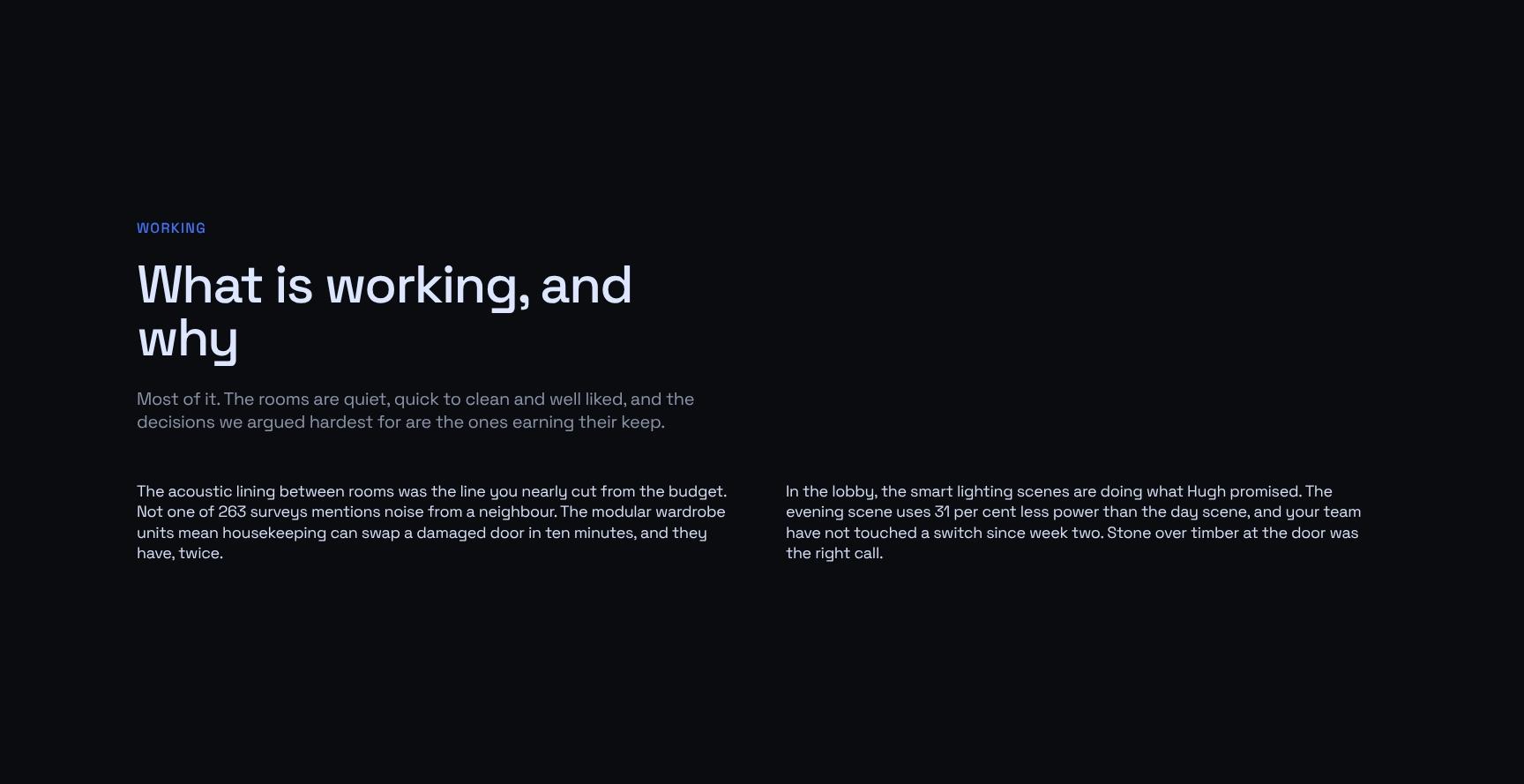
What Is Working: Design Decisions That Pay Off
Explains which design decisions are earning their keep and why: quiet, quick-to-clean, well-liked rooms. It validates the choices argued for and shows the client where their investment is delivering.
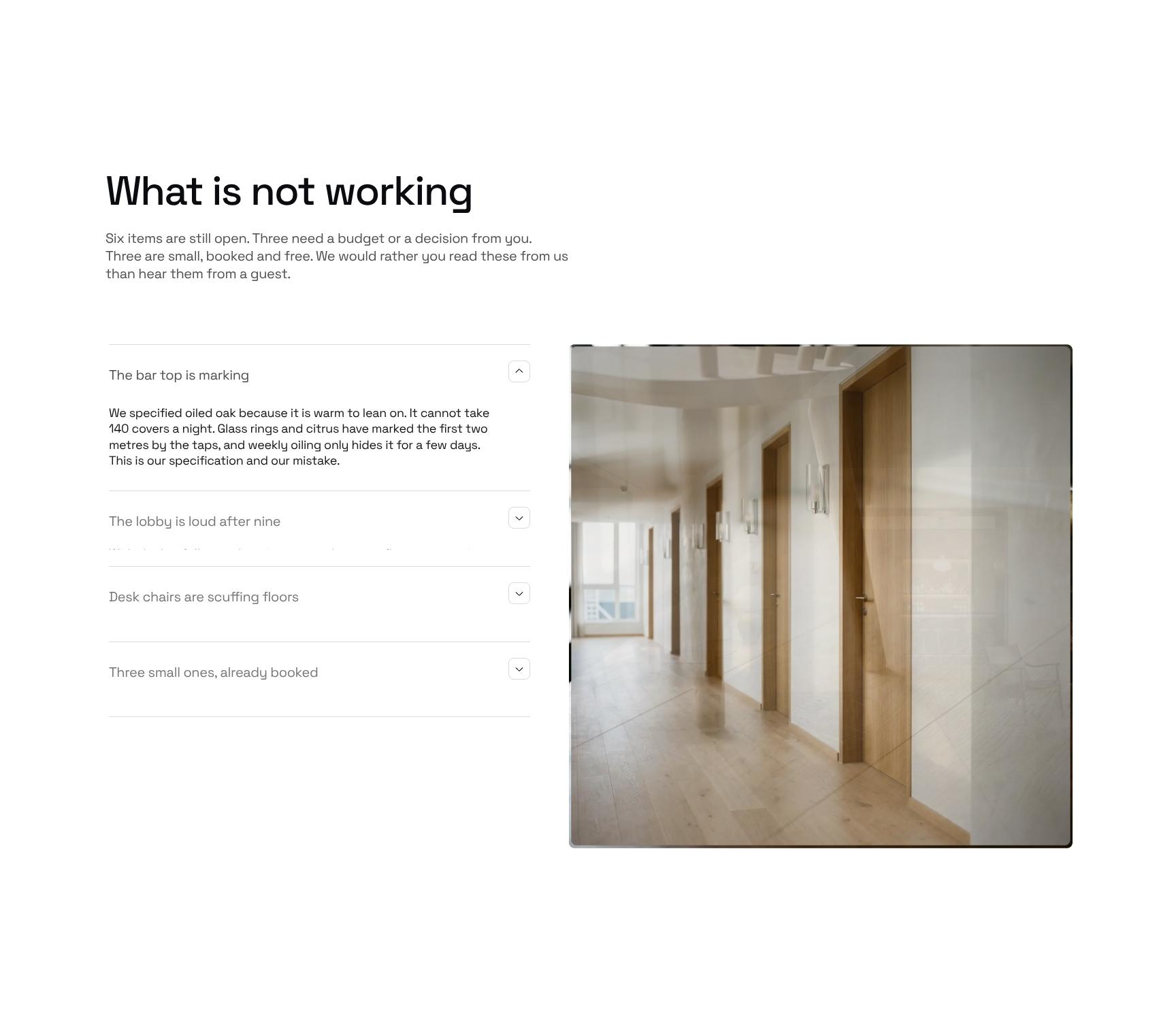
What Is Not Working: Open Issues and Defects Log
A transparent breakdown of six open items, split between three needing budget or a decision and three small, booked, free fixes. Clients hear problems from the designer first, not from a guest.
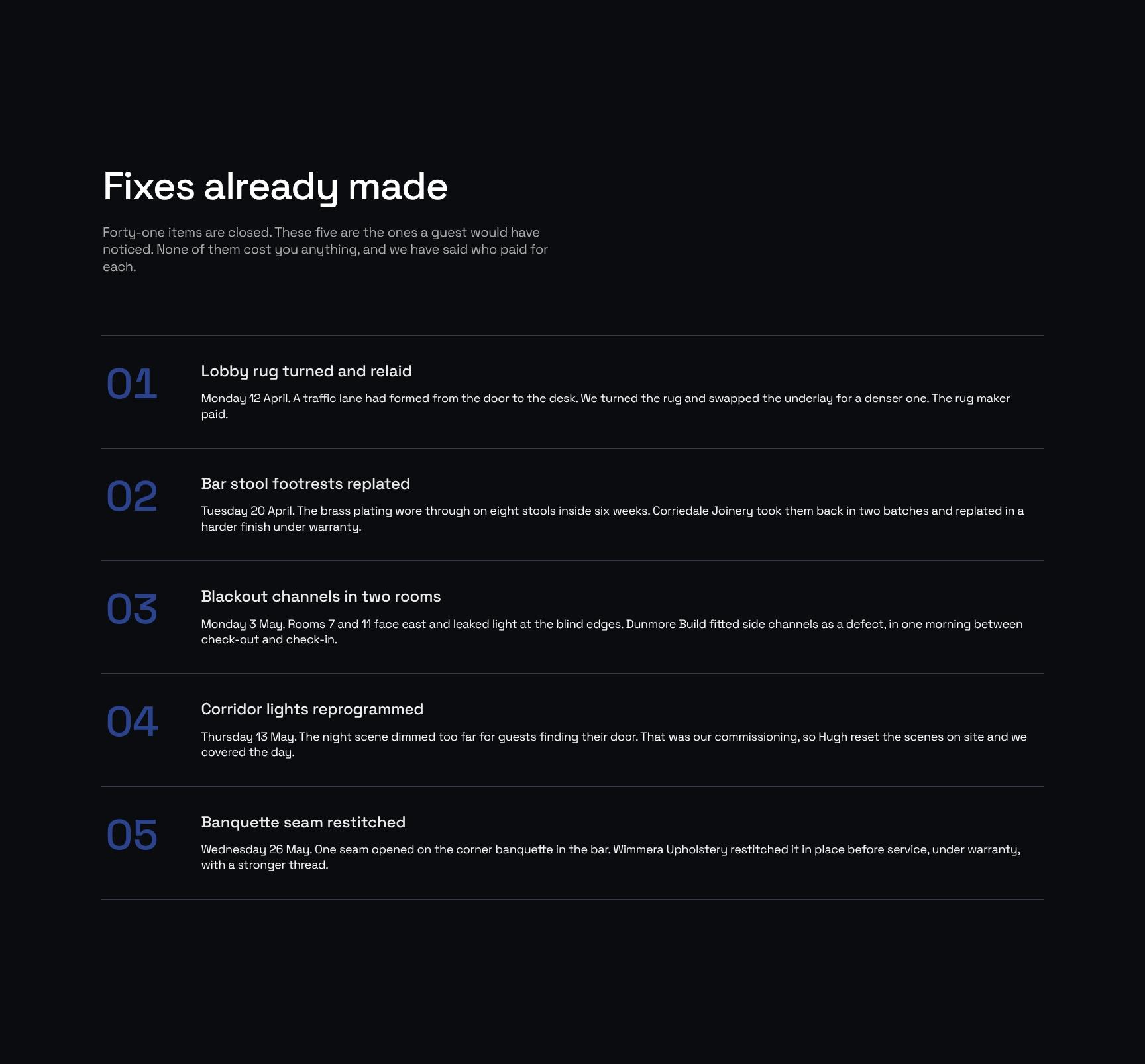
Fixes Already Made: Completed Snag Resolutions
A step-by-step account of the forty-one closed items, highlighting the five guests would have noticed. Each notes who paid, showing accountability and that none of the fixes cost the client anything.
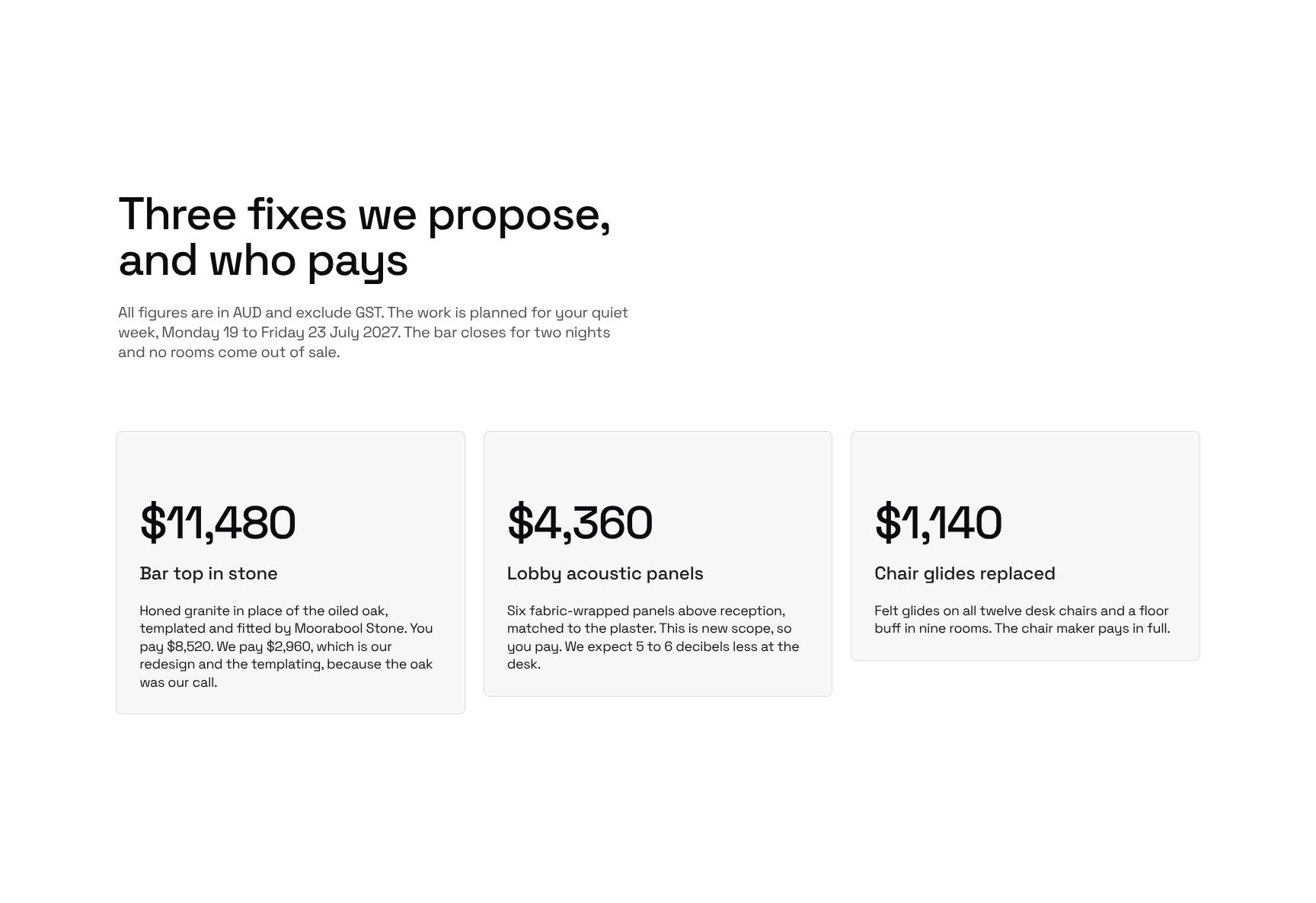
Proposed Fixes with Costs and Responsibility (AUD)
Three recommended fixes with costs in AUD excluding GST, who pays, and a schedule set for the quiet week of 19 to 23 July 2027. Minimal disruption: two bar nights closed and no rooms out of sale.
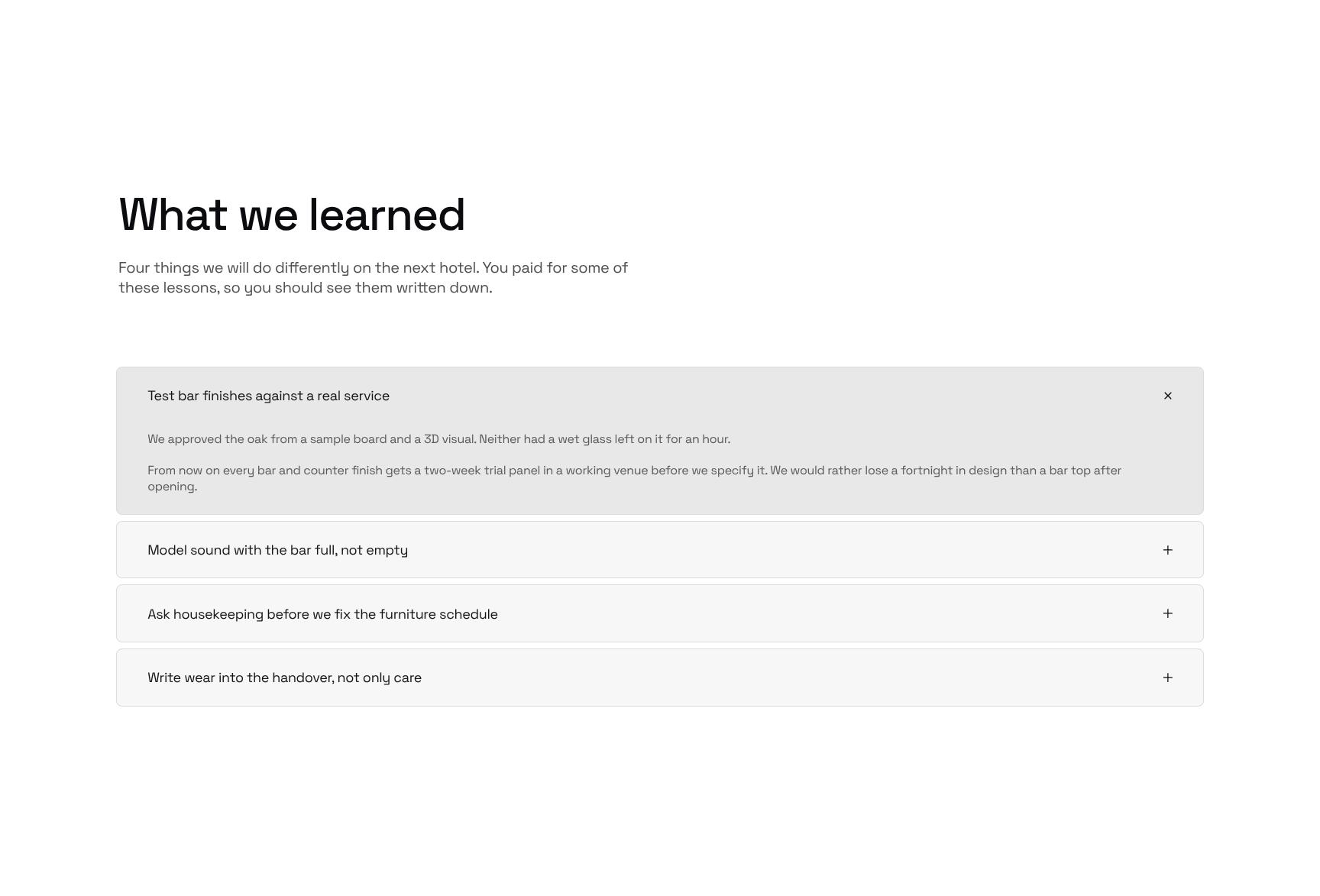
Lessons Learned for Future Hotel Projects
Four expandable lessons the studio will apply on the next hotel. Sharing what the client's project taught the team builds trust and shows a commitment to continuous improvement.
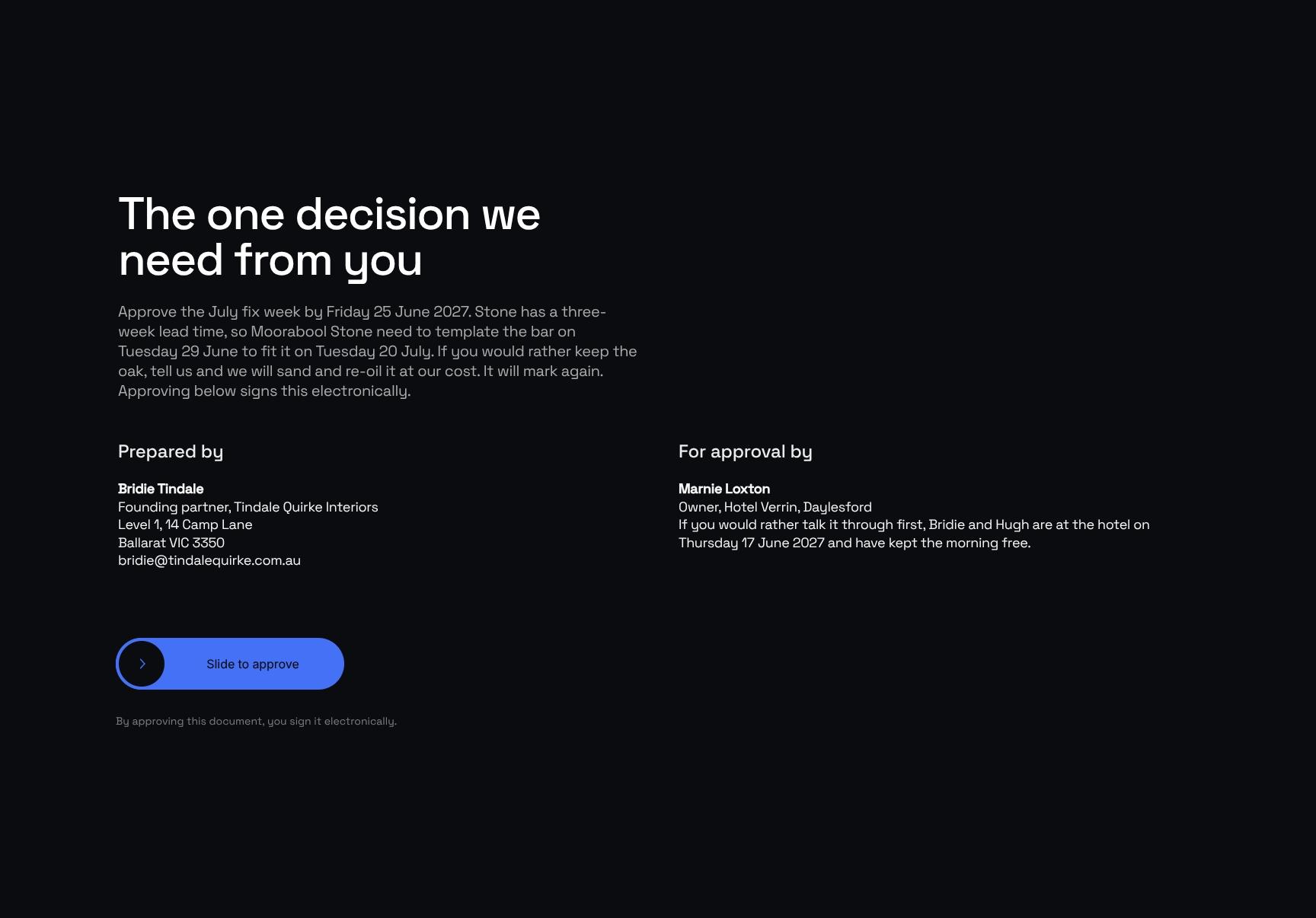
Client Decision and Approval: July Fix Week Sign-Off
A clear call to action asking the client to approve the July fix week by Friday 25 June 2027. It explains the stone lead time and templating dates, so the decision is easy and the deadline is understood.
Find your answers
Answers to common questions about writing post-occupancy reports for hotel interiors and handing findings back to owners.
A strong report opens with a cover and a clear result, followed by a short-version summary for busy readers. It then walks through each space individually, noting what is working and what is not working. This structure lets stakeholders scan the verdict quickly and dive into room-level detail only when needed.
Replace the cover details with your project name, client, and date, then update each section with your own findings. Duplicate or delete the 'Space by space' entries to match the number of areas you assessed. Adjust fonts, colors, and logo placement to match your brand.
Yes, you can export the finished report to PDF for easy sharing and to Word (.docx) if clients need to edit or comment. PDF preserves layout and formatting, while Word is better for collaborative revisions. Check your editing software's export or download menu for both options.
Yes. The space-by-space format works well for interior design reviews, office and facility assessments, property inspections, retail walkthroughs, and renovation evaluations. The 'What is working' and 'What is not working' sections adapt to any industry that evaluates physical or functional spaces.
Most users can complete it in one to three hours once their site notes or observations are ready. The time depends mainly on how many spaces you assess in the 'Space by space' section. Writing 'The short version' last helps you summarize findings faster and more accurately.
Browse more interior design templates
More templates for interior designers handling reports, site visits and handovers on hospitality projects.