




Inverness
Web Project Handover Template for Ecommerce Studios
A web project handover a studio sends at launch: what is live, what the client now owns, the four everyday tasks, warranty and support, and what comes next.
Make it yours, in seconds
Every template is a starting point. Drag to shift colour, typography and layout — the live preview updates as you move.
Move the dots to shift colour, typography and layout. The preview updates live.
Get more from every document
Close out a Shopify build with a handover document your client can actually use on day one. Built-in blocks cover live site results, account ownership, store management steps, and post-launch support.
Make every page look like yours
Swap colours, fonts, and layout on the hero, showcase, and cards until the page matches your brand, no design app open.
Stack hero to FAQ in minutes
Drop in a hero, steps, cards, or accordion, then save your tweaked versions and reuse them in your next document.


Looks sharp on every screen
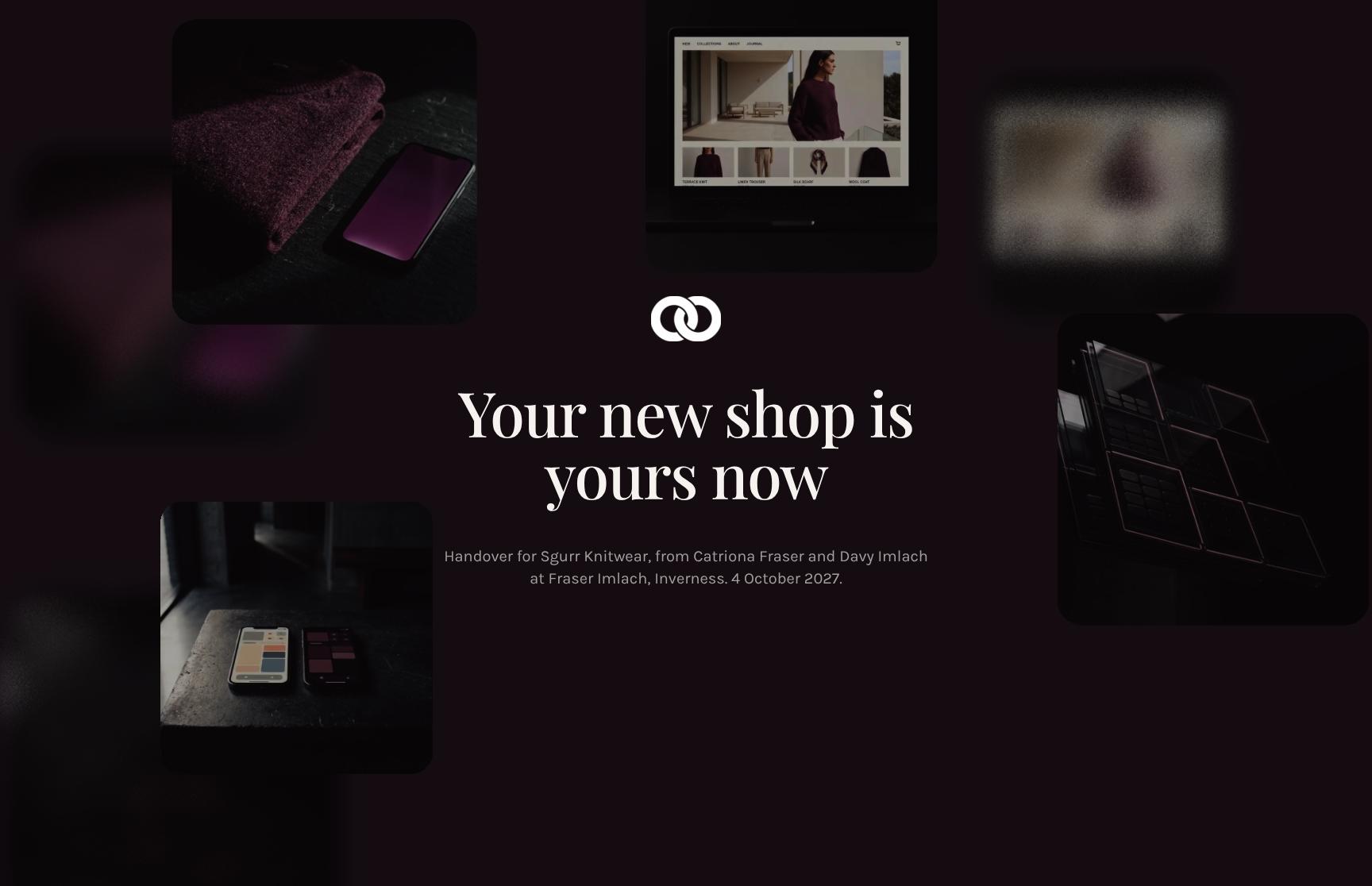
Your hero images, showcase, and step flow reflow on phone, tablet, and desktop from one design, with no extra layouts.

See which sections hold attention
Heatmaps show where readers stall in your showcase or accordion, and replays let you watch them scroll before you follow up.
Know the moment they open it
Get a ping when someone views, comments on, or signs your document, so you can reply while the page is still fresh.
Build the page together, live
Your teammates edit the hero copy, steps, and cards at the same time, and you watch the changes land as they happen.
See how every part fits
The document opens with a hand-off banner and closes with a post-launch review meeting, walking the client from what you built to who owns what. Keep, drop, or reorder anything to match your project.

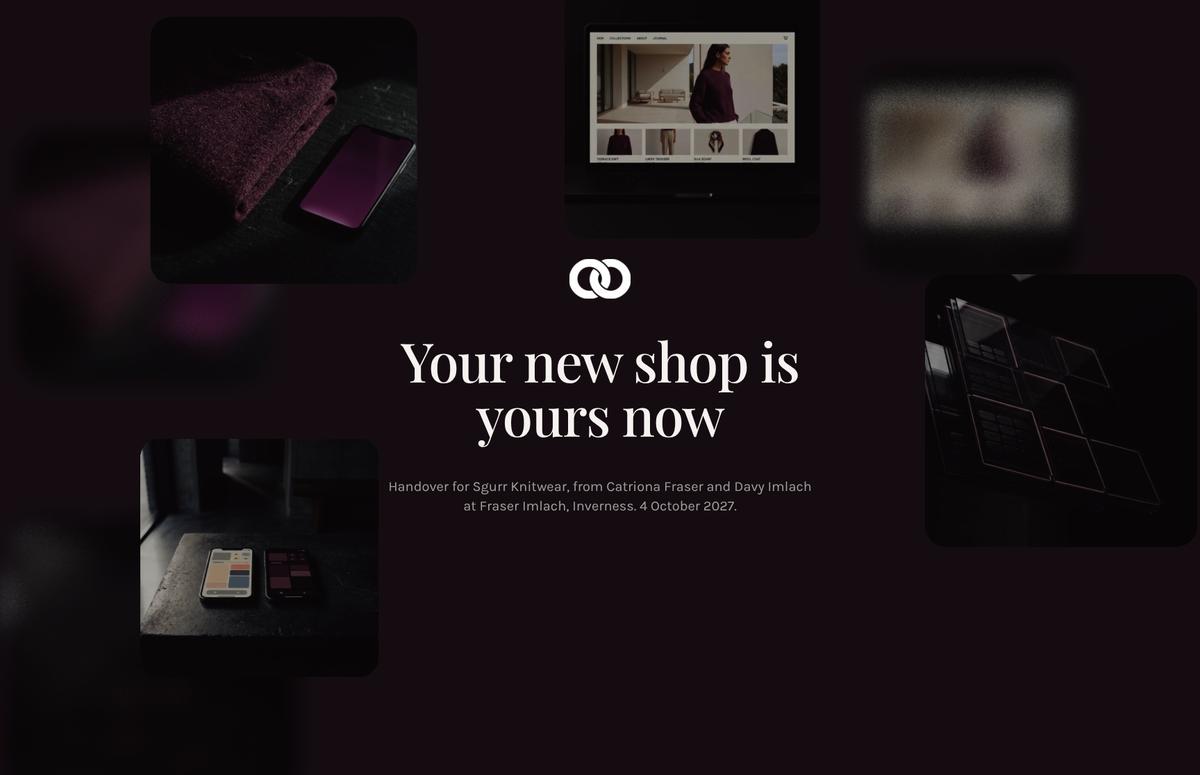
Project Handover Hero with Client Hand-Off Banner
A welcoming opening that names the client, the agency team and the handover date. It frames the project as officially complete and puts ownership with the client from the first screen.

Project Summary: What We Built and Why It Matters
An animated text statement that restates the brief and the core promise: a shop the client's team can run without the agency. It sets the tone and reminds stakeholders what success looks like.
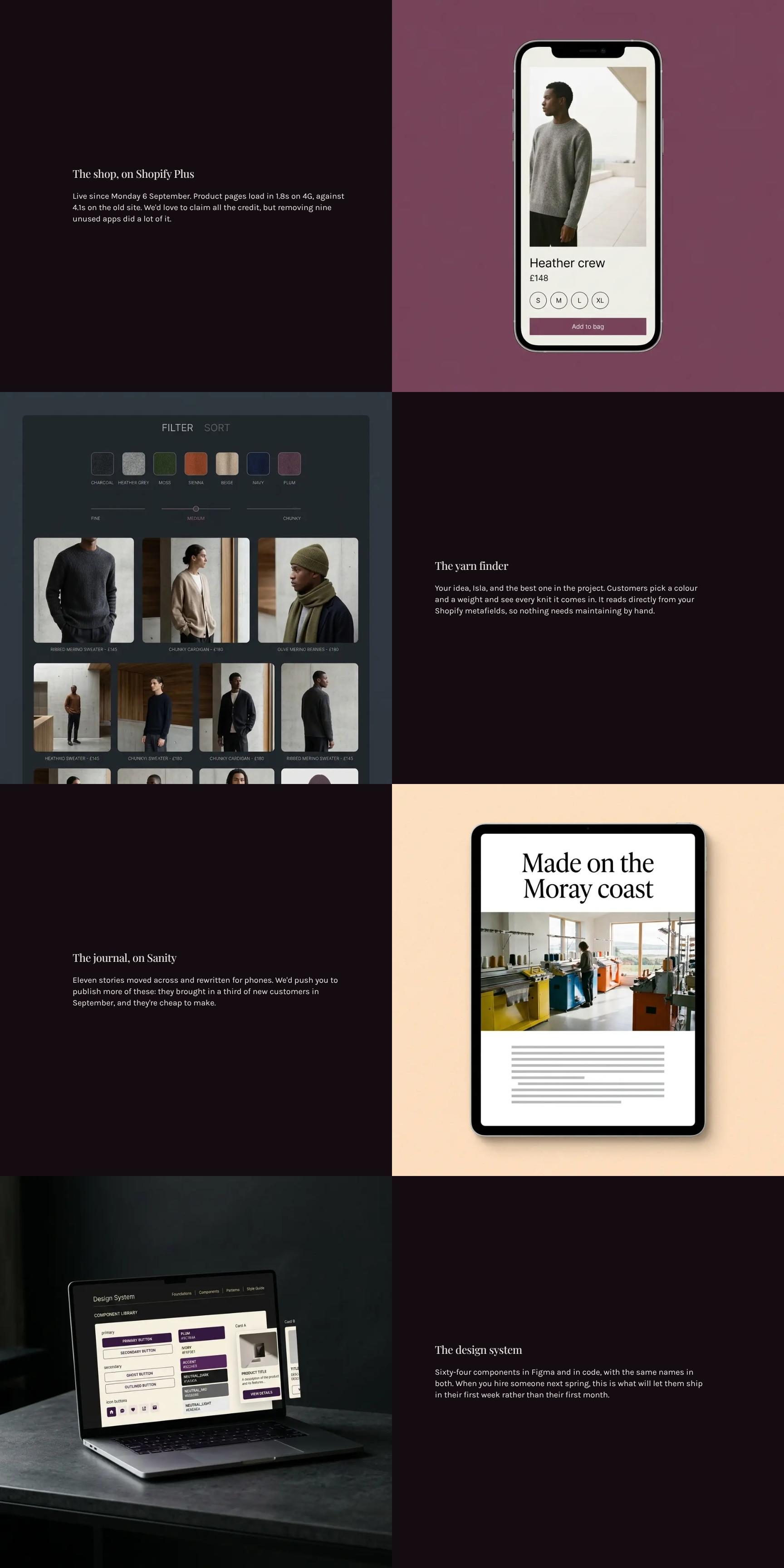
Live Site Showcase with Performance Results
A showcase of what went live on Shopify Plus, with the launch date and measurable gains such as 1.8s mobile page loads versus 4.1s before. It backs up the project's value with concrete proof.
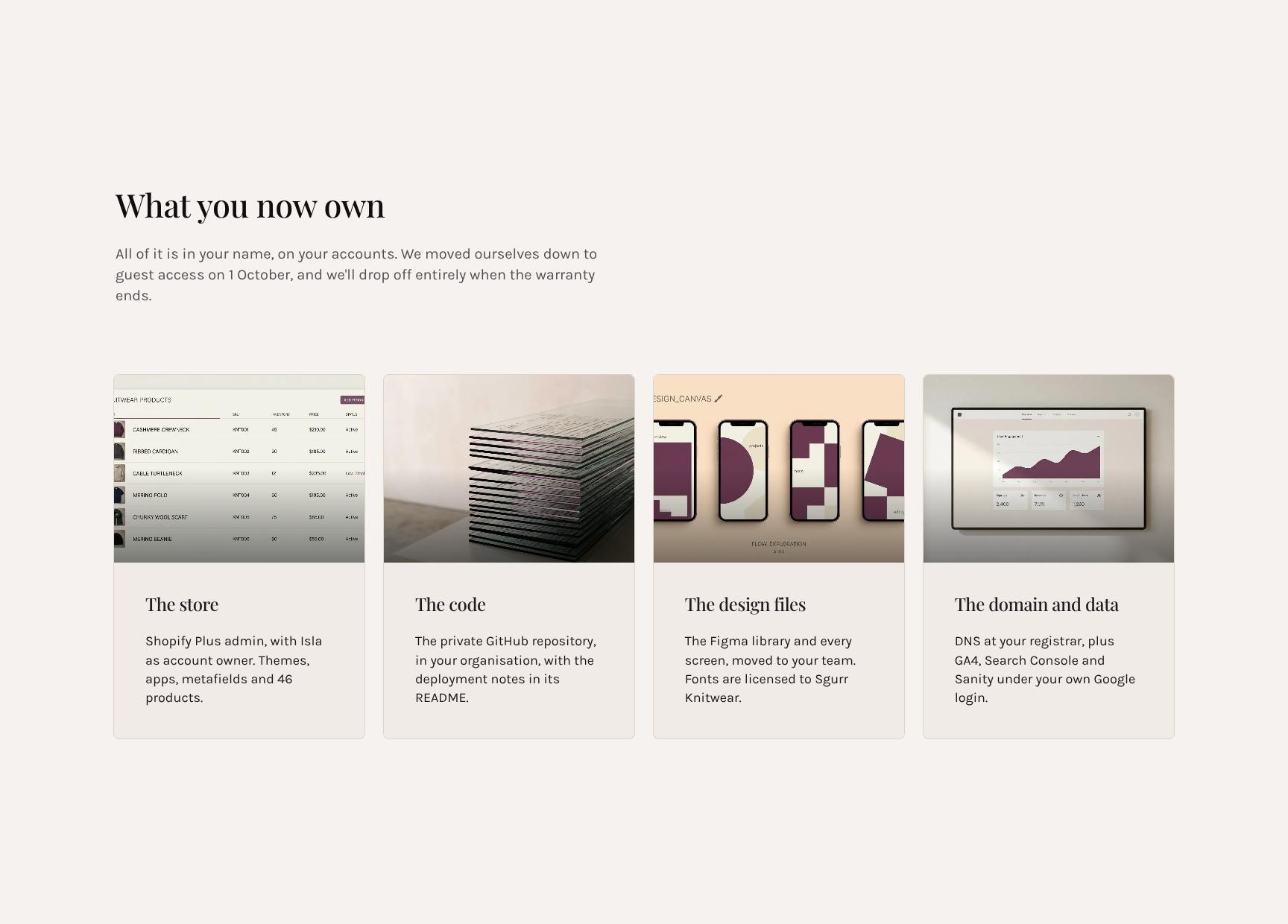
Asset and Account Ownership Checklist
Cards listing every asset, account and credential now held in the client's name. It also explains the agency's move to guest access and eventual exit, giving full clarity on ownership and control.
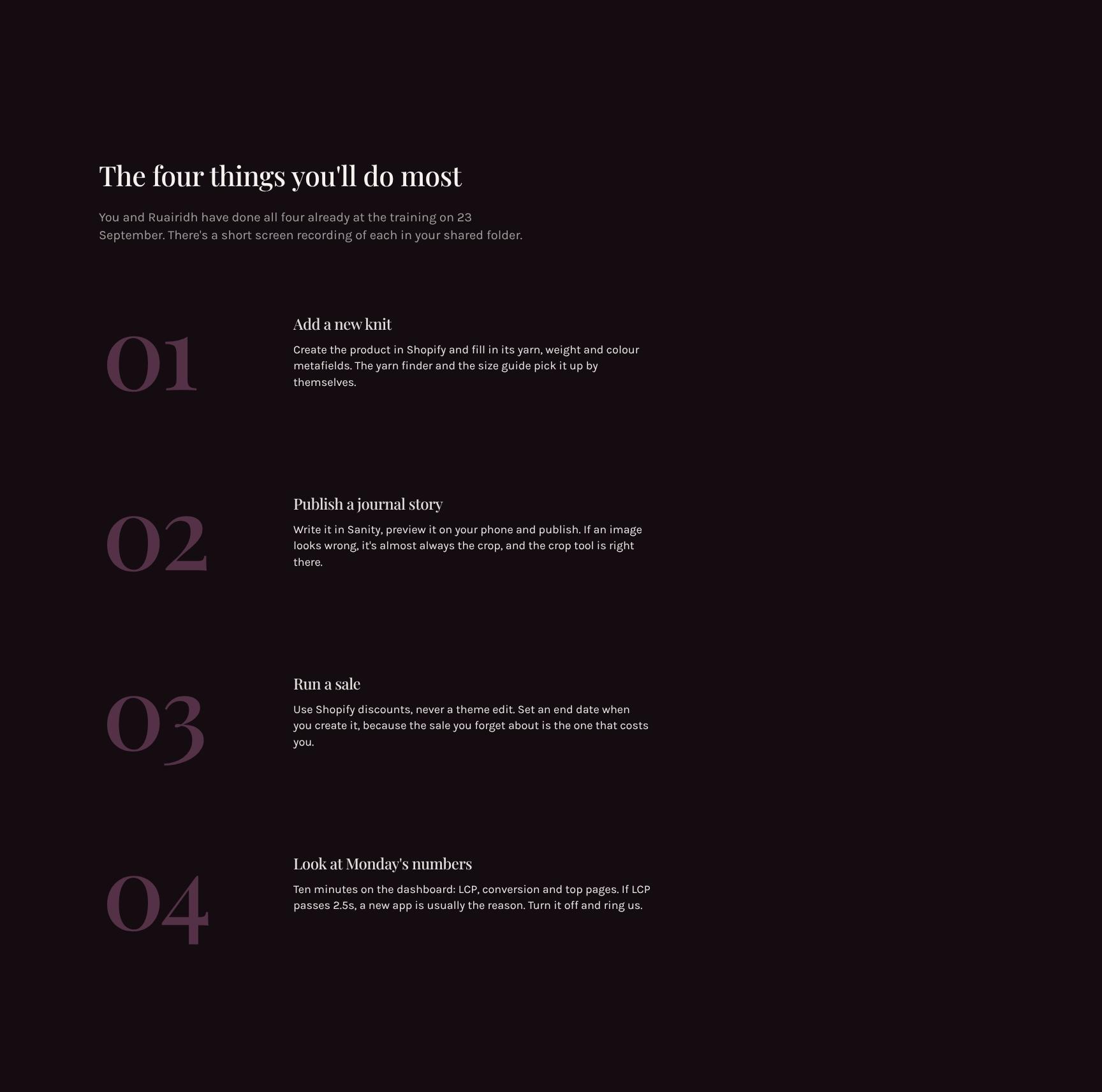
Step-by-Step Store Management Guide
The four most common tasks the team will perform, laid out as clear steps. Each links back to the training session and to screen recordings in a shared folder, so staff can run the store with confidence.
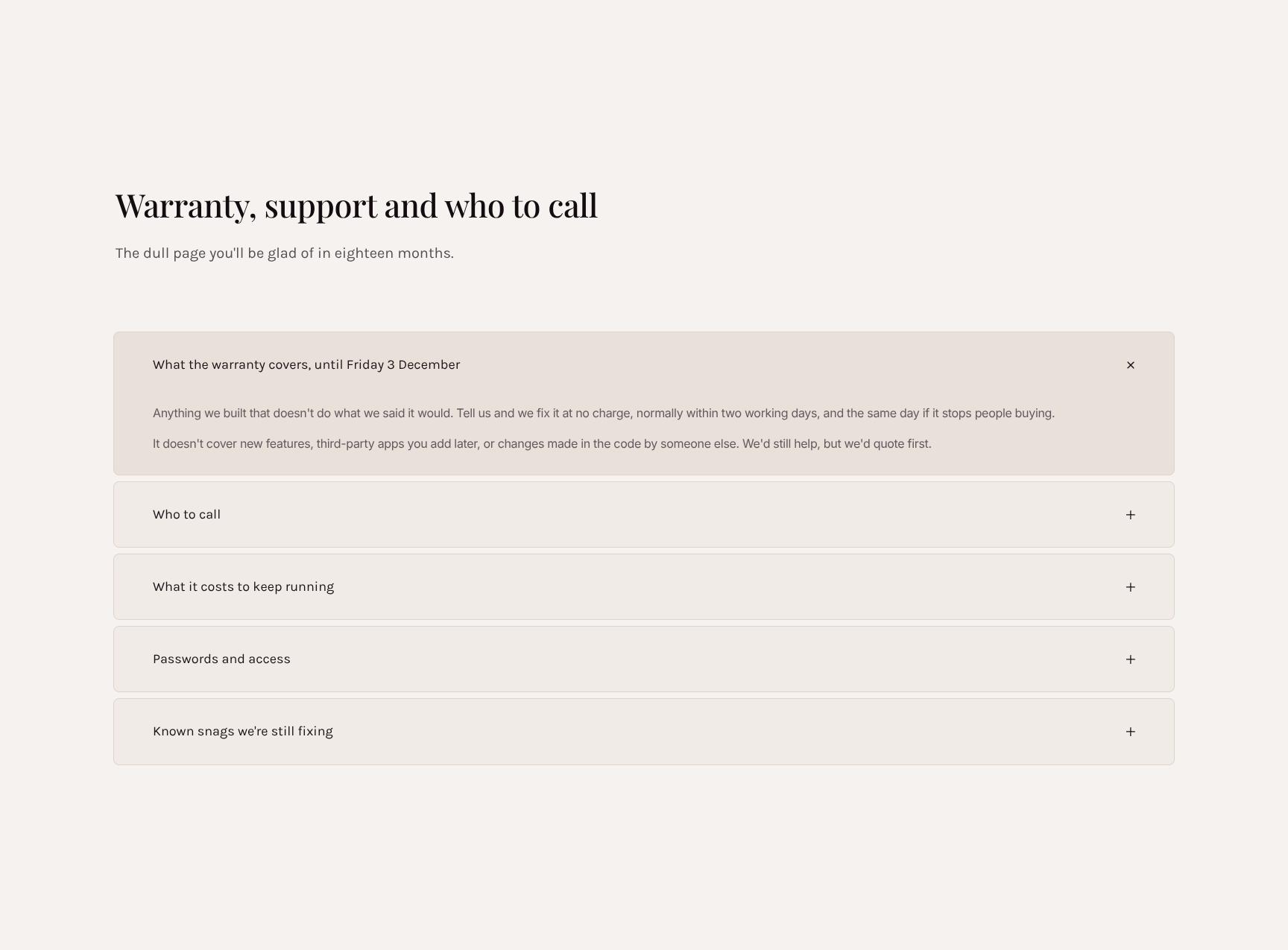
Warranty, Support Contacts and Escalation FAQ
An expandable accordion covering warranty scope and end date, support terms and who to call. It keeps the practical detail organized and easy to find when something goes wrong months later.
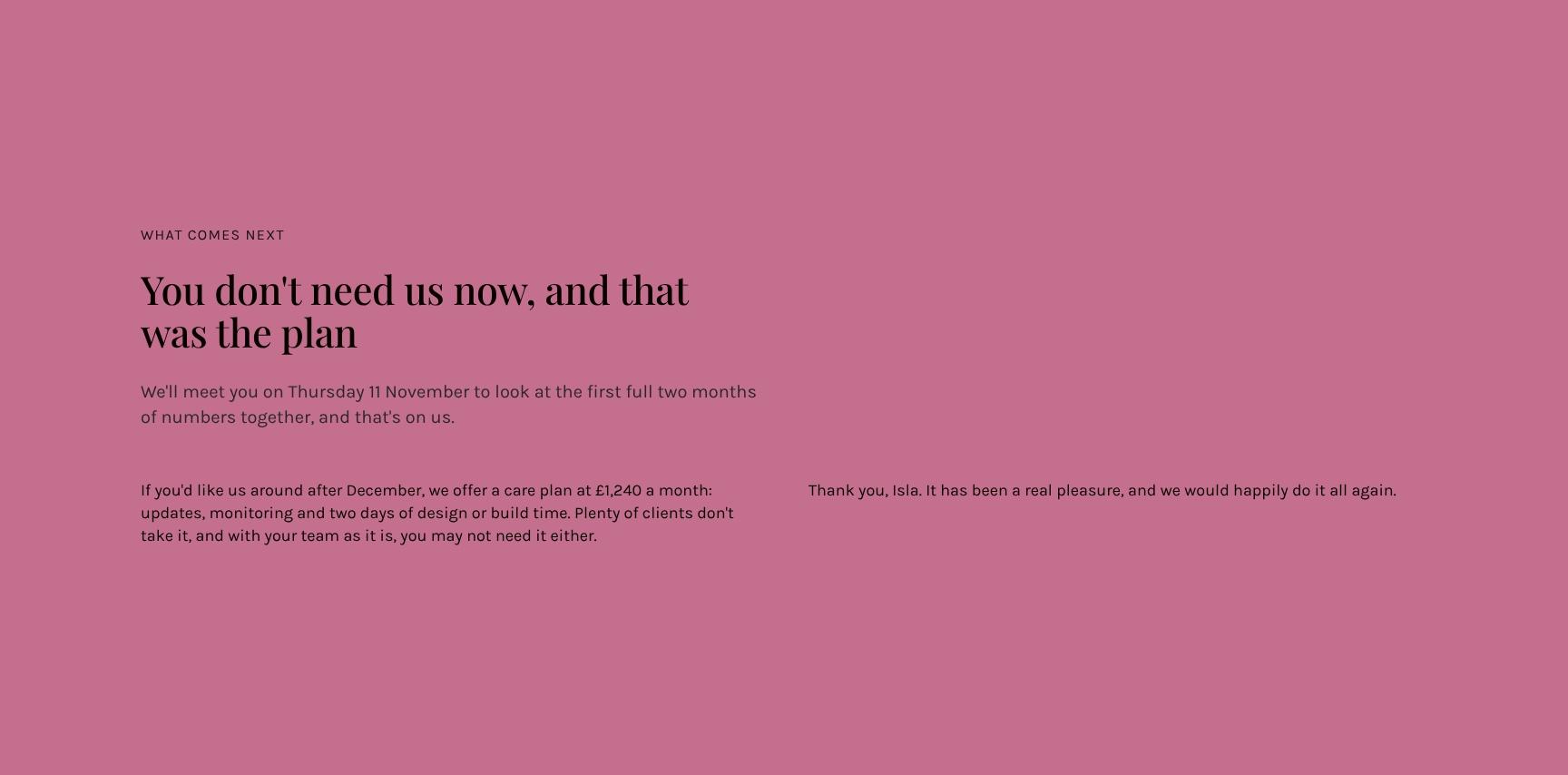
Next Steps and Post-Launch Review Meeting
A closing message confirming the independence plan and booking a complimentary review of the first two months of data. It ends the handover on reassurance and a clear next date.
Find your answers
Answers to common questions about handing over finished Shopify stores to agency clients, from ownership and access to warranty and support.
A strong project handover document covers what was built, what is currently live, who owns each asset, how to run and maintain it, and how to get support. This template organizes those into six sections: Handover, What we made, What is live, What you own, Running it, and Support. Following this structure ensures nothing is missed when transferring a project to a client or team.
Replace the placeholder text in each section with your project details, such as deliverables under 'What we made' and URLs, hosting, and credentials locations under 'What is live'. Delete any section that doesn't apply and add project-specific items like domain registrars or third-party tools. Keep entries short and specific so the client can act on them without follow-up questions.
List every asset the client owns after handover: source code, design files, domains, hosting accounts, content, brand assets, and third-party licenses. Note who holds the login for each and whether ownership has been formally transferred. Be clear about anything you retain, such as pre-existing tools or reusable code, to avoid disputes later.
In the 'Running it' section, outline routine tasks like updating content, deploying changes, renewing domains and certificates, taking backups, and monitoring uptime. Include step-by-step instructions or links to guides, plus the frequency of each task. Add a short troubleshooting list for common issues so the client can resolve problems independently.
State what support is included, for how long, and how to request it, including contact methods, response times, and business hours. Clarify what is covered, such as bug fixes, versus what is billable, like new features or content changes. Add escalation steps for urgent issues so the client knows exactly who to contact and when.
Browse more digital & web design templates
More templates for web agencies wrapping up client projects and handing over finished work with clarity.