





Hamburg
Interior Design Fee Variation Template for Scope Changes
A fee variation an interior design studio sends when the scope changes mid-project: what changed and who asked, the effect on design fee, furniture budget and programme, the change priced line by line with optional items, what stays as agreed, the option of not making the change and the signature needed.
Make it yours, in seconds
Every template is a starting point. Drag to shift colour, typography and layout — the live preview updates as you move.
Move the dots to shift colour, typography and layout. The preview updates live.
Get more from every document
Show homeowners exactly what a scope change costs and why, before they sign anything. Added rooms, fee and budget impact, programme shifts and approval dates sit together so nothing gets lost in an email thread.
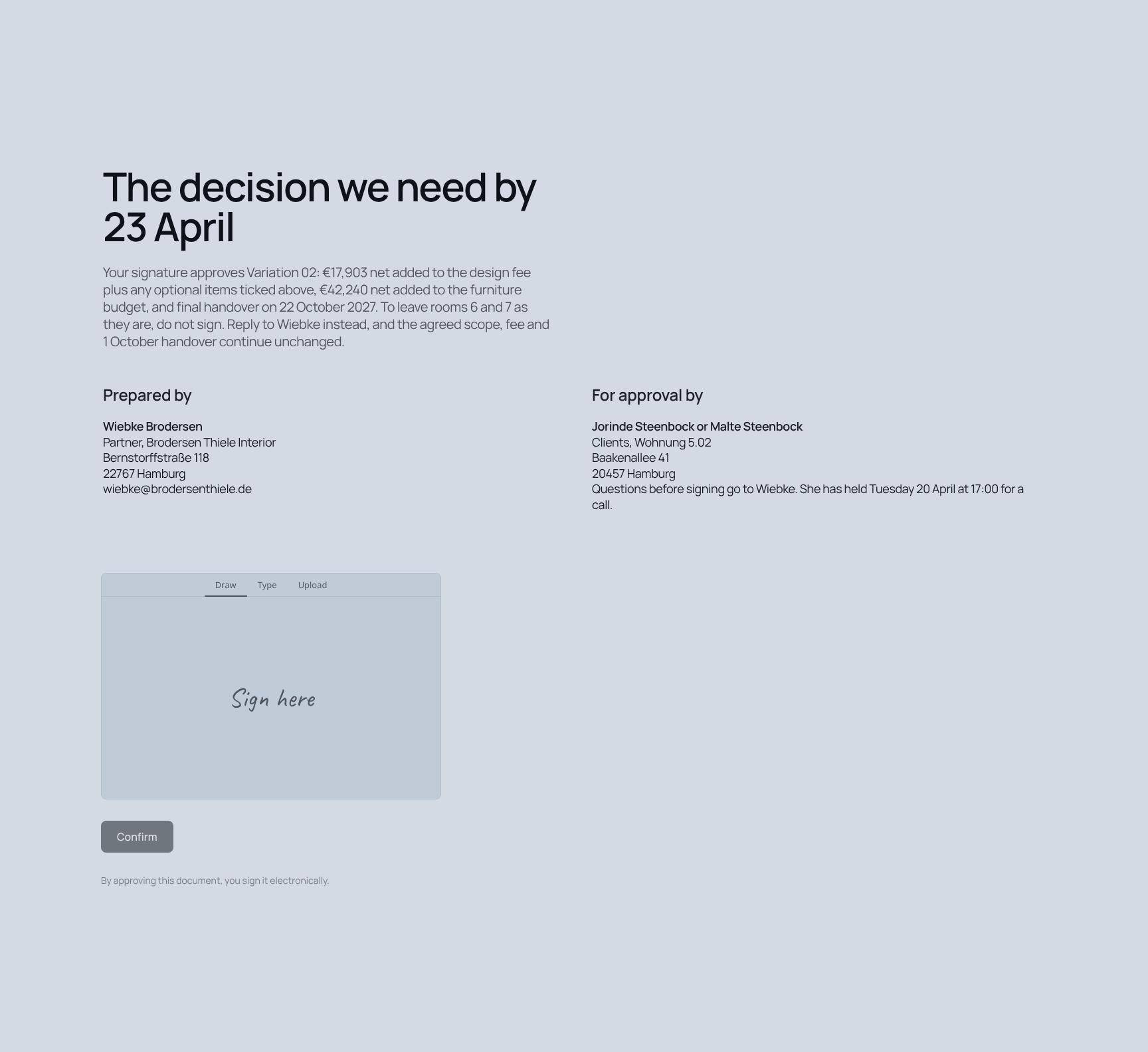
Get the agreement signed on the page
Your client reads the scope, approves the pricing, and signs in the same document. No PDF, no printing, no waiting.
Assemble the agreement in minutes
Pull in pricing, steps, and terms accordions from the library, then save your own clause blocks to reuse on the next deal.
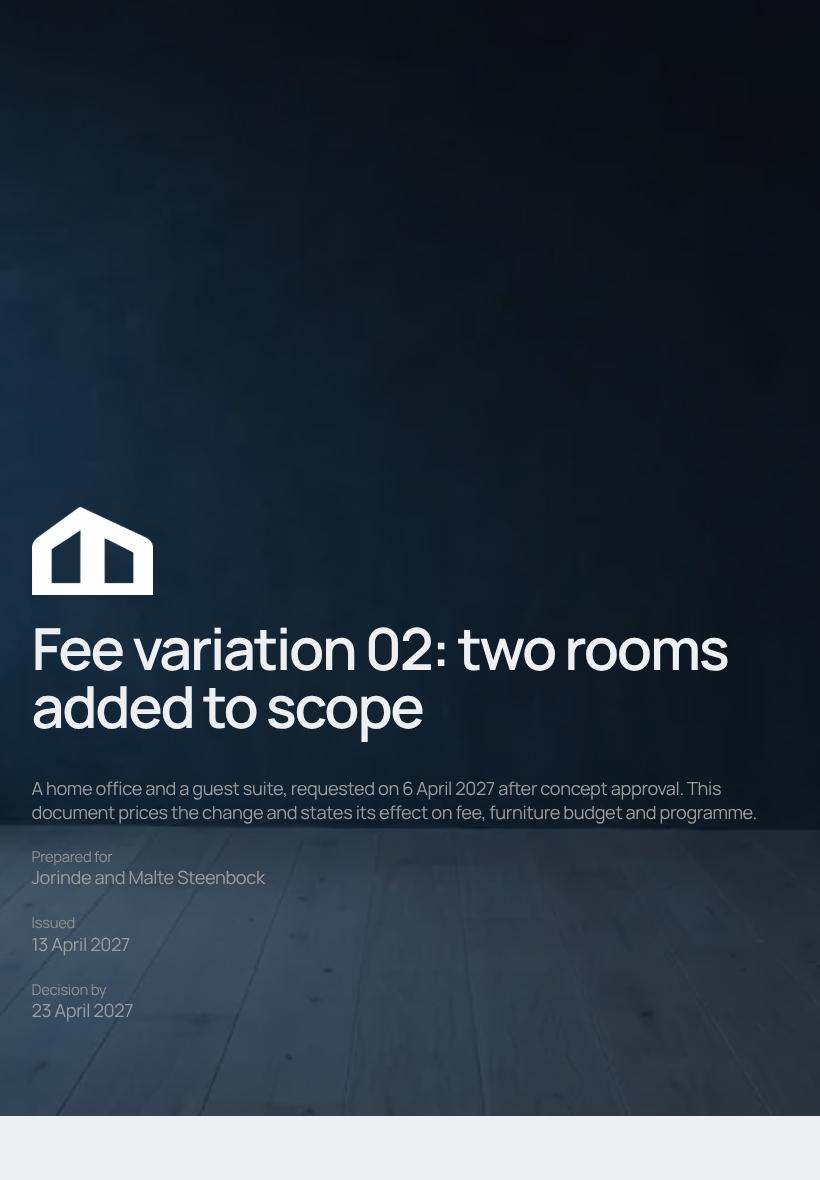

Clients sign from any device
Your terms, pricing tables, and signature block stay readable on a phone, so approval doesn't wait until they're back at a desk.

See which terms clients linger on
Heatmaps show if they stall on pricing or the tasks list, so you know what to clarify before you follow up.
Know the moment they sign
Get pinged when your client opens the agreement, leaves a comment on a clause, or signs, so you can reply while it's fresh.
Draft the deal together, live
You tweak the pricing while a teammate rewrites the scope, both in the same agreement, before it goes to the client.
See how every part fits
The document opens with a clear summary of what changed and closes with a deadline and signature block. Keep, drop, or reorder any section so it fits the size of your variation.
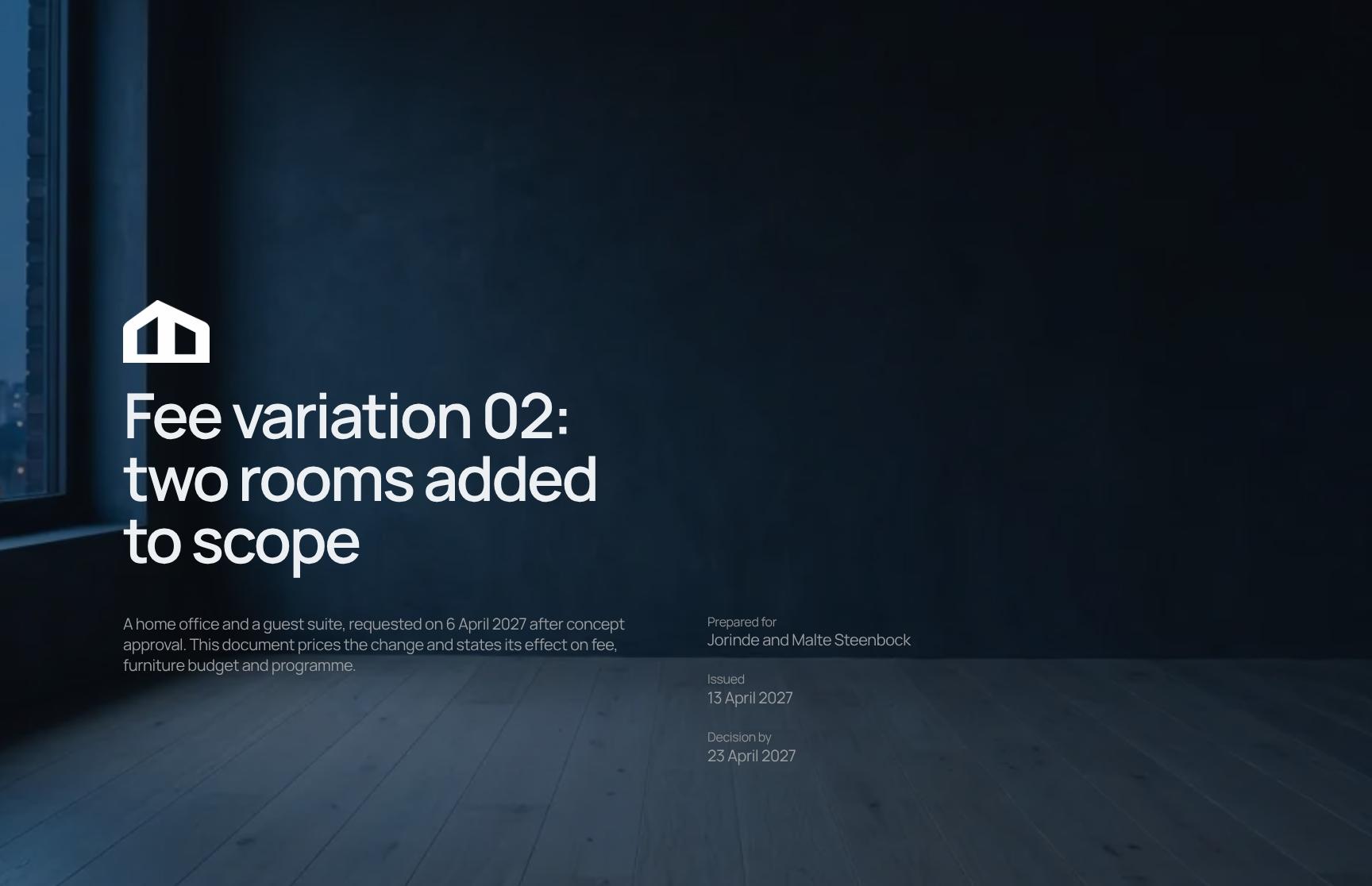
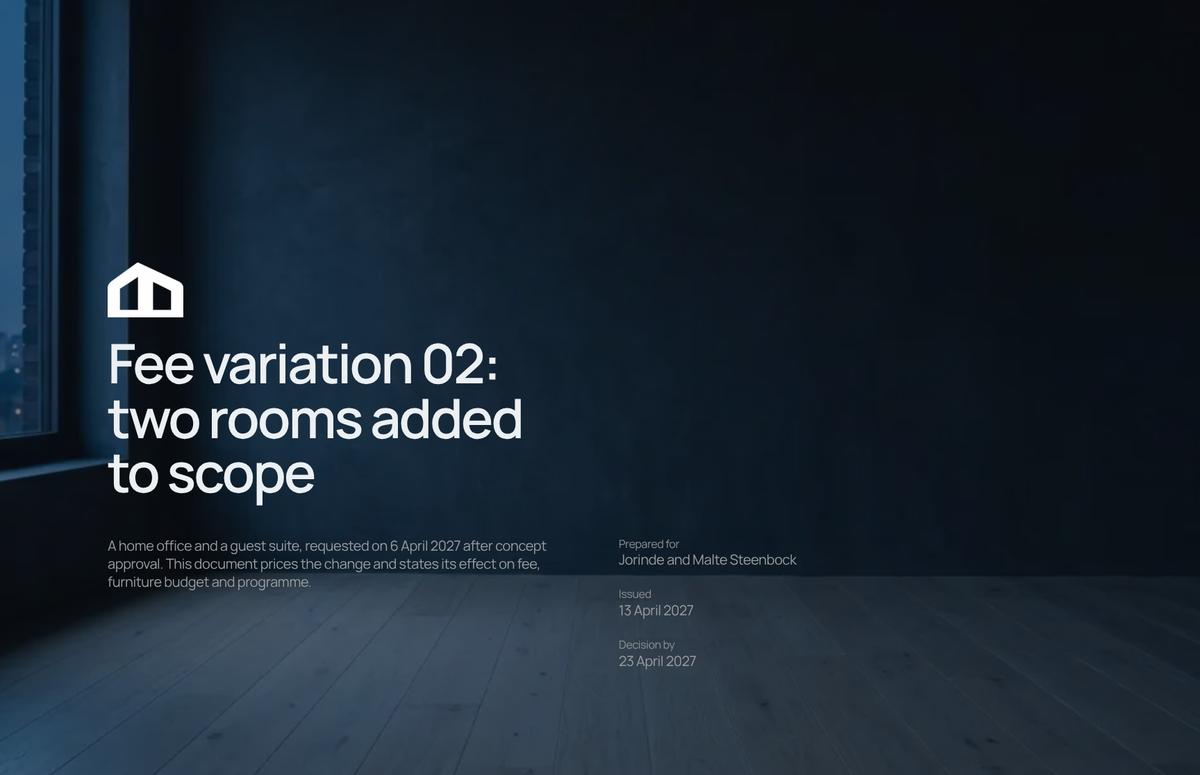
Fee Variation Cover Page with Change Summary
Opens Variation 02 with the scope change, request date and approval context. Clients see at once that two rooms were added and what the document prices, so the change order is clear from the start.
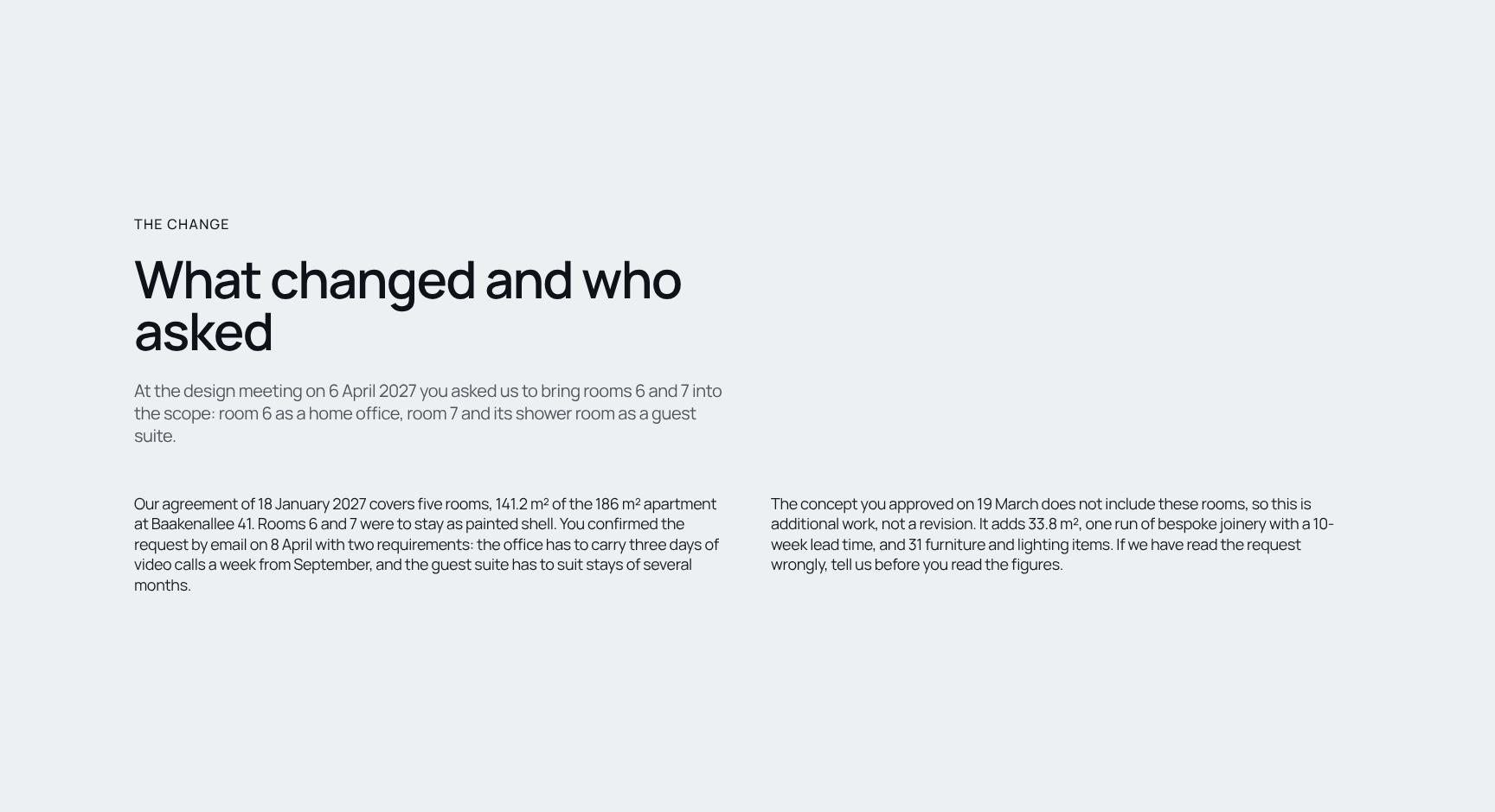
Scope Change Explained: What Changed and Who Asked
Records the design meeting request that brought a home office and a guest suite into scope. A written trail of who asked for what and when prevents disputes and keeps both sides aligned.
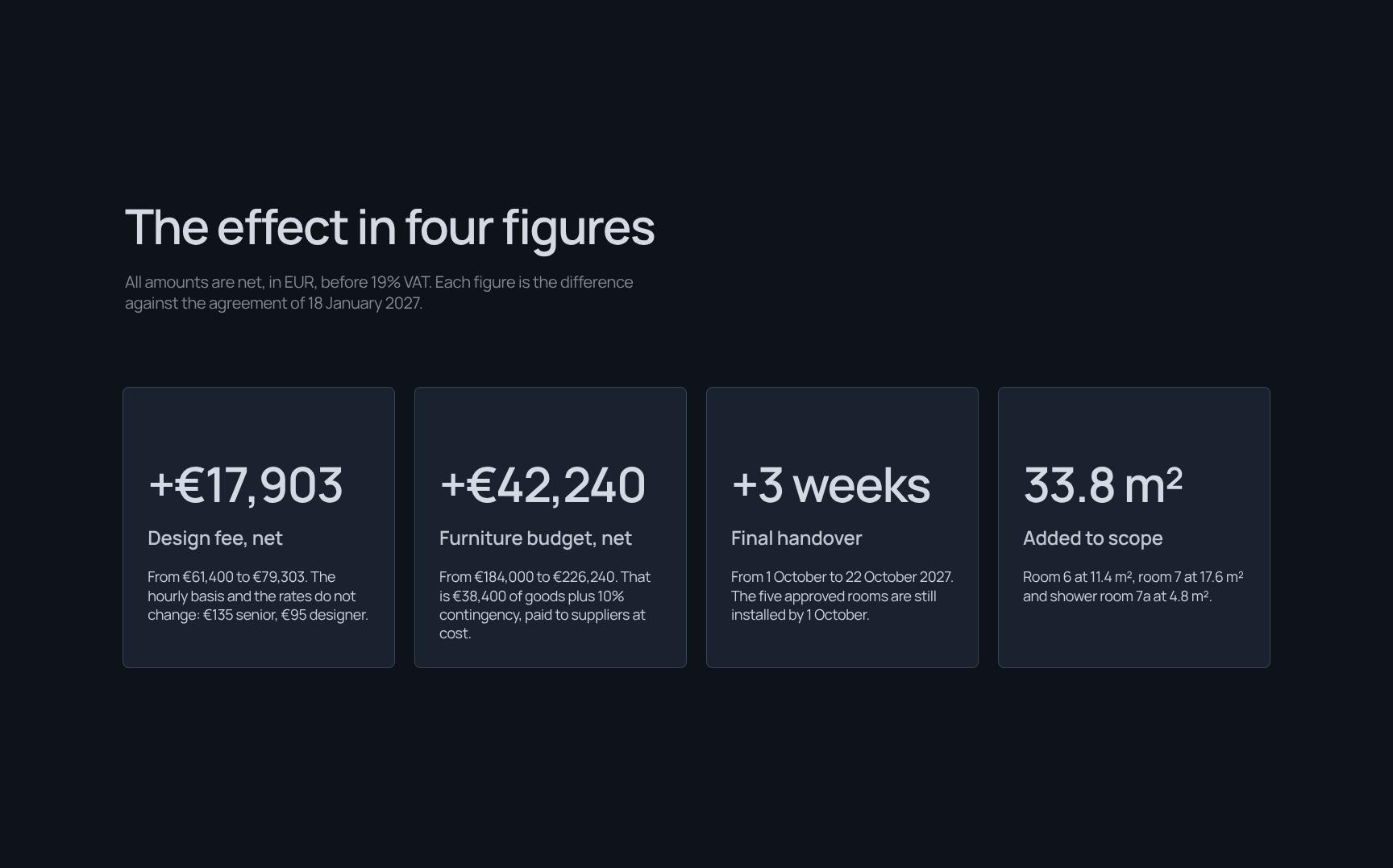
Fee, Budget and Programme Impact Summary
Four headline figures show the net change in design fee, furniture budget and timeline against the original agreement. Clients grasp the financial effect in seconds, with VAT treatment stated clearly.
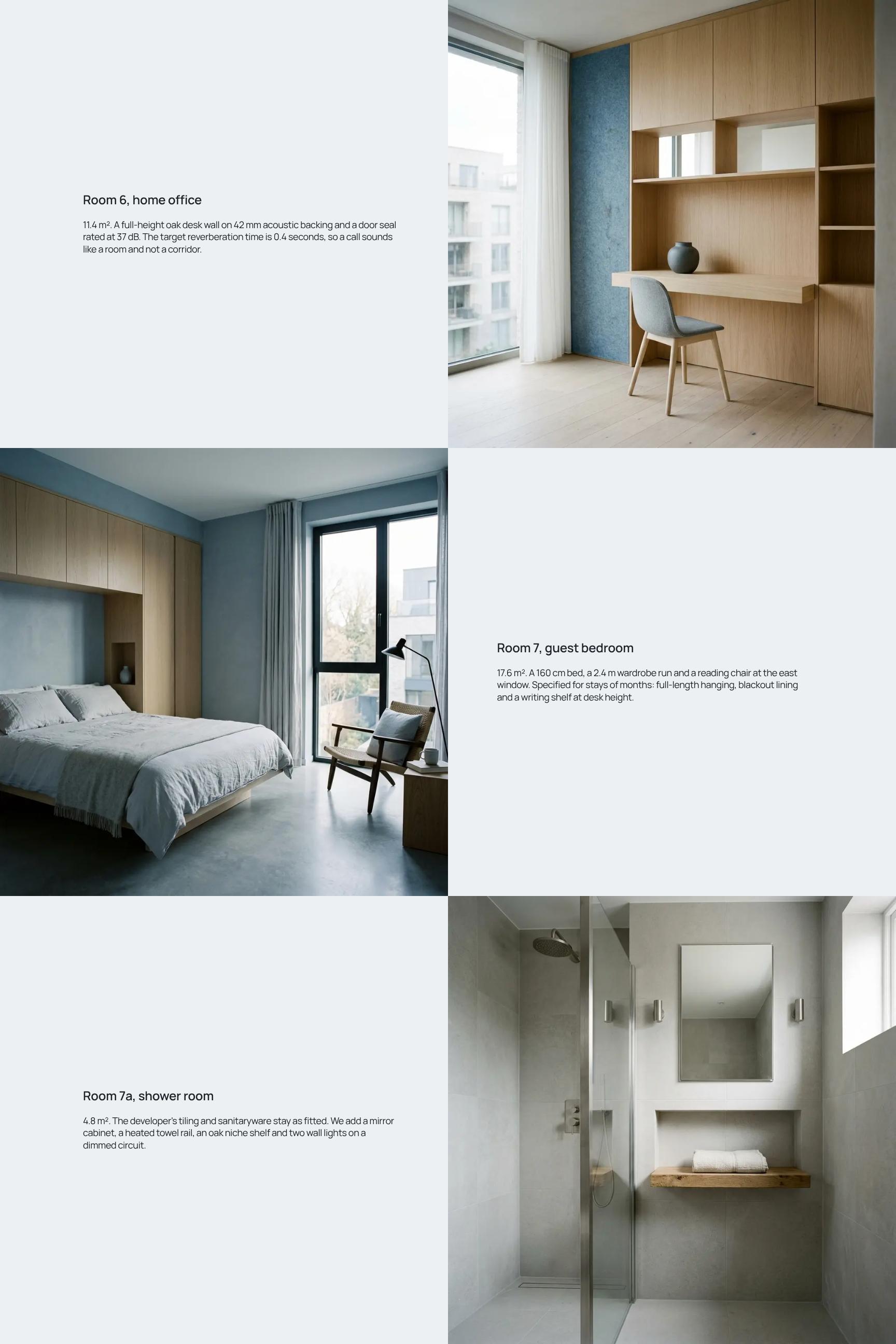
Added Rooms Showcase: Home Office and Guest Suite
Describes the new rooms with sizes, acoustic specifications and design intent, such as the oak desk wall and target reverberation time. Clients see what the extra fee buys.
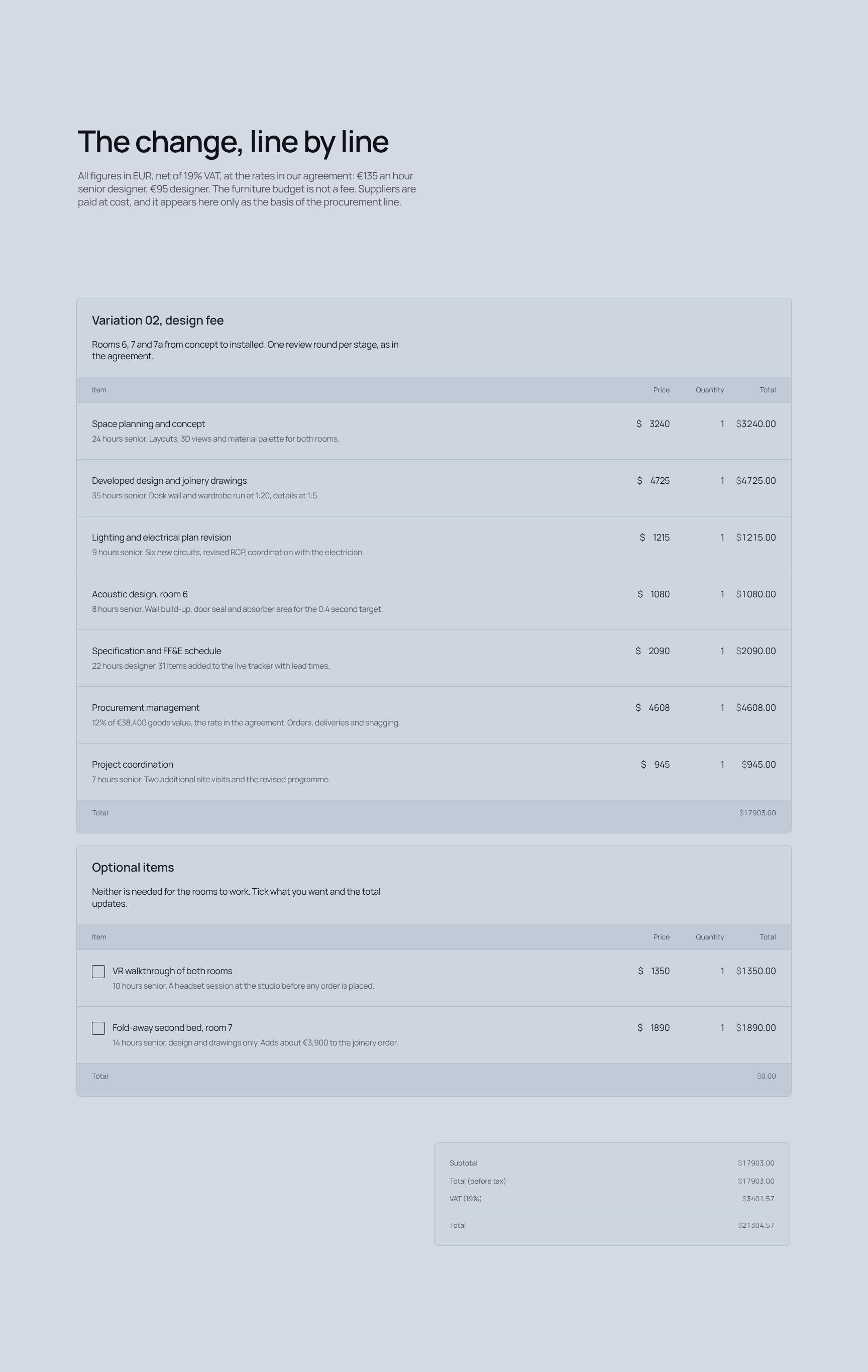
Line-by-Line Fee Breakdown and Pricing Table
Itemises the added work at agreed hourly rates for senior designer and designer. It separates design fees from at-cost furniture spend, so every euro of the variation is transparent.
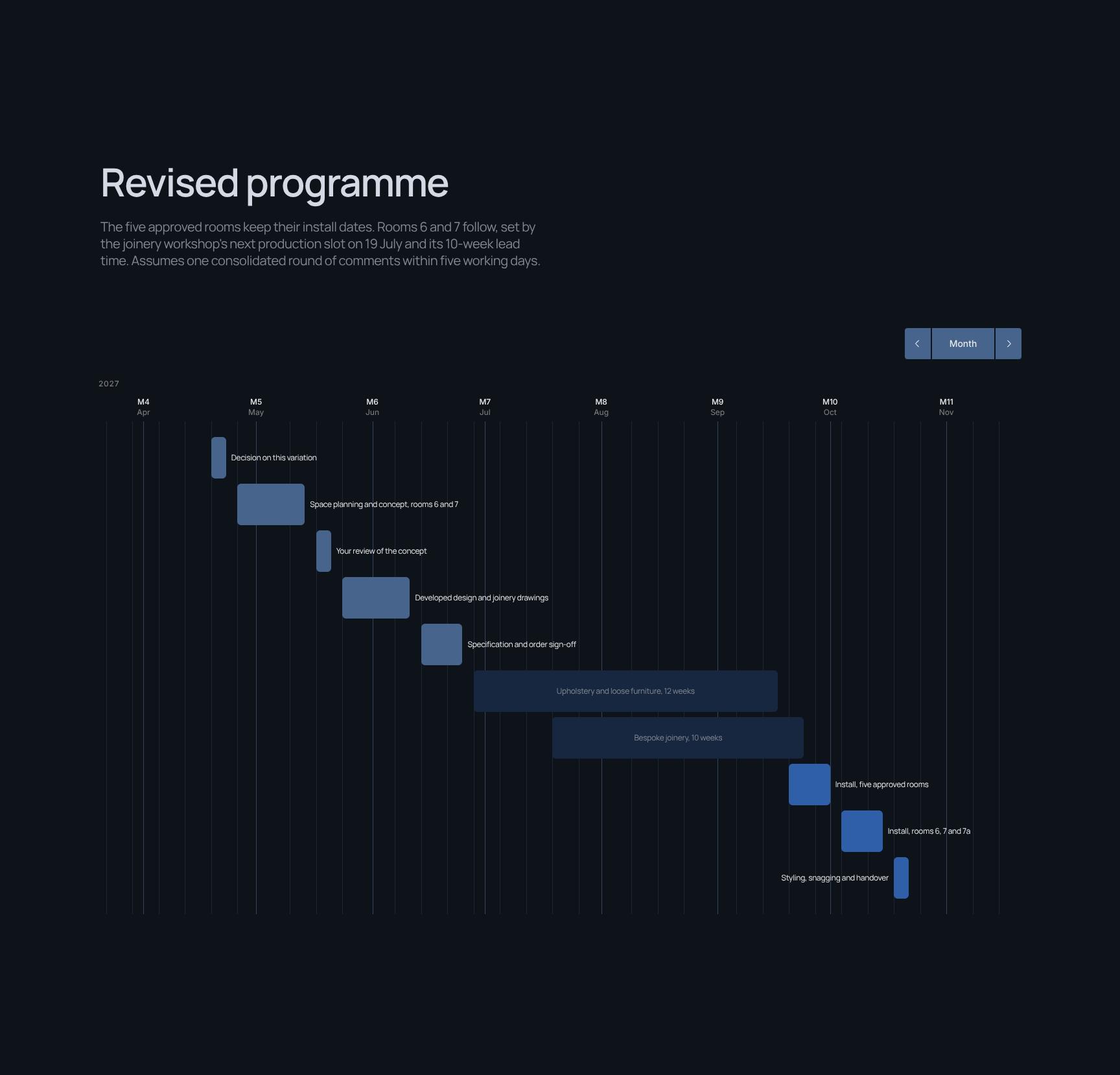
Revised Project Programme and Install Schedule
Shows that the five approved rooms keep their install dates while rooms 6 and 7 follow the joinery slot and lead time. States the assumptions behind the new handover date.

What Stays as Agreed: Approved Rooms Unchanged
Reassures the client that the five approved rooms keep their design, fee, budget and 1 October install date. A short, confident statement that limits scope worry.
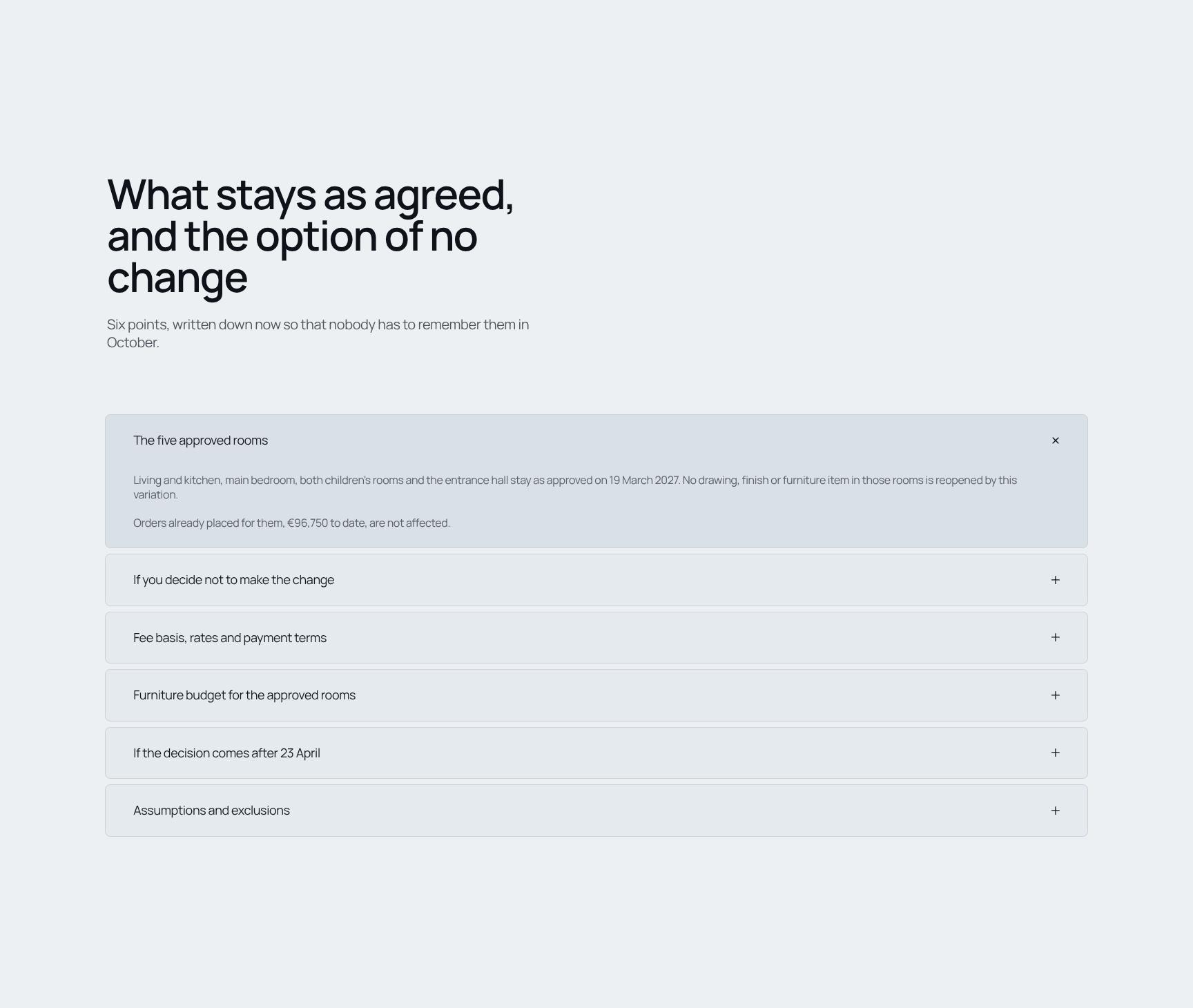
Unchanged Terms and the No-Change Option FAQ
An expandable list of six points covering what remains fixed, plus the option to decline the variation. It protects the client's choice and avoids later misunderstandings.
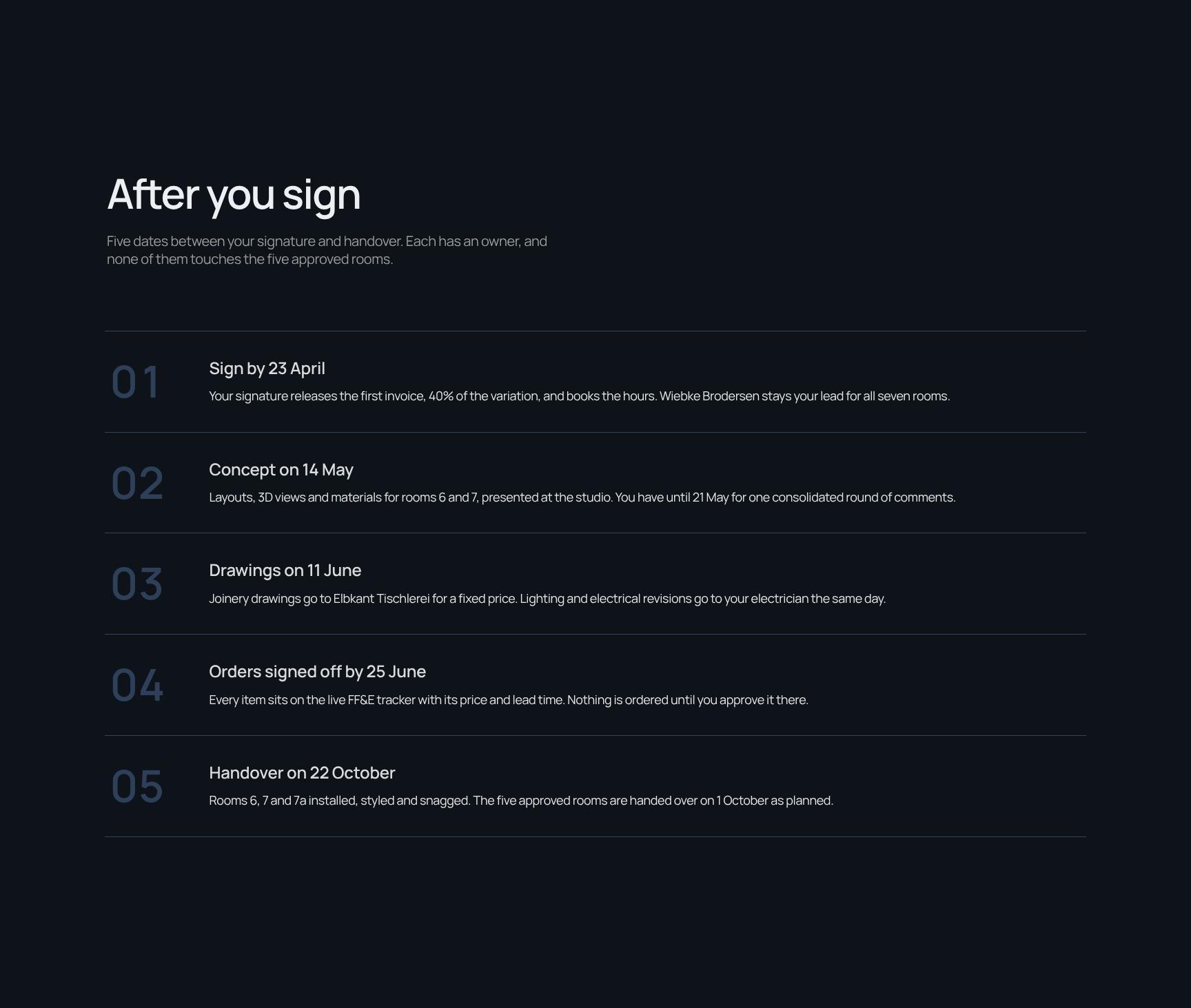
Post-Signature Next Steps and Key Dates
Lays out five dates between signature and handover, each with a named owner. Clients know what happens next, who is responsible, and that approved rooms are unaffected.
Decision Deadline and E-Signature Approval Block
Restates the approved fee, furniture budget and handover date, with optional items and a 23 April deadline. A clear signature block lets the client approve the variation quickly and legally.
Find your answers
Common questions from designers and homeowners about pricing added rooms, adjusting budgets and getting a fee variation approved on time.
A fee variation agreement should include a clear description of what changed, the effect on the fee, budget and programme, and how the change was priced. It should also list any added scope, such as extra rooms, and set out a revised programme with new dates. Both parties should sign to confirm acceptance.
Replace the variation number (e.g., Fee Variation 02), project name, and party details first. Then update the 'What changed' and 'The added rooms' sections with your actual scope changes, and enter your own pricing basis and revised programme dates. Delete any sections that don't apply so the document stays concise.
Price the change using the method set out in your original appointment, such as a lump sum, percentage of construction cost, or time-based rates. In the 'The change, priced' section, show the basis of calculation, the additional fee, and the new total fee. Showing a clear breakdown makes approval faster and reduces disputes.
Yes, you can edit the template in a word processor such as Microsoft Word or Google Docs and export it as a PDF for signing and issue. Keep an editable copy for future variations such as Fee Variation 03. PDF is best for the final signed version, as it preserves formatting.
Yes, it suits any consultant working on building projects who needs to formalize a change in scope, including architects, engineers, project managers, and quantity surveyors. The sections on fee, budget, and programme impact apply to most construction and design appointments. Check it against your appointment terms or contract, and have a legal professional review it if the change is substantial.
Browse more interior design templates
More agreements and client paperwork for interior designers managing scope, fees and approvals on residential projects.