



Pasadena
Restaurant Fit-Out Welcome Pack Template | Interior Design
A welcome pack an interior design studio sends a restaurant and bar client after appointment: who they will deal with, the first four weeks, the schedule from concept to opening night, the supplier lead times behind it, what the studio needs from them and how decisions, changes and site visits work.
Make it yours, in seconds
Every template is a starting point. Drag to shift colour, typography and layout — the live preview updates as you move.
Move the dots to shift colour, typography and layout. The preview updates live.
Get more from every document
Get a restaurant client from signed contract to confident kickoff in one welcome pack. Below: an opening date anchor, team contacts, a four-week plan, supplier lead times, and a read-receipt sign-off.
Get the yes without leaving the page
Your client reads the steps, scans the breakdown, and signs the agreement at the bottom. No PDF export, no printing, no waiting.
Build the whole proposal from blocks
Hero, steps, breakdown, tasks, FAQ: drop them in, tweak them, and save your best combos to reuse on the next pitch.
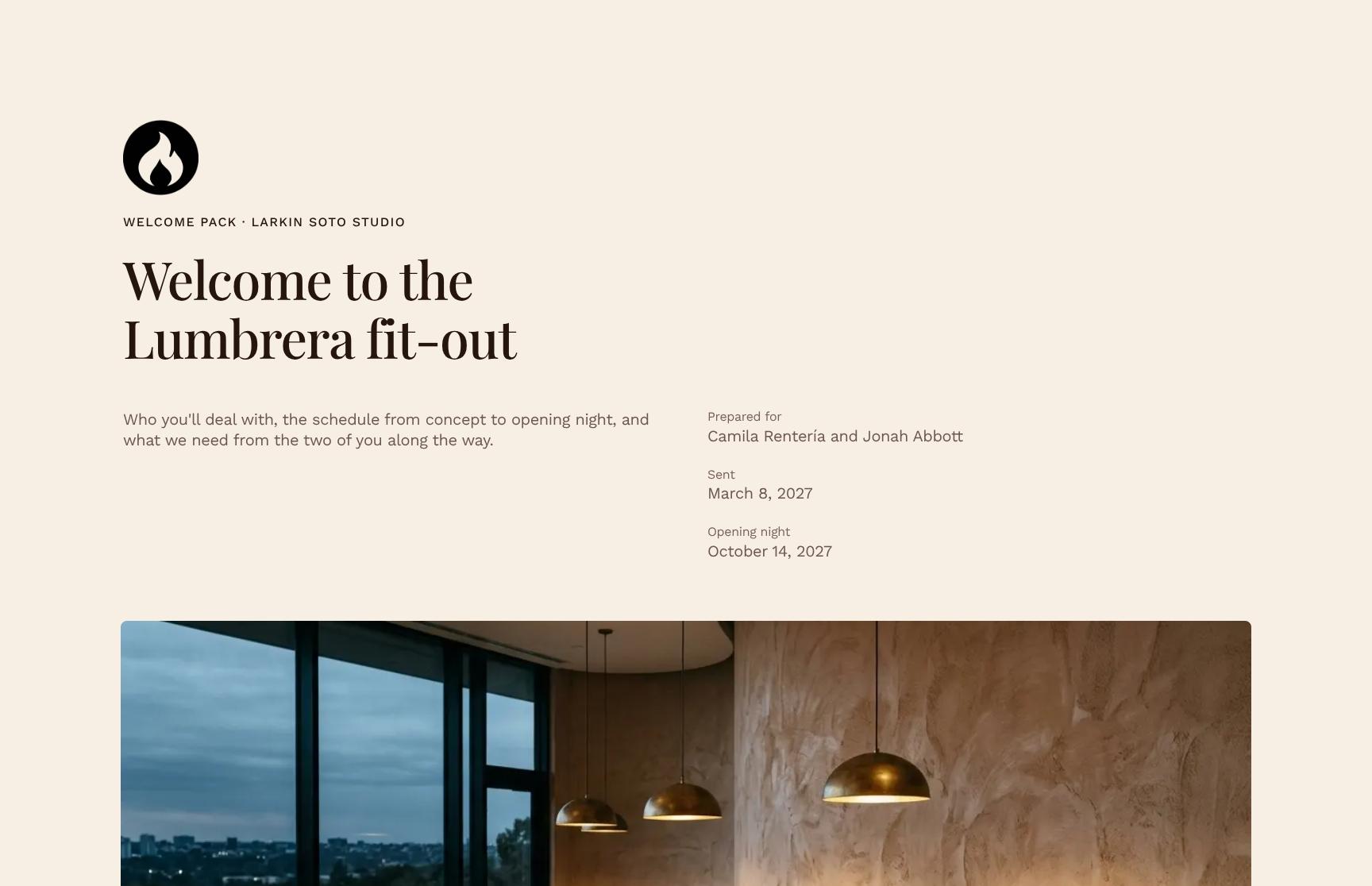
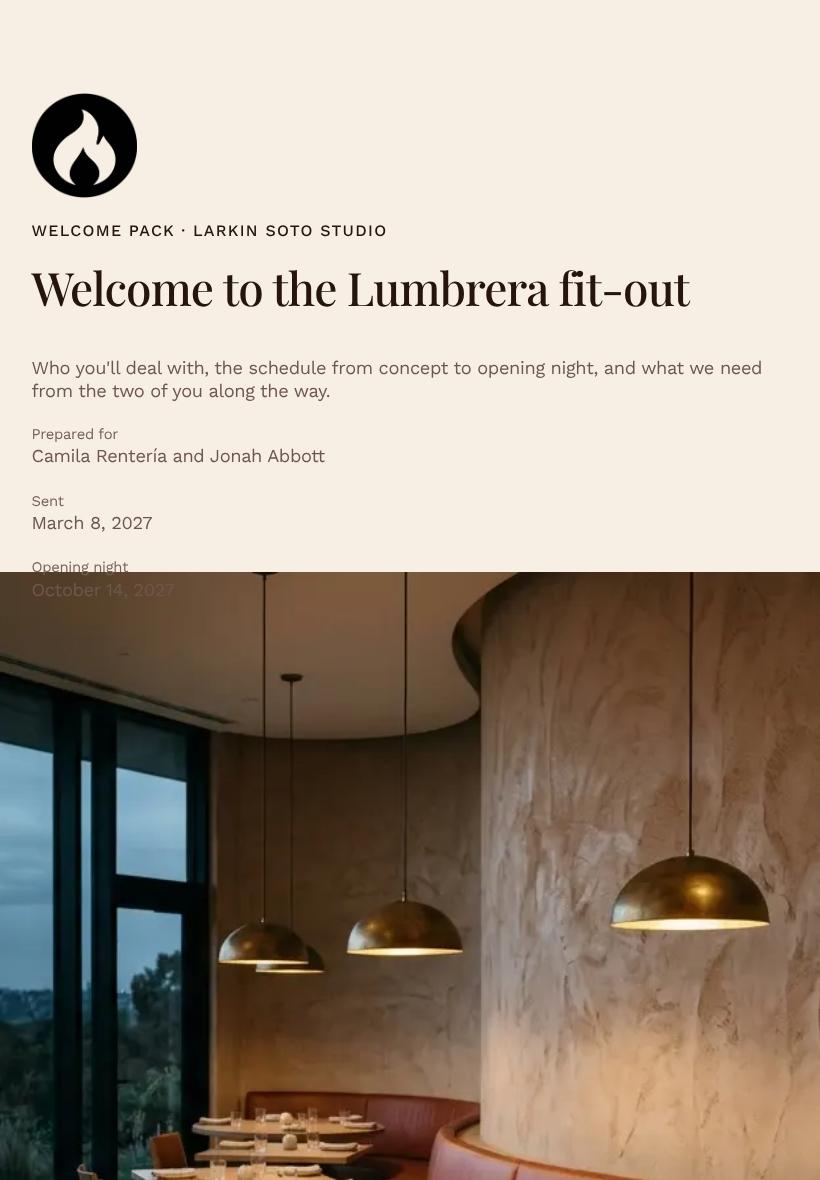
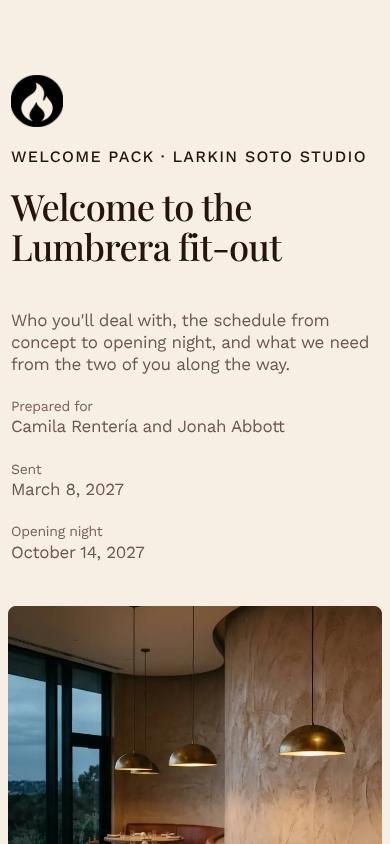
Looks right on every client screen
Your hero, showcase, and step flow adapt from laptop to phone, so a client reading on the train sees what you designed.

See which section holds their attention
Heatmaps show whether they lingered on the breakdown or skipped the steps, so your follow-up lands when interest peaks.
Know the moment they open it
A ping when your client views, comments on a section, or signs the agreement, so you reply while it's still fresh.
Shape the pitch together, live
You tweak the steps while a teammate fills in the task list and the breakdown, all in the same document at once.
See how every part fits
The pack opens with your client's opening night date and closes with their acknowledgment before kickoff, with vision, people, timelines, and tasks between. Keep what fits your project, drop what doesn't, and reorder anything.
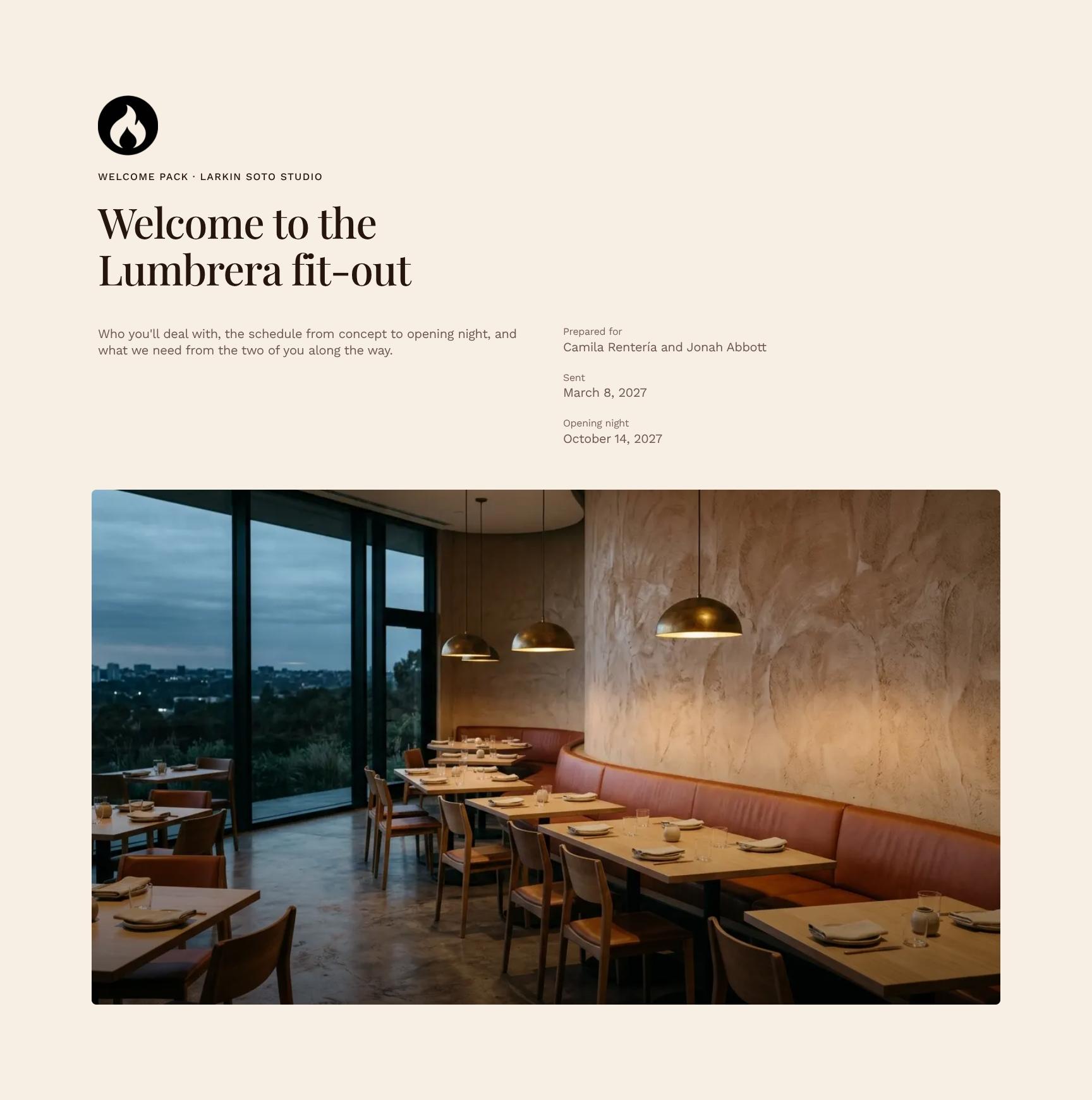
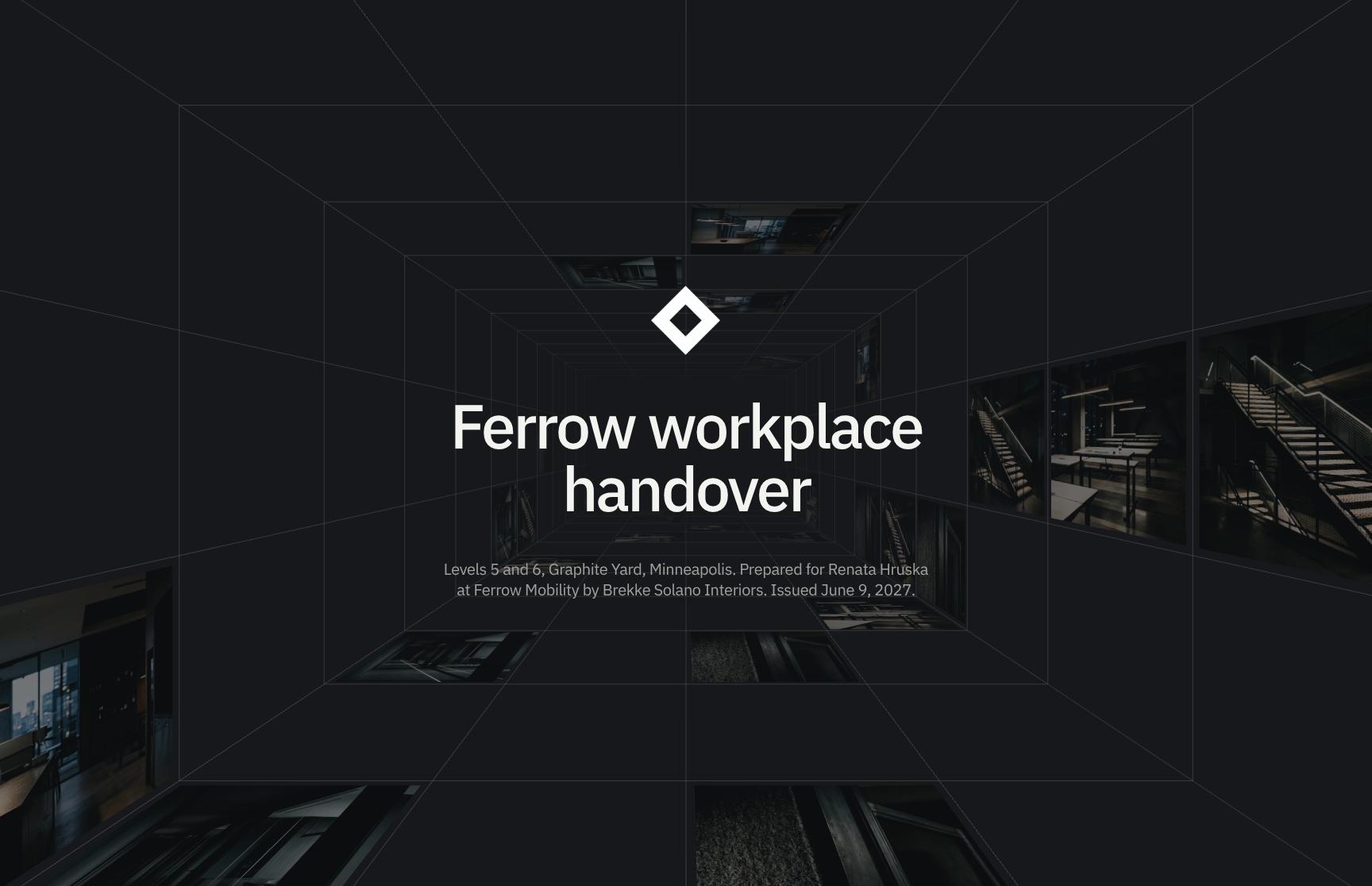
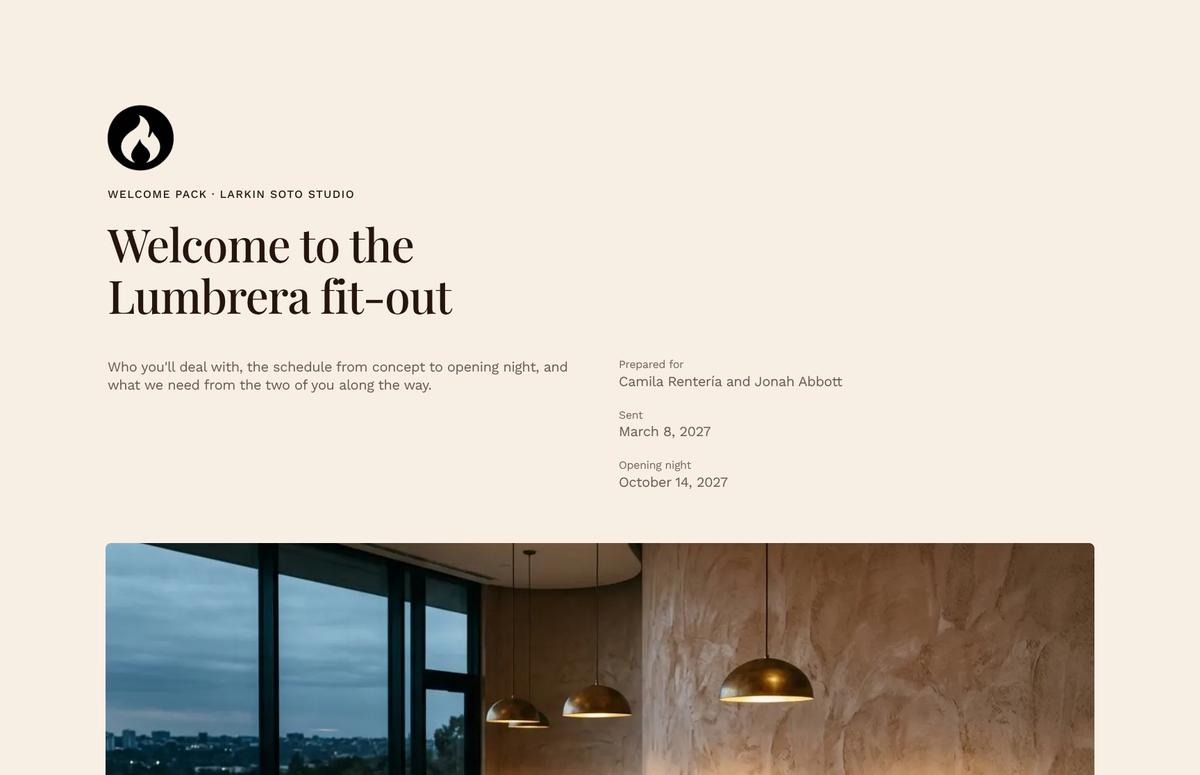
Client Welcome Pack Hero for Restaurant Fit-Out
A branded welcome opening that introduces the Lumbrera fit-out, names the studio team, and previews the schedule and client responsibilities. Sets a confident, organized tone from the first screen.

Opening Night Date Anchor with Animated Text
An animated statement that fixes the October 14 opening as the date every milestone works back from. Helps clients grasp why supplier deadlines matter and keeps everyone aligned on one goal.
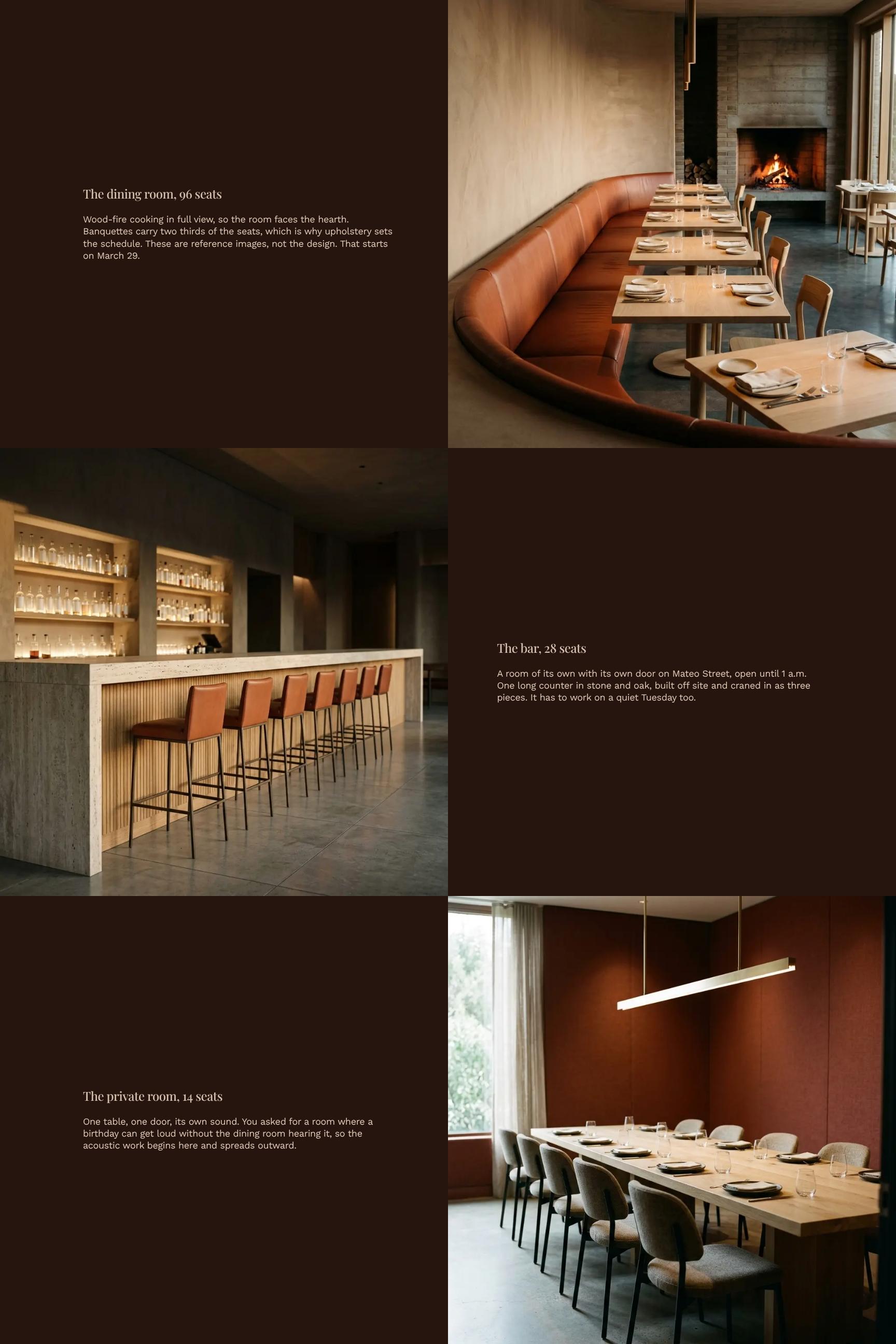
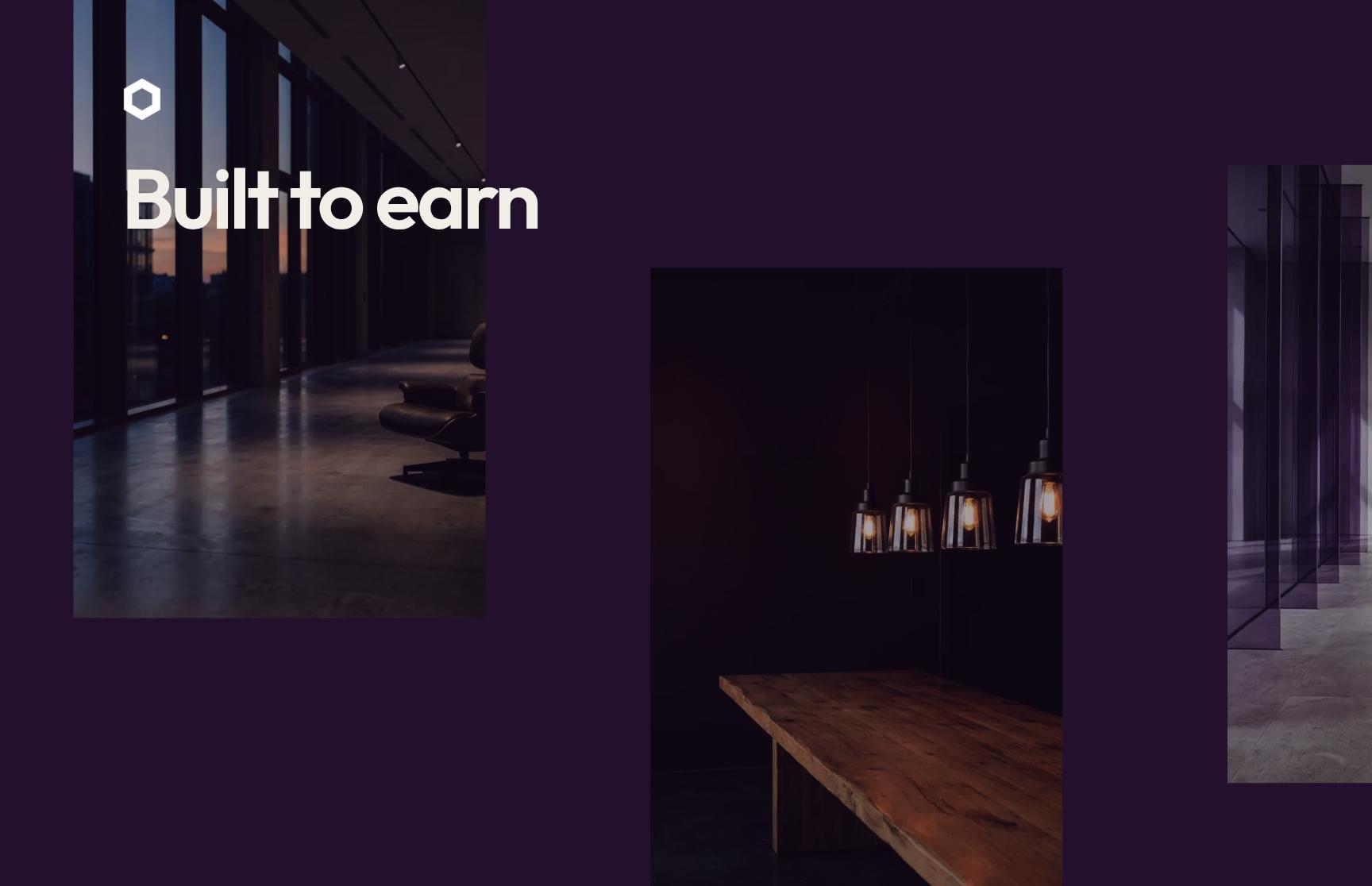
Design Vision Showcase: 96-Seat Dining Room Concept
A visual showcase of the dining room, wood-fire hearth, and banquette seating with reference imagery. Shows clients what is being built and why upholstery drives the schedule.
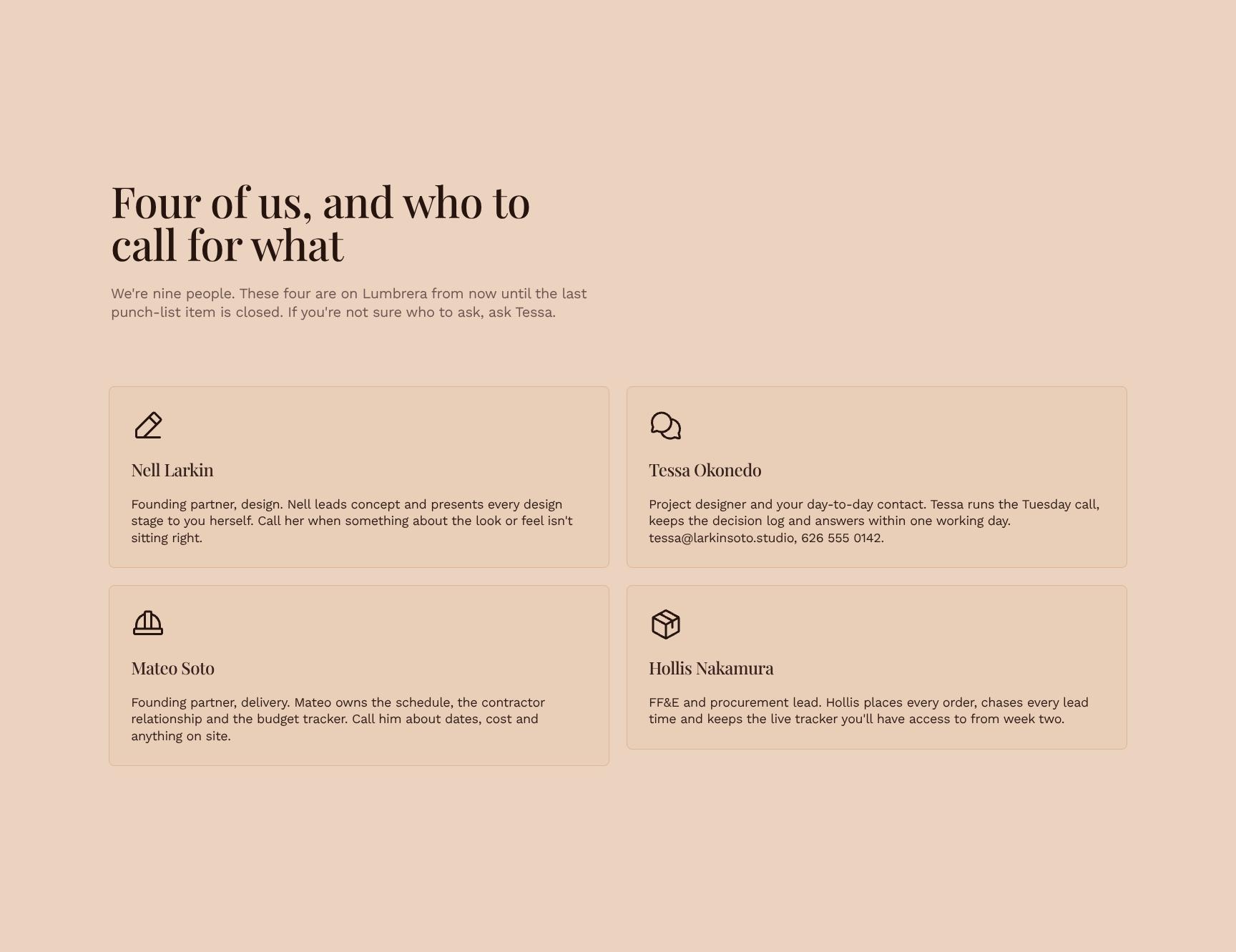
Project Team Contacts and Who to Call for What
Profile cards for the four core studio contacts, with clear roles and a default point person. Removes guesswork, speeds up questions, and gives clients confidence about who is accountable.
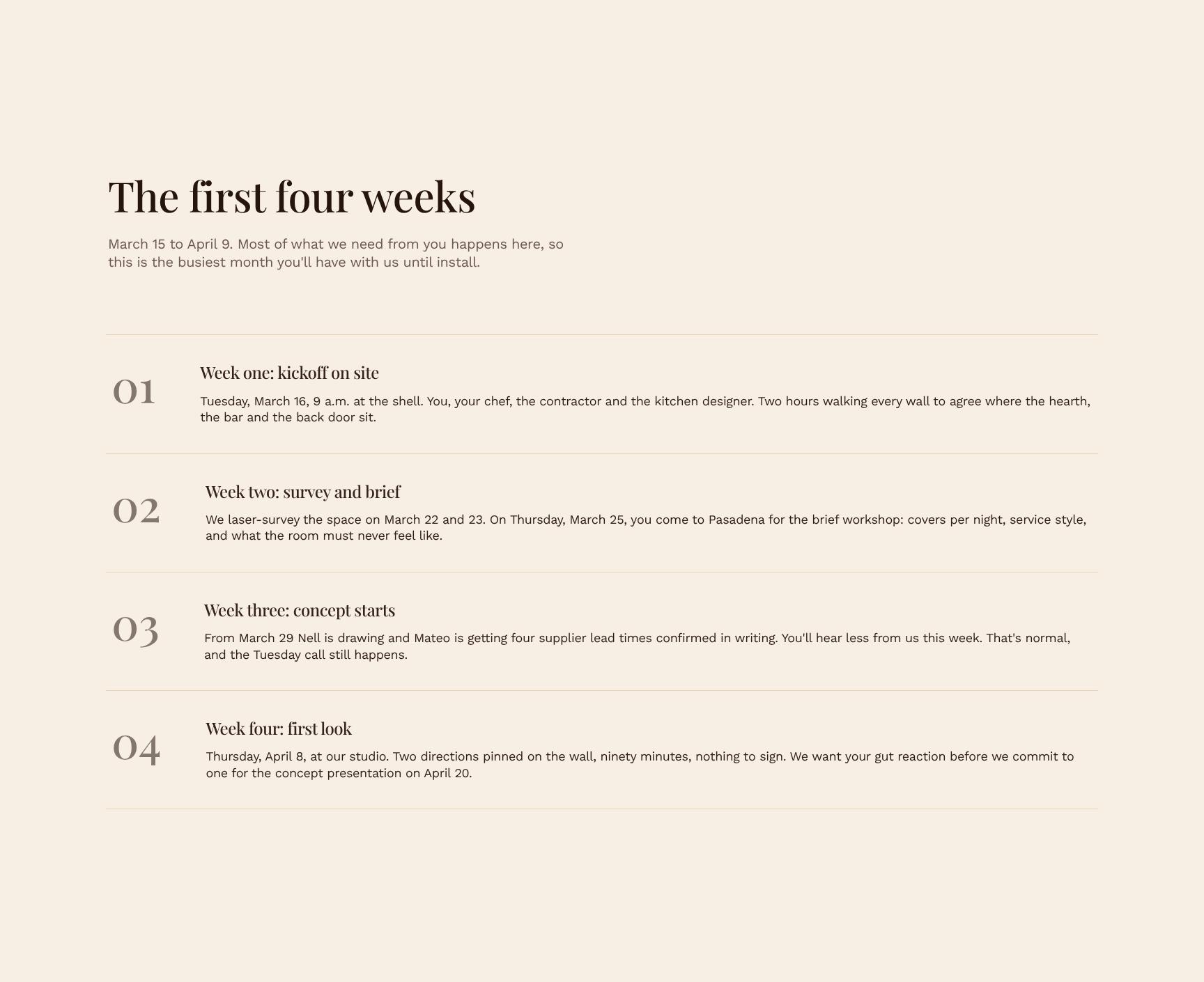
First Four Weeks Onboarding Timeline
A step-by-step walkthrough of March 15 to April 9, the busiest stretch for client input. Lets clients plan their time and prepare for early deliverables before work ramps up.
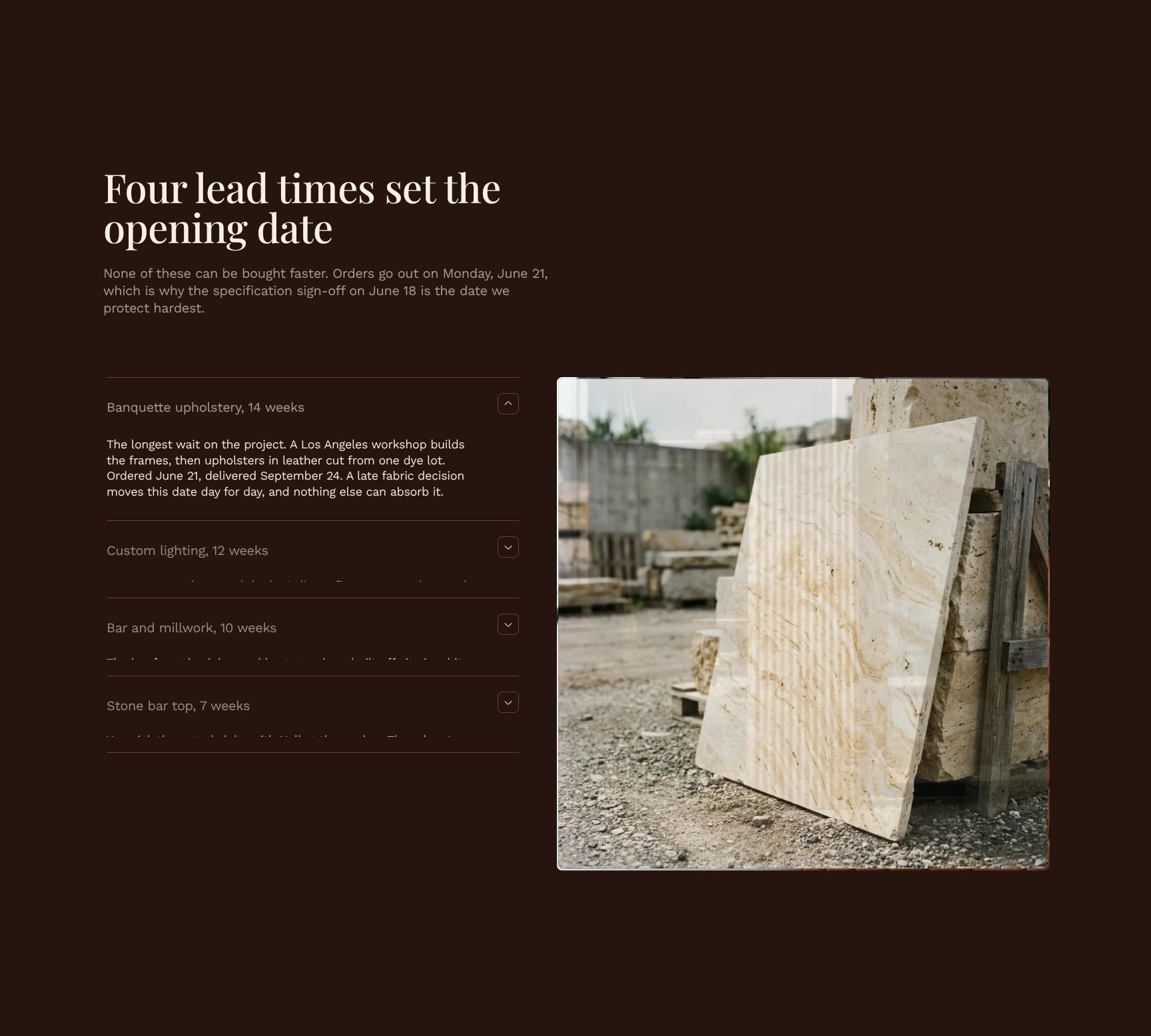
Supplier Lead Times Breakdown for Opening Date Risk
A breakdown of the four lead times that control the opening date, tied to the June 21 order date and June 18 specification sign-off. Explains why these deadlines can't move and what delay would cost.
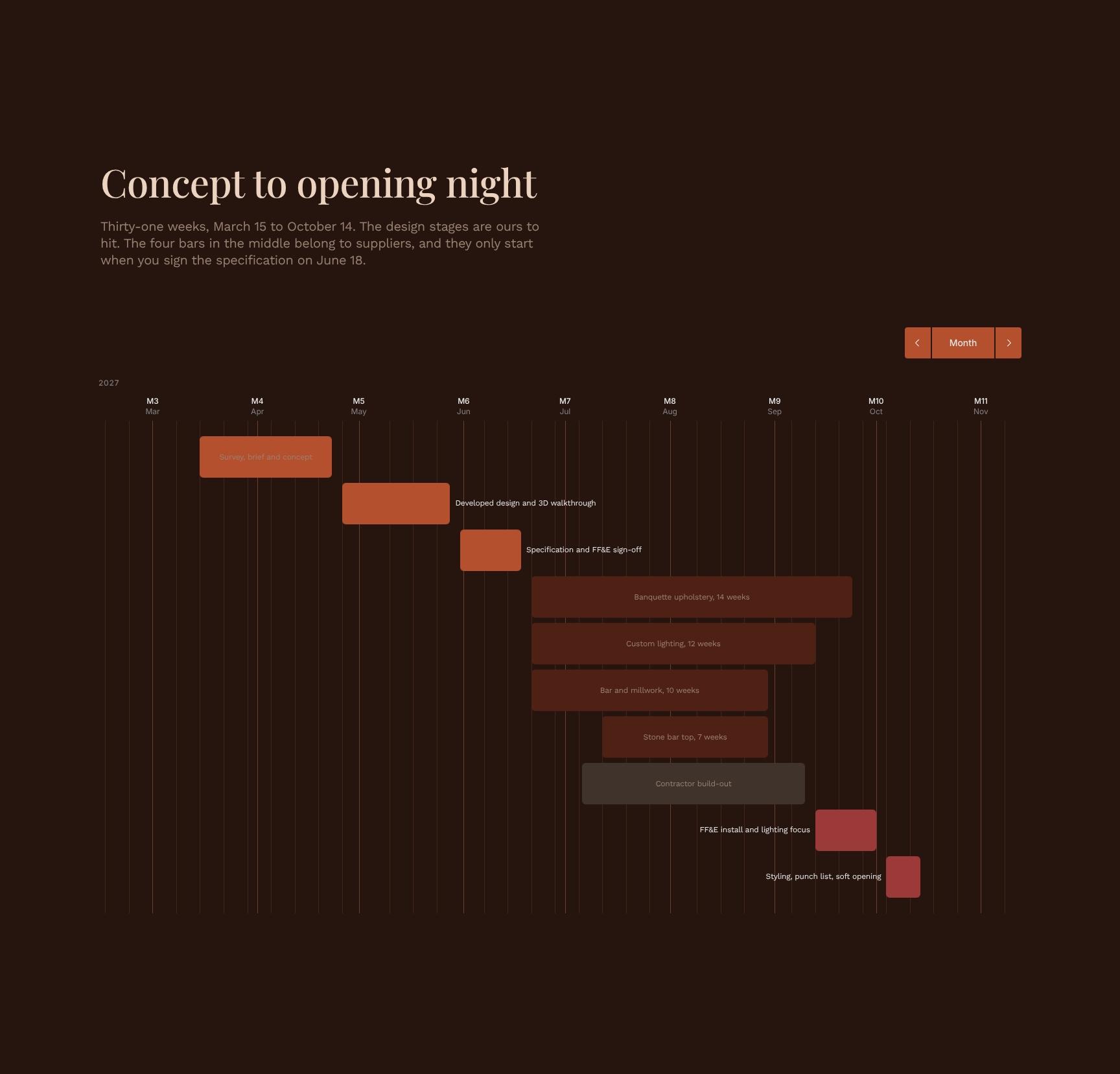
31-Week Project Schedule from Concept to Opening
A task-bar schedule spanning March 15 to October 14, separating design stages the studio controls from supplier phases that begin at sign-off. Gives a clear view of dependencies and overall progress.
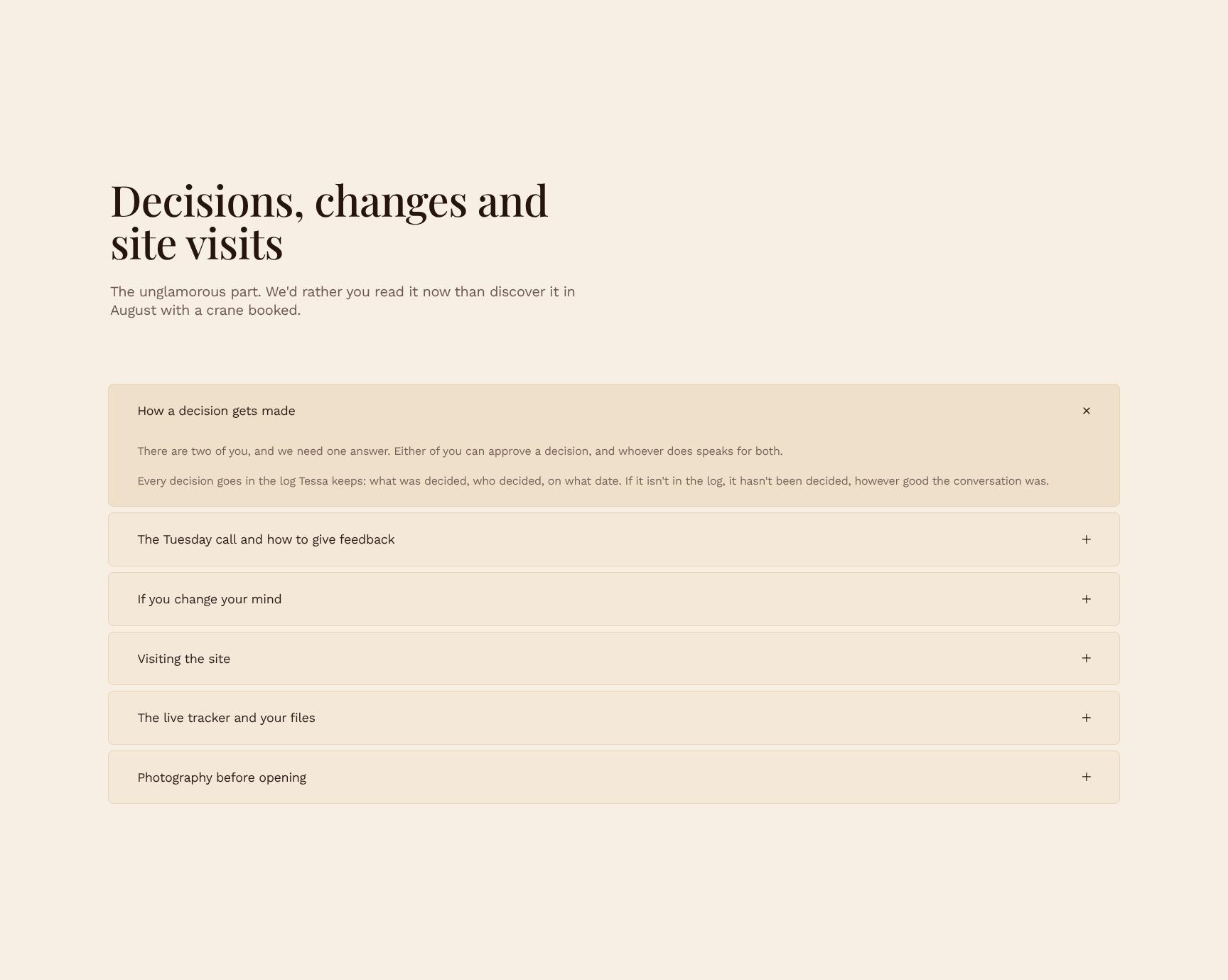
Working Process FAQ: Decisions, Changes and Site Visits
Expandable accordion covering how decisions are made, how changes are handled, and how site visits work. Sets expectations early so clients avoid surprises, costly changes, and scheduling conflicts later.
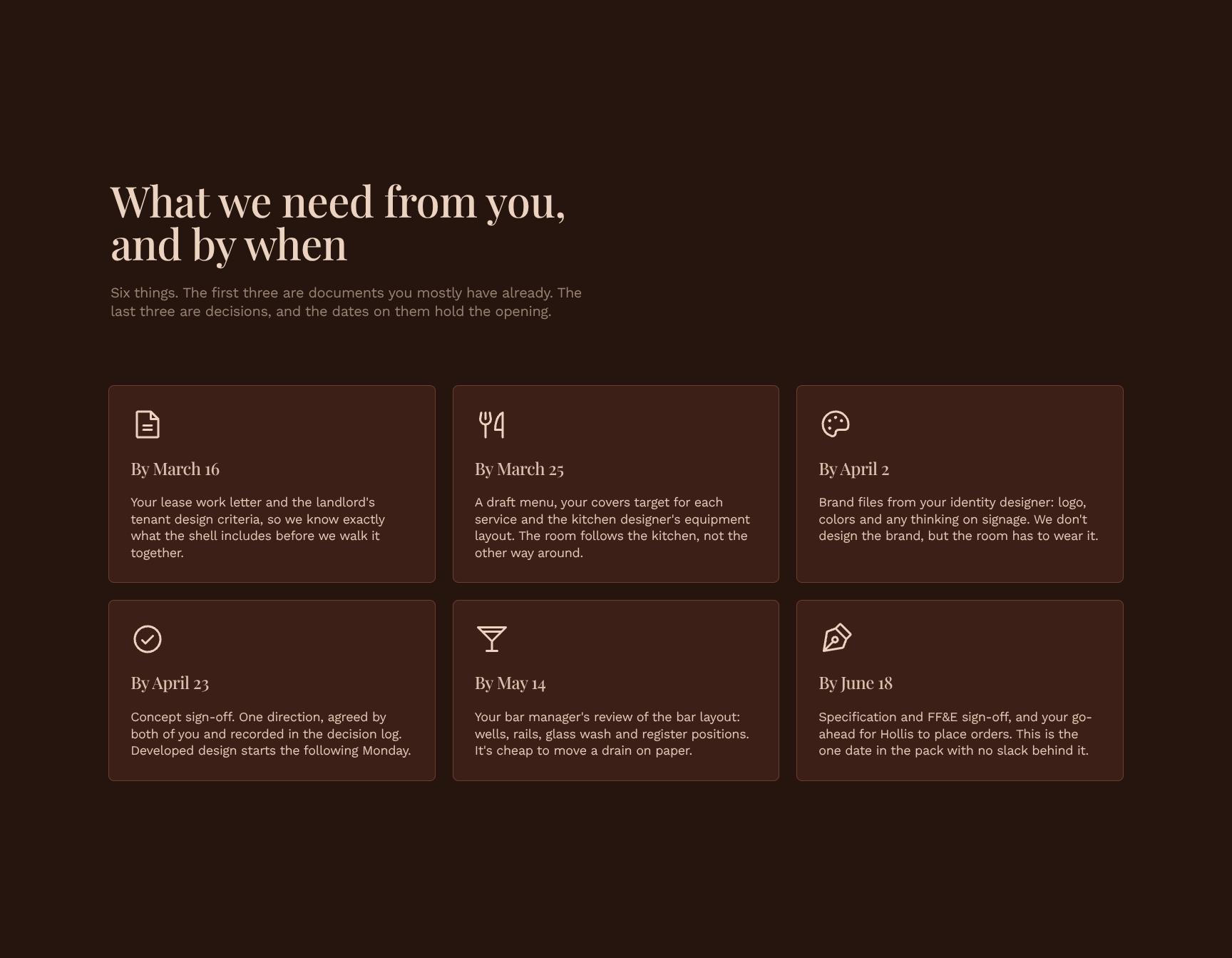
Client Action Checklist with Deadlines
Six cards listing what the client owes: three documents and three decisions, each with a due date. A clear to-do list that protects the opening date and shows exactly what is needed and when.
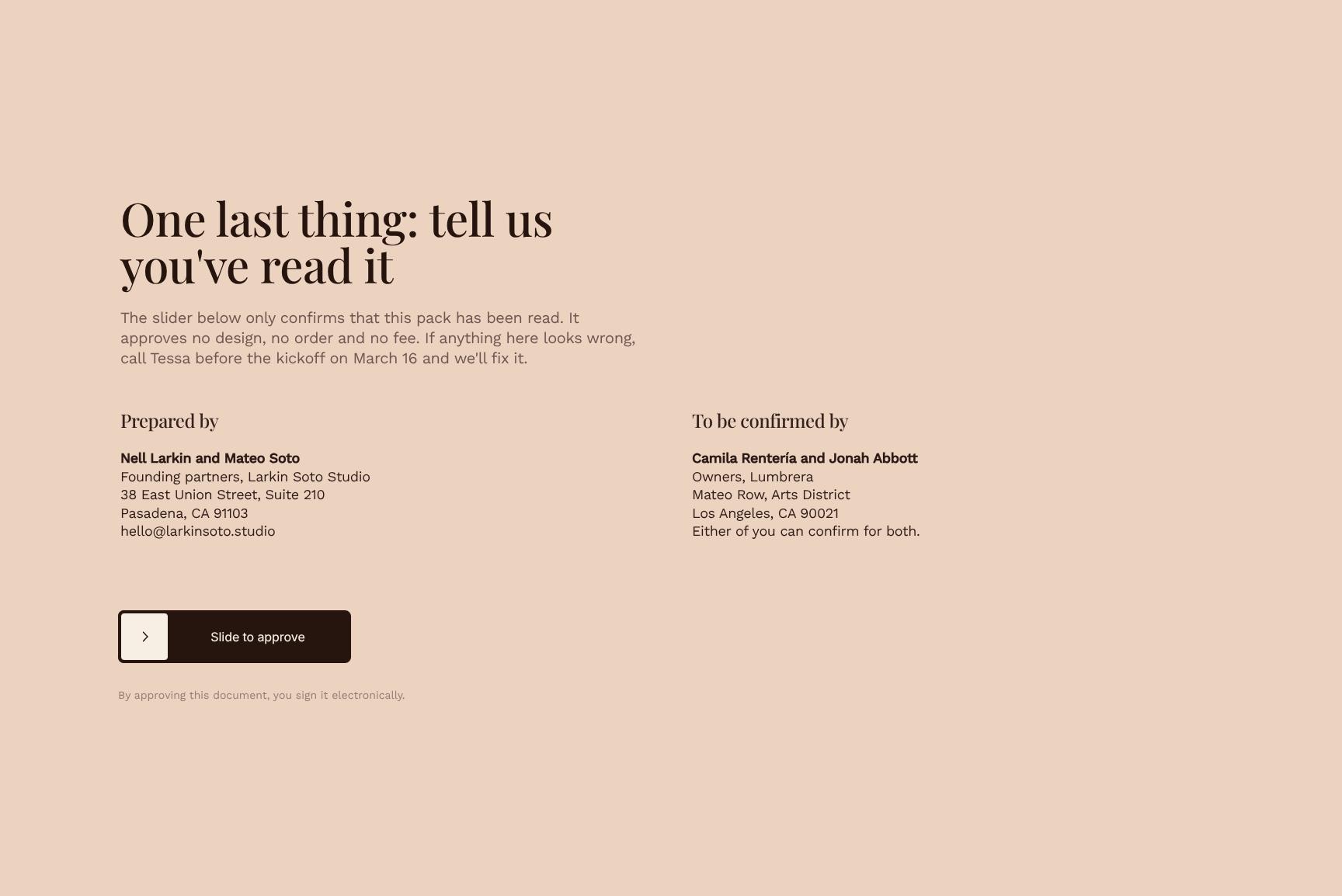
Read-Receipt Slider Acknowledgment Before Kickoff
A simple slider where clients confirm they've read the pack, with no approval of designs, orders, or fees. Creates a lightweight record of understanding and invites questions before the March 16 kickoff.
Find your answers
Answers to common questions about sending a welcome pack to restaurant fit-out clients at the start of a design project.
A strong onboarding document opens with a warm welcome, then covers the key start date, a summary of what you're building, who the client will work with, a first-four-weeks timeline, and expected lead times. These six sections set expectations early and cut down on back-and-forth emails. Keeping each section short makes it easy for clients to scan.
Replace the placeholder text in each section with your own details: your welcome message, the one critical date, project scope, team contacts, week-by-week milestones, and turnaround times. Then add your logo, brand colors, and fonts so it matches your other client materials. Delete or reorder sections as needed to fit your workflow.
'The one date' is the single most important deadline or milestone the client needs to remember, such as the kickoff call, the assets due date, or the launch date. Highlighting one date keeps the document focused and avoids overwhelming clients with a long list of deadlines. Other dates can live in the first-four-weeks timeline.
Most users can fill in the template in 30 to 60 minutes if they already have their project scope, team contacts, and timelines on hand. After the first version, you can reuse it for future clients and only update client-specific details, which typically takes 10 to 15 minutes.
Yes, the structure works for any service-based business that needs to set expectations at the start of a project, including agencies, freelancers, consultants, and design or development studios. The 'What we're building' and 'Lead times' sections adapt easily to different deliverables, from websites to marketing campaigns to custom products.
Browse more interior design templates
More templates for design studios onboarding clients and setting expectations before the work begins.