



Dundee
Creative Routes Presentation Template for Launch Films
A creative routes presentation a production company sends after being appointed: the brief read back, three routes for the film with their look, tone and what each needs on the day, shoot days, crew and cost side by side, the recommended route and the approval that starts pre-production.
Make it yours, in seconds
Every template is a starting point. Drag to shift colour, typography and layout — the live preview updates as you move.
Move the dots to shift colour, typography and layout. The preview updates live.
Get more from every document
Get a brand client to pick one creative route for their launch film, without a dozen follow-up calls. Side-by-side comparisons, a clear recommendation, and approval terms keep the decision moving.
Get the yes without leaving the page
Your client reads the scope, scrolls to the agreement, and signs right there. No PDF, no printing, no lost email.
Build proposals from blocks you trust
Drop in a pricing breakdown, process steps, or FAQ accordion, then save your best sections and reuse them on the next pitch.
Your pitch looks right on any screen
Charts, showcases, and pricing cards reflow on the phone your client reads on between meetings. Nothing to rebuild.

Know which section sold them
See if they lingered on pricing or skipped the timeline, and replay their visit so your follow-up lands at the right moment.
Know the moment they open it
Get pinged when your client views the proposal, leaves a comment, or signs, so you can reply while the deal is warm.
Write the proposal together, live
Your designer tweaks the showcase while you fix the pricing breakdown, and the deadline stops hanging on one person.
See how every part fits
The proposal opens with the client's brief and closes with a signed decision on a route and a deadline. Keep what fits, drop what doesn't, and reorder anything to match how your client reads.
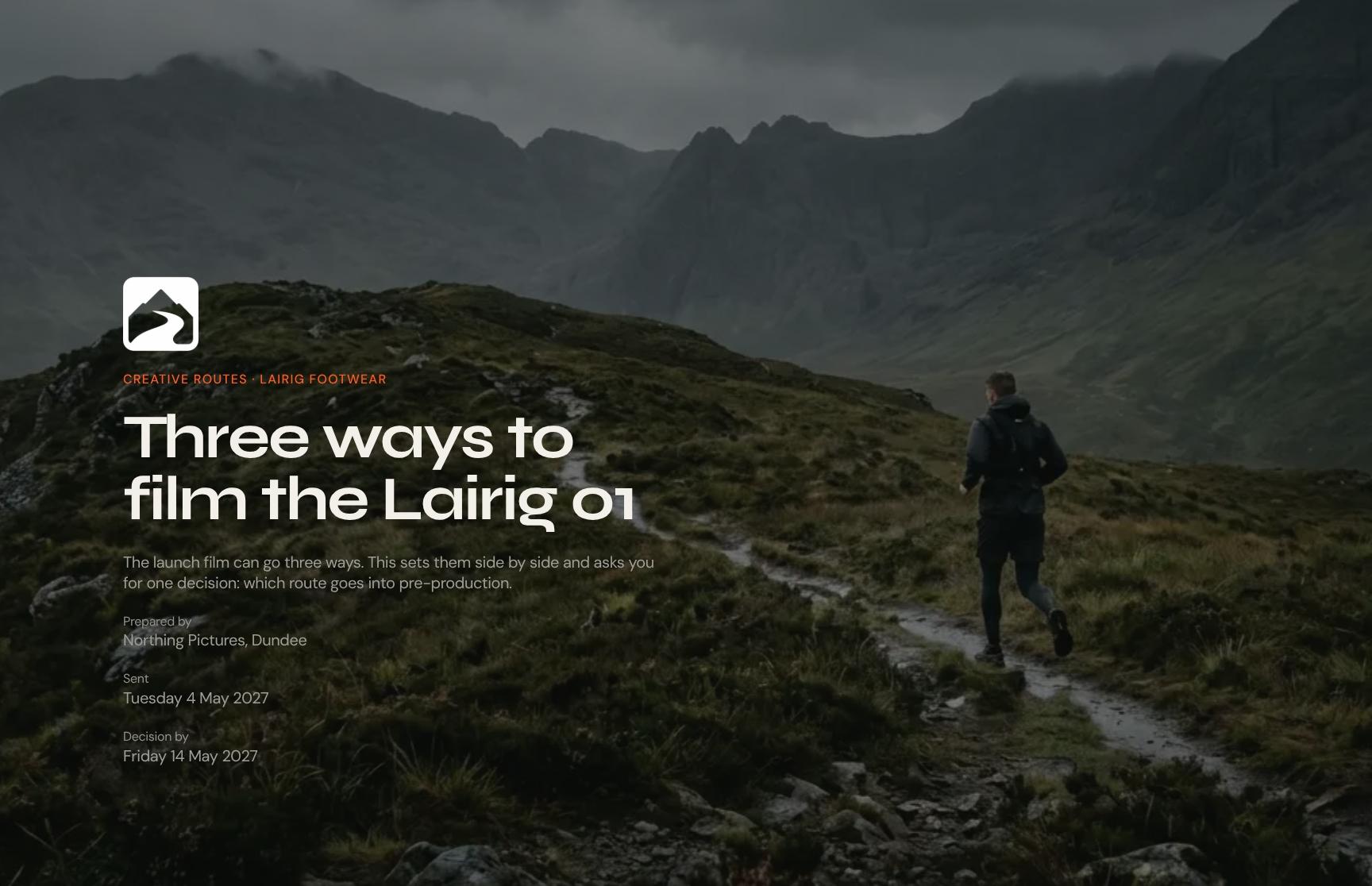
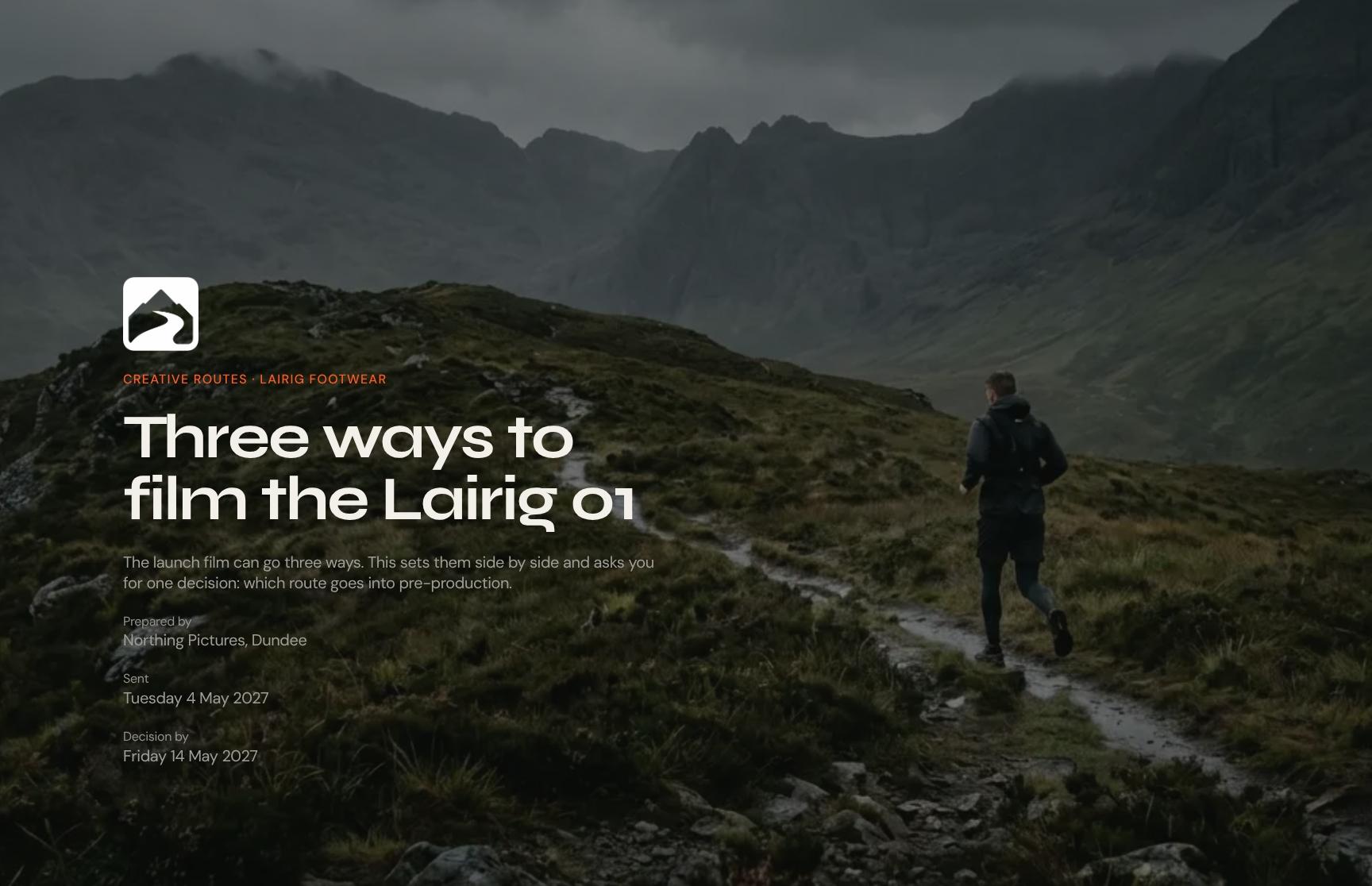
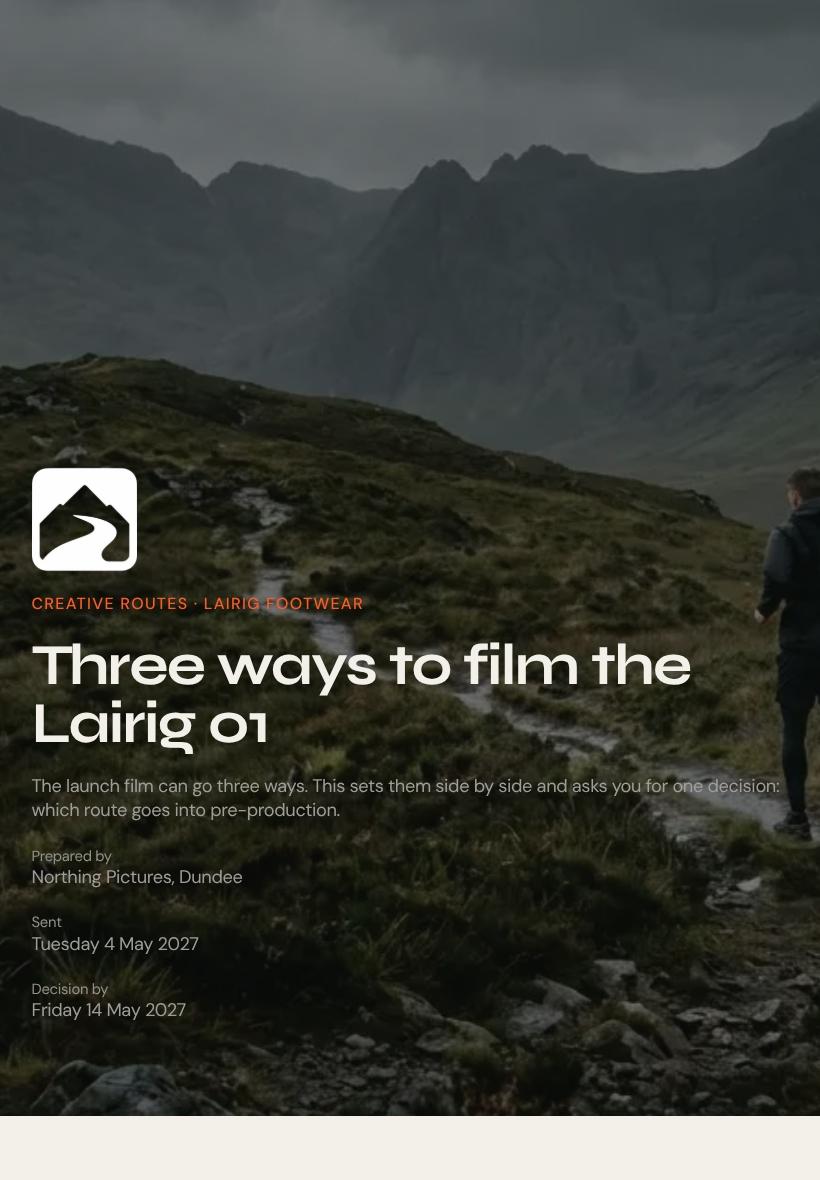
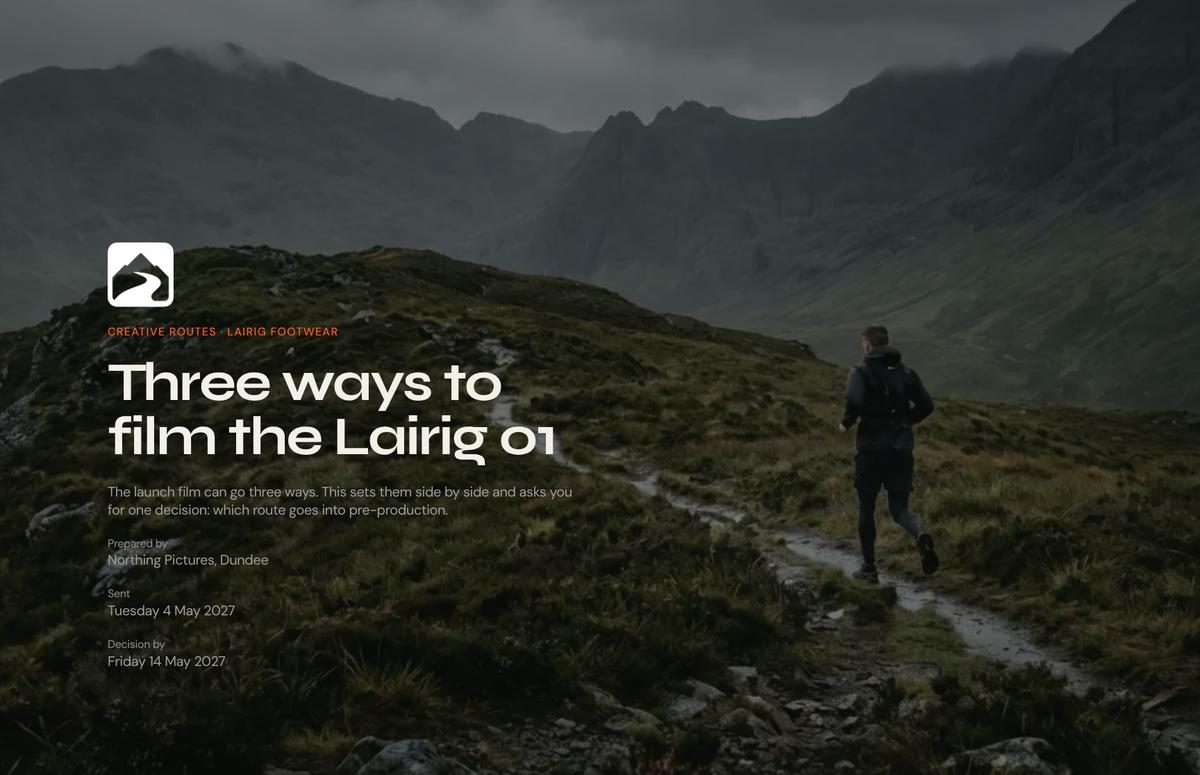
Creative Routes Proposal Cover Page
A clean cover that frames the Lairig Footwear launch film as one decision between three creative routes. It sets expectations immediately and tells the client what is being asked of them.
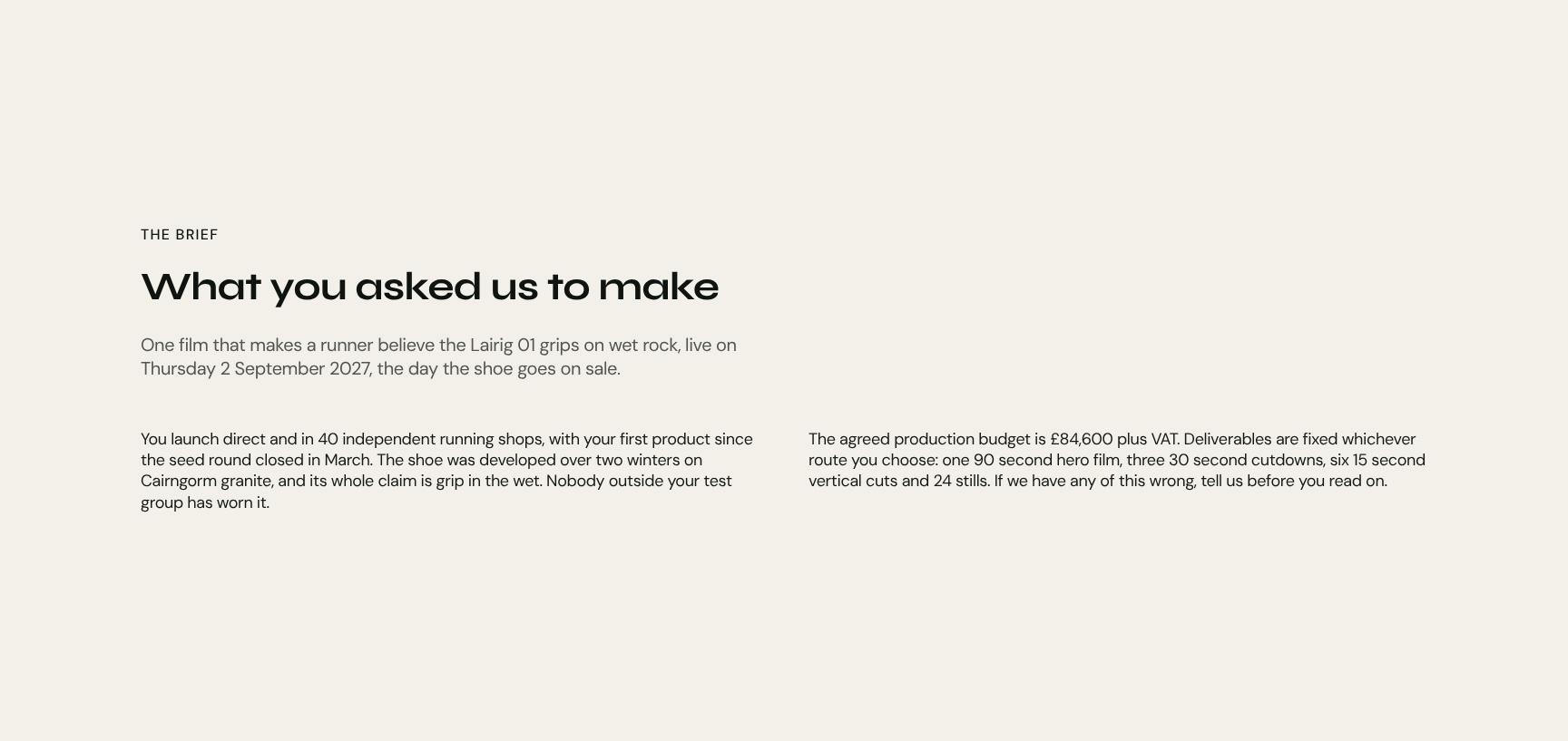
Client Brief Recap and Launch Date Objectives
Restates the brief in the client's own terms: one film that proves the Lairig 01 grips on wet rock, live on launch day, 2 September 2027. It shows you listened and anchors every route that follows.
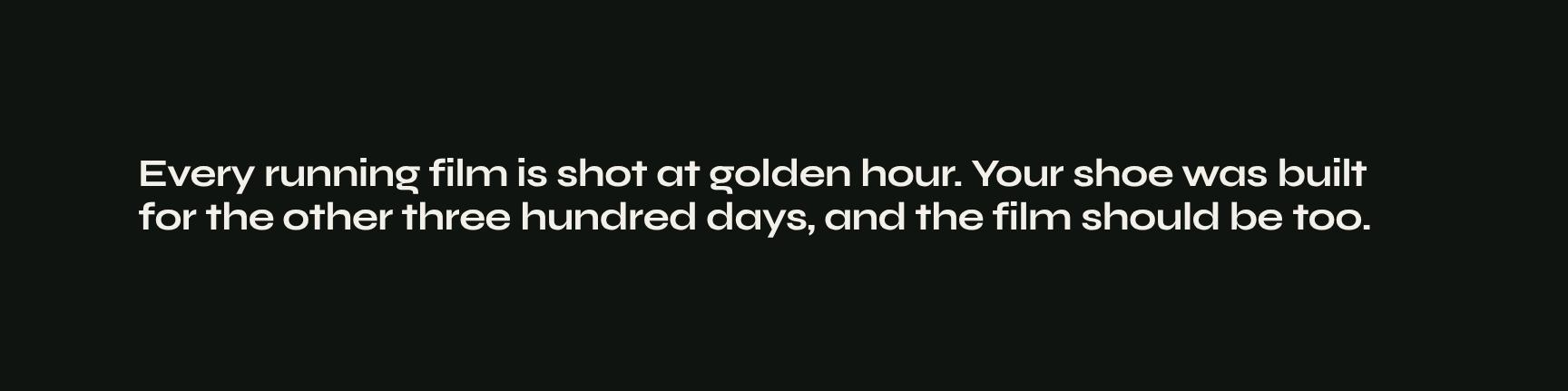
Big Creative Idea and Campaign Insight Statement
A bold, animated statement of the core insight: running films are all shot at golden hour, but the shoe was built for the other 300 days. It gives the client a sharp point of view to react to.
Three Creative Route Options Showcase
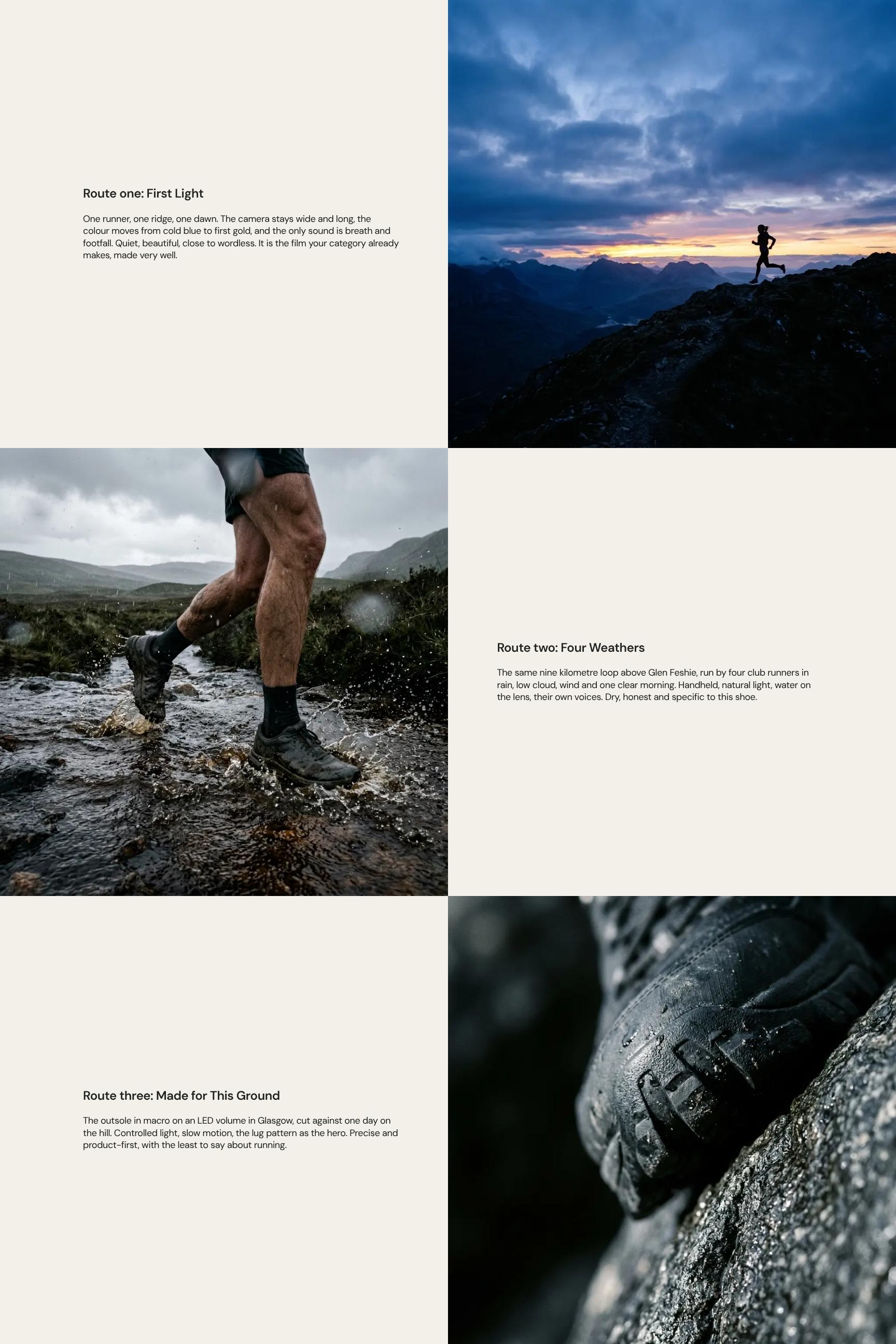
Presents each film route, starting with First Light, with its look, camera approach, colour, sound and mood. Clients can compare distinct directions and picture the finished film before choosing.
Production Requirements and Shoot Day Planning
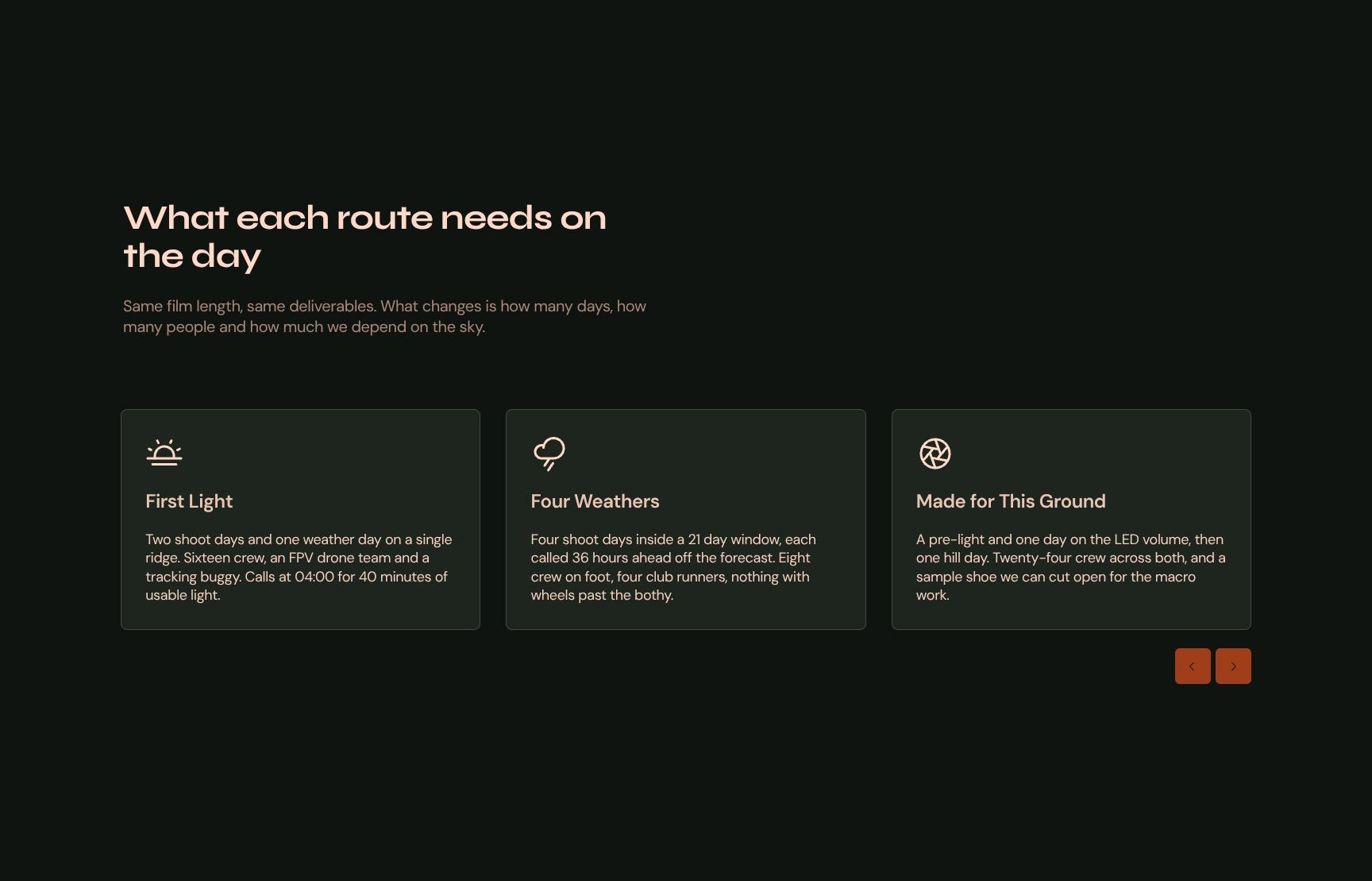
Explains what each route demands on the day: shoot days, crew size and dependence on weather. Film length and deliverables stay the same, so the client sees exactly what changes and why.
Route Comparison Charts: Cost, Schedule and Risk
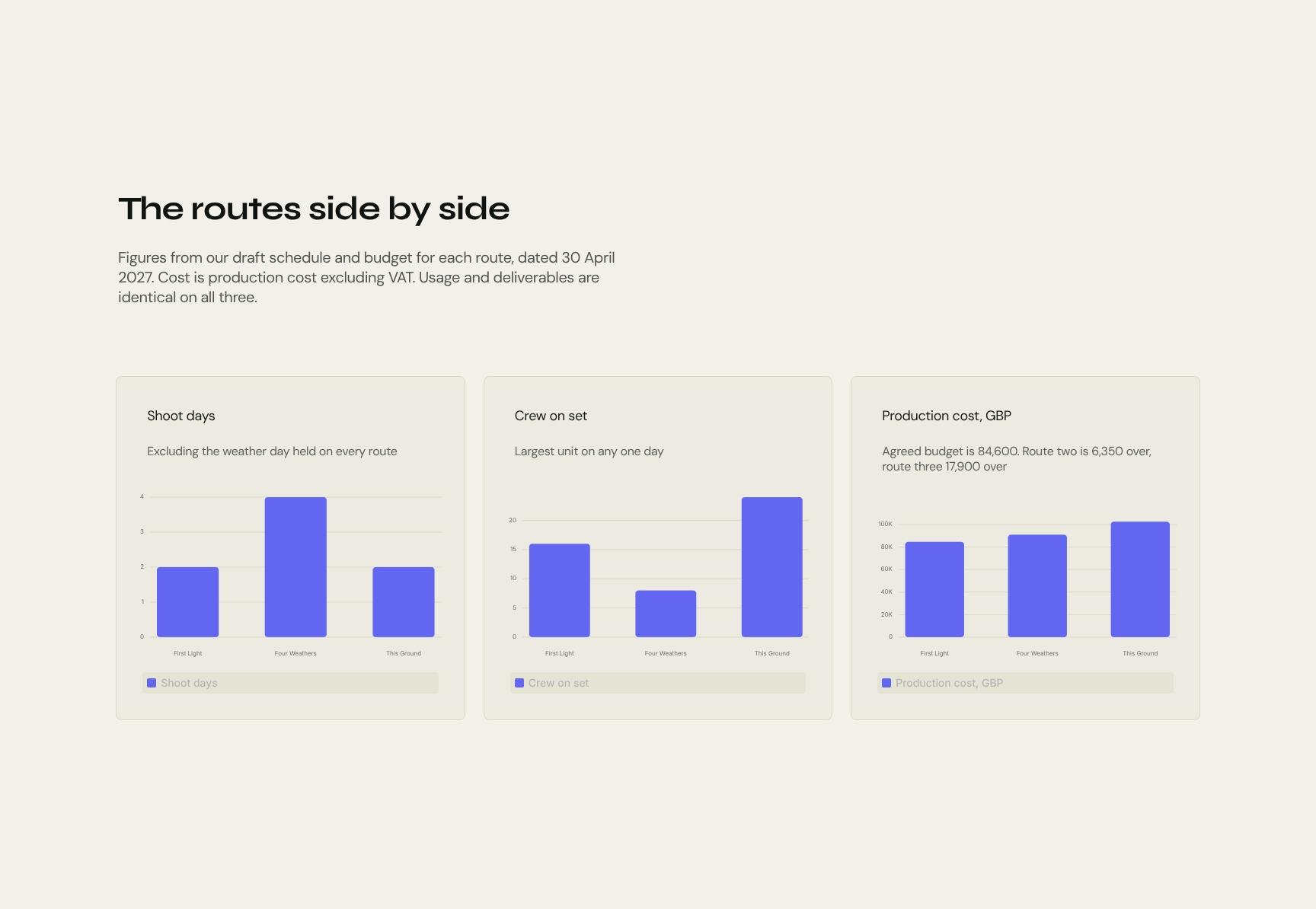
Charts compare the three routes using figures from the draft schedule and budget dated 30 April 2027. Costs are ex-VAT and usage is identical, so the comparison is fair and quick to scan.
Agency Recommendation: Why Four Weathers Wins
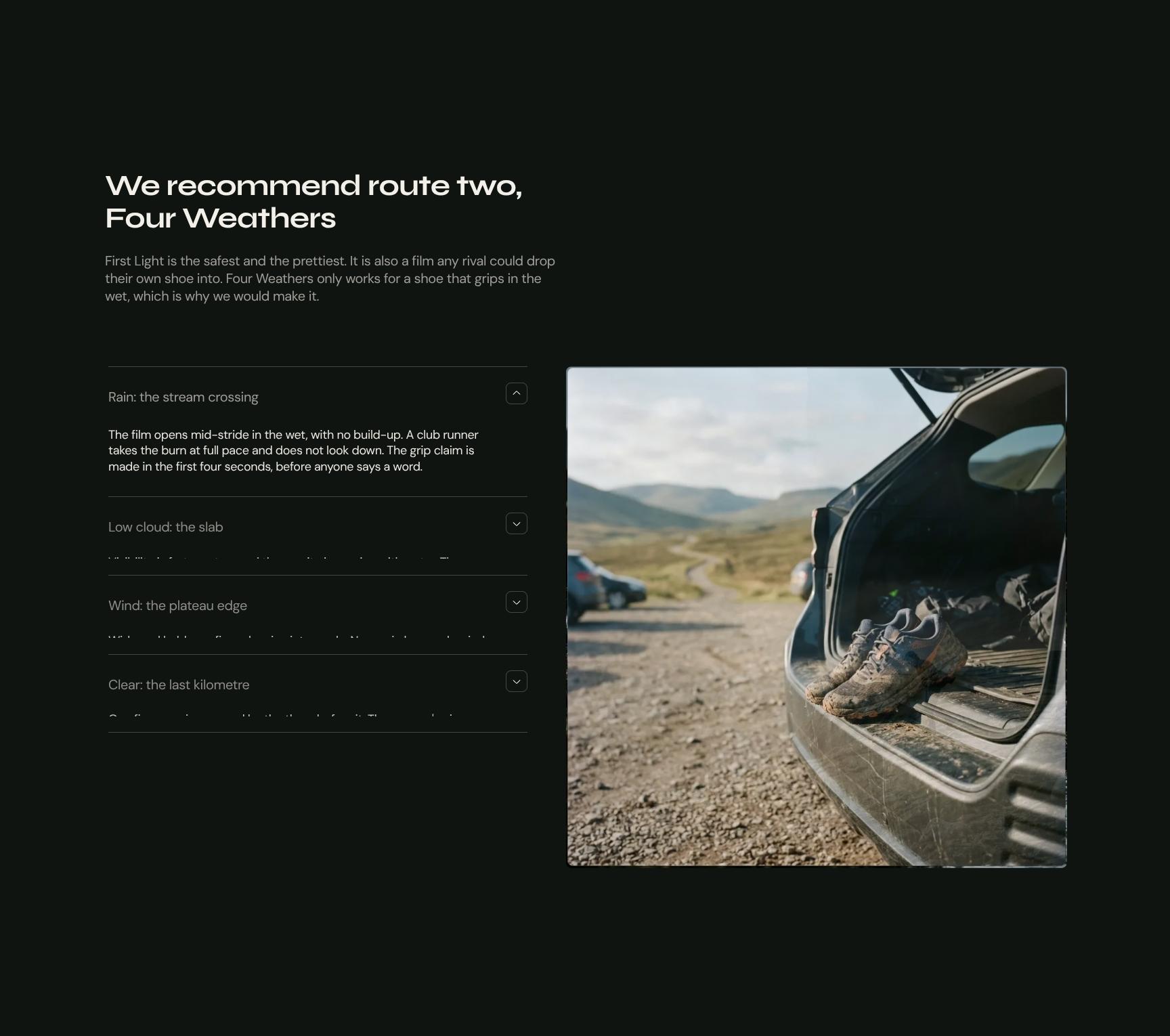
A clear, reasoned recommendation of route two. It weighs the safe, pretty option against the ownable one, giving the client a confident expert opinion and a strategic reason to choose it.
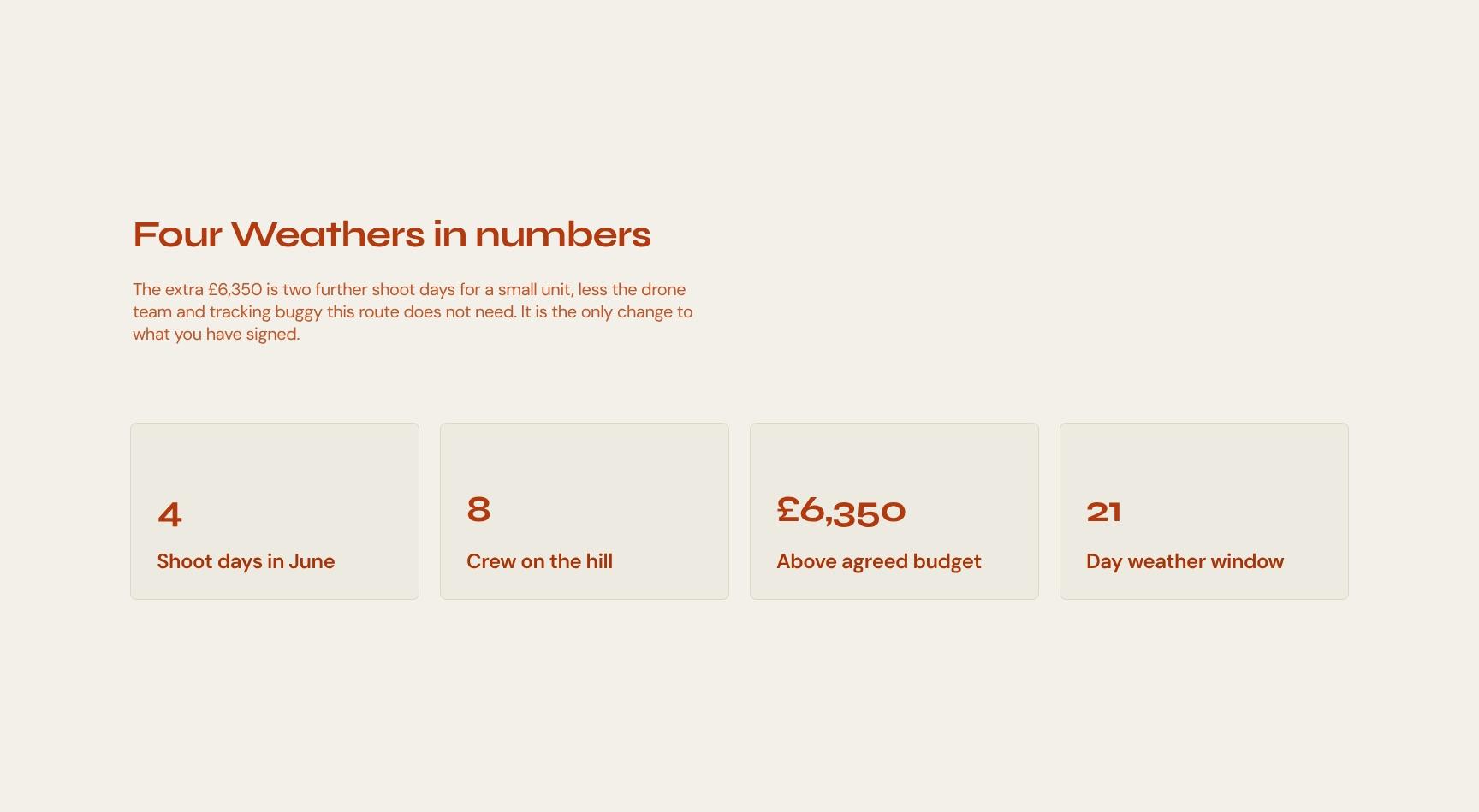
Recommended Route Budget and Cost Difference
Breaks down the extra £6,350 for Four Weathers: two more shoot days for a small unit, less the drone team and tracking buggy. It keeps the budget conversation transparent and removes surprises.
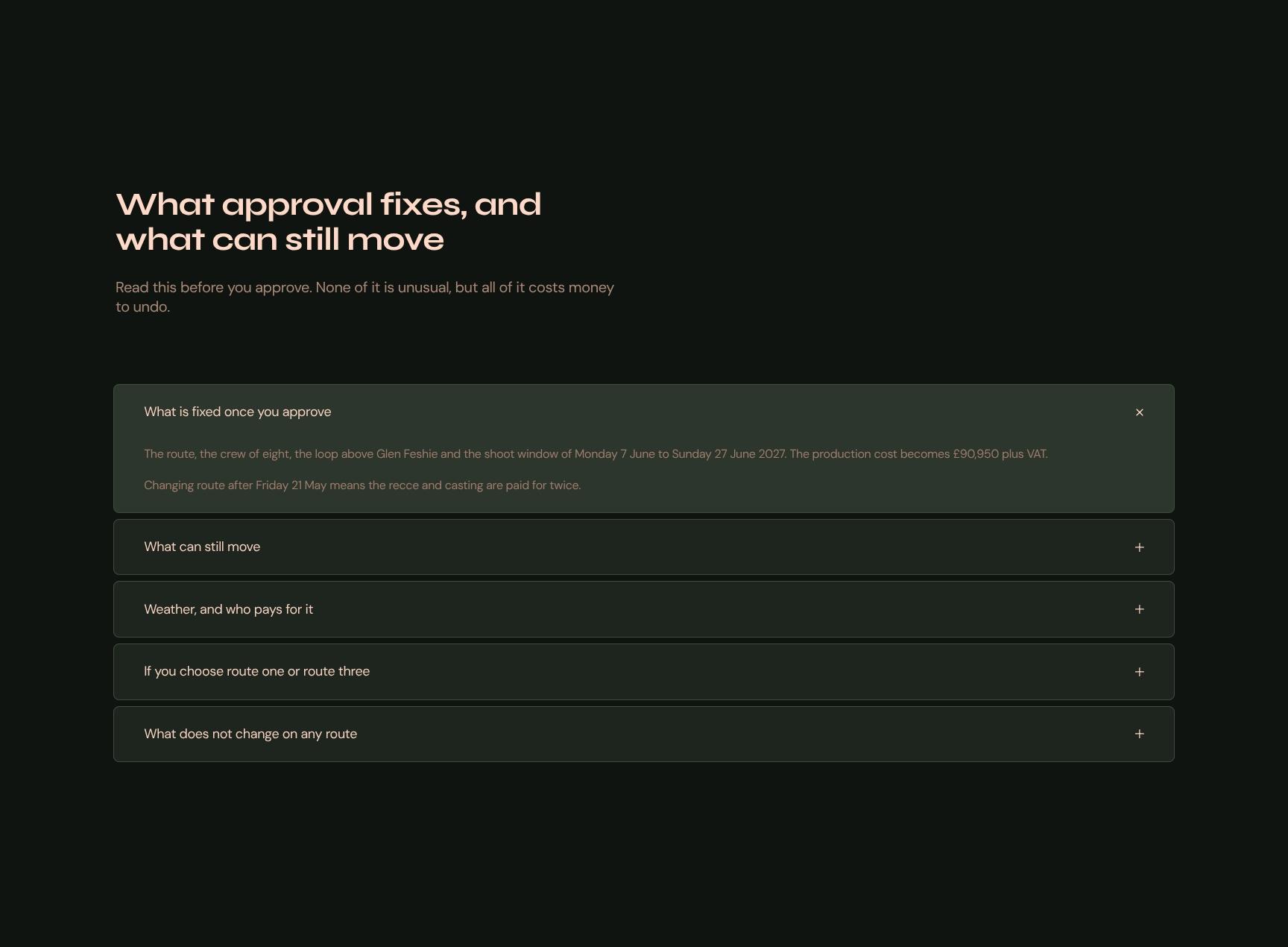
Approval Terms: What's Fixed and What Can Change
An expandable accordion setting out what locks in once the client approves and what stays flexible. It flags costly-to-undo decisions up front, so approval is informed and later disputes are avoided.
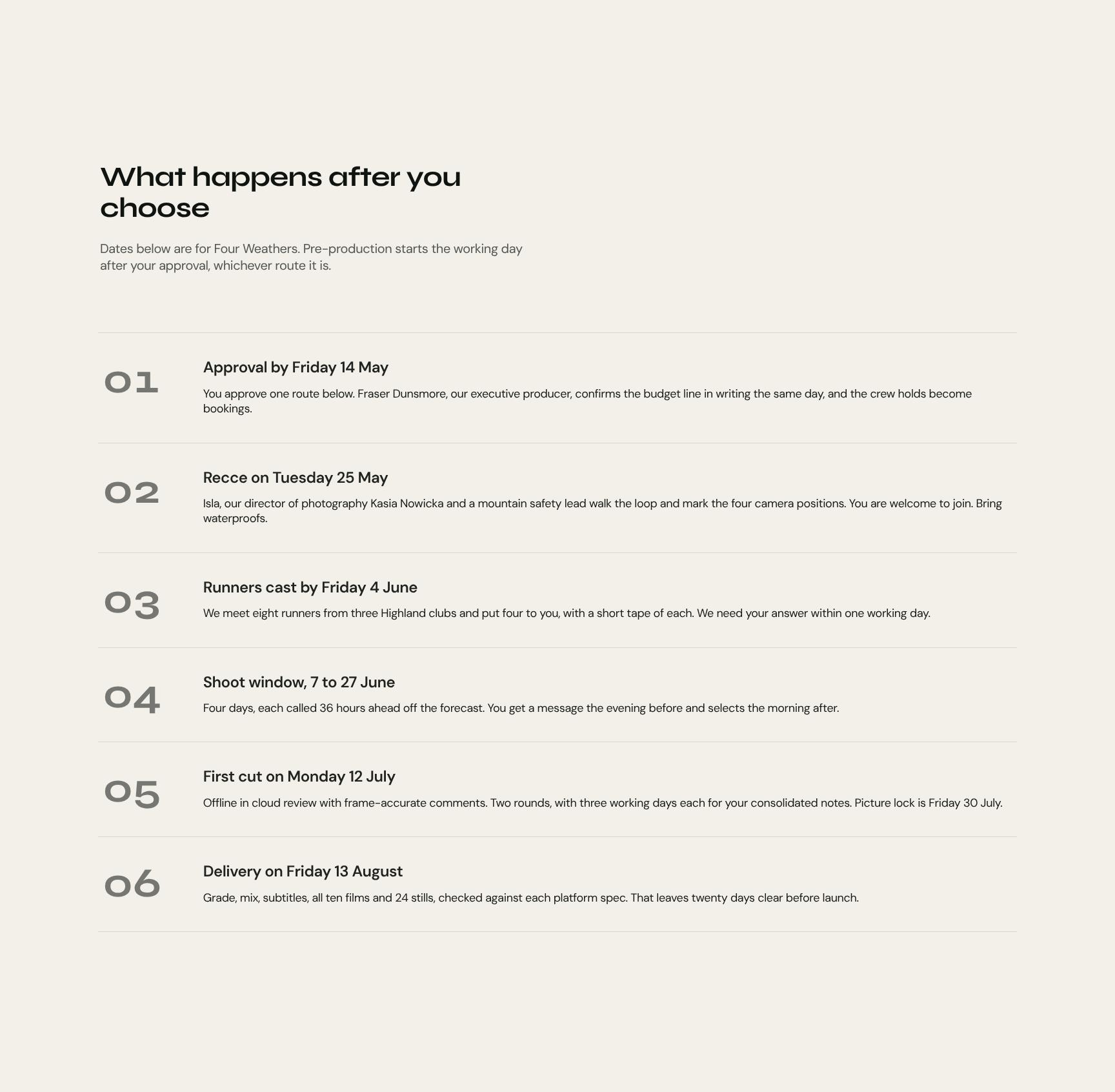
Post-Approval Timeline and Next Steps
A step-by-step view of what happens after the client chooses, with dates for Four Weathers. Pre-production starts the next working day, so the client knows the path from approval to launch.
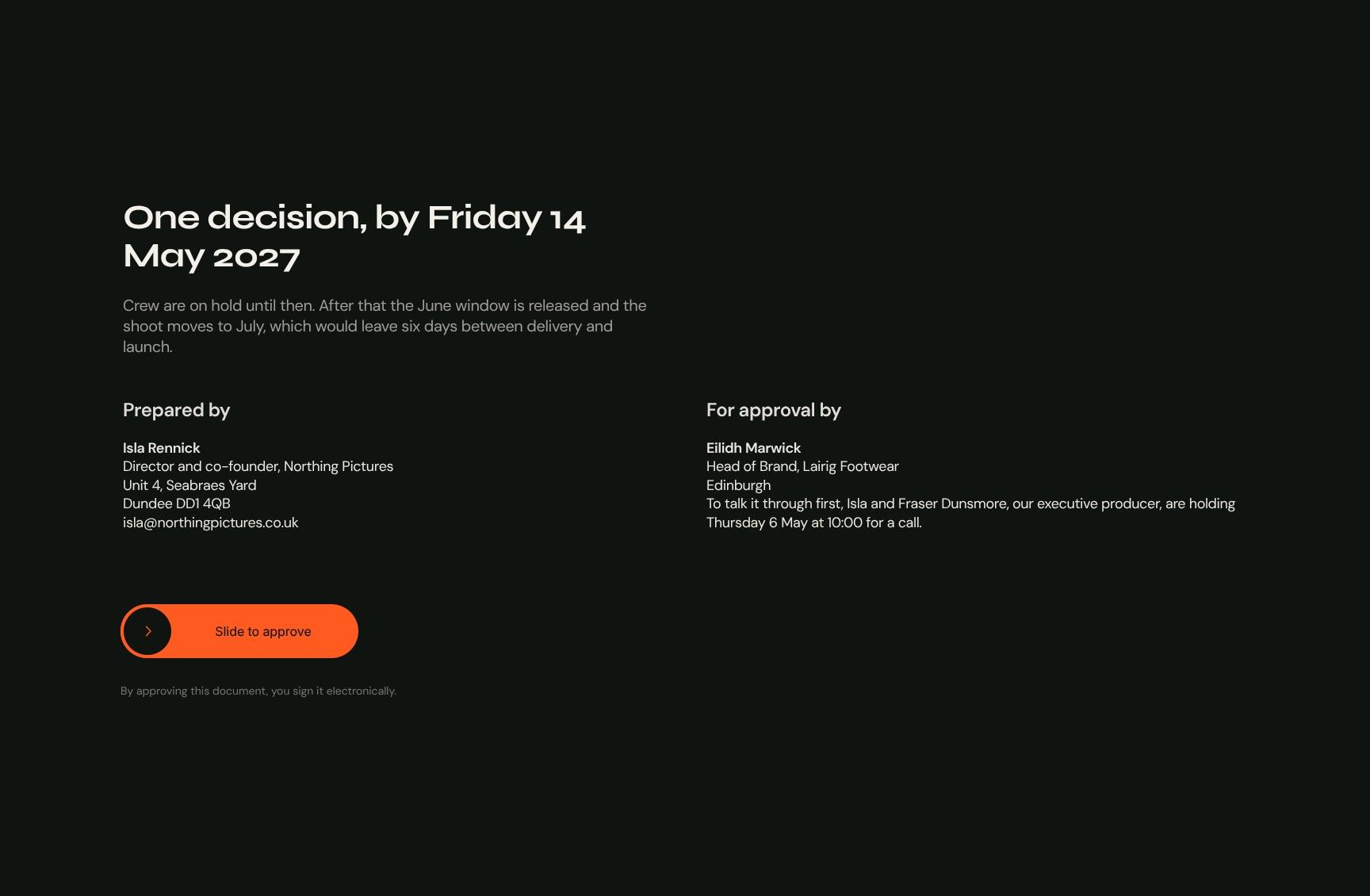
Route Approval and Decision Deadline Sign-Off
The closing call to action: choose a route by Friday 14 May 2027. It explains that crew are on hold until then and what a missed deadline costs, creating urgency and a simple way to approve.
Find your answers
Answers to common questions about building a launch film proposal that presents creative routes, budgets, and deliverables to brand clients.
A strong three-option proposal should include a cover, a summary of the client's brief, your core idea, three distinct routes to choose from, an "On the day" section covering delivery details, and a side-by-side comparison. This structure helps clients understand the problem, see your thinking, and make a confident decision. Presenting three routes also anchors pricing and makes it easier to win approval.
Start by replacing the cover details with your client's name, project title, and branding. Then rewrite "The brief" in your client's own words, adapt "The idea" to your concept, and edit each of the three routes with your scope, pricing, and timeline. Finish by updating the "Side by side" comparison so it reflects the differences between your options.
The "Side by side" section compares your three routes in one view, typically covering scope, deliverables, timing, and cost. It saves clients from flipping between pages and makes trade-offs obvious. This speeds up decision-making and reduces back-and-forth questions.
Yes. The "On the day" section makes it especially well suited to events, shoots, workshops, launches, and other live deliveries. Its brief, idea, and options structure also works for creative agencies, freelancers, and consultants pitching projects with multiple approaches. You can rename or adapt sections to fit your industry.
Yes, you can export the finished proposal as a PDF to send to clients, which keeps layout and fonts consistent on any device. You can also share it digitally as a link or presentation, depending on the tool you use. Before sending, check that pricing and the side-by-side comparison display correctly on every page.
Browse more video & photography templates
More templates for producers, directors, and agencies pitching film work and winning sign-off from brand clients.